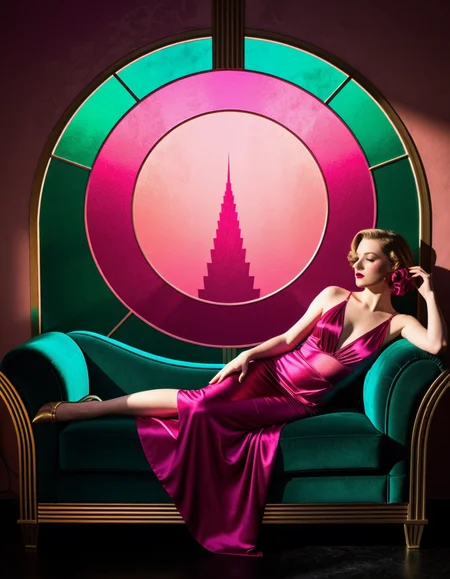
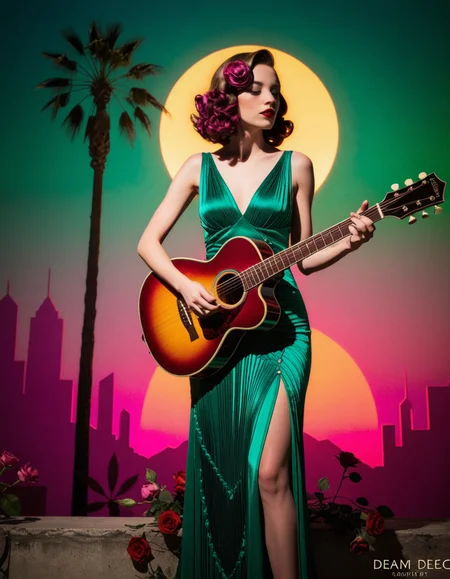
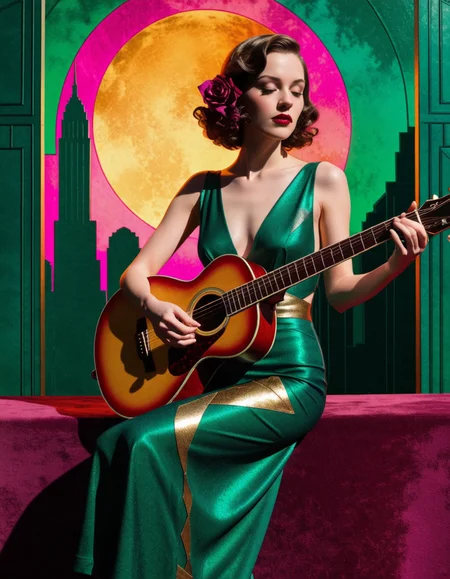
You can download now Event Horizon Nexus 2.0 for only 5$ on Tensorart. The hottest EH. Or create up to 85 free images per day.
Centerlock, it reduces the classic bad croppings of XL (ie: cutting a character in the middle of the eyes). Take in consideration that with centerlock, your characters will have an inclination to be in the center of the composition. Place Centerlock in positive prompts.
SkinRealism, advanced embedding focused solely on photorealistic skin texture: from subsurface scattering blood, expression line folds to realistic tone variation.
White balance, will help you to remove the yellow cast that plagues so many XL checkpoints. Consequently, you'll have better skin tone, clarity, sharpness and color fidelity. Use it in positive prompts.
As a personal recommendation try this combination out in positive prompts: ehwhitebalance + ehcolorharmony + ehdetailer.
Negative Handfixer, improves hands (as much as it could within the sdxl architecture). Place it in negative prompts. Use detailer positive and negative prompt to have better odds.
Color harmony, a new experimental way to blend colors with complementary schemes and a expanded chromatic scale. Richer colors, exhanced color dynamic range. Color harmony Bug: Every few and far between it might show "color charts" in the outputs (especially when added with ehdetailer that forces prompt adherence) . I'll try to fix it in a new release.
Add detail, enhances details overall.
Image composition, focuses solely on framing and making your pictures more striking
Beautifier, improves hair, eyes, lips, skin texture and skin tone. Specially recommended for portraits. Place in positive promtps.
I personally recommend to combine this -sometimes - with the "cinematic lighting" embedding. But it's up to your personal tastes. In any case, check it out!
Detailer positive improves lightning, contrast, skin textures, overall textures, composition and sharpness. Just place detailer positive it in the positive prompts and you can forget about writing things like "masterpiece, 4k, absurdres, nanomachines..."
For even better outputs, place the negative prompt in negative prompts.
Description
Centerlock reduces significantly the cropped characters. It will depend on the composition but minimises the bad cuts (ie: in the middle of the eyes in a horizontal picture)