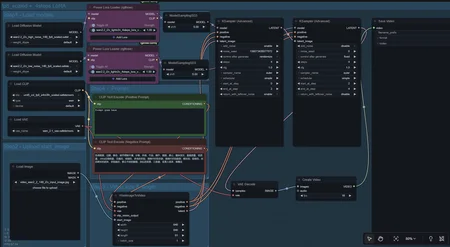
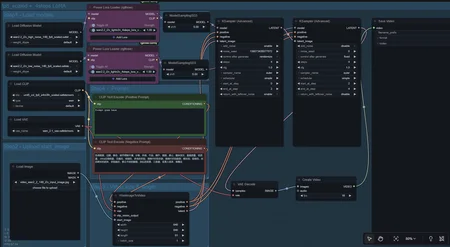
Wan 2.2 14B Image to Video Workflow with Power lora loaders included for combining multiple loras together
Hello! this workflow is mainly for beginners who just want something easy to setup and go, I've found that for some reason 90% of workflows are just so insanely put together and incredibly hard for new people to understand so I made this myself thanks to the advice from r/comfyui members so if you've been banging your head against the wall to get custom loras (especially NSFW ones) to work you've come to the right place! I've written all the instructions you'll need and linked the reddit thread for reference;
This workflow is almost identical to the prepackaged Wan 2.2 I2V template workflow already pre-installed in Comfy UI's base download from their website BUT the only difference is that I've replaced the regular lora loader nodes with the Power lora loader nodes which you can get in the node manager through Comfy UI
So first things first, go ahead and download the json file from here, then once you got it you'll unzip and extract it.
You're going to want to locate your Comfy UI folder on your computer and place the json file directly within the workflows folder
ComfyUI>User>default>workflows
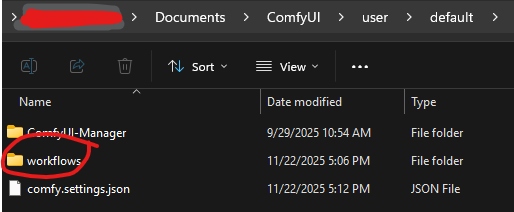
Once you're done with that, load up Comfy UI
The Power Lora loader nodes I used are not preinstalled BUT you can get them super easy through the program itself, just click on the Manager button near the top middle of your screen
(if you dont have a manager button you need to find a way to get it, I think it should come prepackaged with the main sites download)
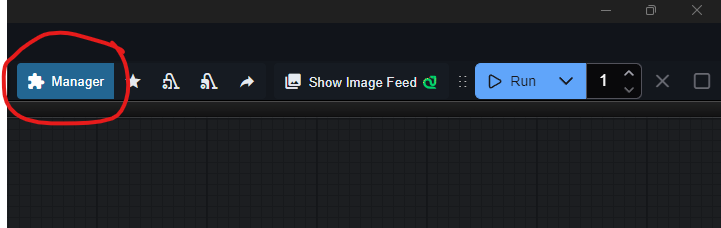
You should see this on your screen;
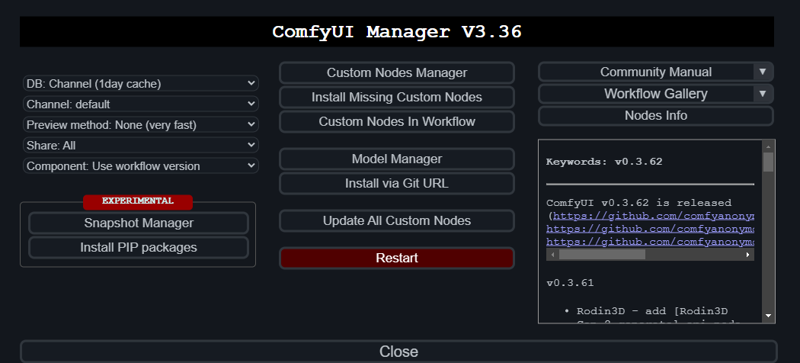
Click on Custom Nodes Manager
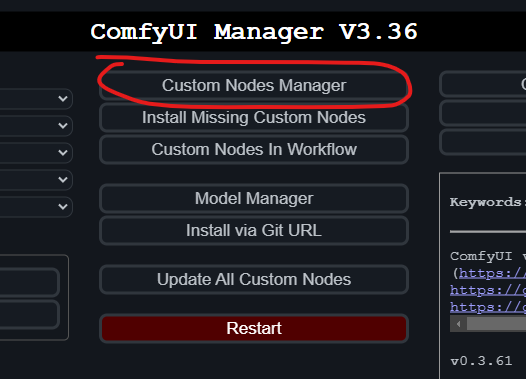
This is what you're looking for, type in the search bar; rgthree and this should appear

Download/install rgthree-comfy
Restart Comfy UI
Load the workflow file named; [Wan 2.2 14B Multiple lora workflow Template.json]
You should now see this when searching your workflows;
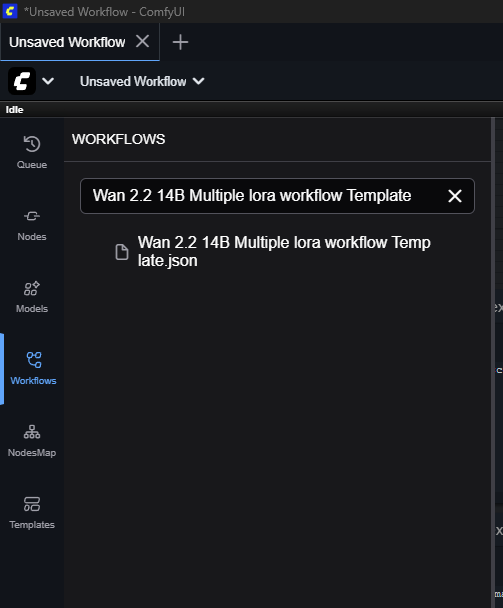
Click on the workflow and it will load this;
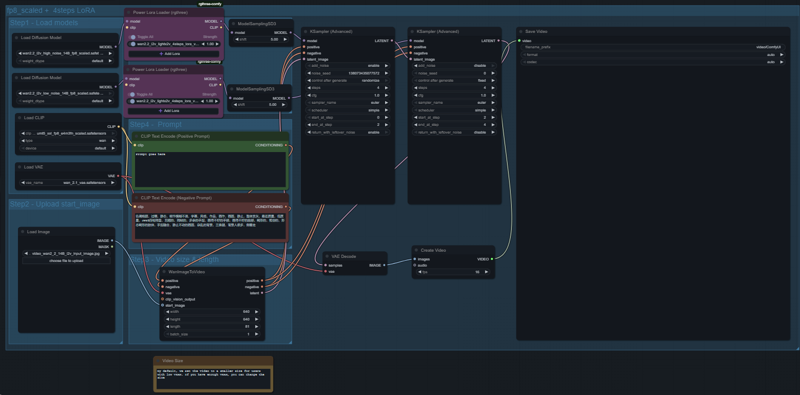
Everything is already wired and ready to go, all you have to do is just plug in whatever loras you're trying to work with, this is made specifically for high and low loras, if you're using a single file lora I dont know if it'll work, again I am also still new to Comfy so this is basically the extent of my knowledge but these are the nodes you wanna see, Click on +Add Lora, the top node is for high loras and the bottom node is for low loras
Make sure you pair the wan2.2_i2v_lightx2v_4steps_lora_v1_high_noise.safetensors with the custom high noise lora of your choosing
Likewise you wanna pair the wan2.2_i2v_lightx2v_4steps_lora_v1_low_noise.safetensors with the custom low noise lora of your choosing
Just click +Add Lora on the power lora loaders and find whatever loras you downloaded so you can combine as you wish
Instructions for recreating this workflow manually if something goes wrong with this json file
Go to the node manager in Comfy UI and in the search bar type in (rgthree) and you're going to want to install the one labeled "rgthree-comfy" after a restart of the program load the standard Wan 2.2 14B I2V workflow template and when you're in the workflow just look up the nodes in comfyui, remove the regular lora loaders then plug the power lora loaders in as in the image below and put the high loras together then the low loras together and it should work fine!
Hope this helps some people!