Have you ever wanted to copy your entire Disk into another disk? Robocopy is the best for this task

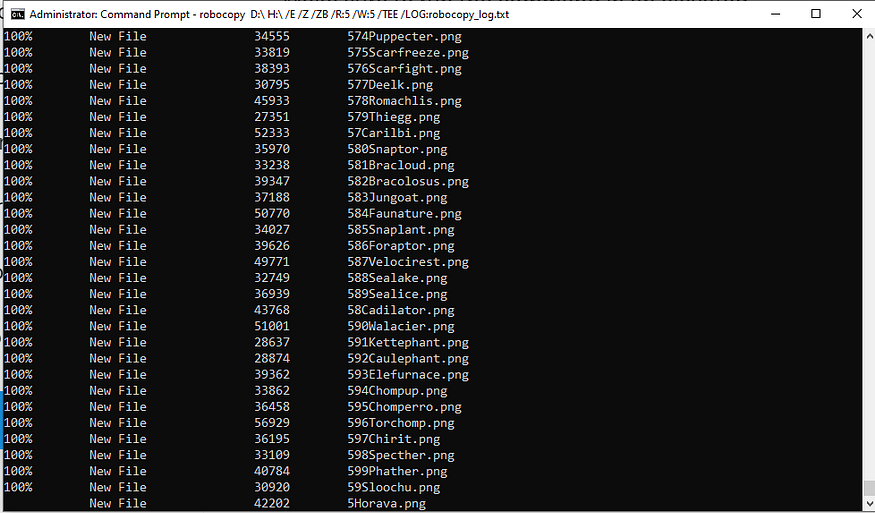
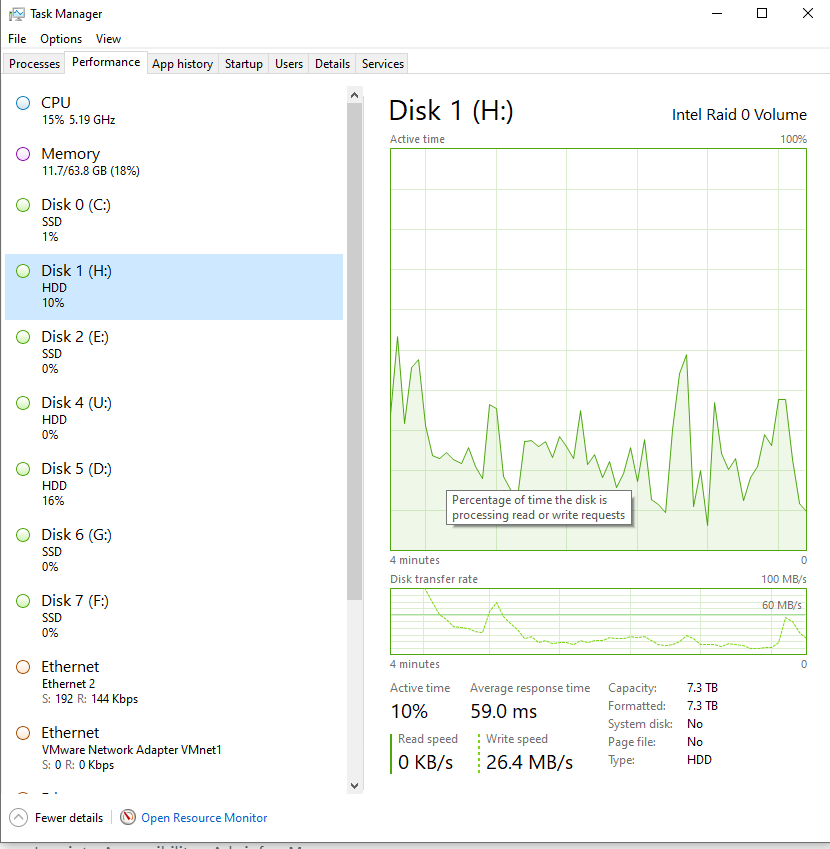
For example copy entire Disk D into new Disk H which I am doing right now
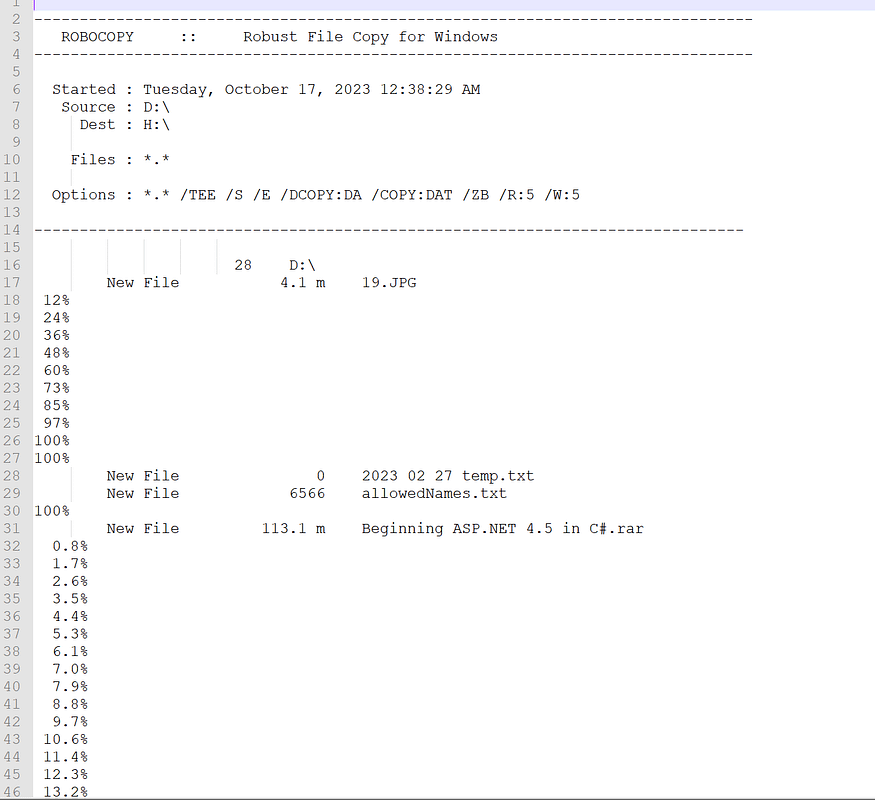
robocopy D:\ H:\ /E /Z /ZB /R:5 /W:5 /TEE /LOG:robocopy_log.txtrobocopy_log.txt file will be located in wherever you started your CMD.
Robocopy (short for “Robust File Copy”) is an excellent choice for this task as it is designed for large-scale file transfers and provides features that are more robust than the traditional copy or xcopy commands.
Here’s what each switch does:
/E: Copies subdirectories, including empty ones.
/Z: Uses restartable mode, which means if the copy fails mid-transfer (like in the event of a network disruption), it will pick up where it left off when you run the command again. This ensures the data integrity of large files or when copying over less reliable connections.
/ZB: Uses restartable mode, but if access is denied, it switches to backup mode. This can help in scenarios where files might be in use or locked.
/R:5: Retries failed copies 5 times. You can adjust this number as per your needs. Since you want it to be error resistant, we’ve added a retry mechanism.
/W:5: Waits 5 seconds between retries. You can adjust this delay as per your needs.
/TEE: Outputs to the console window, as well as the log file.
/LOG:robocopy_log.txt: Logs the results to robocopy_log.txt. You can review this log to ensure that all files were copied correctly and to identify any errors or skipped files.
Make sure to run the command in an elevated command prompt (Run as Administrator) to avoid permission issues.
Lastly, while robocopy is robust and handles many file copy scenarios gracefully, it’s always a good practice to verify the destination files after the copy is complete. You can use a folder comparison tool or simply check the total number and size of files on both disks to ensure they match.