Create your brand with AI - Logos and inspiration in Fooocus by ThinkDiffusion

Fooocus offers a streamlined user interface for Stable diffusion, producing attractive images with user-friendly operation. While it may lack the advanced capabilities of interfaces such as Automatic1111 and Comfy, it remains an excellent tool for a wide range of uses.
Getting started
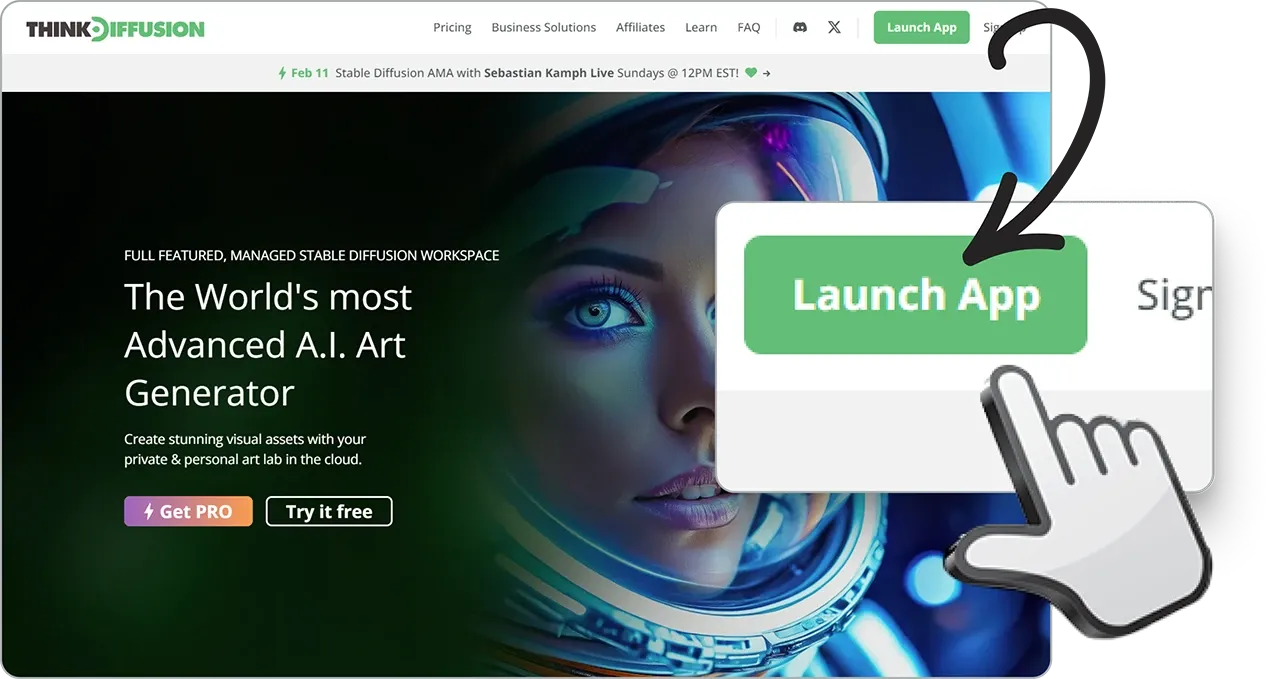
(1) Start by clicking launch app in the top right corner.
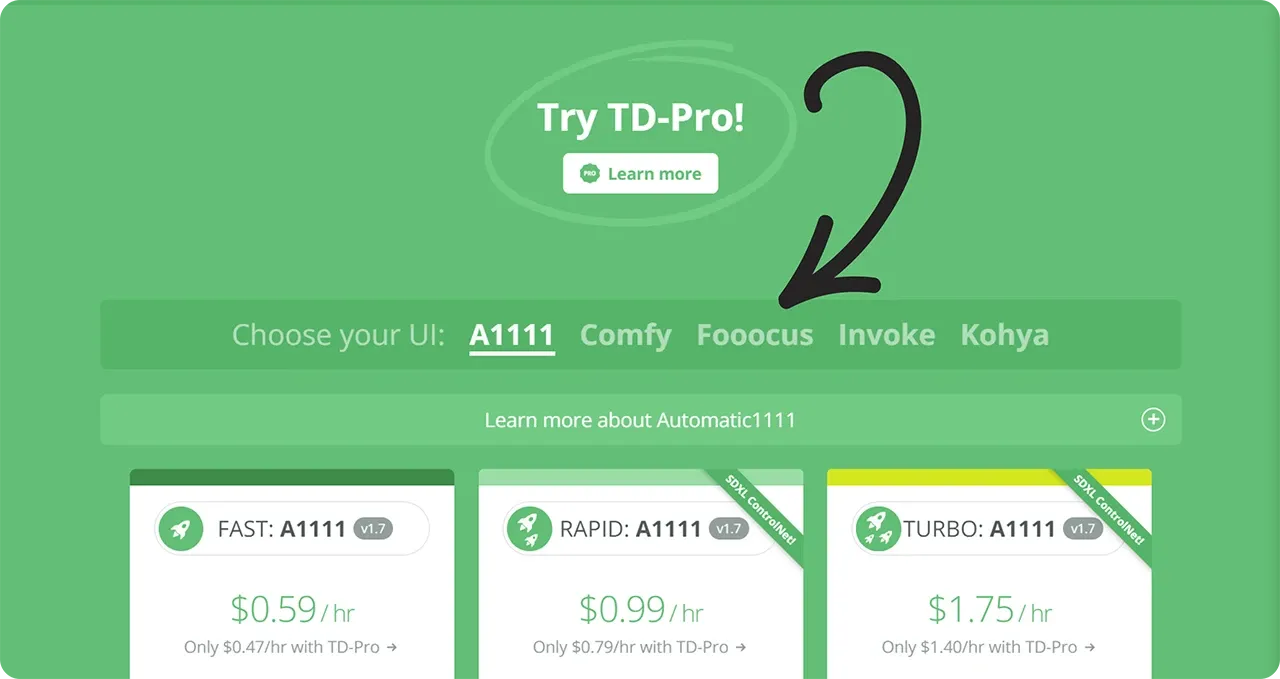
(2) Select Fooocus from the list of user interfaces.
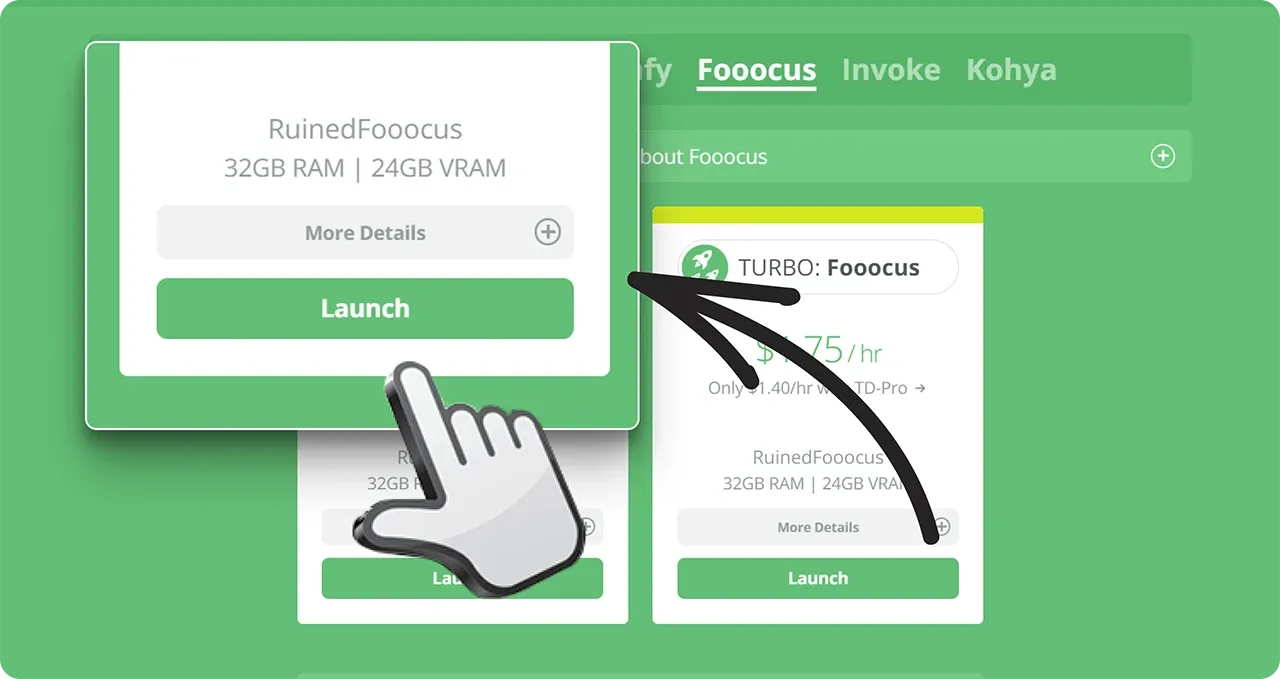
(3) Click launch to start your machine.
Inside Fooocus
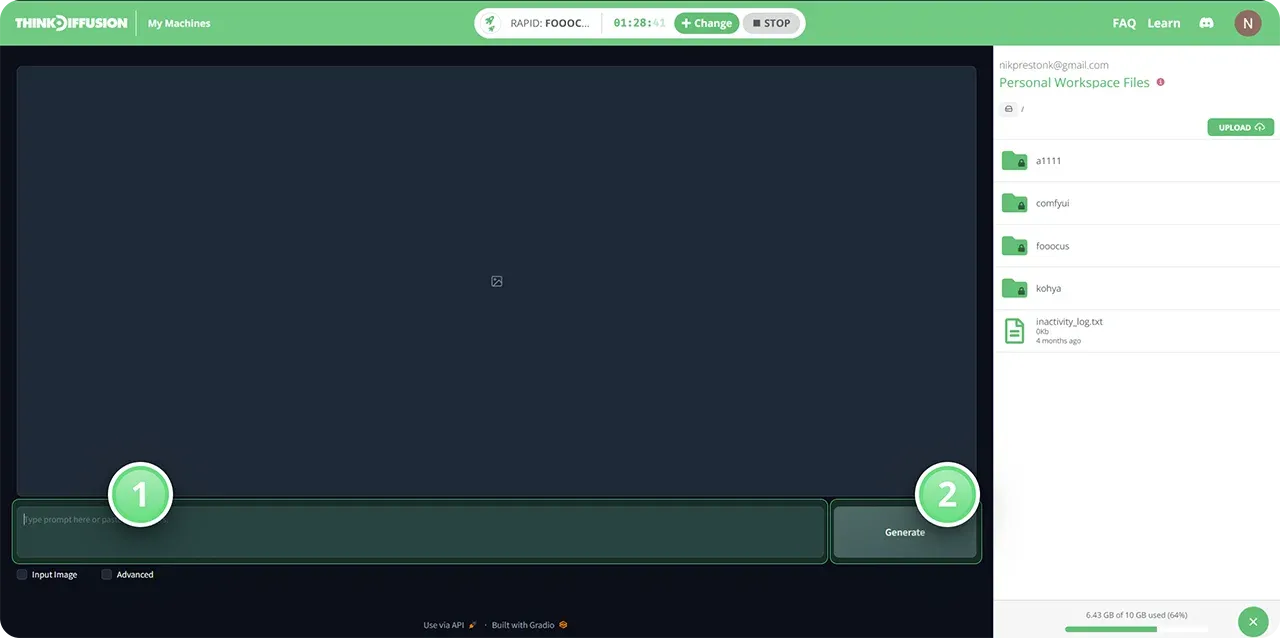
This is what you will see once you start Fooocus.
(1) Here's your prompt box where you can type what your image is going to look
like. We're using the prompt Brand design moodboard, nature photos, teal and orange colors
(2) Press generate to start generating your image.
Advanced features
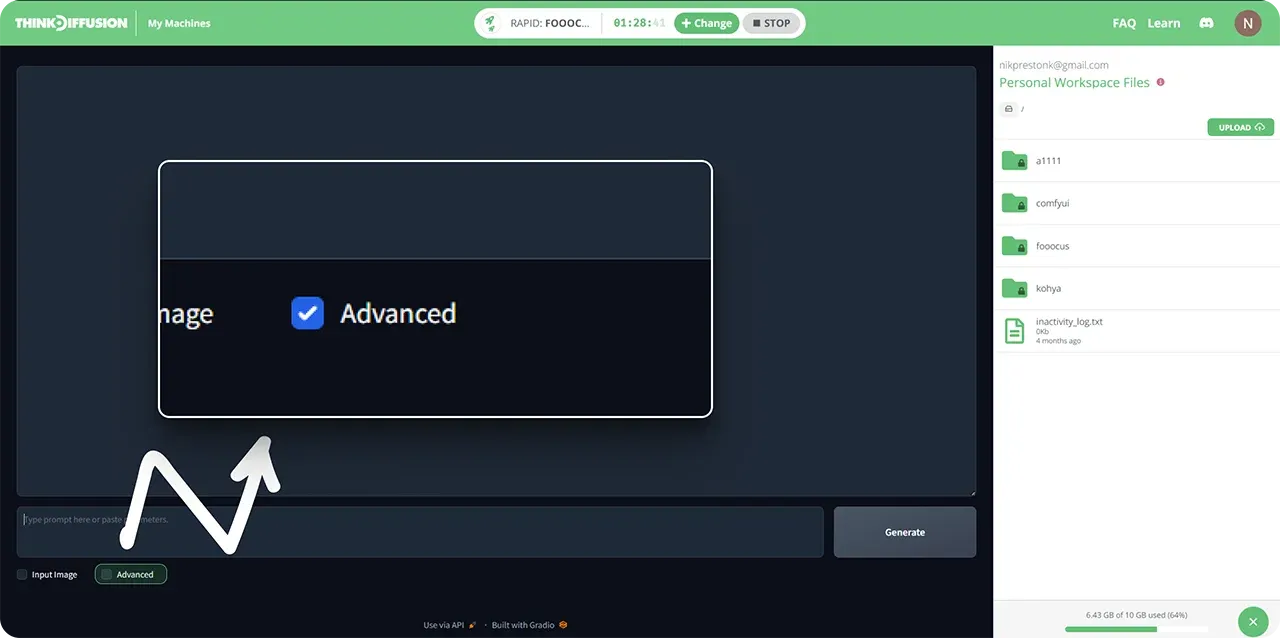
If you are getting too much of a photographic style, you can click the advanced checkbox.
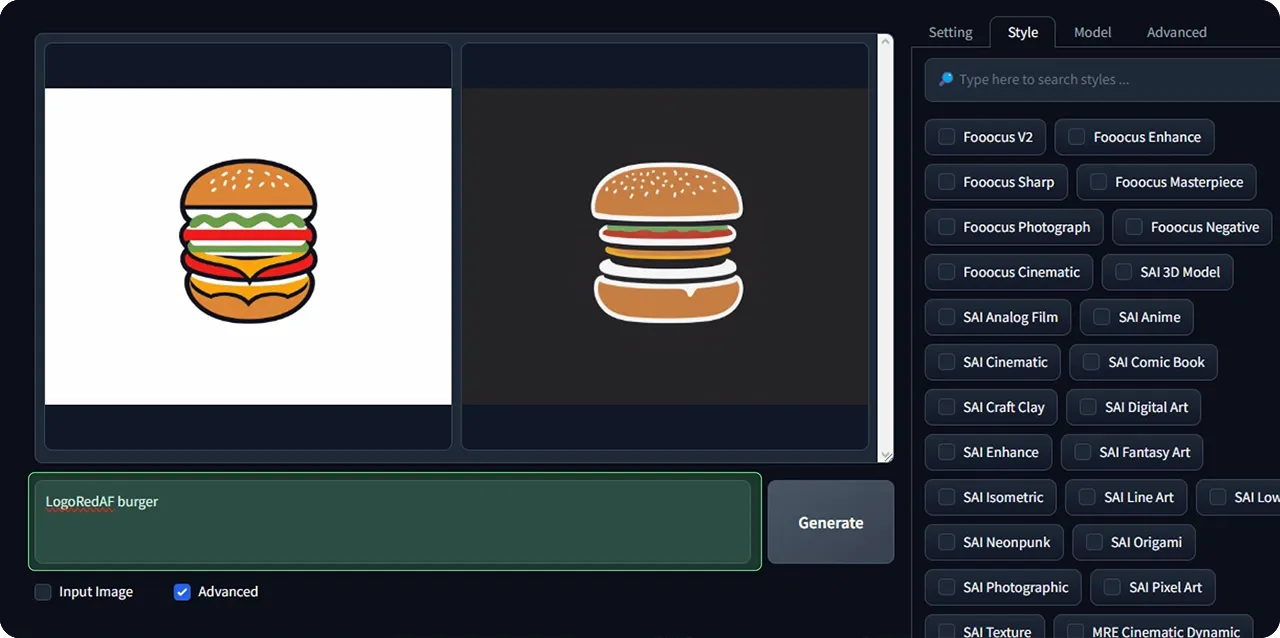
Go into the styles tab and deselect the default styles.
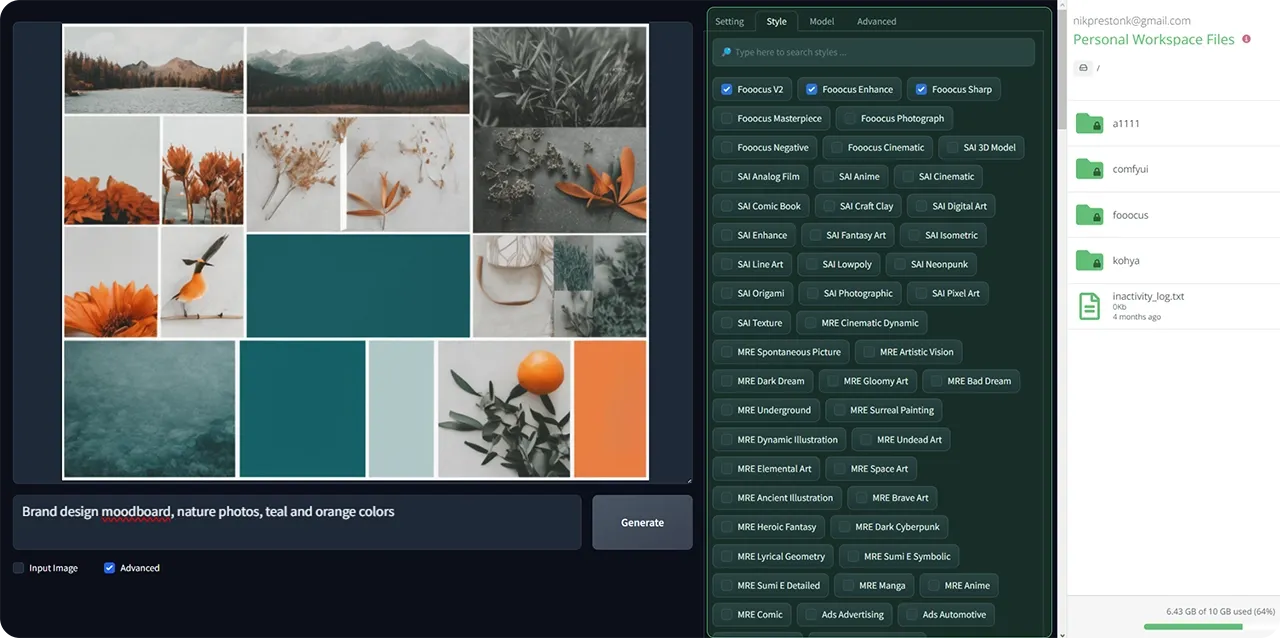
Your results should now more closely resemble a brand moodboard for inspiration
Loras
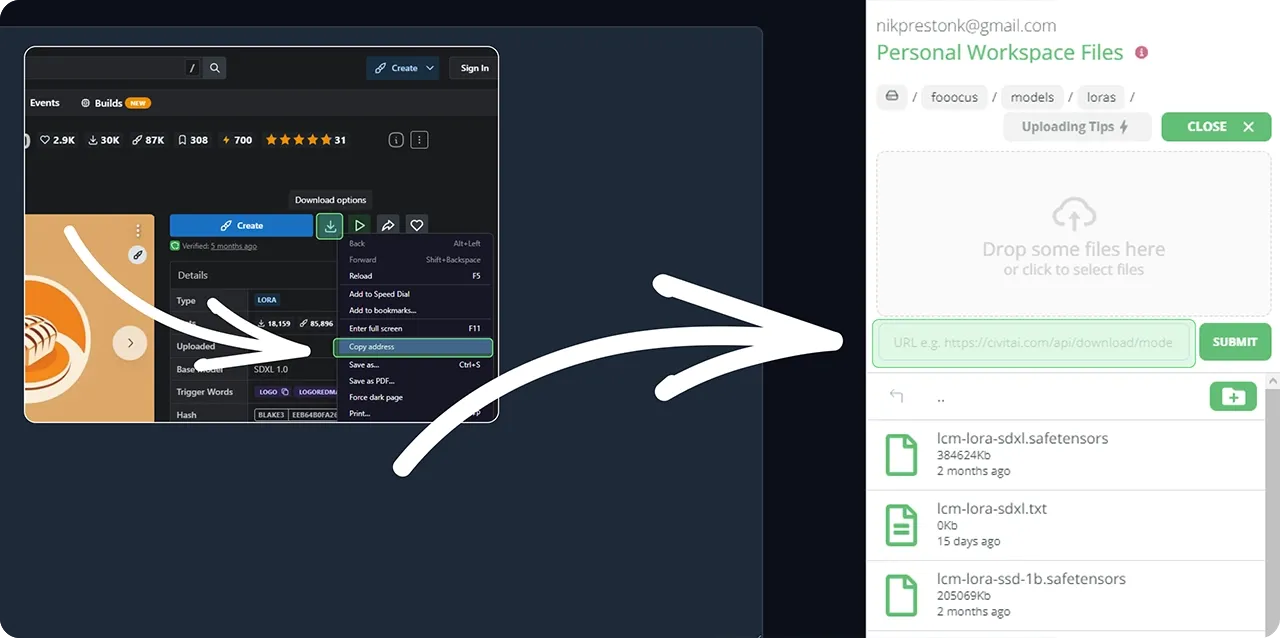
To create your logo, go into the Loras tab and select a logo Lora, we've downloaded the Logo Redmond Lora which can be found at https://civitai.com/models/124609/logoredmond-logo-lora-for-sd-xl-10
Install your loras into the /models/lora/ folder
Select your Lora and set the weight to 1
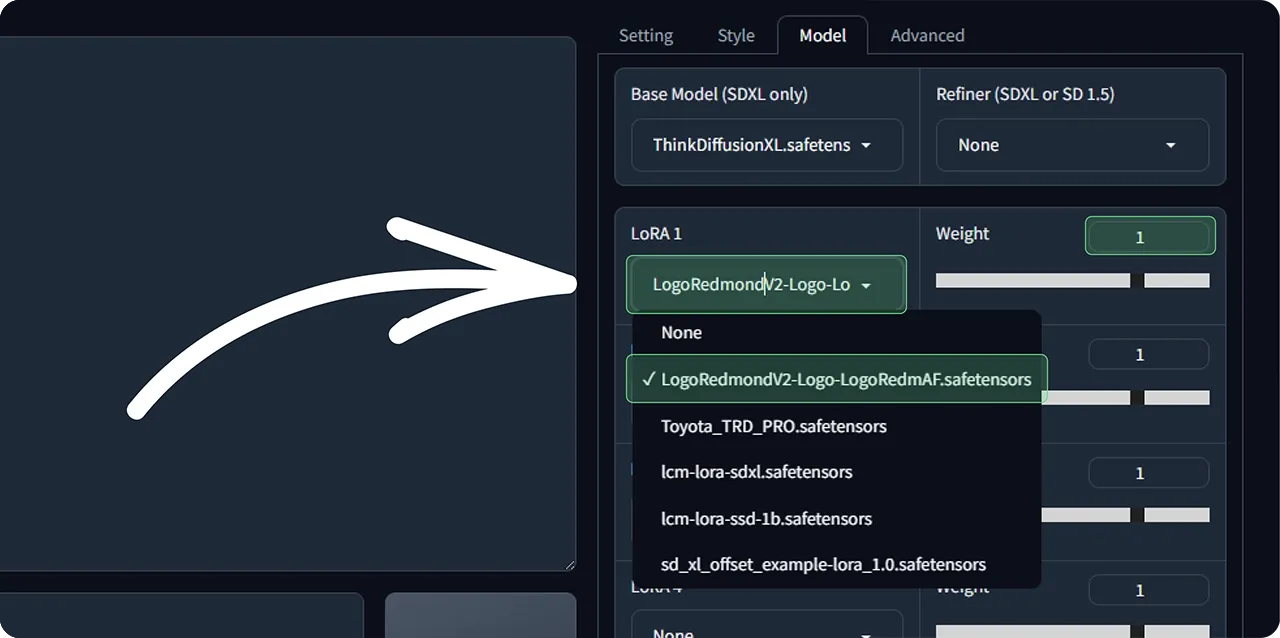
Use the prompt keyword for your Lora (found on model page on civitai), in this case LogoRedAF. We're now prompting for a burger logo by using LogoRedAF burger. If you're not getting enough of a logo look, you can also put "logo" in the prompt.
File browser
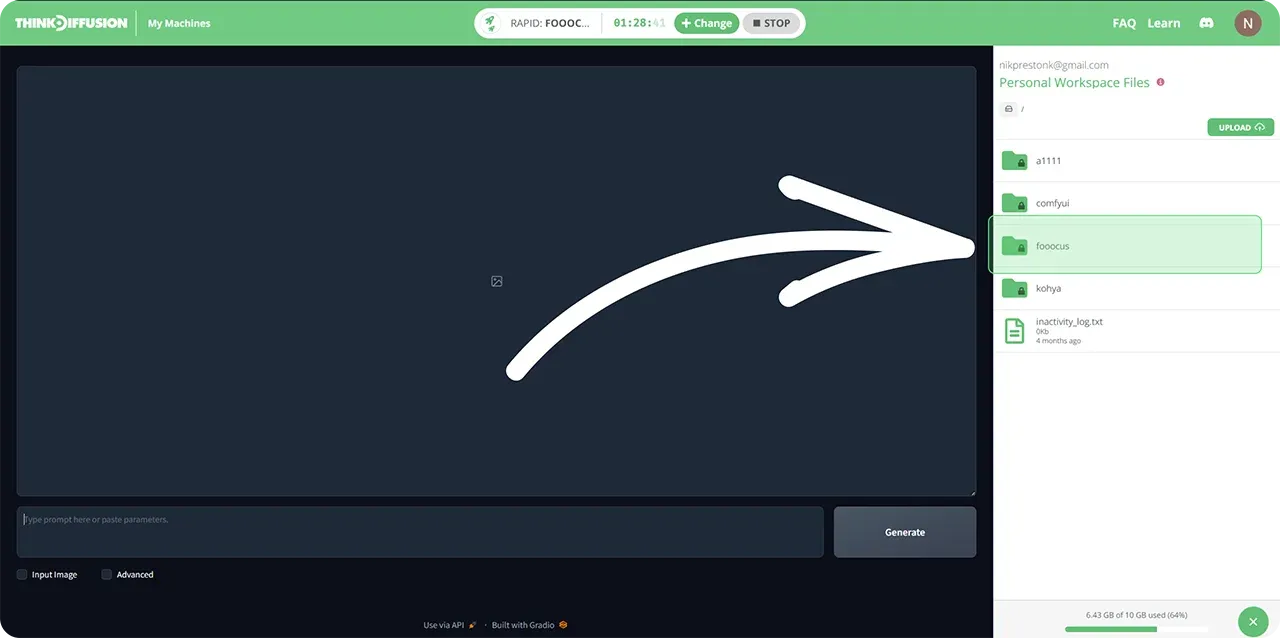
To find images you've generated previously, go into the right hand file browser and the folders /fooocus/outputs/
Good luck and go create your amazing brand!
Original article can be found here: https://learn.thinkdiffusion.com/create-your-brand-with-ai-logos-and-inspiration-in-fooocus/