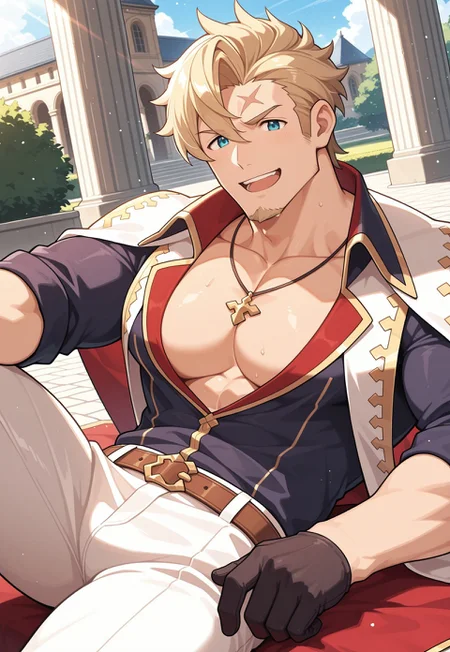
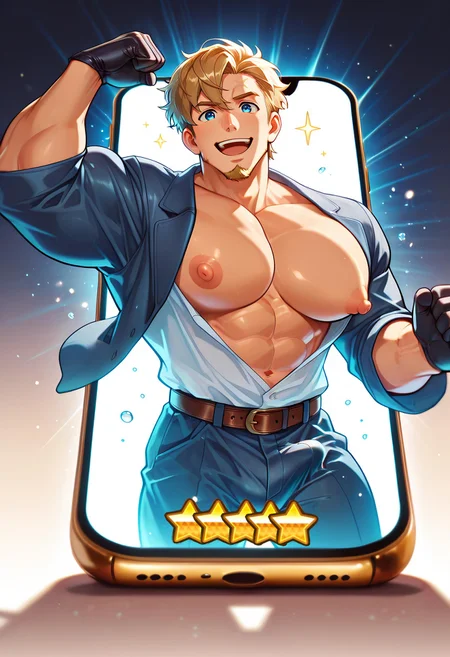
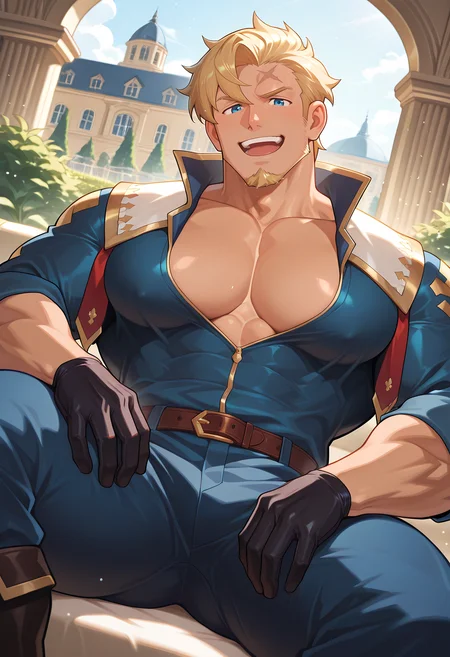
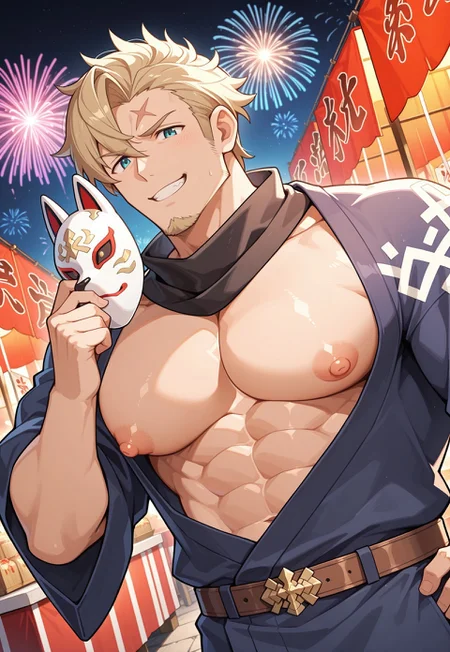
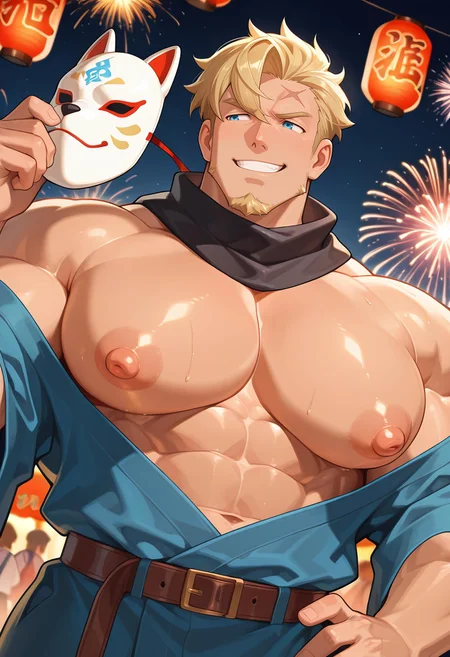
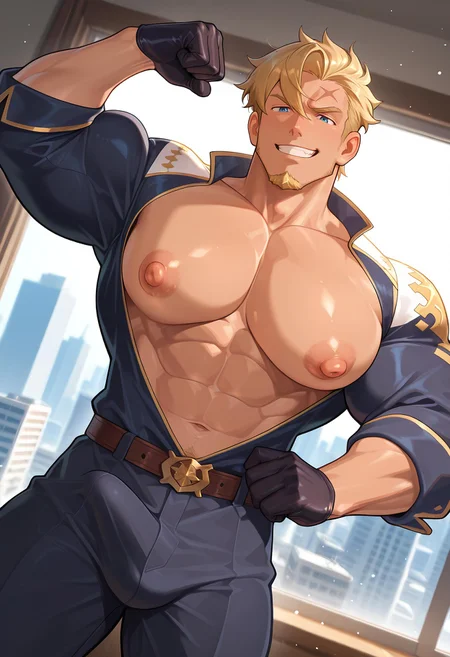
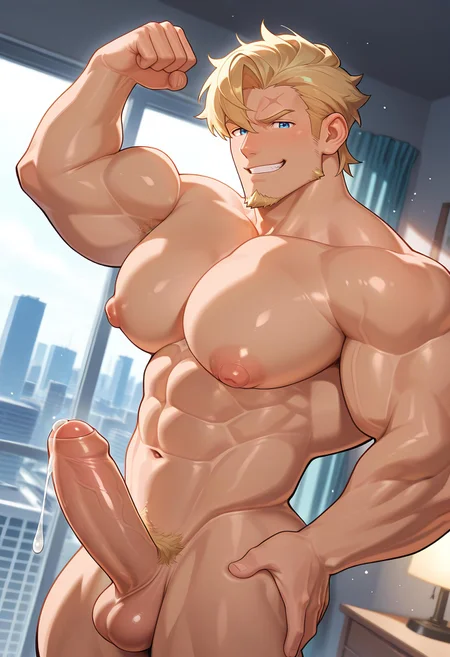

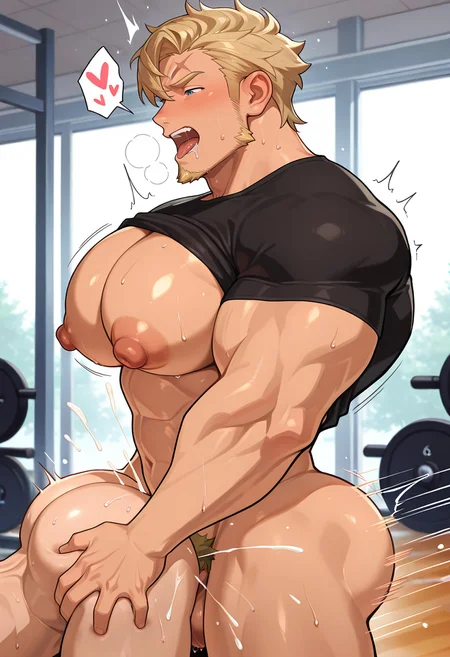
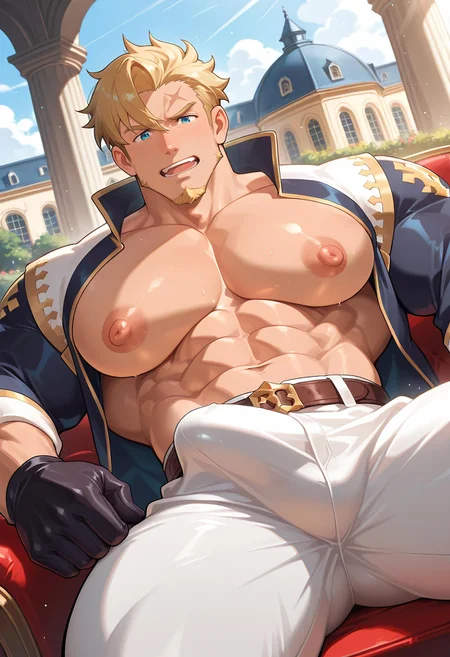


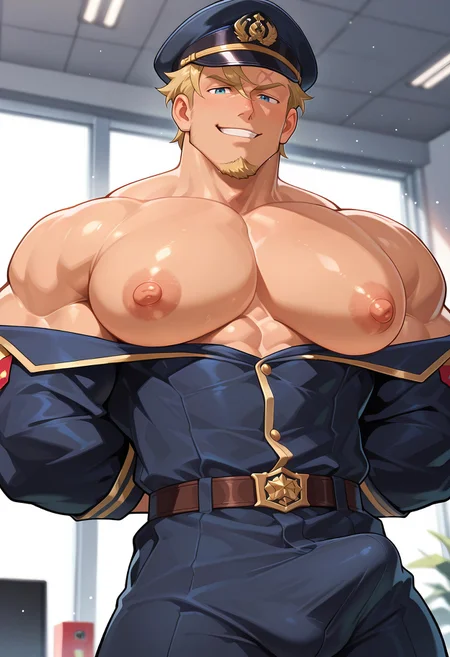
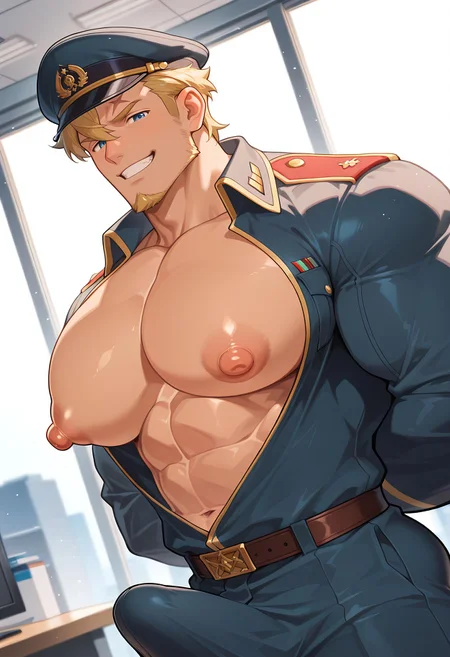
Curran (Dragalia Lost) | クーガー [ドラガリ] | Illustrious & Pony
Illustrious Model by cwhk
Pony Model by asuraai
Pony Description:
I tried to create a Curran LoRA at first but was unhappy with my results. Fortunately, asuraai helped me create this really nice LoRA.
Trained with XL LoRA Trainer
Epochs: 10
Steps: 1410
Recommended Weight:
0.8 - 1.0(For fully naked or no clothing images, you can lower the weight of the LoRA a little bit more)
Positive Prompt:
curran, male focus, 1boy, solo, bara, pectorals, muscular, mature male, large pectorals, gloves, goatee, stubble, jewelry, pants, shirt, necklaceSupplementary Positive Prompt:
ear piercing(Use this keyword if you want his ear piercing but it refuses to show up)
Supplementary Negative Prompt:
watermark(Use this keyword if watermarks appear in your image)
Recommended Checkpoints:
AnimeBoysXL V3
AutismMix SDXL (Pony)
Hassaku XL (Pony)
I don't recommend the base Pony Diffusion model unless you know what you are doing with prompting. It's very easy to get poor images. (But, it's also the model with the most potential, so if you know how to use it, go wild.)
Tips:
Use Hi-res fix either on civitai generator or locally
If the clothing you want does not appear, increase the weighting of the clothing prompts
If using Civitai online generator, use the "Face Fix" function on images to increase face detailing and restore his facial scar.
If using a local image generator, use an auto detailing extension (like ADetailer) to increase face detailing and restore his facial scar.
Illustrious Description:
Many changes made to the dataset and captioning system. Works differently from the Pony version and contains 2 outfits.
Trained with Civitai LoRA Online Trainer
Epochs: 20
Steps: 324
Recommended Weight:
0.8 - 1.0(For fully naked or no clothing images, you can lower the weight of the LoRA a little bit more, but max weight is recommended since the LoRA may be slightly underfitted) (EDIT: WAI-NSFW produces pretty accurate images, even at lower weights, so you can lower the weight significantly if you want less cartoony images).
Base Positive Prompt:
curran_dl, short hair, blonde hair, blue eyes, scar on face, facial hair, goateeDefault Outfit Positive Prompt:
jacket, jewelry, black gloves, pants, beltYukata Positive Prompt:
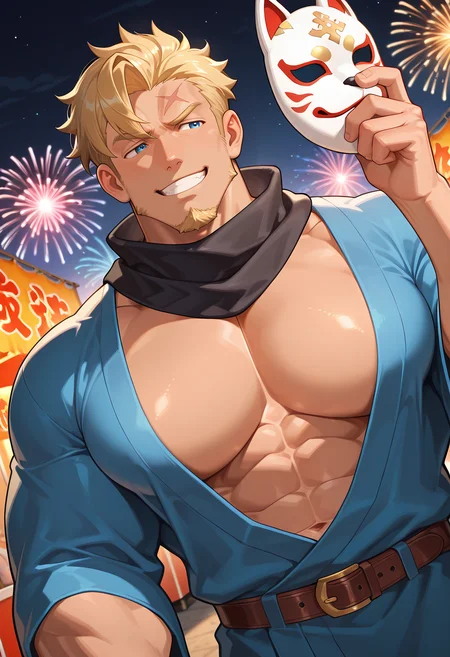
japanese clothes, blue kimono, black scarf, belt, holding maskSupplementary Positive Prompt:
ear piercing, necklace, bara, mature male(Use this keyword if you want his ear piercing and necklace but it refuses to show up)
(Add the bara and mature male tags if you want a slightly less cutesy appearance)
Supplementary Negative Prompt:
watermark(Use this keyword if watermarks appear in your image)
Recommended Checkpoints:
WAI-NSFW-illustrious-SDXL
Hoseki - LustrousMix [IllustriousXL]
HomoSimile XL
Tips:
Use Hi-res fix either on civitai generator or locally
If the clothing you want does not appear, increase the weighting of the clothing prompts
If using Civitai online generator, use the "Face Fix" function on images to increase face detailing and restore his facial scar.
If using a local image generator, use an auto detailing extension (like ADetailer) to increase face detailing and restore his facial scar.
Description
Illustrious Ver.
Dataset changes:
Removed certain images
Introduced new images
Changed tagging. This makes the file size bigger, but makes the LoRA more flexible.
Lower step count epoch chosen
FAQ
Details
Files
Available On (1 platform)
Same model published on other platforms. May have additional downloads or version variants.