
Workflow ComfyUI for Copax TimeLess XL V3 - SDXL1.0
File Images demo: https://huggingface.co/datasets/Copax/demo_model/tree/main
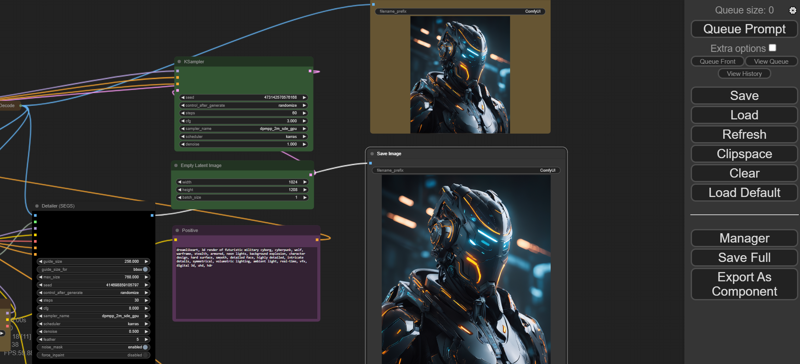
Description
FAQ
Comments (3)
I got this error when I tried to load your JSON.
When loading the graph, the following node types were not found:
SAMDetectorCombined
FromBasicPipe
BboxDetectorSEGS
ToBasicPipe
Segs & Mask
SAMLoader
UltralyticsDetectorProvider
DetailerForEach
Nodes that have failed to load will show as red on the graph.
extensions are available in pack: https://github.com/ltdrdata/ComfyUI-Impact-Pack/blob/Main/README.md
you need to download Comfuyi Manager: https://github.com/ltdrdata/ComfyUI-Manager.git
then put it inside custom nodes in your COMFUYI folder
for any workflow you put in, if these red words show up, just need to click manager-> you install missing nodes-> restart system, then you can use that workflow