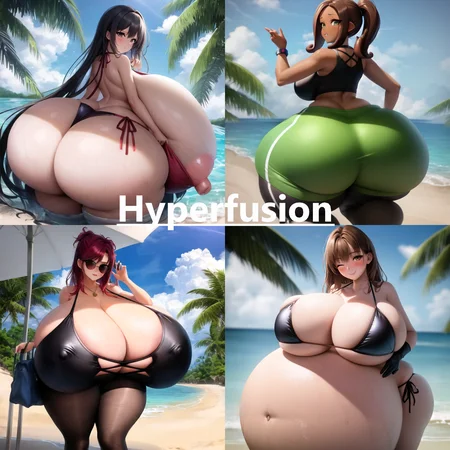
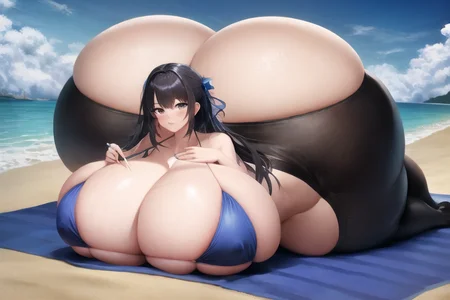

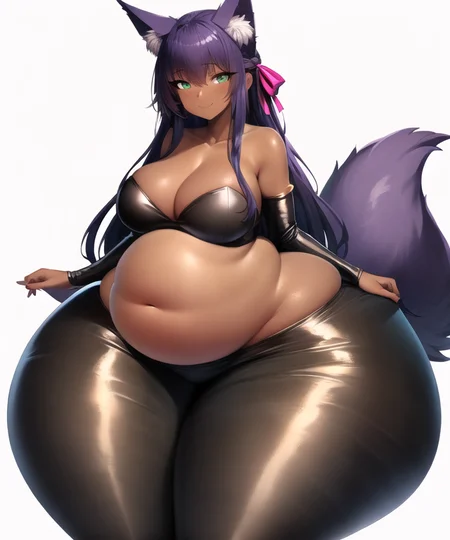

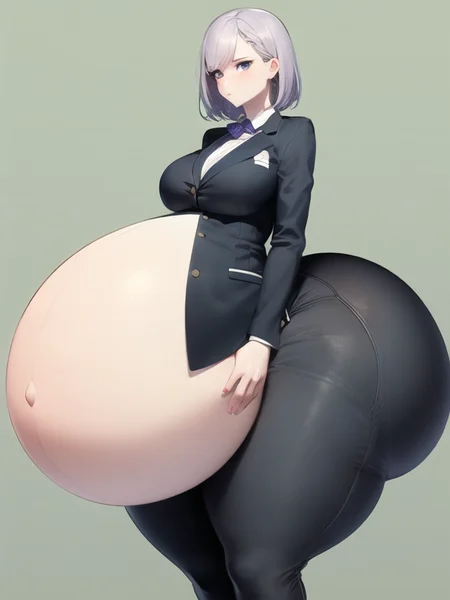
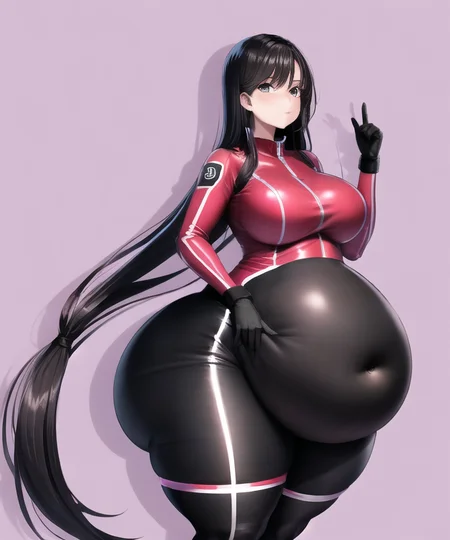
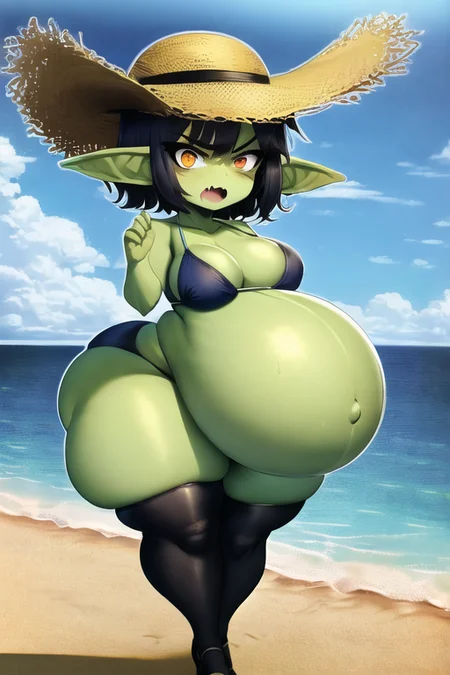
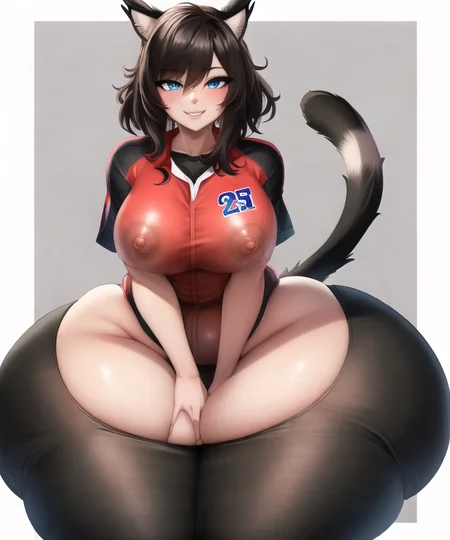
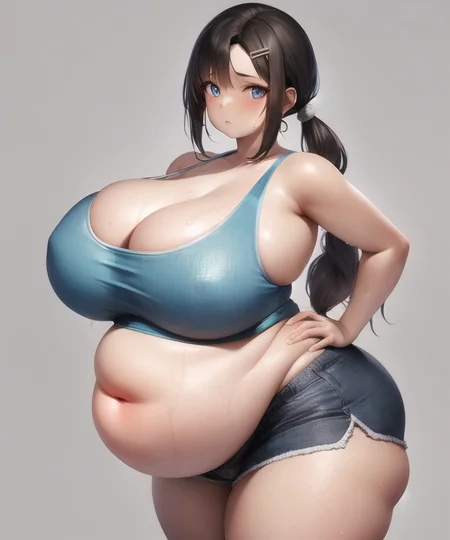

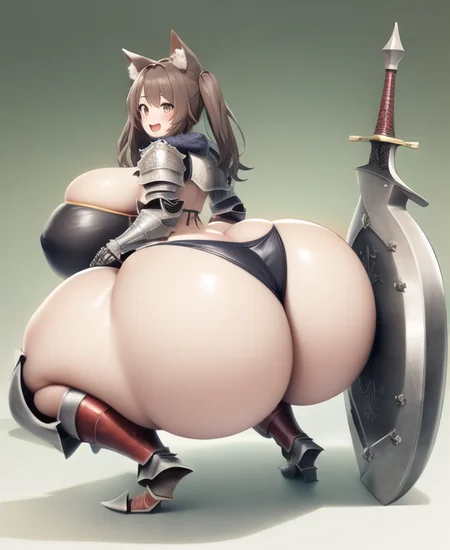

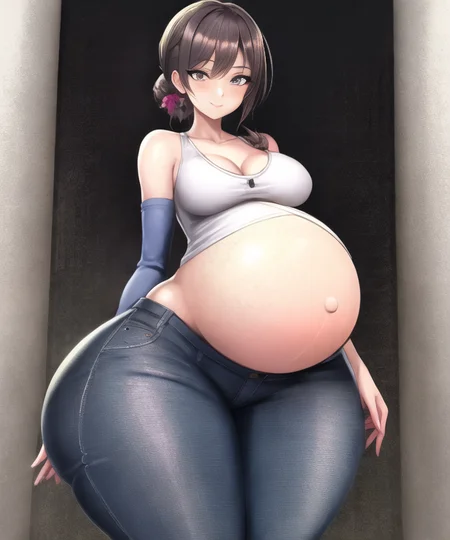
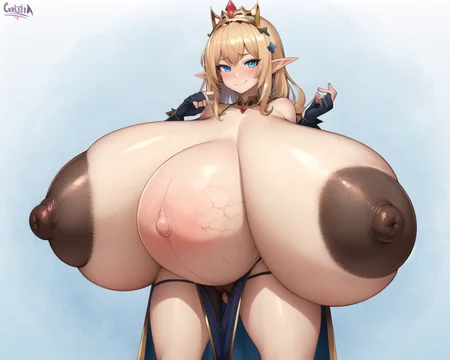
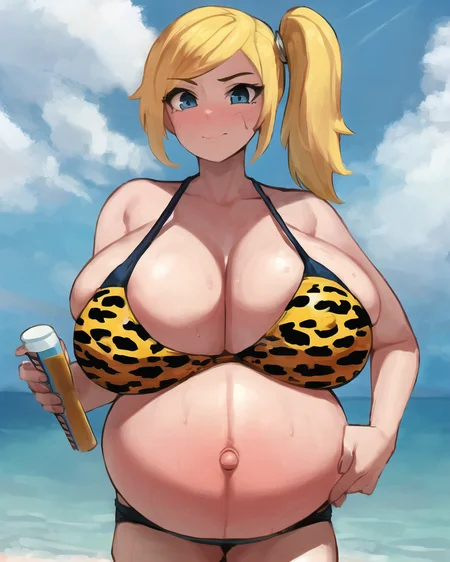
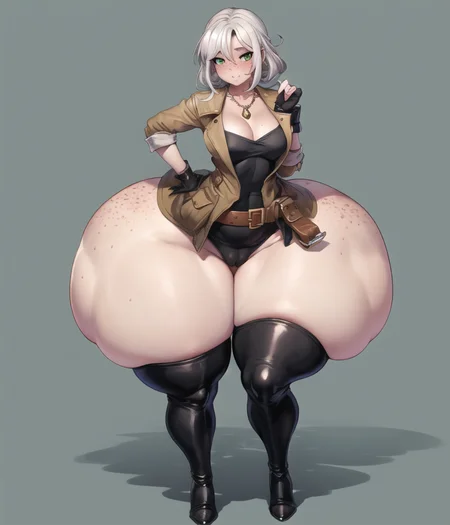

This LoRA was trained on 550k images of normal to hyper sized anime characters. It focus mainly on breasts/ass/belly/thighs, but now handles more general tag topics as well.
**If you're wondering where the v8 LoRA is, read the Changelog Article.**
Also a back up HuggingFace link for these models
Uploaded 1.4 million custom tags used in hyperfusion here for integrating into your own datasets
Recommendations:
negative (depends on base model, use what works for you): lowres, bad hands, text, error, missing fingers, extra digit, fewer digits, cropped, (worst quality, low quality), normal quality, jpeg artifacts, signature, watermark, username, blurry, monochrome, [3d], comic, (sketch), transparent background, artist name
cfg: 9-12
resolution: 768 to 1024, but prefers to be closer to 768
clip skip: 2
sampler: With v7+ try to avoid Karras samplers. Training with --zero_terninal_snr makes karras samplers problematic, but they still work somewhat.
Changelog Article Link
Tag Info (You definitely want to read the tag docs, see :Training Data)
Because hyperfusion is a conglomeration of multiple tagging schemes, I've included a tag guide in the training data download section. It will describe the way the tags work (similar to Danbooru tags), which tags the model knows best, and all my custom labeled tags.
For the most part you can use a majority of tags from Danbooru, Gelbooru, r-34, e621, related to breasts/ass/belly/thighs/nipples/body_shape.
The best method I have found for tag exploration is going to one of the booru sites above and copying the tags from any image you like, and use them as a base. Because there are just too many tags trained into this model to test them all.
Tips
If you are not getting the results you expect from a tag, find other similar tags and include those as well. I've found that this model tends to spread its knowledge of a tag around to other related tags. So including more will increase your chances of getting what you want.
Using the negative "3d" does a good job of making the image more anime like if it starts veering too much into a rendered model look.
Ass related tags have a strong preference for back shots, try a low strength ControlNet pose to correct this, or try one or more of these in the negatives "ass focus, from behind, looking back". The new "ass visible from front" tag can help too.
...more tips in tag docs
Extra
This model took me months of failures and plenty of lessons learned (hence v7)! I would eventually like to train a few more image classifiers to improve certain tags, but all future dreams for now.
As usual, I have no intention of monetizing any of my models. Enjoy the thickness!
Training Hurdles
-Tagging-
The key to tagging a large dataset is to automate it all. I started with the wd-tagger (or similar danbooru tagger) to append some common tags on top of the original tags. Eventually I added an e621 tagger too, but I generally only tag with a limited set of tags and not the entire tag list (some tags are not accurate enough). Then I trained a handful of image classifiers like breast size, breasts shape, innie/outie navel, directionality, motion lines, and about 20 others..., and let those tag for me. They not only improve on existing tags, but add completely new concepts to the dataset. Finally I converted similar tags into one single tag as described in the tag docs (I stopped doing this now. With 3m images it really doesn't matter as much).
Basically any time I find its hard to prompt for a specific thing, I throw together a new classifier, and so far the only ones that don't work well are ones that try to classify small details in the image, like signatures.
Starting in v9 I will be including ~5% captions along side the tags. These captions are generated with CogVLM.
I used this to train my image classifiers
https://github.com/huggingface/transformers/tree/main/examples/pytorch/image-classification
Ideally, I should train a multi-class-per-image classifier like the Danbooru tagger, but for now these single class-per-image classifiers work well enough.
-Poor Results-
For a long time I was plagued with sub par results. I suspected maybe the data was just too low quality, but in the end it just ended up being poorly tagged images. Sites like r-34 tend to have too many tags describing an image like "big breasts, huge breasts, hyper breasts" all on the same image. This is not great for a model where you want specific sizes. Using the classifiers I mentioned above I limited each image to a single size tag for each body part, and the results were night and day.
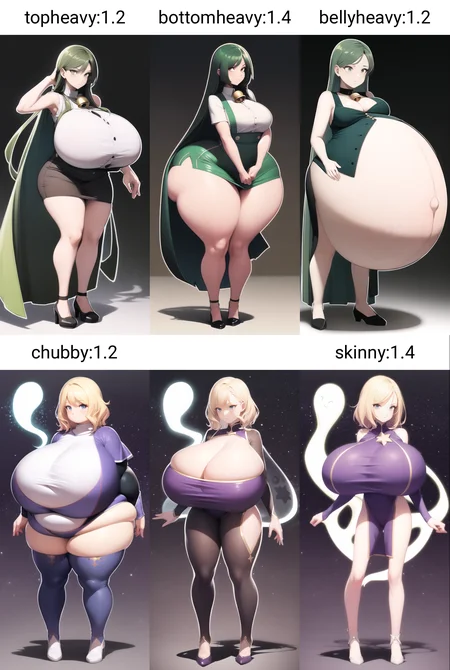
2023/08/13 Coming back to this after even more experience in labeling/training, I still agree with the above statement. As I tag more and more images, the model becomes more reliable with prompts. You can see this clearly with the new bottomheavy, topheavy, bellyheavy tags. It makes it easier to generate specific body types, and helps the model understand what you want from your prompt. I didn't have to add additional images to make these tags work. I just improved tagging.
-Tag Bleeding-
An example of tag bleeding is using the tag "gigantic breasts", but you end up with everything being gigantic, breasts, ass, thighs. It's been an annoying problem.
2024/03/15 After training some larger models, I find bleeding is less of an issue. It seems the answer is more data.
-Testing-
In order to determine if a new model is better than the last, it's important to have some standard prompts that you can compare with. x/y plot is great for this. Just keep in mind that the seeds between models will be totally different, and you likely need to compare dozens of images at a time and not 1 to 1.
It's also important to compare new models against the base model output to make sure what you are training is actually having an overall positive effect compared to the original model (obvious, but often overlooked).
2023/08/13 The hardest part about testing is trying to determine when you have overcooked your text encoder. At some point the models ability to interpret the prompt starts to degrade when training the text encoder at a high enough LR. I've seen it happen with smaller and larger models alike. Unfortunately I still don't have a good way to test this other than comparing prompts to older models. I've tried training without the text encoder many times, but the results are always sub par or too slow to train. Concepts that are foreign to the base model, are so much better understood with TE enabled in training.
-Software/Hardware-
The training was all done on a 3090 on Ubuntu. The software used is Kohya's trainer, since it currently has the most options to choose from.
Description
This LoCon LoRA was extracted from the hyperfusion-v7 finetune instead of trained on its own. It does seem to be more consistent than v6.
Because it is an extracted LoRA I had to keep the dim at a larger size to preserve its concept knowledge, sorry for the larger than usual file size.
*I am limited by the technology of my time*
Training details are under the finetune link above.
FAQ
Comments (46)
I think you should change base model to SD 1.5.
If I decide to train from scratch and not from an anime base model, I would do that. Next one will either be 1.5 or SDXL. I haven't decided yet, but depends on SDXL training time and whether I have enough VRAM to do what I want.
@throwawayjm ok cool. love ur work
when I try to get the nipples hidden inside the clothing it doesn't work and shows the chest with the clothing either removed or lifted up to reveal it D:
Try "LEOSAM's Clothing +/- Adjuster". Set it to -1 and it should help.
Check the tags.csv for the correct tags, there are multiple related tags, and some work better than others.
Absolutely one of my favorite Lora, I want to know if there will have xl version?
I've tried a few times without any great results. And now that my dataset is much larger, it would take around 4-5 months to train on SDXL. So probably not, unless someone comes up with a decent training config for large anime datasets.
I really hate how it has such a bias for making curves extremely flabby and 'fat' looking honestly. Way too biased for 'realistic' hyper instead of 2d/rule34 styled hyper where things remain impossibly curvy and shapely no matter how big. It also sometimes makes the feet/ankles too big tbh.
Experimenting with negatives is the best advice. If the model understands what it means to be fat, you can always subtract that.
Well, adding the tag "Inflated" seems to get rid of the issues of the hyper appearing to be fat
Is there a trick so that multiple belly buttons dont appear on bigger pregnant bellies?
Maybe negative "fetal movement"? Also using the LoRA below strength of 1 can cause it as well, but it depends on the base model I guess.
Impressive! This lora works really well with clothing prompts unlike some other loras/models that like for some reason ignore my positive clothing tag. I have a question. Is there a way to make some clothes to not lift up when adding big belly prompts? This happens when using shirts I would like to have them buttoned and tucked or maybe make the buttons almost bursting due to the size of the belly instead of being ripped apart like its a tank top.
Yea, it's all a matter of having proper clothing tags. I use one of the furry auto taggers to tag "clothed" on many of the image, so that's probably why it works well.
For belly specifically, I suspect it will be more difficult since there are not many tags related to belly clothing states. I can probably make it better with the belly-clothing-state classifier I trained, but the dataset hasn't been updated yet so it will be a long time before I can release a trained model with those new tags. Like 4+ months probably.
So when I make my images I used oversized clothing, or maternity clothing depending on which type of belly I have in the prompt
this is a great LoRA! Kinda curious though, do you ever plan on making a version that can more reliably do extremely huge hyper sizes? since the "colossal breasts" tag is pretty inconsistent and random rn
The only issue with that, is the characters are so small in the image they just end up being blurs. That's the reason I haven't trained a model on colossal sizes specifically.
@throwawayjm damn, that's a shame
Training data is missing...
Not that I could attach 2 TB of data to Civitai anyway
@throwawayjm no, I mean the csv file...
@lsdkfgjfdlg Strange, its on the huggingface link as a backup anyway
Civitai is pretty broken lately.
Do the <size> (breasts, ass…) tags use a number or a word? e.g “9 breasts,” or “huge breasts”?
words, all of them are in the tag docs under training data.
@throwawayjm thanks!
Im a complete NOOB, I just installed Stable diffusion xl base 1.0 (also the refiner, but i could not make this work yet) on SDA1111. I put the Lora on its designated folder, it appears in the lora window on the WebUI. I click on it and on the Prompt appears the <xxx> text. I include the mentioned words in my prompt, but it ignores it. Could anybody please help me? I really want to learn to work with Ai its so awsome!
Not for SDXL, only for SD1x base models. See suggested resources.
Ah, So thats where I went wrong. All of these Names and Terms are a nightmare to navigate... Thanks throwawayjm, you are the best!
Outstanding LoRa! It works really well in combination with multiple (realistic) models and other LoRas. Results are great as long as you don't exaggerate too much.
Coming back around for another comment cause this Lora is THE G.O.A.T and the META for hyper sized breasts! Look no where else if you need size! And it does an absolutely refreshing job with darker skin tones. Couple it with another breast modification lora to make it shine.
I do hope the creator would consider covering the other categories like bursting breasts, skindentation, too small clothing, and other breast size or pose related goodness. Cause when I get frustrated with the others I come right back to this lora as the best base for my needs!
For another full hyperfusion LoRA I'm waiting to see how SD3 turns out first. Then ill decide what to train the next version on. In the mean time, I'm just tinkering with different training settings on mini versions of the dataset.
Will you include some new belly shape tags related to alcoholism in the future? Prompt tags like beer belly, alcohol overdose, wine belly and more. I checked your hyperfusion data and ive seen some prompt tags like beer, beer mug and alcohol but unfortunately they dont change belly shape and size.
In my opinion its better to tag the shapes as they appear, and append the drink or actions as a separate tag. like bloated/stuffed/inflated/distended + drink tags. You would end up with too many low count belly shape tags otherwise. I plan on improving the existing shape tags, but no new shapes planned unless I think of one that hasn't been done.
@throwawayjm Eya, late reply. Beer bellies would be a great new addition to your lora and checkpoint. Beer bellies tend to have a slighty upper belly growth, and smooth like shape. Unfortunately for me bloated bellies have a slighty fat shape onto it.
TIL that using "areola" yields the edge of an areola, while "areola slip" almost always exposes the entire areola including the nipple, as opposed to half the areola, right up to, but not including the nipple, which is what the tag description states is the purpose of "areola slip".
It looks like I may need to look at many nipples in the near future to correctly apply the areola and areola slip tags. It's a tough job, I know, but one I'm willing to accept.
Yea, tags can be weird. Either people are poorly tagging on booru sites, or the taggers are not quite good enough.
upon further inspection I think that the issue is that the tags describe two nipples and areolae, either of which may be exposed or covered in any given image, and in many images both nipples and areolae are in different states of being exposed, so there isn't a good correlation between tag and how exposed or not a given nipple or areola is.
You must get this a lot, but have you ever considered an SDXL version? Would be happy to help
oh shit sorry just read the changelog, still would be happy to fund some cloud gpus tho
@aaaaaa12212332202 It's all good. Just taken me a long time to find a decent training config for SDXL. And thanks for the offer. I do all my training locally so far.
Ok, so I can't figure out how to make this work. where do I even put the training data file?
training data file just contains the list of tags and information about the model. The LoRA is the only thing needed to generating images, and it goes in the /LoRA folder
@throwawayjm huh, I cannot seem to get it to work. is there a specific model or version that I have to use for this to work?
Is there a way to make big bellies not overlap the waist too much? Like a waist to belly shape and not a oval shape.
Details
Files
hyperfusion_550k_128dim-LoCon_extracted-v7.safetensors
Mirrors
hyperfusion_550k_128dim-LoCon_extracted-v7.safetensors
hyperfusion_550k_128dim-LoCon_extracted-v7.safetensors
hyperfusion_550k_128dim-LoCon_extracted-v7.safetensors
hyperfusion_550k_128dim-LoCon_extracted-v7.safetensors
hyperfusion_550k_128dim-LoCon_extracted-v7.safetensors
hyperfusion_550k_128dim-LoCon_extracted-v7.safetensors
hyperfusion7-lora.safetensors
hyperfusion_550k_128dim-LoCon_extracted-v7.safetensors
hyperfusion_550k_128dim-LoCon_extracted-v7.safetensors
Available On (1 platform)
Same model published on other platforms. May have additional downloads or version variants.