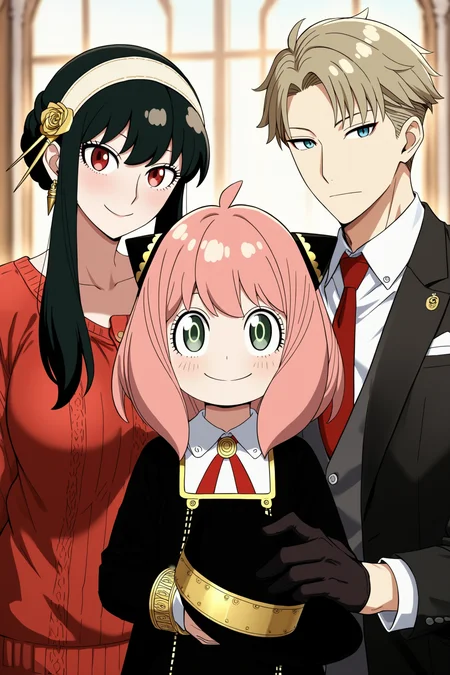

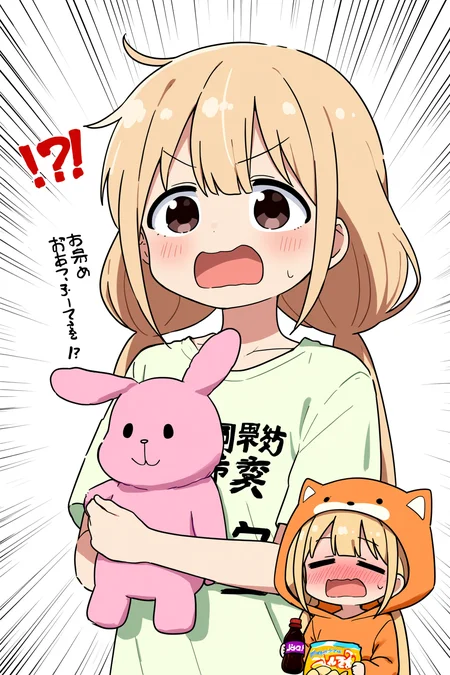
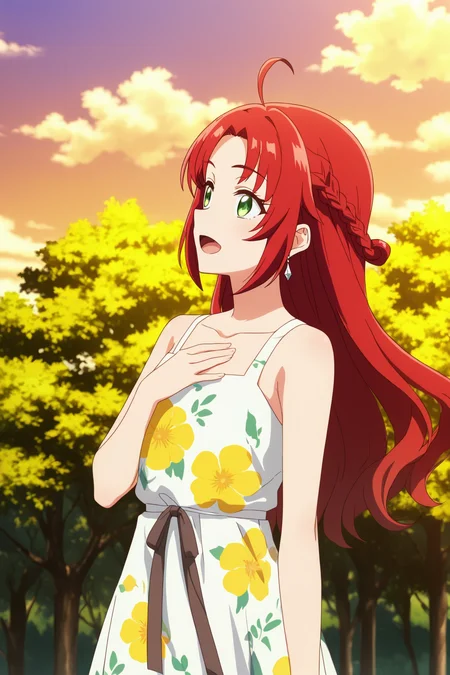



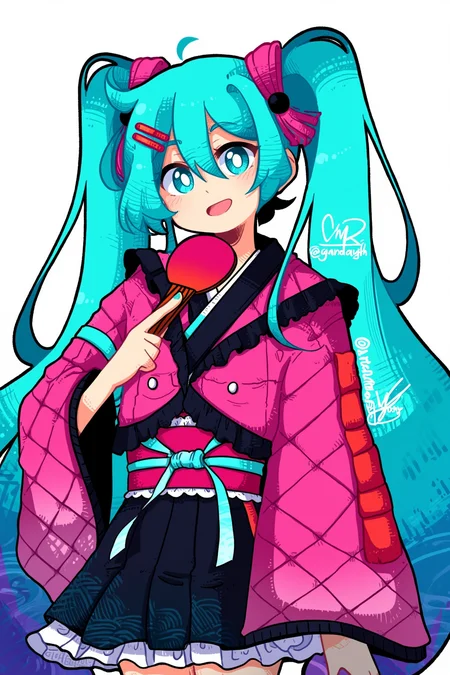
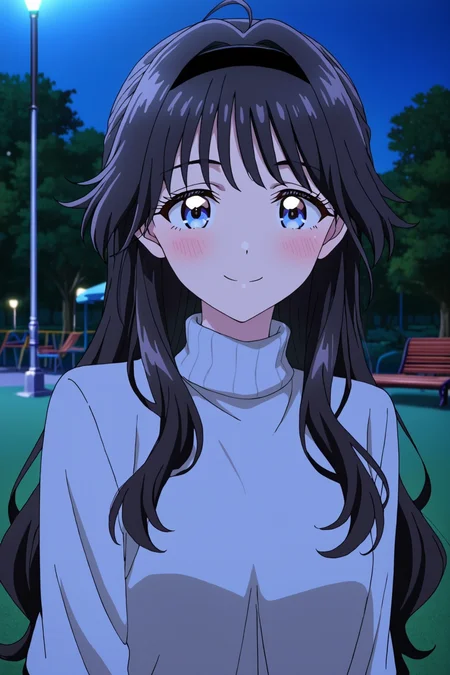




I. Introduction
NetaYume Lumina is a text-to-image model fine-tuned from Neta Lumina, a high-quality anime-style image generation model developed by Neta.art Lab. It builds upon Lumina-Image-2.0, an open-source base model released by the Alpha-VLLM team at Shanghai AI Laboratory.
Key Features:
High-Quality Anime Generation: Generates detailed anime-style images with sharp outlines, vibrant colors, and smooth shading.
Improved Character Understanding: Better captures characters, especially those from the Danbooru dataset, resulting in more coherent and accurate character representations.
Enhanced Fine Details: Accurately generates accessories, clothing textures, hairstyles, and background elements with greater clarity.
II. Information
For version 1.0:
This model was fine-tuned from the NetaLumina model, version
neta-lumina-beta-0624-raw, using a custom dataset consisting of approximately 10 million images. Training was conducted over a period of 3 weeks on 8× NVIDIA B200 GPUs.
For version 2.0:
This version has 2 versions:
Version 2.0:
I switched the base model to Neta Lumina v1 and trained this model on my custom dataset, which consists of images sourced from both e621 and Danbooru. The dataset is annotated with a mix of languages: 30% of the images are labeled in Japanese, 30% in Chinese (50% using Danbooru-style tags and 50% in natural language), and the remaining 40% in natural English descriptions.
For annotations, I used ChatGPT along with other models capable of prompt refinement to improve tag quality. Additionally, instead of training at a fixed resolution of 1024, I modified the code to support multiscale training, dynamically resizing images between 768 and 1536 during training.
Notes: Currently, I've only evaluated this model using benchmark tests, so its full capabilities are still uncertain. However, based on my initial testing, the model performs quite well when generating images at a resolution of 1312x2048 (as shown in the sample images I provided).
Moreover, this version the model generates images with the size up to 2048x2048 based on my testing.
Version 2.0 plus:
This model is fine-tuned from version 2.0, which had been trained on a dataset of higher-quality images. In this dataset, each image is annotated with both natural language descriptions and Danbooru-style tags.
The training procedure follows the same overall design as version 2, but is divided into three stages.
In the first two stages, the top 10 layers are frozen, and training is performed separately on the Danbooru-labeled subset and the natural language-labeled subset.
In the final stage, all layers are unfrozen and optimized jointly on the full dataset, which incorporates both Danbooru and natural language annotations.
This version reduces the issue of generated images exhibiting an artificial or 'AI-like' appearance, while also improving spatial understanding. For instance, the model is able to generate images in which a character is positioned on the left or right side of the images according to the prompt (as illustrated in the example). In addition, it provides modest improvements in rendering artist-specific styles.
You can find gguf quantization at here: https://huggingface.co/Immac/NetaYume-Lumina-Image-2.0-GGUF
Version 3.0:
This version introduces new character knowledge and also improves some existing characters that could not previously be generated (I will provide a list of the improved characters later). However, please note that not all characters in the list may be generated, since I aim to preserve the old knowledge while also enhancing aspects like text rendering, anatomy (when using artist styles, the model may sometimes produce inaccurate or imperfect anatomy), model stability, and some additional secret improvements.
For generating text within the images, I recommend using this system prompt: "You are an image generation assistant if the prompt includes quoted or labeled on image text render it verbatim preserving spelling punctuation and case. <Prompt Start>", it may help you achieve better results.
Here is a link to a gallery of example images generated in an artistic style using this version: Artist Style Gallery. Thank @LyloGummy for contributing.
For version 3.5 (pre-trained model):
This version is a pre-trained model (I’m not sure what to call it, but it’s basically a continuation of the previous work by the Neta team, using the Neta Lumina v1.0 model). To clarify further, versions 2.0 Plus and 3.0 were fine-tuned from this pre-trained model. My workflow involves using the best checkpoint from this pre-trained model at that time and fine-tuning it.
In this version, I also updated my dataset (only the Danbooru dataset, up to date at 12:00 a.m. on September 3). The new dataset only contains tags, since I don’t have anyone to help me validate natural prompts.
Basically, I didn’t change the dataset too much I just updated it with the latest data, using a part of dataset from neta team and merged it with the previous one. So, the model still generates images that look quite similar. However, if you use the correct trigger prompts, the outputs will differ. The good news is that it still retains all of its previous knowledge accurately (some antistyle has been improved).
In addition, the default style of model currently is stable, the anatomy and text generation seems better than previous.
Lastly, this model is different from the test version I released on Hugging Face.
Here is the diffusers format for this version: duongve/NetaYume-Lumina-Image-2.0-Diffusers-v35-pretrained · Hugging Face
For version 4.0:
In this version, I changed the way I annotate the dataset. Instead of using only tags and natural language, I now use both unstructured and structured annotations for each image. In addition to tags and natural-language descriptions, I added JSON and XML formats. For the tag, JSON, and XML formats (in natural and tag format), I also shuffle the annotations. For example, in the XML format similar to JSON when formatted as tags:
<tags>
    <characters>kubo nagisa</characters>
    <general>long hair, purple hair, purple eyes</general>
</tags>
During preprocessing for each epoch, when this XML annotation is encountered, I randomly drop individual tags such as “purple hair” or other character-related attributes with some probability. I also shuffle the fields, so for example, the
<general>field may appear before the<characters>field.In this version, I also updated my dataset. It now includes the Danbooru dataset up to October 10, 2025. However, ten days ago, I also made an additional update by adding a small dataset during the period when I had paused the training process.
In this version, I reduced AI artifacts and improved the character anatomy. It’s still not perfect, but when you use natural language in the prompt combined with a suitable negative prompt, the results are noticeably better.
Note: All previous knowledge is still retained, you just need to use the correct trigger tags or prompts. Additionally, the current default style is set to anime for greater stability.
III. Model Components:
Text Encoder: Pretrained Gemma-2-2B
VAE: From Flux.1 dev's VAE
Image Backbone: Fine-tuned version of NetaLumina's backbone
IV. File Information
This all-in-one file includes weights for VAE, text encoder, and image backbone. Fully compatible with ComfyUI and other systems supporting custom pipelines.
If you only want to download the image backbone, feel free to visit my Hugging Face page, it includes the separated files along with the
.pthfiles in case you want to use them for fine-tuning.
V. Suggestion Settings
For more details and to achieve better results, please refer to the Neta Lumina Prompt Book.
VI. Notes & Feedback
This is an early experimental fine-tuned release, and I’m actively working on improving it in future versions.
Your feedback, suggestions, and creative prompt ideas are always welcome — every contribution helps make this model even better!
VII. How to Run the Model on Another Platform
You can use it through the tensor.art platform. Here is the model link: https://tensor.art/models/898410886899707191
However, to run the model in an optimized way, I recommend using Comfyflow from tensor.art (because its default runner lacks configuration, which makes the model run suboptimally). Here is an example flow you can use on the platform: https://huggingface.co/duongve/NetaYume-Lumina-Image-2.0/blob/main/Lumina_image_v2_tensorart_workflow.json
VIII. Acknowledgments
Big thanks to narugo1992 for the dataset contributions.
Credit to Alpha-VLLM and Neta.art Lab for the fantastic base model architecture.
If you'd like to support my work, you can do so through Ko-fi!
Description
FAQ
Comments (53)
Hi everyone! If you don’t mind, please share your feedback on this version compared to the previous one. (Please don’t compare it to any other models . I’m making this model for people to run locally and for a friendly user experience, not to compete with anyone :v).
To clarify, this isn’t the final version. After releasing it, I realized there’s still room for improvement. (Yeah, I’ve run into plenty of issues just trying to make the model stable :v).
Right now I’m doing everything myself, from data to evaluation, so things might be a bit biased toward my own preferences.
The next version might take longer because I need to use my GPUs for another project and also upgrade my server (my GPUs are literally boiling :v).
Maybe in the next project, there will be an even better model if I keep enjoying this field enough to investing in it :D
Have you seen the new Newbie-Image model?
@Shinwoh yes i know it, be honest i wana try to tune it but it seems very unstable :v
I've been running it locally using ComfyUI and have seen a lot of success! One thing I've noticed is that less common characters aren't easily found, especially as sometimes all the Danbooru images will consist of them with others (for example, trying to generate Erika Janome won't work. If I specify she's from Lycoris Recoil, I get an image of Chisato Nishikigi instead). This last issue probably can't be fixed, but I was curious if it's possible the name ordering impacts things? Do you know whether the model prefers lastname firstname, or firstname lastname (or if it matters)? Just to see if that helps with some of the characters I know have some danbooru art, but maybe not a lot.
I find the default style is more stable but it overall seems slightly worse at understanding long natural language English prompts. Also backgrounds seem to be a little less coherent than previously, at least at 1280+ px.
atm 4.0 seems more stable than 3.5, i like it more but hands keep being a mess
Hi, it is hard for me to fix it. I have a version with very stable for hand and gesture, but it forgets everything related artist style :<
@duongve13112002
Hi, thanks for reply.
PAIN
I imagine it must be difficult; I hope you find a way to balance it in future versions.
@duongve13112002 DPM++ 2S Ancestral Linear Quadratic gives WAY better hands / toes / everything than Res Multistep Linear Quadratic, I find, in every version of this model.
@ZootAllures9111 i will try that, thanks
I think stupid civitai filter system hides the model across the site because of the cover image
Yeah ... I dont know but my model is automatically selected "Is intended to produce mature themes" :v. Even though i haven chose it :<
2 cover images are invisible even in n**w mode. Maybe flagged as mi**r.
They have a stupid internal filter system, even can flag "speed" as nsfw word
yep, stupid civitai hidden the model because the first cover image. Unless the browsing level is set to pg. I think you might have noticed the first cover image has no reactions ... because nobody can see it...
Civitai doesn't want pedophilic content on their site. It's not even subtle with most of these images.
I really like this model, though I was facing a bit hard time in making 3 or 4 characters in the same pic I'm sure my prompt wasn't bad but it always gives like 7 or 8 characters xd
I wish that I can bid on it and use it online in the OSG but it isn't implemented yet.😭
Hi I am noticing that I am having a hard time making images with anal. The model seems to default to vaginal sex and will not change (even if the tag 'anal' is increased up to (anal:1.5).
Any tips?
Does the model still need the "ModelSamplingAuraFlow" node in comfyui with a value of 3.5?
Hi yes. you still need it. You can not use it but the quality may be bad
It's PEAK, I love it 😍
Alright, i dont know if its just me, but if you mention something like flat chest or small breasts, model automatically thinks you mean a kid/child, which is kinda weird i guess, unless im doing something wrong, i tried with age but nothing changed. No idea if its supposed to be that way or not.
it depends on art style alot, chuck some of those terms inside the negative prompt and hope it works lol
Hi, would you mind sharing your prompt you usually used. I tried to reproduce but i didnt meet your problem
@duongve13112002 that is weird, but now i cannot reproduce it either, maybe it was some weird bug or something, i though it was something with style i used, but that was a no no, so i guess to avoid similar situations its probaby better to include age like toddler, adult and so on, with these it works without problems
Australian model confirmed
interesting might compete with illustrious as it develop
Not usable as Chroma.1, but promising and I hope one fine-tunes it to make stronger
I just wanted to make a suggestion: perhaps the quality of the hands and feet could be improved by weighting the loss map.
In my experience, the "hand" and "foot" in generated images are always bad, including extra fingers (toes), fewer fingers (toes) and two hands (or feet) fused together into a strange object. I tried to finetune this model (v4) to improve the hand quality. Specifically, I kept the loss in the hand region (rectangular region) unchanged, while multiplying the loss in other regions by 0.2. After a few training steps, the hand quality is improved in my opinion. However, the style is a little damaged. Alternating between your training method and this method may preserve the style quality and improve the hand (foot) quality.
Yeah i also have the version which has high quality of hand and feet generated but the artist style is not good :<
Use DPM++ 2S Ancestral Linear Quadratic at around CFG 5.5
This checkpoint seems great. It's also surprisingly good at more realistic style images.
best lumina model
The best/newest anime model, but there is no control net, nor content for it, the same lore, and it is clearly slower than Illustrious.
heziiiii made Lightning https://huggingface.co/heziiiii/lu2_lightning_test extract https://huggingface.co/qpqpqpqpqpqp/Lumina_Image_2.0_Distill_Lora
It's great but how to I get the style more consistently as it works after a few images and then it goes to another style after I click generate again. For example, I read like the highres, hi res, best quality, masterpiece, anime coloring, anime screencap, shiny skin, TRexStyle, TRexStudio, style And it does it pretty well but then it reverts to another style. It's more consistent than the previous version, but how do I make it so it's more consistent. Great checkpoint thank you much more stable now too.
How would I train a Lora using Netayume v4 locally? Onetrainer does not support Lumina based models and AI toolkit doesn't like the all in one .safetensors for training. So I'd need the original model weights for Ai Toolkit, but the hugging face page only has v2's weights. Could you publish V4's model weights, or if that is not possible, recommend an alternative Lora trainer for windows?
Hi you can try AI toolkit and use this weight instead: https://huggingface.co/duongve/NetaYume-Lumina-Image-2.0-Diffusers-v40
When you finish the training if you want to use lora in comfyui you have to convert it into comfyui format here is the script for that: https://huggingface.co/duongve/NetaYume-Lumina-Image-2.0/blob/main/Script_Lora_Convert/Convert_lora_format_between_comfyui_diffusers.py
I wasn't expecting a Neta Lumina based model that's a decent equivalent to NoobAI-XL (NAI-XL), but got surprised when I realised the existence of this model, and there's one thing I would like to see in a next version: A decent performance in adding coherent text to generated images, even if it goes well only texts in english and other two languages.
I have two questions.
1. In version 4, I couldn't find tags in XML or JSON format representing "quality," "rating," etc. I'm guessing they are <quality>, <rating>.
2. In version 4, how can I use danbooru tags and natural language descriptions simultaneously in XML or JSON format?
Could you provide an example in JSON and XML formats that include all the tags and natural language description?
Hi Here is the XML format:
"<tags> <special>1girl, solo</special> <artists></artists> <characters>shiunji ouka</characters> <rating></rating> <meta></meta> <copyright></copyright> <general>orange skirt, jacket, shorts, skirt, from side, indoors, head out of frame, hood, long hair, miniskirt, cup, sitting, nissin cup noodle, orange shorts, holding, pink hair, teacup</general> </tags>"
And this is the format of json wth tag:
"
{
"character": "kubo nagisa",
"special": ,
"artists": ,
"general":,
}
"
json format with using natural language:
"
{
"character_1": "A girl has a long black hair wearing a blue shirt",
"character_2": "She is on the left side of the picture holding a staf",
"background": " ....",
"text": "....",
}
"
@duongve13112002 Thanks a lot.
Hello, I'm using versions 3.5 and 4.0. I seem to be encountering a problem. The "penis" image doesn't seem to generate the correct one.
Is this intentional?
Also, I'd like to ask if you have any plans to create a gallery featuring male artists? There used to be one, but I can't find it now 😭
Hi, i will improve it in the next version if i have free times. I think this problem releated to my dataset too bias with female
Ещё одна неудавшаяся модель. R.I.P.
I'm only getting black images when trying to generate something using Forge Neo on the default Lumina preset. Any ideas what I'm doing wrong?
I don't use Forge Neo, but this model works for me when I use it in SwarmUI.
Why this model cannot be used in CivitAI's image generator?
Neither the gumgum.github or the xyz references listed in the official workflow work anymore - the xyz one never worked, and the gumgum one that I loved stopped a week ago. Are there any other resources for seeing what artists/character tags exist? I have a small list of fave booru artists I already put in some notes but I'm just now trying characters and it's very hit or miss (and yes, I'm using them exactly as they appear in booru tags).
License claims to be Apache, but also claims to disallow commercial use. Which is it? I don't think the terms are compatible.
Like the model.
There is some inherent noise in the tag set but overall good. I look forward to future improvement tunes.
I'm noticing I issues if I try to put weight on tags. Is that something the text encoder not support?
The planning for improvement has a scheduler but i am still thinking about because the price for training is huge :v
@duongve13112002 you are doing great work though. Let me know if you need some help healing up tags. I cleaned up over 1.3m tags for my vit model.
In the process of cleaning up my current vit model more.
Details
Available On (1 platform)
Same model published on other platforms. May have additional downloads or version variants.