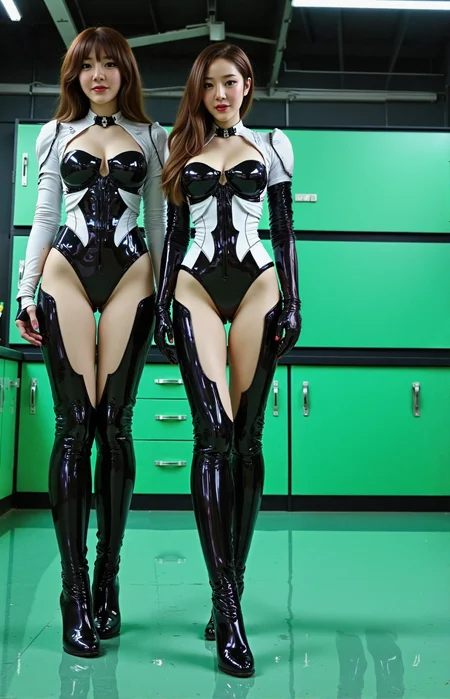

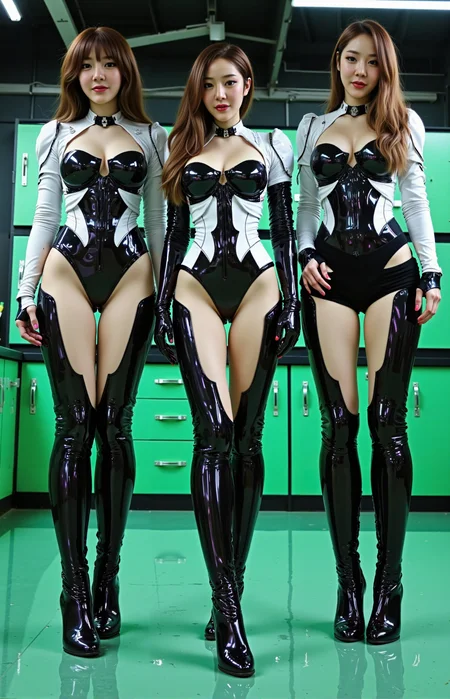



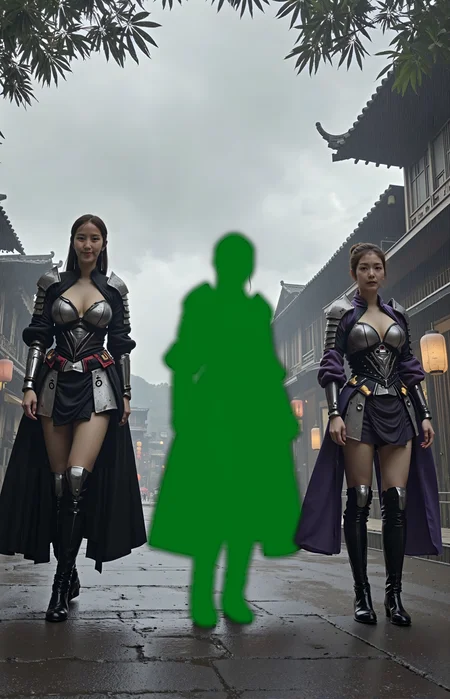
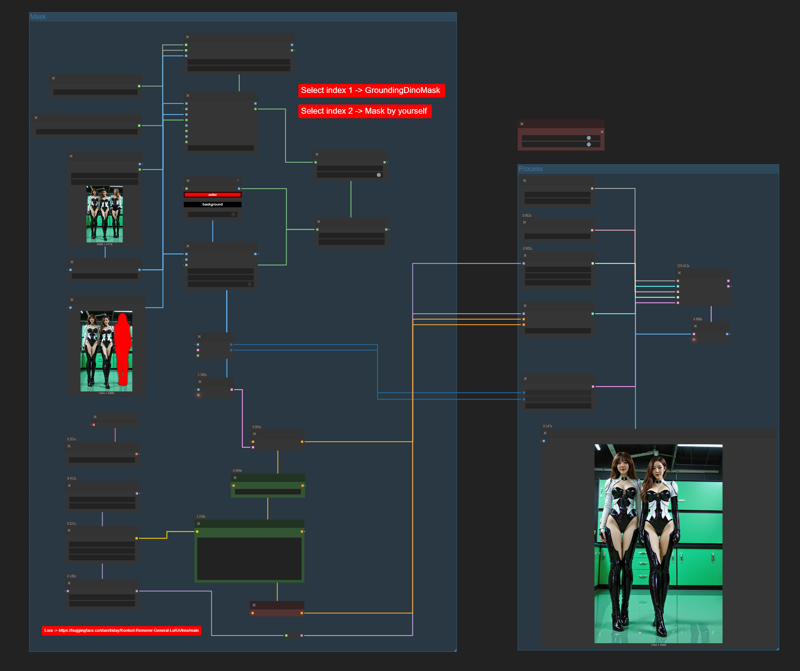
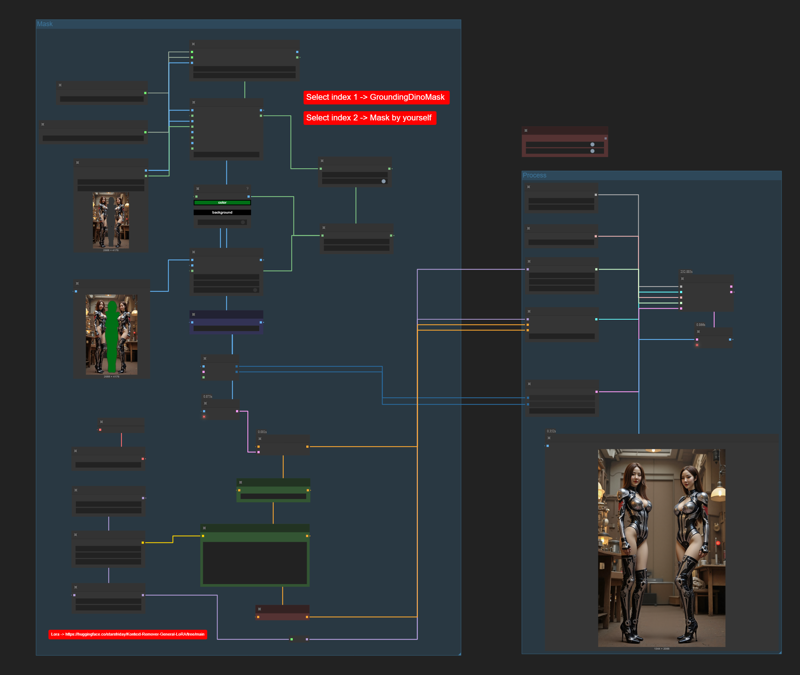
After I created Flux Kontext Workflow that does inpaint & outpaint, this is the next step to remove anything you want from the scene.
This is a very simple workflow but its efficiency is incredible. If you try it and like it, please give me feedback by reviewing or creating images in this workflow, I would appreciate it.
Trick
Check your image for any color elements and then adjust the mask color to those that are not in the image to prevent the mistake of removing the wrong place.
Node Switch (images, mask) You can switch between AI-powered or manual masking.
Don't forget to change the Prompt for deleting the masked color area to match your settings.
Description
FAQ
Comments (7)
The workflow includes a LoRA Loader node with this default value: "kontext_remover.safetensors". I'm guess that it this one here https://huggingface.co/starsfriday/Kontext-Remover-General-LoRA/tree/main
You correct, This LoRA will help with deletion, but from what I've tested, you don't need LoRA to do this. it still works if you don't use it.
Ah man, just noticed you had a big fat comment block in the workflow with a link to it :D
Nice workflow, thanks!
Very helpful! Thank you for the work you've done!)
work nice
When I run the workflow, it says this:
GroundingDinoModelLoader (segment anything)
'BertModel' object has no attribute 'get_head_mask'
Even if the settings are set to manual masking.
Any idea?
Ok. pip install "transformers<5" fixes the issue.