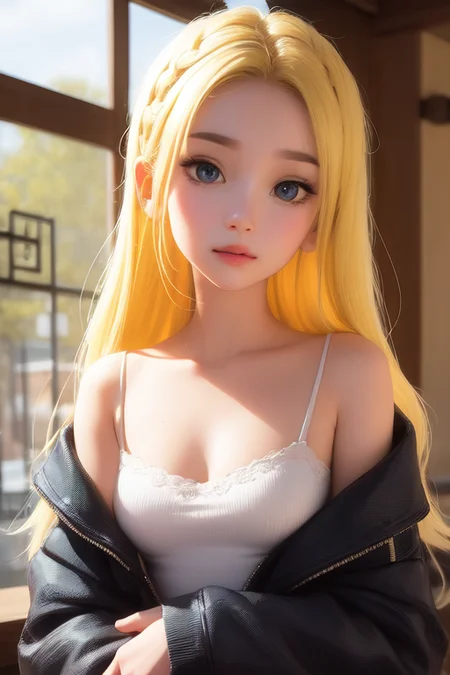
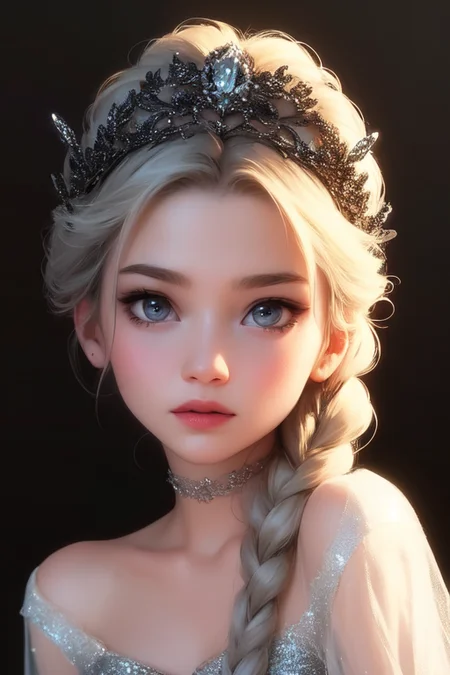
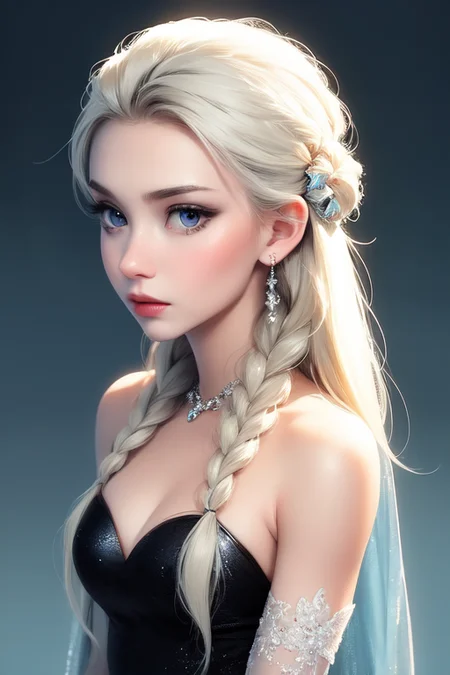
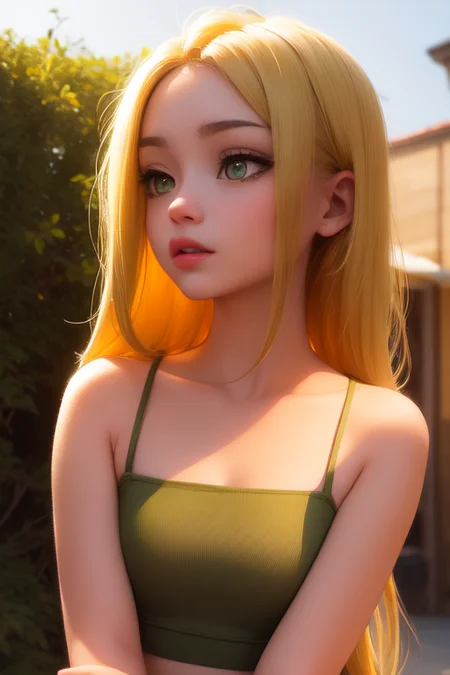
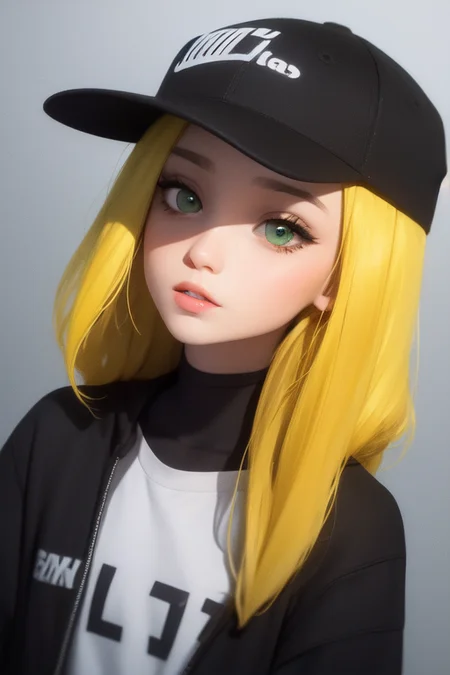
Sorry for the confusion. During the upscaling process, there were sampler and seed changes. Fixed it now.
I recommend ClipSkip 3. Sampler Euler a is recommended. The prompt "upper body" is recommended. The colors are fine with VAE applied. It's ok to use img2img SD upscale. img2img SD upscale method: scale 6~15, denoising 0.2-0.3 After selecting SD Upscale at the bottom, tile overlap 64, scale factor2 The sampler must be in DPM++SDE format. There may be some nasty troughs. It seems to be an unfinished model that gets weird when the character is far away.
But I don't have the confidence to make it better.
Also, Black Eyes can make your eyes look weird. about five out of ten
Please forgive the imperfect model. thank you
To reiterate the important part, if the picture is strange because the character is far away, use SD upscale. And don't forget ClipSkip 3.
If you don't want to appear young, say mature, 20~70 years old in the prompt, immatuer, loli, yong in the negative prompt
Description
FAQ
Comments (25)
Is this mix the 2nd version of DosMix ? All the renders prompts refers to DosMix and DosMix2.
Only the name has been changed several times, but it is a different model from Dosmix.
We found the problem and are fixing it. sorry.
Correctly replace problematic example image prompts during upscaling.
@DiaryOfSta Ok, no problem. Just curious.
Its a merge from some nsfw models and some nai diffusion, I did see purple artifacts and the same color blandness you get with the anything models without VAE. Its not a trained model.
@ctdde haha half right, half wrong
@DiaryOfSta Well I could only guess, I haven't looked into it that deep, but those purple artifacts I saw usually only come from merging with nai diffusion or anything
My images appears to be more desaturated, what would the problem be?
As stated in the description, pay attention to Clip Skip 3, Step 20 Scale 6, and VAE.
use with mse vae
use mse vae and hit "apply settings"
desaturated results, using clipskip3, vae auto.
u need t downplay mse vae from hugging face and paste in in VAE folder in stable Diffusion
sometimes the vae doesn't apply as well, check the log or just toggle your vae
I'd love to see the fp32 model for training, or the inpainting version 😊
Hello, would love to use this model, but I've followed all the instructions including using the mse vae and nothing has helped with the desaturation. It still looks like theres no vae. Could OP please link the vae we are supposed to use so I can use the model properly?
I had the issue and realized I never hit "apply settings" after selecting the SME VAE, try that
having the same issues with desaturation, using SME VAE but doesn't seem to change anything
Edit: nvm, I needed to hit "apply settings" when selecting the MSE VAE, really good results now with colors
First time I hear about Clipskip 3 being used anywhere. What makes a model require a particular CS? I thought it's just an inherited bug of NovelAI and their weird policies of using 2, but now 3?
Hi everybody,
What is the secret prompt to always have full bodies?
Thaks
any SDXL version of this?
I made a merge called mythic realism (search or on my profile) that is meant to make the 3d style but still detailed. from the images this model has made i would say mine is has more details (whether thats good or bad) because of mixing it with realism models.
Is there a version of this with VAE baked in? This is the only model I have where I have to switch the VAE to use
Details
Files
cartoonish_v1.safetensors
Mirrors
cartoonish_v1.safetensors
cartoonish_v1.safetensors
cartoonish_v1.safetensors
cartoonish_v1.safetensors
cartoonish_v1.safetensors
cartoonish_v1.safetensors
cartoonish_v1.safetensors
cartoonish_v1.safetensors
crtnsh.safetensors
cratoonish.safetensors
cartoonish_v1.safetensors
cartoonish_v1.safetensors
cartoonish_v1.safetensors
Cartoonish.safetensors
Cartoonish.safetensors
Available On (1 platform)
Same model published on other platforms. May have additional downloads or version variants.