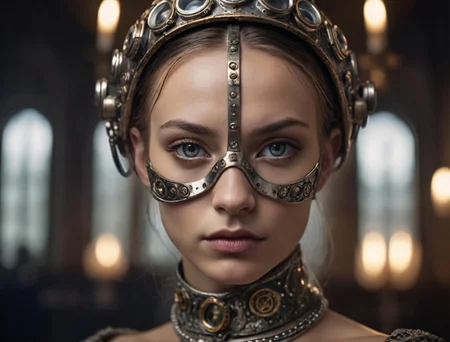
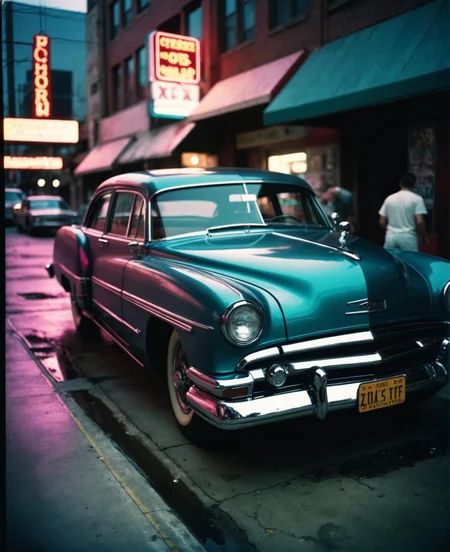
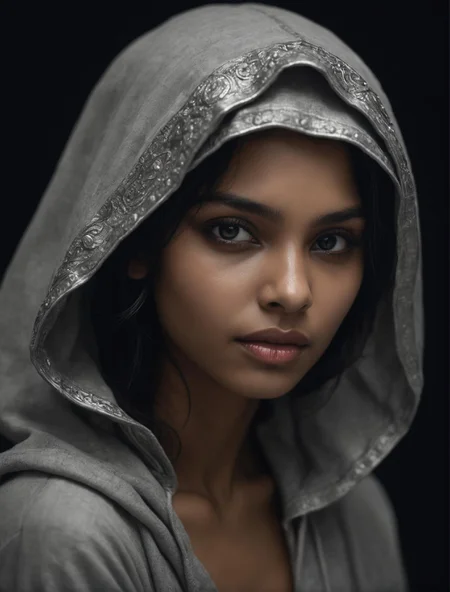
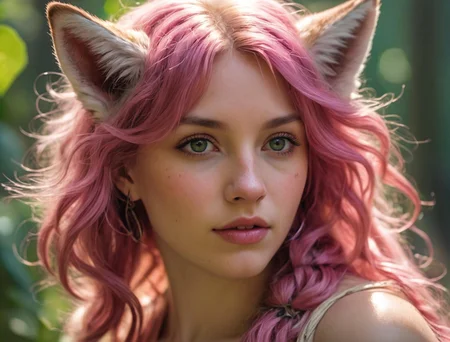




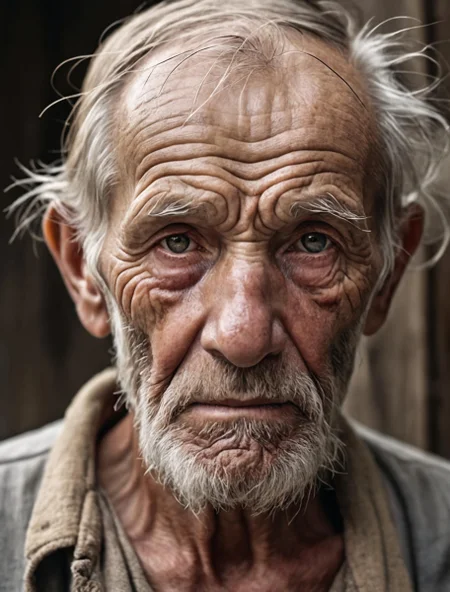


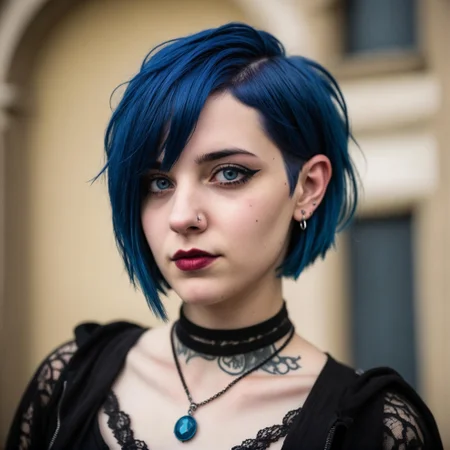


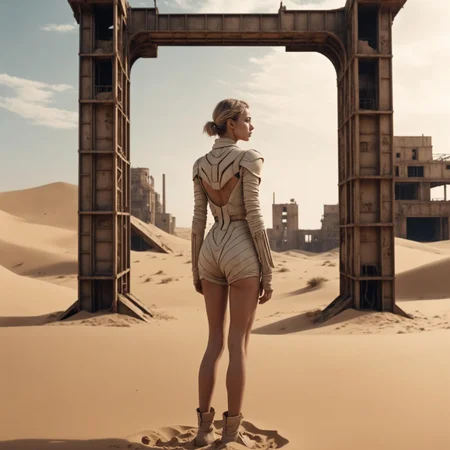
This SD 1.0XL-Checkpoint is capable to produce nearly everything.. It is very good creating extremly realistic pictures, anime and art. But beware! This model is still untamed... uncensored.. be aware of that!
Hephaistos NextGen DPO is a merge between my own Hephaistos NextGen Tensor 1.0 model https://tensor.art/models/671019109045166017 and the new DPO model https://huggingface.co/mhdang/dpo-sdxl-text2image-v1 .
Also it got some parts of freek22s model Gleipnir
https://civarchive.com/models/175094/gleipnir
Lately I also experimented with LCM and created some hybrid models with it. This model here also benefits from its LCM part.
What is DPO?
This stands for Direct Preference Optimization. Its basically a very optimised training method for getting better outputs..
Here you can get the full scientific paper: https://arxiv.org/abs/2311.12908
What is LCM?
Basically LCM allows models to operate in much lower cfg and steps.. this way this model is faster than normal checkpoints. I've tested in with A1111 and comfy.
How to use it?
Here is a cfg/step example from my tests with the DPM++ SDE sampler (other sampler can work a bit differently. Keep that in mind) klick here https://civarchive.com/posts/1053066
As you can see it has a wide range starting from 1 cfg and about 4-5 steps.. But I for a better quality I recommend using at least 8 steps and 3- 8cfg. As you can see the quality can increase with higher steps. Use clip Skip 2.
Comfy workflow:
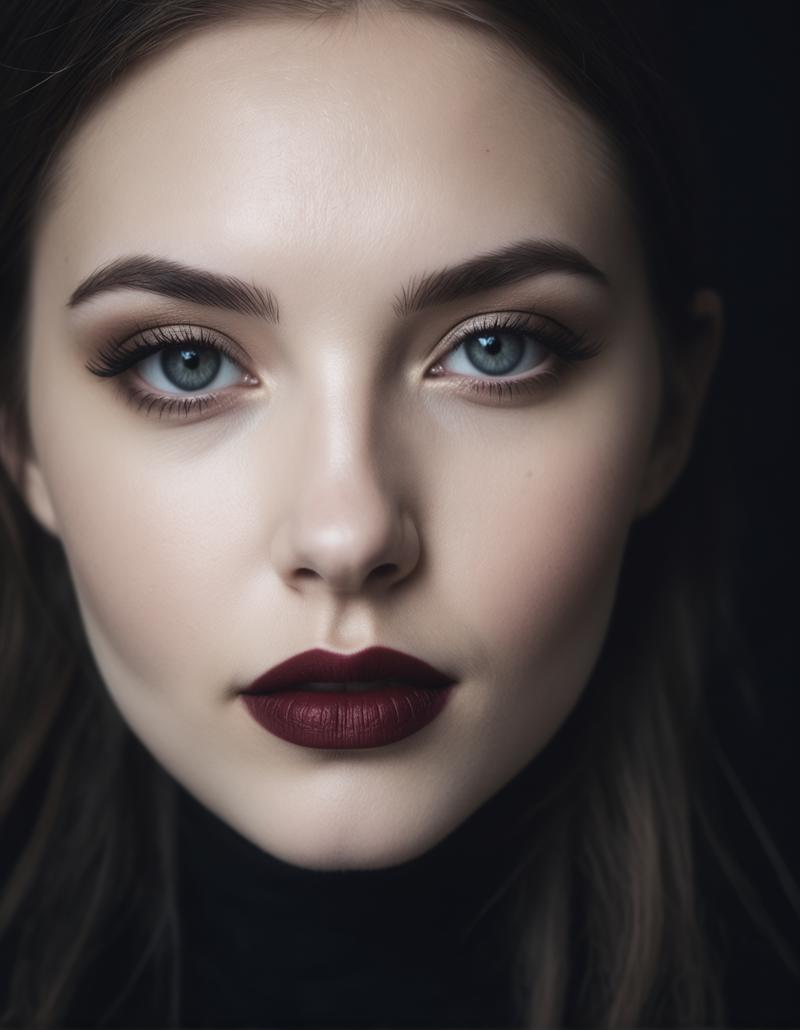
A prototype Comfy UI workflow can be downloaded here: https://civarchive.com/articles/3492/hephaistos-nextgen-dpo-prototype-workflow
Working samplers: Here is a list of working samplers..
I highly recommend use one of the following samplers: DPM++ SDE Karras, DPM++ SDE, DPM++ 2S a Karras, DPM++ 2S a
3-7+ cfg, 7-12+ steps, Clip Skip 2, use a highresfix with 0.2- 0.5 denoise and use the foolhardy-Upscaler.
Don't use following samplers:
DPM++ 2M, LMS, Heun, DPM++ 2M SDE, DPM++ 2M SDE Heun, DPM fast
Credits:
Thanks to the LCM Team for making all this possible. Here is their website: https://latent-consistency-models.github.io/
Thanks to the creators of the DPO model https://huggingface.co/mhdang/dpo-sdxl-text2image-v1 .
Thanks to Freek22, Check out his models too... https://civarchive.com/user/freek22
This model is trained on my first Hephaistos NextGen was Colossus Project XL so I will credit all creators (the stuff I used for Colossus Project XL). Those works are still inside the model somehow...
Realistic Stock Photo by PromptSharingSamaritan
https://civarchive.com/models/139565?modelVersionId=154593
NewdawnXL by freek22
https://civarchive.com/models/120741?modelVersionId=163104
Those resources I used to create Hephaistos, Talos and Asmodeus:
FenrisXL by freek22
https://civarchive.com/models/122793/fenrisxl
SDVN6-RealArtXL by StableDiffusionVN
https://civarchive.com/models/118114?modelVersionId=128795
first_nsfw_for_sdxl_v1 by sevenof9247
https://civarchive.com/models/118794/firstnsfwforsdxlv1
Perfect Eyes XL by Deizor
https://civarchive.com/models/118427/perfect-eyes-xl
Finenude by finenude
https://civarchive.com/models/117603?modelVersionId=127928
Hella Babes, a SDXL LoRA for better nudity by vfx_ai
https://civarchive.com/models/127842?modelVersionId=139902
Film Like XL by getjinxed
Description
I highly recommend use one of the following samplers: DPM++ SDE Karras, DPM++ SDE, DPM++ 2S a Karras, DPM++ 2S a
3-7+ cfg, 7-12+ steps, Clip Skip 2, use a highresfix with 0.2- 0.5 denoise and use the foolhardy-Upscaler.
Don't use following samplers:
DPM++ 2M, LMS, Heun, DPM++ 2M SDE, DPM++ 2M SDE Heun, DPM fast
FAQ
Comments (27)
A workflow for Comfy can be found here: https://civitai.com/articles/3492
I love that you provided a workflow for this as well as solid recommended settings in the "about" section. Every creator should follow your lead!
Thanks 👍 I mean I have tested it anyways for hours... For me its normal to add this stuff..
would it be possible to release a version without lcm? i often found the quality to speed tradeoff rather unappealing, and if necessary that functionality can still be added with the lora (with the additional advantage to be able to finetune its weight). :)
Hi, This version here has just a tiny fraction of lcm inside. There is no quality loss here anymore. It took me some time to get the ratio right.. Just try it 😉. To boost the quality of it just give it more steps. There is a reason why I didn't call it a 1.0LCM checkpoint. On higher steps it reacts more like a normal SDXL model. The advantage here is that you can still work with low cfg values. Just take a look at the showcase. I used here some more steps to boost the quality. All images of the showcase where made with the normal A1111 because I wanted to show it's stability. I haven't used any negatives. With comfy you can even increase the quality. I created a workflow for it which you can find in the description.
Back to your question... This model has it's origins from my more pure lcm Hephaistos NextGen models. i mixed it with my exclusive tensor.art model called Osiris Project XL to get it working for the online generation service there. This version is might the closest thing without lcm inside but I really highly recommend this version here. It would be very difficult and unnecessary to remove the lcm part from the Hephaistos NextGen series.
@Afroman4peace ok, i'll give it a try :)
hey man ;)
its not against you, but i dont like LCM...
better you calculate an own Tensor ONNX if yyou know how :D
because 4-5 steps !? if you do one more its a totaly defenrent picture, if you have a normal model you have 40steps ... 41 is not that different so you can tune a bit ...
Hi, This is not a normal LCM model. I have figured out a setting in which LCM is just a tiny tiny part of the model. This took me a while to figure it out. Just test it. Treat this like a normal model instead of a dedicated pure LCM model. The only benefit I got here was to lower the cfg range and slightly also lower the working range for steps... Again just test it ;-)
But I know what you mean by your statement.. I had my problems with it during the development of this model series. The initial results were let's say how it was.. Junk.. I didn't stopped until I got it to work and it really drove me mad at some point...
After countless hours of testing it works now. In fact I don't have any issues now. quite the opposite.... I just love the models working range..
first impression, works fine ... ;)
but some loras dont work ... AND seems that kohya doesnt work on learn loras on those checkpoints ... maybe you can check ?!?
@sevenof9247 I will check it today.
This model is NOT a pure LCM model.. After some experiments I figured out how to use just tiny a fraction of the lcm model to increase the working range. Treat this more like a normal model and please just test it.
Merged this in at 20% strength with one of my models and the results were superb. Thanks for the good work!
Good to hear that 🙂 Just mention me somewhere in the credits. Make sure that all sampler are working. This model series still has a small problem regarding most of DPM++ 2M Samplers and Heun. For me its not a problem because many other samplers are working fine but I just wanted to inform you. Maybe those are working in your model. Let me know about it.
@Afroman4peace I always mention every model I merge in, with links! The merge in question is into a Turbo merged / hybrid model so it also has issues with DPM++ 2M/3M and Heun, would love to know how to fix it.
@Socalista I know and I really appreciate it 😊. Sadly not all creators do that.. I am looking for a solution for the 2M bug. It might has to do something with my training I did to the models back then when I worked on the DEMON CORE models. I will let you know when I fix it.
Very fine model, especially as far as composition is concerned. It does not have so strong tendency to symmetry with central object in the middle as many other models.
What kind of problems will I see with the 2m sampler? I have that in some of my workflows - particularly the face restore nodes. Will have to remember to change it when testing.
hi. The image will get a bit grainy. Also artifacts could appear.
Blown away by this model, follows prompts well, produces some amazing images at 16-20 steps, only downside is he does not play nicely with controlnet
A very weak model, compared to the XL6 version, nothing at all.
When models say NSFW and SFW, how is that toggled? How do I turn one on or the other?
Your Prototype workflow image is posted as a jpeg so it does not work it should be .png
https://civitai.com/articles/3492/hephaistos-nextgen-dpo-prototype-workflow
hi. You can download the attached json and open it with Comfy ui.
Great model. Gives best results in ComfyUi
So far, this is absolutely my favourite model. Great results for wildlife in nature, which I simply have not been able to do with any other model yet.