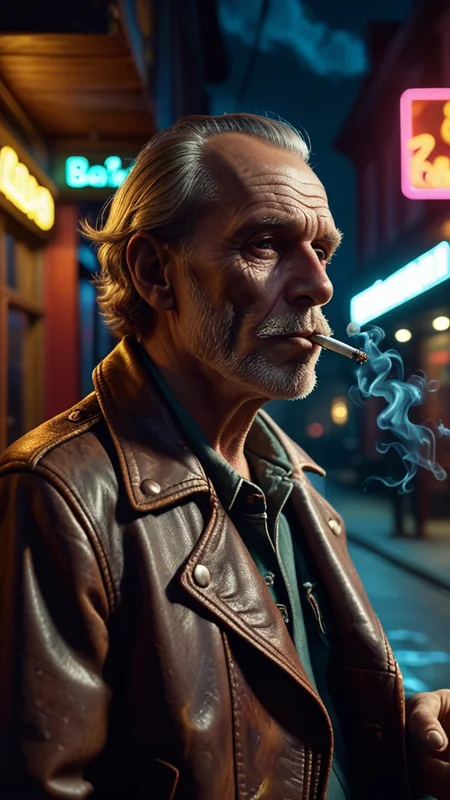

IM PLEASED TO RELEASE MY NEW CHECK POINT CALLED DREAM DIFFUSION SD3 LIKENESS. ITS ADHERANCE IS SOMETHING IVE NOT SEEN ON ANY SDXL MODEL BEFORE. I GOT A BIT BOARD OF WAITING FOR THIS PROPER SD3 MODEL TO BE REALSED SO .... I WANTED TO DEMONSTRATE WHAT SDXL MODELS CAN PRODUCE WITH SOME EXTRA TRAINING. FEEL FREE TO GO CHECK IT OUT HERE ON CIVITAI, SEE THE IMAGE PROMPTS TO RENDER OUTPUTS AND THE SD3 COMPARASONS IN THE DISCRIPTION. I WOULD LOVE TO HERE YOUR THOUGHTS AND SEE SOME OF YOUR CREATIONS ... THE MODEL CAN BE FOUND HERE... https://civarchive.com/models/452950/dream-diffusion-sd3-likeness-by-dice?modelVersionId=504300

Welcome to the new wave of Stable Diffusion
I'd like to start off with a HUUUGE thank you to everyone that has left feedback and supported the Dream Diffusion models. And liked the image posted below.
((( I HAVE JUST UPDATED A HUGE SELECTION OF FREE AI TOOLS IN MY ARTICLE AND I'M SURE THERE WILL BE SOMETHING IN THE DOWNLOADS LIST THAT WILL HELP YOU WITH ANY CREATIONS YOUR WORKING ON.... https://civarchive.com/articles/3903 )))

As a thank you I'd like to give you a Special hidden feature within Dream Diffusion Lightning. If you add this to your prompts you will get EPIC results. Use the brackets to.
(Use Dream Diffusion Secret Prompt)
Feel free to try this Short example of using the Secret prompt...
(3d, Seascape) Mansion, colorful volumetric mad-marbled-paper fog, Sunset, Vaporizer, Enhanced 3D Smoke Metrics, Depth pad 7, Event Horizion, Embedded Paisley, Foam Tipping, (Use Dream Diffusion Secret Prompt), Hendra Data, Pandora Palette, Epic, UHD
Unlock the full potential of your Stable Diffusion AI with my comprehensive guide on integrating over 260 free art styles. This tutorial is designed for both Forge UI and Automatic 1111 users, ensuring a seamless experience in enhancing your digital art creations. Follow my step-by-step instructions to install these styles effortlessly, and explore the vast possibilities they offer for your projects.
Enhance your digital art with over 260 free art styles for Stable Diffusion, compatible with both Forge UI and Automatic 1111. Our tutorial guides you through the easy installation process and demonstrates how to maximize these styles for your artwork. From a simple 'cat' to complex 'portrait cinematic' and 'pet photography' styles, learn how to apply, edit, and combine styles to refine your creations.
Explore a variety of art categories, including photography, painting, illustrations, 3D renders, and more, each offering unique styles to ignite your creativity. Get tips on using unconventional styles like 'microscopic' and 'experimental' for diverse effects. Discover how to produce high-quality images with 3D render styles and experiment with vector, line art, and design-oriented styles for comprehensive art projects.
Download the new art styles from this link:
https://drive.google.com/file/d/1gtIaIGH2mUFcN2QjIOw7wKfRhQw3PDCv/view
and enhance your digital artwork today.
Enjoy and thank you all again .... DICE
💜 THANK YOU ALL 💜
As this discription page is quite long I've also added an Announcement in the articles pages about the outpainting side of the model to. If you like using Outpainting then check this link out for some examples of Dream Diffusion Lightnings capabilities... https://civarchive.com/articles/4043/lightning-xl-dream-diffusion-fastest-most-detailed-checkpoint-ever-is-now-available-on-civitai
If you want any of the prompts in my images above you will find the orignals all in my profile images .
Video Below details how to use the model and how to create text with CFG = 1 and Steps = 1.
Running Dream Diffusion Xl Lightining in Img2Img using depth in control net and the Batch file option...... SMOOTH AS BUTTER.
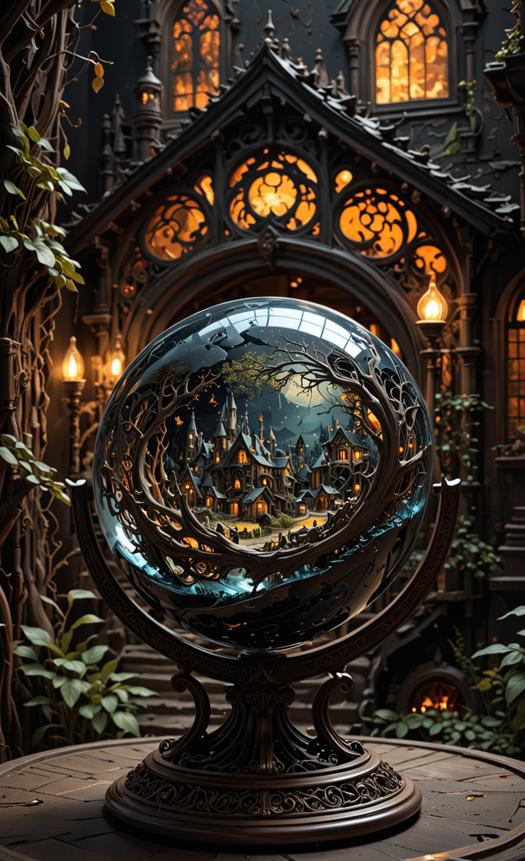
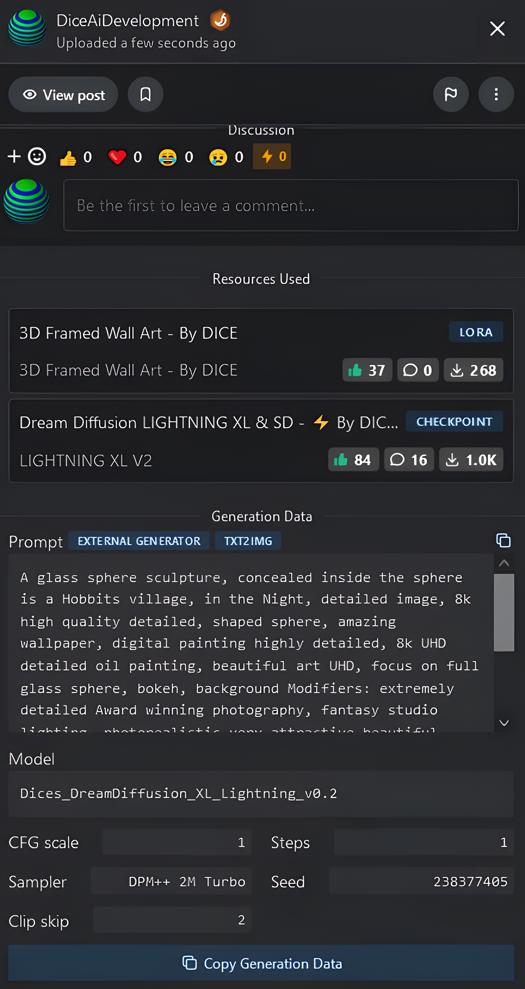
Below is a example render of the speed and detail of what you can expect from Dream Diffusion XL Lightning with a CFG = 1 and Steps = 1
I used RealESRGAN x4plus as high res fix and DPM++2M Turbo as the sampler.
The image with all those settings took exactly 7.2 seconds to generate .
Its lightning but with a turbo charger under the hood.

----------------------------------------------------------------------------------

Photography / Photorealistic image style
Prompt: photographic of <your prompt>. BREAK, 35mm photograph, grainy, professional, 4k, highly detailed, bokeh
Inverse prompt: drawing, painting, crayon, sketch, graphite, impressionist, noisy, blurry, soft, deformed, ugly
For example: photorealistic of a woman sitting at a cafe. BREAK, 35mm photograph, grainy, professional, 8k, highly detailed, Leica M50 F/2.8
Tips: You can replace bokeh (blur) with more professional prompts, such as: Shot by Leica M50 F/1.9, Shot by Hasselblad XCD 80mmF/1.9 to experience the beauty of color and out-of-focus brought by different camera lenses. Photography and Photorealistic have subtle differences, the latter leans towards realistic photography. Adding BREAK prevents color pollution, you can remove it and see the effect changes.
Cinematic movie style
Prompt: cinematic film still,<your prompt> . BREAK, shallow depth of field, vignette, highly detailed, high budget Hollywood movie, bokeh, cinema scope, moody
Inverse prompt: anime, cartoon, graphic, text, painting, crayon, graphite, abstract, glitch, deformed, mutated, ugly, disfigured
For example, you replace <your prompt> with this prompt and try the effect: a girl about 28 years old, clear facial contour, upper body, looking at viewer, Beautiful dynamic dramatic dark moody lighting, volumetric, shadows, art atmosphere
Analog film movie filter style
Prompt: analog film photo of <your prompt>. BREAK, faded film, desaturated, 35mm photo, grainy, vignette, vintage, Kodachrome, Lomography, stained, highly detailed, found footage
Inverse prompt: painting, drawing, illustration, glitch, deformed, mutated, cross-eyed, ugly, disfigured
For example, you replace <your prompt> with this prompt and try the effect: a girl about 28 years old, clear facial contour, upper body, looking at viewer, Beautiful dynamic dramatic dark moody lighting, volumetric, shadows, art atmosphere
Anime style
Prompt: anime artwork <your prompt>. BREAK, anime style, key visual, vibrant, studio anime, highly detailed
Inverse prompt: photo, deformed, black and white, realism, disfigured, low contrast
For example: anime artwork an island surrounded by the sea, dramatic. BREAK, anime style, key visual, vibrant, studio anime, highly detailed
Digital Art / Concept Art
Prompt: concept art of <your prompt>. digital artwork, illustrative, painterly, matte painting, highly detailed
Inverse prompt: photo, photorealistic, realism, ugly
For example: concept art of a warrior with a sword, clouds. digital artwork, illustrative, painterly, matte painting, highly detailed, cinematic composition
Fantasy Art
Prompt: ethereal fantasy concept art of <your prompt>. magnificent, celestial, ethereal, painterly, epic, majestic, magical, fantasy art, cover art, dreamy
Inverse prompt: photographic, realistic, realism, 35mm film, DSLR, cropped, frame, text, deformed, glitch, noise, noisy, off-center, deformed, cross-eyed, closed eyes, bad anatomy, ugly, disfigured, sloppy, duplicate, mutated, black and white
For example: ethereal fantasy concept art of a sorceress casting spells. magnificent, celestial, ethereal, painterly, epic, majestic, magical, fantasy art, cover art, dreamy
Comic Book
Prompt: comic book style, <your prompt>. professional detailed graphic novel illustration, intricate line work, intricate strokes
Inverse prompt: anime face, ugly, old, anime style, cartoonish, anime face, photorealistic, (poorly drawn face, cross-eyed), sweaty skin, latex clothes, low fidelity
For example: comic book style, Handsome man wearing a bulky fur coat, detailed hair, sitting in a well-lit warm log wood cabin indoors, winter time, cozy scene, detailed reflective eyes, holding a book and lantern, warm lighting, (stormy snow window in the background), luxurious lodge, professional detailed graphic novel illustration, intricate line work, intricate strokes
General Prompts
Prompt: breathtaking <your prompt>. award-winning, professional, highly detailed
Inverse prompt: anime, cartoon, graphic, text, painting, crayon, graphite, abstract glitch, blurry
Example: breathtaking night street of Shanghai, neon lights. award-winning, professional, highly detailed
1. For Fun
Use your negative prompt for you actual prompt lol. Feel free to copy paste my negative prompt below. You will get some epic funny renders.
Example:
(worst quality, low quality, normal quality, lowres, low details, oversaturated, undersaturated, overexposed, underexposed, grayscale, bw, bad photo, bad photography, bad art:1.4), (watermark, signature, text font, username, error, logo, words, letters, digits, autograph, trademark, name:1.2), (blur, blurry, grainy), morbid, ugly, asymmetrical, mutated malformed, mutilated, poorly lit, bad shadow, draft, cropped, out of frame, cut off, censored, jpeg artifacts, out of focus, glitch, duplicate, (airbrushed, cartoon, anime, semi-realistic, cgi, render, blender, digital art, manga, amateur:1.3), (3D ,3D Game, 3D Game Scene, 3D Character:1.1), (bad hands, bad anatomy, bad body, bad face, bad teeth, bad arms, bad legs, deformities:1.3), anime, cartoon, graphic, (blur, blurry, bokeh), text, painting, crayon, graphite, abstract, glitch, deformed, mutated, ugly, disfigured, nsfw, naked, nude, topless, nipples, (worst quality, low quality, lowres, low details, oversaturated, undersaturated, overexposed, underexposed, bad photo, bad photography, bad art:1.4), (watermark, signature, text font, username, error, logo, words, letters, digits, autograph, trademark, name:1.2), (blur, blurry, grainy), morbid, asymmetrical, mutated malformed, mutilated, poorly lit, bad shadow, draft, cropped, out of frame, cut off, censored, jpeg artifacts, out of focus, glitch, duplicate, (bad hands, bad anatomy, poor drawing hands, unfinished drawing hands, bad body, bad face, bad teeth, bad arms, bad legs, deformities:1.3), (3d model:1.5)

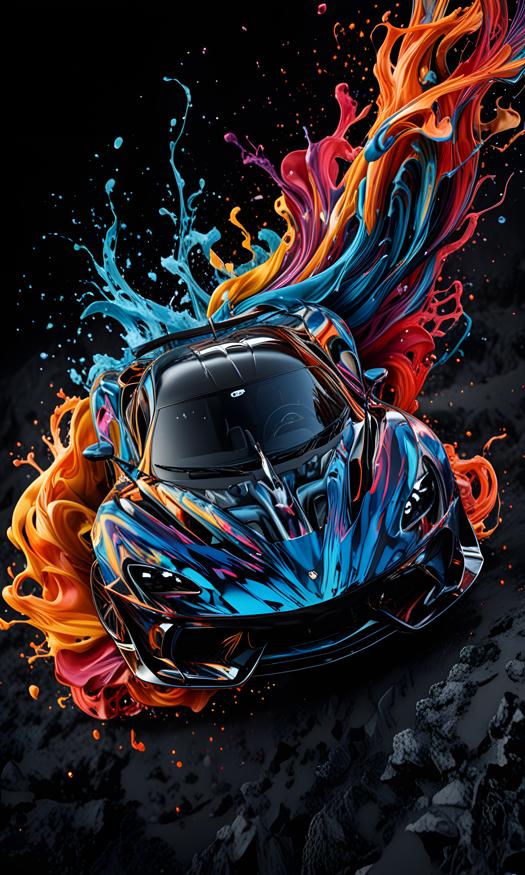
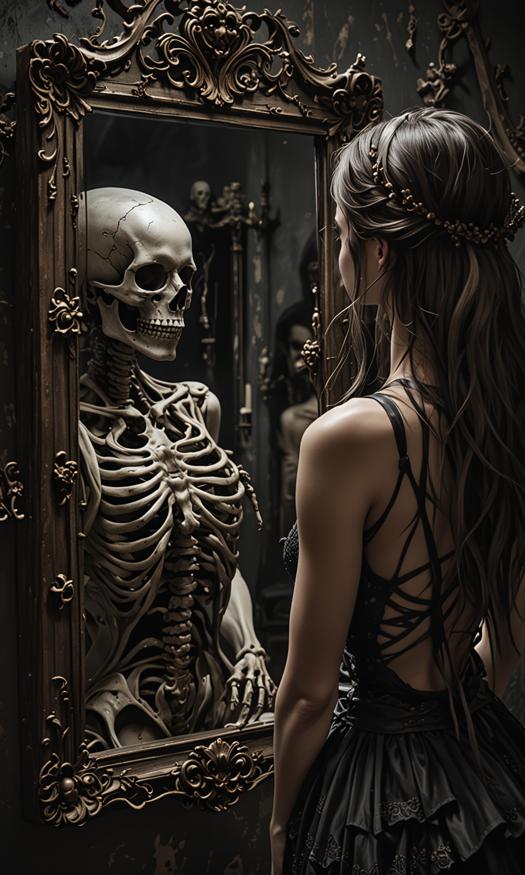
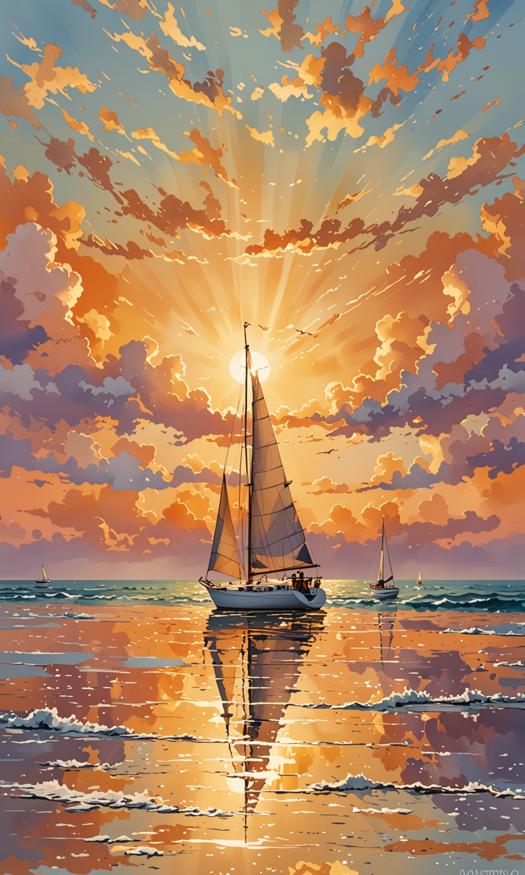
This Section is for What I class as OUTSTANDING renders by users of Dream Diffusion Lightning XL. This will grow as I see users Renders in the Gallery. No Images will be added here without consent of the user first.
@Abzaloff
 @slippery_
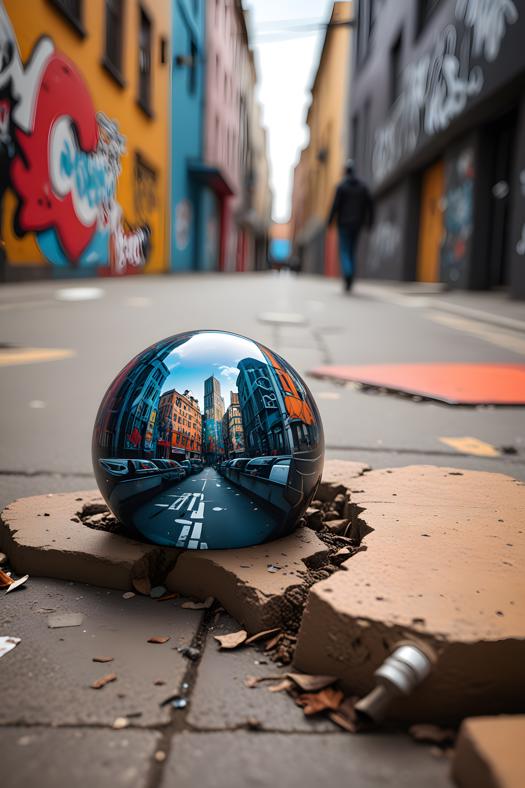
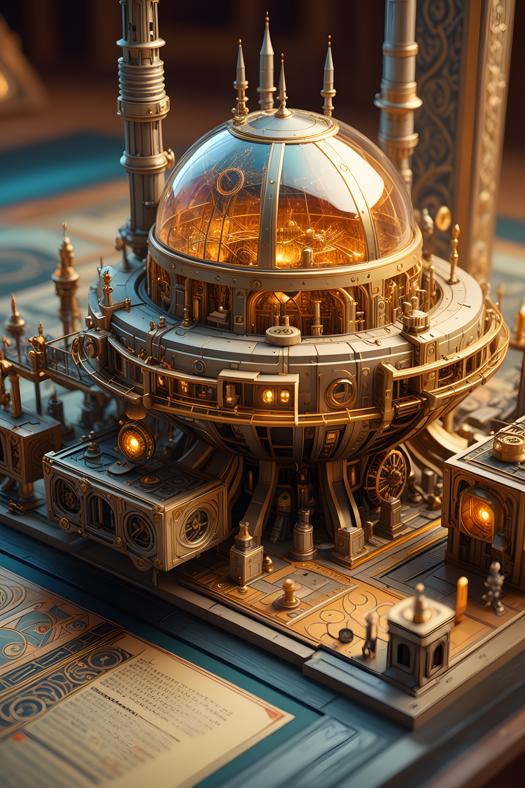 @Gipm80
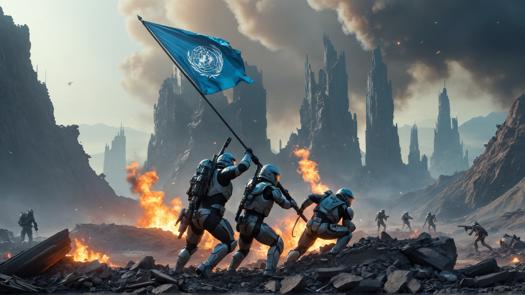 @WTFusion
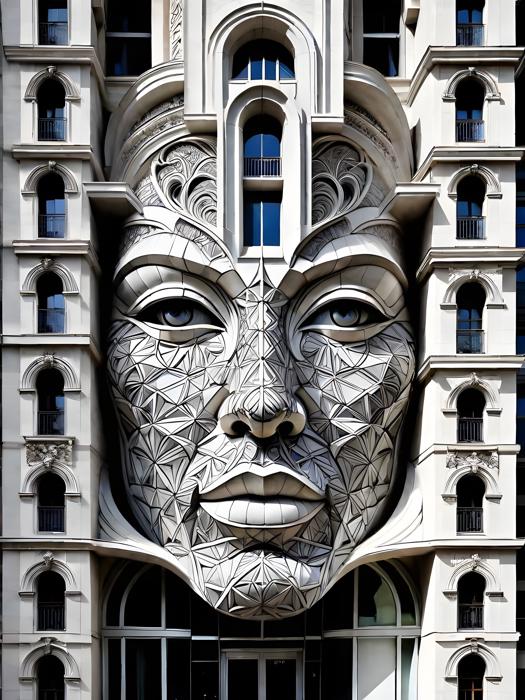 @legato67
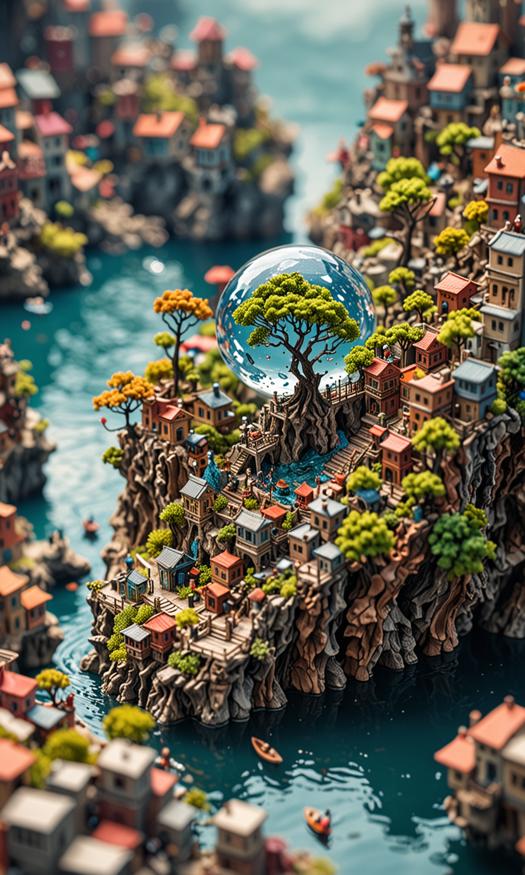 @Imagination_2_AI
 @zirteq
His Youtube Video was running with Dream Diffusion Lightning XL
@Qvoheu
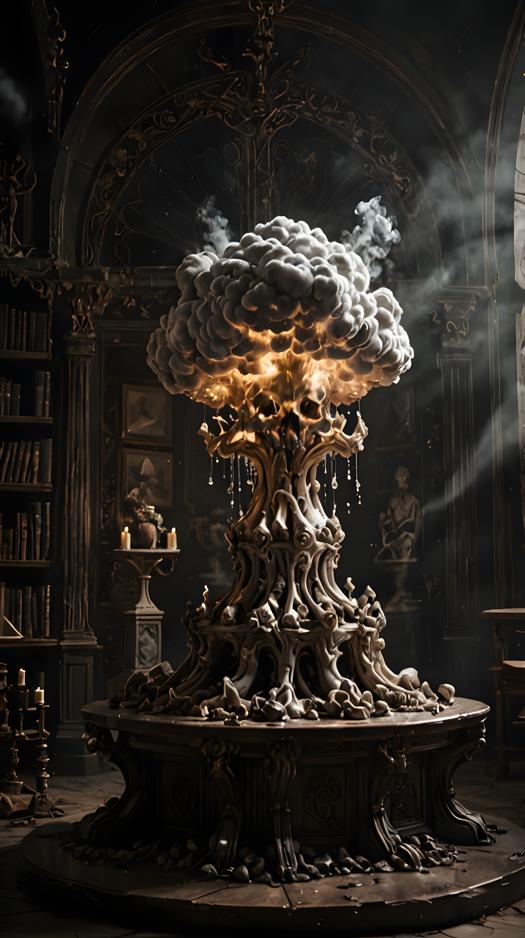 @WoodyHudson
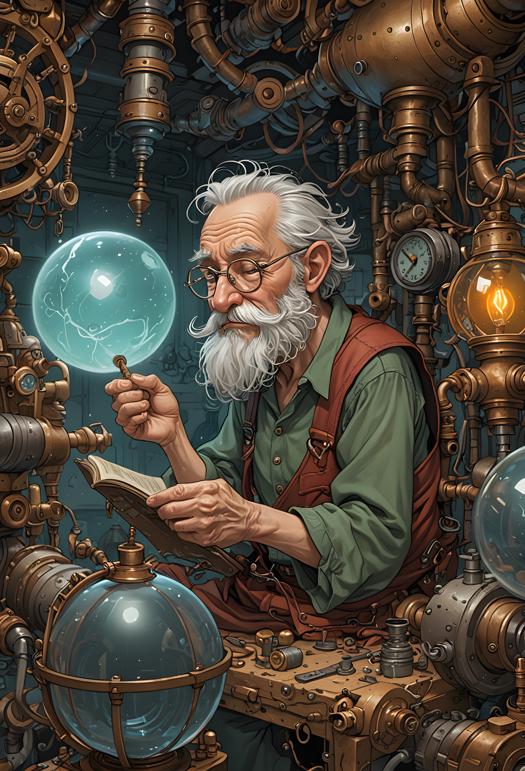 @zimakdv870
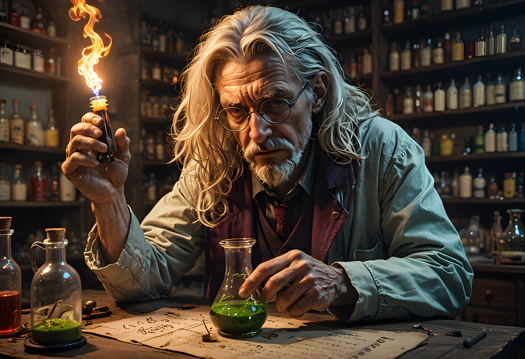 @badassdragoon2
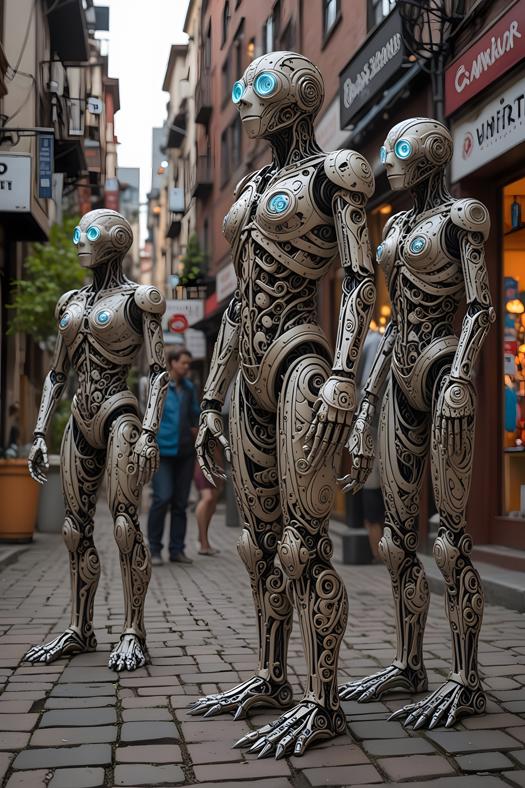
I hope that gives you some rough ideas on how to use this checkpoint.
Enjoy >>>>>
Description
Ultra Hyper with Baked in Vae
FAQ
Comments (39)
Been wondering when you were gonna drop something like this <3 <3 <3
Hi, I used this checkpoint over on automatic 1111 with your lora for detailing. I got to tell you thats outstanding work. I have never seen anything do as well as this . 5 star needs 10 star rating to be fair
Regarding this checkpoint and Project XL, which one is more suitable for landscapes and buildings?Or Project XL was just it, a project or kinda a prelude for this one?
one of the most detailed pictures i've seen below 6 steps so far, (at least on portraits type of images)
Hi Dice ive been following your work and this is a beast. How the hell did you make this. You have the guys in my office puzzled. But I have a offer I would like to disscuss with you. I will send you a chat message... GREAT WORK .. YOUR LEADING THE RACE ON SDXL MODELS
Amazing job!! It's the best thing I've ever seen.
Hi Dice, I used this checkpoint over on Automatic 1111. I gotta agree with all the others. THIS IS THE BEST CHECKPOINT "EVER". The detailing and the speed are amazing. Juggernaut has always been my top stop checkpont BUT not anymore. You made something here that you must be so proud of. Well done and i've aready spread the word to my Youtube followers. Stay number one and keep them coming
What an absolute weapon of checkpoint. My new Go to Checkpoint for SDXL
Great checkpint but... where can I find your sampler ? In my dropdown I can't find your sampler - google has no info sabout it, too!
I heard about this checkpoint but doubted the things people were telling me about it. I was wrong to doubt them, this is truely something special. It's like it knows exactly what I want the render to look like. Amazing work my friend... Truely amazing
your models are insane!!! cool stuff!!
DICE Your a True Legend Mate.. Why Hasnt Civitai made this checkpoint usable on here. It's by far the best checkpoint availble to date. Its now the only checkpoint I really use as it does everything in rapid time and gives the best renders I've ever seen. If your contemplating to download this checkpoint just do it... There is no competition out there that gives better results. Keep on making this stuff Dice and youll be a master in your own rights, CONGRATULATIONS
Incredible work, simply the best out there, congratulations matey.
WOW WOW WOW, Been using this on Automatic 1111 and the images are so fast to render and they are so detailed. Also sphere work you do with this checkpoint is absolutely amzaing. And those prompts for the tree houses, I used them and simply crazy mate. This is definately the best checkpoint I have in my collection and my collection is 50 plus checkpoints. WELL DONE MY FRIEND
Hi there Dice. I'm the CEO of a very well known Ai Art platform and we have been following your work now for some time. We are incredibly impressed with this particular model, that we would like to discuss with you a contract. I have sent you a message on here with my contact info and we look forward to your reply. Thank you again .. Mike
I have been using this model for over 2 weeks now and it never fails to thrill me! It is fast, detailed, and understands promt very easily! This model always does what I want it to do. And importantly, the model is great friends with ControlNet) Thank you again, Dice, for a great job!!!!
Hi Guys, Thank you all for the amazing feedback. As a thank you I'd like to give you a Special hidden feature within Dream Diffusion Lightning. If you add this to your prompts you will get EPIC results.
(Use Dream Diffusion Secret Prompt)
I have added a explanation and a small prompt example in the model discription.
Enjoy and thank you all again .... DICE
I need a comfyUi workflow for this checkpoint I can't find dpmpp 2m turbo sampler and I do not know how to make hires fix, so I was not able to make a good setup in comfyUi.
Music video generated using LIGHTNING XL V2
I truly appreciate this model, and I would like to invite Dice to join Shakker on behalf of our platform. We want more users to have access to such an excellent model.This model is capable of generating high-quality images with relatively few steps. It responds better to prompts, produces images with superior texture, and offers more detailed content compared to other XL models. Plus, it can handle any scenario, including illustrations, product visuals, realistic portrait photography, surrealism, and more.
Ello Dicey, I joined Civitai today just so I could download this model. So pleased I did. Its crazy how you have managed to get this model to listen so well to prompts. It does what i ask every single time. This is something else man. I mean this when i say it.. This is not just a little bit better its worlds apart from any SDXL model ive ever used . And ive used 100s. Well Done man . This should be more famous than it is .. Ill be spending the word in the communities im in. Mant thanks for making some thing like this for us users and for free... The amount of work you must of put into creating this . THANK YOU SO MUCH
I'm not a writer, I'm an artist :))) But in this case I will write anyway. Thank you so much DICE for the wonderful checkpoint. Every AUTOMATIC1111 user knows perfectly well how capricious even the best models are. This adds gray hair and frayed nerves to all of us. But this case is simply amazing. An absolutely light, obedient and flexible model in all styles and directions. Probably, at the moment, this is the only model with which I worked easily and with pleasure. Thank you DICE for saving our nerves :)
I really liked the DICE model. Only "1" on CFG scale, and the result is excellent and detailed photos. It also saves a lot of time and does not allow you to forget what you wanted to depict while the generation is in progress.
So far the fastest! I only have a small "situation" and is about it's relation with ControlNet.
I'm having difficulties in following the scene's pose. Even using two units with the same pose sometimes it follows, sometimes it not. And if I have more than one person in the scene gets worst.
I'm using Forge's integrated ControlNet. Any advice?
A few more enlightenments, please: about prompts extension, DD Lightning works well with bigger prompts?
And what is the best way to get real full body images, from head to toes, not only from over the knees?
Underrated gem
What is your take on those new new schedulers? I've read that the "Turbo" one is more suitable to XL Turbo , while "SGMUniform" is for XL Lightning. Is it your opinion as well?
By far the best lightning model on the web. BRAVO
why such a short description?
Nice, 𝔻𝕀ℂ𝔼!!! Another great job! It's a masterpiece!
Well, I suppose I have to replace one DD version, again :). What's the main difference between Hyper and Lightning, the it/s speed?
This checkpoint doesn't shows in your profile if I select "all models" or " base models" even without any filter, weird... And your detailer gets another one's info and is misdirected to https://civitai.com/models/126343 when civitai info is gathered from Civitai Browser+ extension, also weird...
Thank you very much for another wonderful checkpoint, which is very easy to work with, convenient and fast. BRAVO !!!
Hi Everyone. Loving your renders on the lightning and hyper checkpoints. Mixed bag between users to which one they prefer. I just added a new lora called Paint Effects which covers every painting style and works great on Ultra hyper. Keep them awesome renders coming I love seeing your works and ill always thumbs up and hearts your posts . I also noticed some of your renders using Ultra hyper have made featured images on the home page. Excellent to see that. Well done guys and gals. Enjoy....
I'm blown away by your hyper-sd model. It does what I wanted with a broad panel of different art styles while being hyper-sd. I'm gonna use it to test my wildcards.
IM PLEASED TO RELEASE MY NEW CHECK POINT CALLED DREAM DIFFUSION SD3 LIKENESS. ITS ADHERANCE IS SOMETHING IVE NOT SEEN ON ANY SDXL MODEL BEFORE. I GOT A BIT BOARD OF WAITING FOR THIS PROPER SD3 MODEL TO BE REALSED SO .... I WANTED TO DEMONSTRATE WHAT SDXL MODELS CAN PRODUCE WITH SOME EXTRA TRAINING. FEEL FREE TO GO CHECK IT OUT HERE ON CIVITAI, SEE THE IMAGE PROMPTS TO RENDER OUTPUTS AND THE SD3 COMPARASONS IN THE DISCRIPTION. I WOULD LOVE TO HERE YOUR THOUGHTS AND SEE SOME OF YOUR CREATIONS ... THE MODEL CAN BE FOUND HERE... https://civitai.com/models/452950/dream-diffusion-sd3-likeness-by-dice?modelVersionId=504300
I've added a little treat for you all in the model description. Hope it helps you out if you need it ... DICE
Hey Guys , I've had a lot of requests on how to use and add the Turbo samplers that you see me using all the time. So here is a video with the script edit i created to add the 3 Turbo samplers to automatic 11 11