


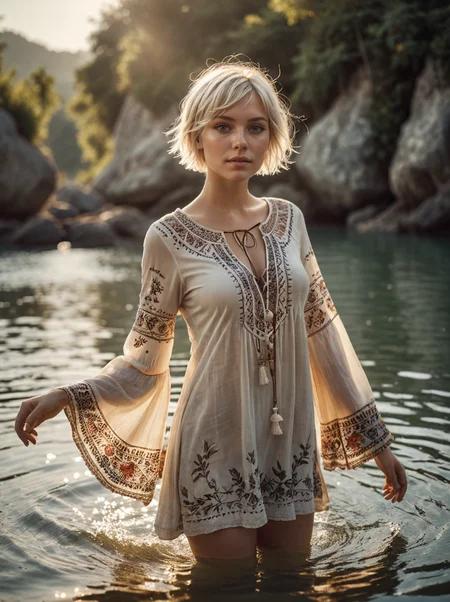
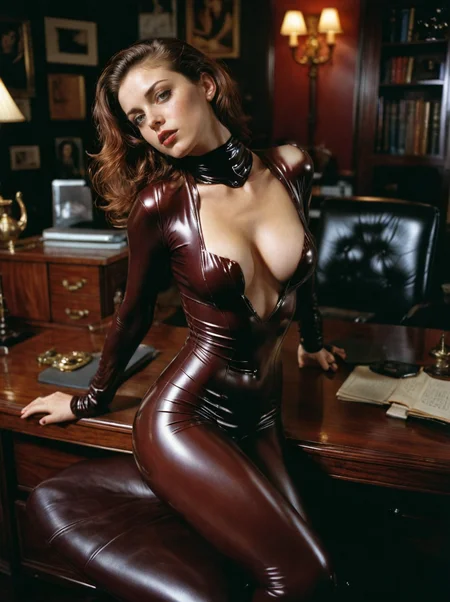
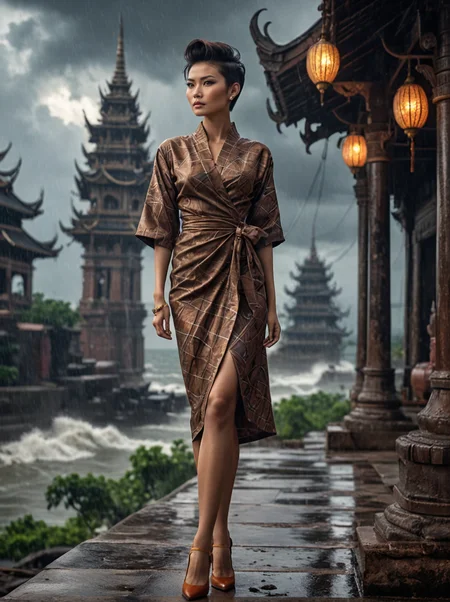
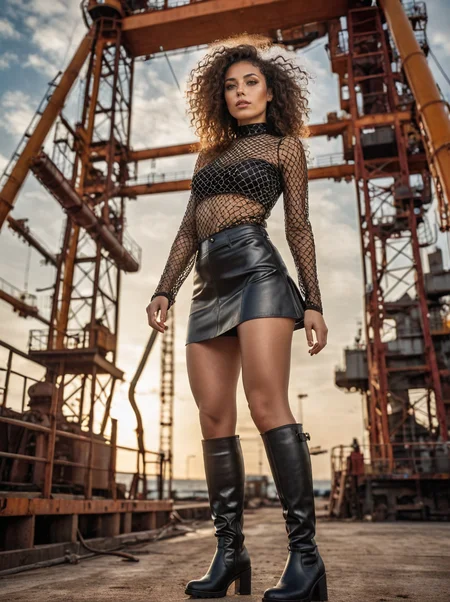

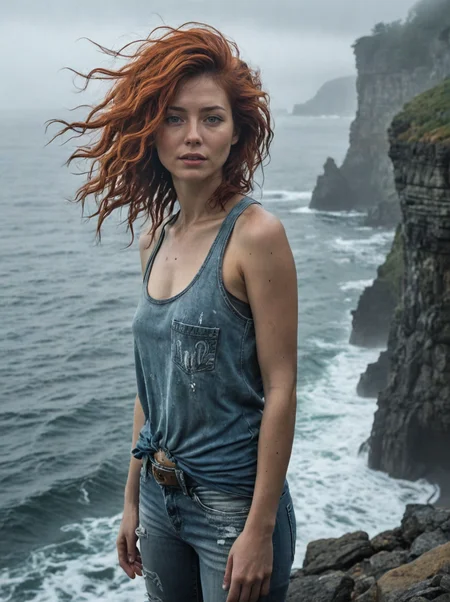
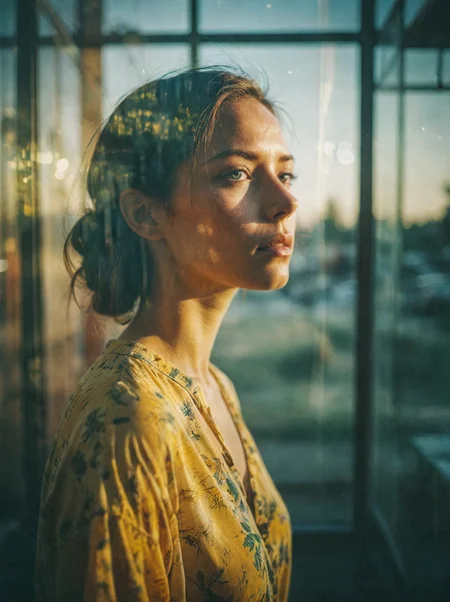
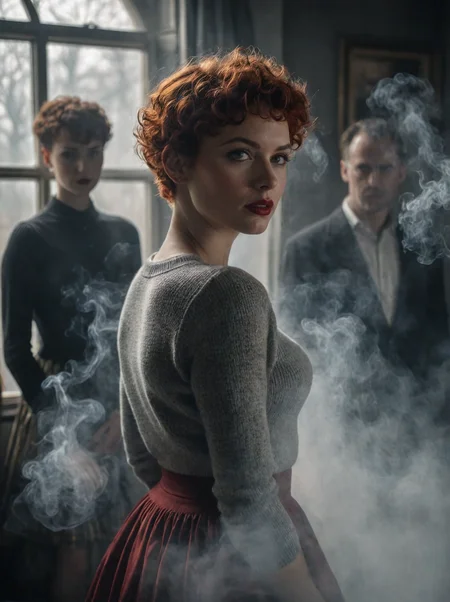
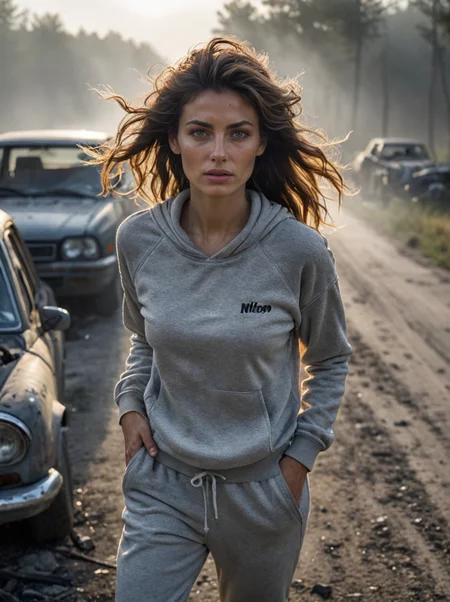
Pour les francophones, vous pouvez retrouver un guide d'utilisation sur:
https://www.stablediffusion.blog/creaprompt-lightning-sdxl
A1111 users, try https://github.com/tritant/sd-webui-creaprompt
ComfyUI users, try https://github.com/tritant/ComfyUI_CreaPrompt
CreaPrompt_Ultimate6
Better colors, better lighting, better contrast, have fun!
CreaPrompt_Ultimate4
More realisme, more versatility
CreaPrompt_Ultimate3
This version is a merge of SD3 clips with CreaPrompt_Ultimate2. I used the same technique as @Adel_AI for Pixel Alchemy. I think this is my best version ever
CreaPrompt_Ultimate2
More realisme
CreaPrompt_Ultimate
This is a merge between CreaPrompt_Hyper_CFG_v2.0 (0.7) and Pixel Alchemy (0.3)
https://civarchive.com/models/469255?modelVersionId=536516
Usage:
Euler Uniform 14 steps CFG 3,5
But there are many different settings possibilities
CreaPrompt_HyperSDXL_CFG
V2.0
Usage:
sampler: Euler a SGM Uniform/Uniform
steps: 6-25
CFG Scale: 1-7.5
To use a higher CFG, you must use higher steps
V1.1 More realism, more versatility
Hight CFG scale version, because of this, the rendering possibilities are multiplied
For me the best settings is DPM++SDE Karras steps: 6 CFG scale 3
Try Euler a Uniform (not SGM) steps: 10 CFG scale: 3
Samplers:
DPM++SDE Karras
Euler a Uniform
DPM++2S a Uniform
Other settings tested:
steps: 3 CFG scale: 2
steps: 4 CFG scale: 3
steps: 5 CFG scale: 4
steps: 8 CFG scale: 5,5
For more cfg, you need more steps
CreaPrompt_HyperSDXL
v1.2 More realism in 3 steps, much less artifacts, NSFW
v1.1 A little less saturation and artifacts
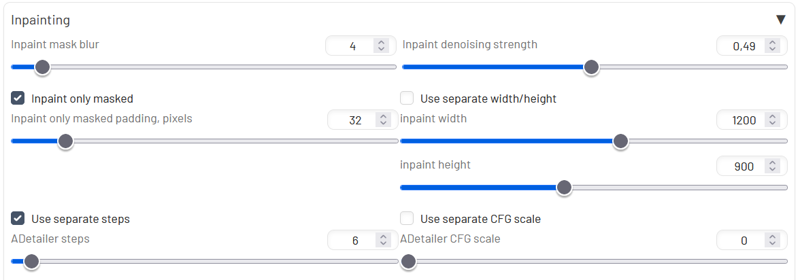
For detailed face, use Adetailer with this settings
 For more realism use:
Steps: 11, Sampler: DPM++ 2S a, Schedule type: Karras, CFG scale: 1-1.5
For more speed use:
Steps: 3, Sampler: DPM++ SDE, Schedule type: Karras, CFG Scale: 1-1.5
CreaPrompt_Lightning
V1.3 more vibrance, more contrast
V1.2 more lora merged
The version 1.1 has much less artifacts, more vibrant colors and much more versatility.
Usage tips:
Steps: 4-7
CFG scale: 1-3
Sampler: DPM++ SDE Karras, DPM++ SDE
For faces I use ADetailer with the model face_yolov8n.pt and a Inpaint denoising strength of 0,49
V1.0 This checkpoint is oriented towards the Midjourney style portrait
Using advice
Steps: 5
Sampler: DPM++ SDE Karras
CFG scale: 1
Using Adetailer with Denoising strength: 0.49
For more realism you can use this Lora
https://civarchive.com/models/384163
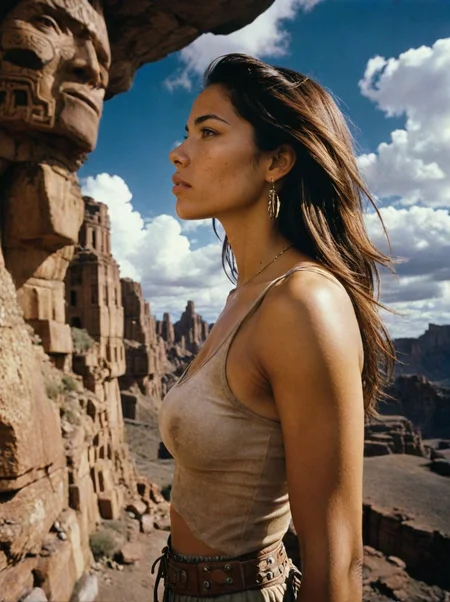
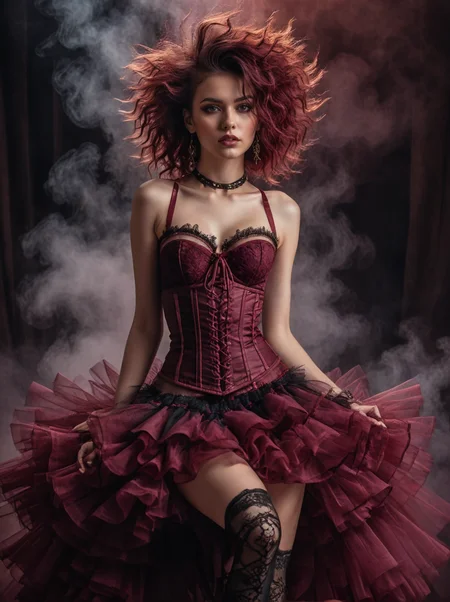
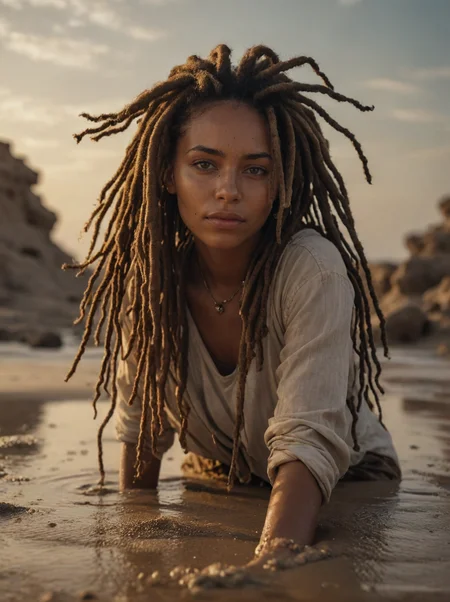
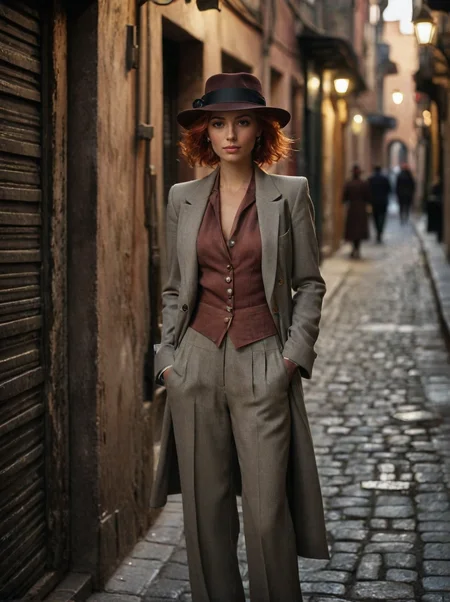
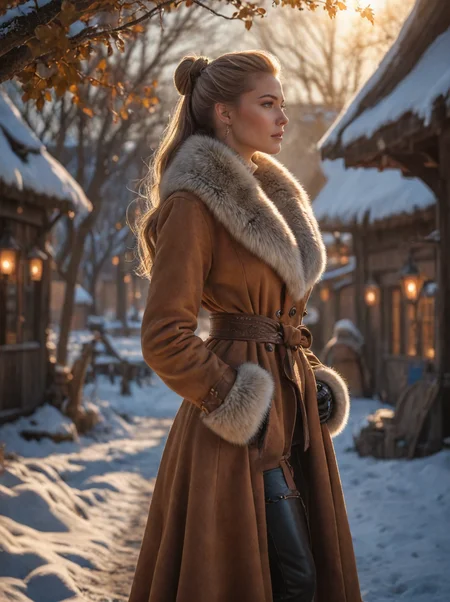
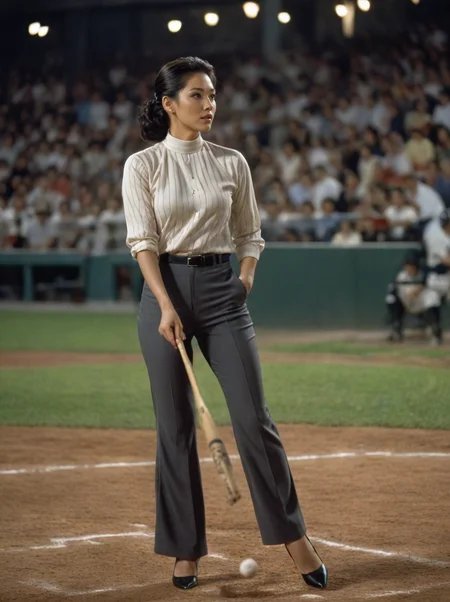
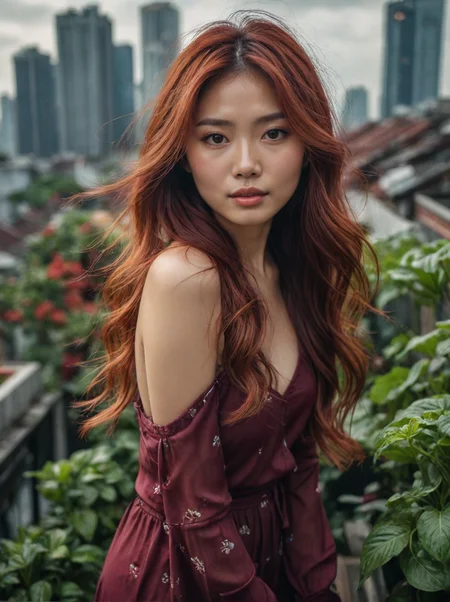
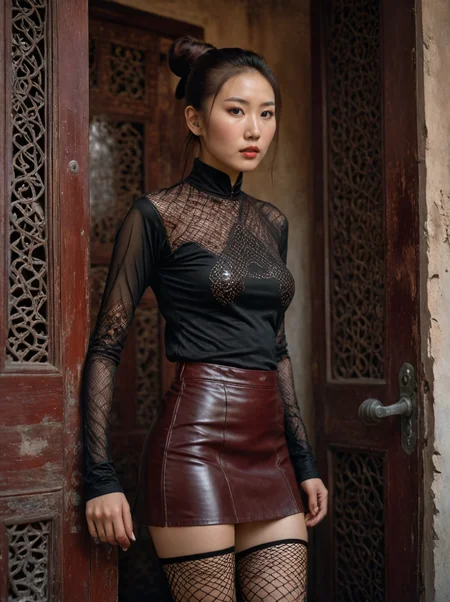
All image prompts come from the CreaPrompt collection, an extension for A1111/Forge
Description
Better colors, better contrast, better lighting
Try with:
Euler, 8-14 steps, CFG 2-3.5
FAQ
Comments (11)
Gertrude porte drapeau :)
Obligé au moins une fois ;) (j'ai pas eu le choix, sinon elle me tape :D)
I'm all in with this model. It's excellent both for generating renders on its own and for refining Pixart-generated renders.
Thx for your feedback
Could you please add" recommended setting" in "about this version"area. thanks!
Look the meta data in the picture of the gallery
This latest model had become my favourite that is until I did a Comfyui update. Now I can no longer render an image using euler sampler?? Have tried googling a solution but can't find an explenation. Pretty bummed out
@jice thanks, I actually found a way around this by using the ddim sampler and scheduler which is giving me good results. Not quite as good as I had dialed in with the euler sampler. Never found any info as to why this could have happened which is very strange.