
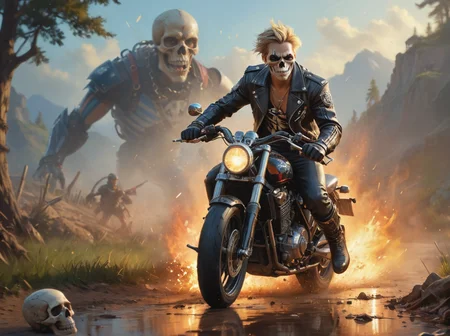

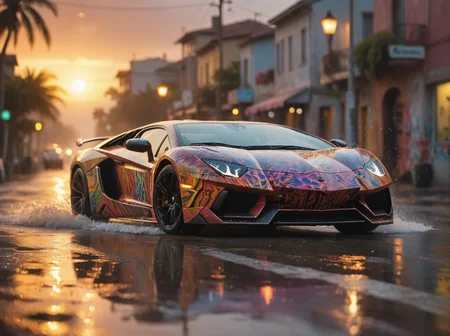
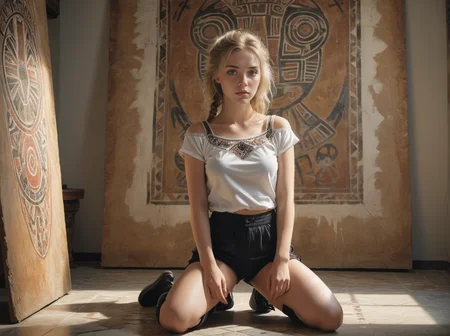
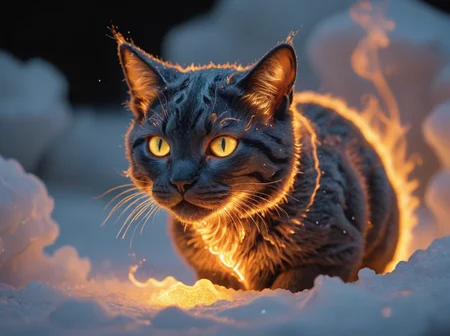
Pour les francophones, vous pouvez retrouver un guide d'utilisation sur:
https://www.stablediffusion.blog/creaprompt-lightning-sdxl
A1111 users, try https://github.com/tritant/sd-webui-creaprompt
ComfyUI users, try https://github.com/tritant/ComfyUI_CreaPrompt
CreaPrompt_Ultimate6
Better colors, better lighting, better contrast, have fun!
CreaPrompt_Ultimate4
More realisme, more versatility
CreaPrompt_Ultimate3
This version is a merge of SD3 clips with CreaPrompt_Ultimate2. I used the same technique as @Adel_AI for Pixel Alchemy. I think this is my best version ever
CreaPrompt_Ultimate2
More realisme
CreaPrompt_Ultimate
This is a merge between CreaPrompt_Hyper_CFG_v2.0 (0.7) and Pixel Alchemy (0.3)
https://civarchive.com/models/469255?modelVersionId=536516
Usage:
Euler Uniform 14 steps CFG 3,5
But there are many different settings possibilities
CreaPrompt_HyperSDXL_CFG
V2.0
Usage:
sampler: Euler a SGM Uniform/Uniform
steps: 6-25
CFG Scale: 1-7.5
To use a higher CFG, you must use higher steps
V1.1 More realism, more versatility
Hight CFG scale version, because of this, the rendering possibilities are multiplied
For me the best settings is DPM++SDE Karras steps: 6 CFG scale 3
Try Euler a Uniform (not SGM) steps: 10 CFG scale: 3
Samplers:
DPM++SDE Karras
Euler a Uniform
DPM++2S a Uniform
Other settings tested:
steps: 3 CFG scale: 2
steps: 4 CFG scale: 3
steps: 5 CFG scale: 4
steps: 8 CFG scale: 5,5
For more cfg, you need more steps
CreaPrompt_HyperSDXL
v1.2 More realism in 3 steps, much less artifacts, NSFW
v1.1 A little less saturation and artifacts
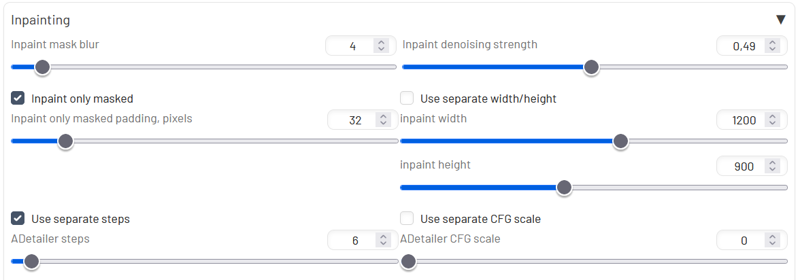
For detailed face, use Adetailer with this settings
 For more realism use:
Steps: 11, Sampler: DPM++ 2S a, Schedule type: Karras, CFG scale: 1-1.5
For more speed use:
Steps: 3, Sampler: DPM++ SDE, Schedule type: Karras, CFG Scale: 1-1.5
CreaPrompt_Lightning
V1.3 more vibrance, more contrast
V1.2 more lora merged
The version 1.1 has much less artifacts, more vibrant colors and much more versatility.
Usage tips:
Steps: 4-7
CFG scale: 1-3
Sampler: DPM++ SDE Karras, DPM++ SDE
For faces I use ADetailer with the model face_yolov8n.pt and a Inpaint denoising strength of 0,49
V1.0 This checkpoint is oriented towards the Midjourney style portrait
Using advice
Steps: 5
Sampler: DPM++ SDE Karras
CFG scale: 1
Using Adetailer with Denoising strength: 0.49
For more realism you can use this Lora
https://civarchive.com/models/384163
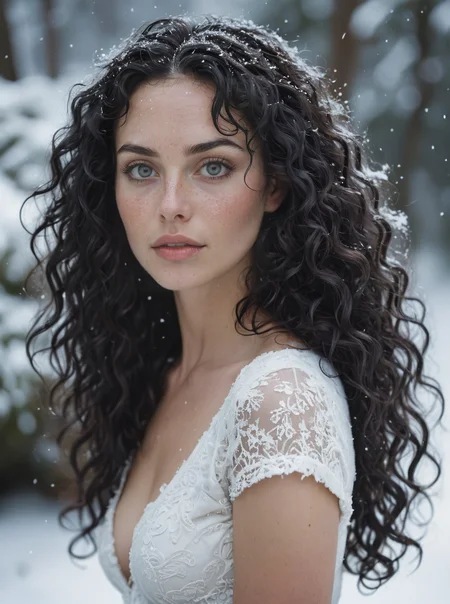
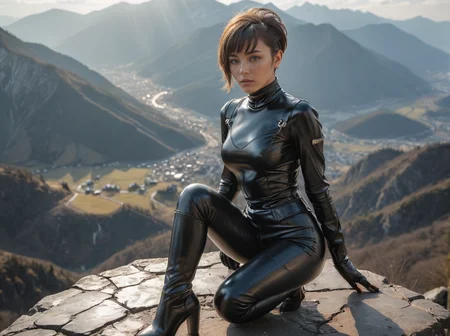
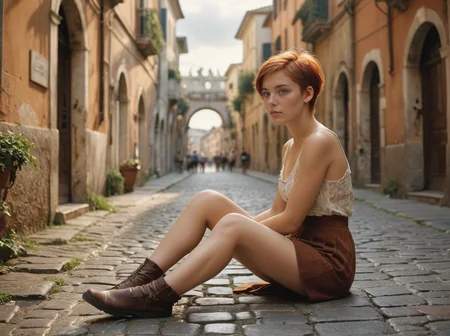
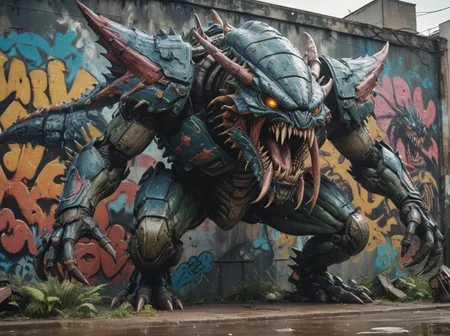
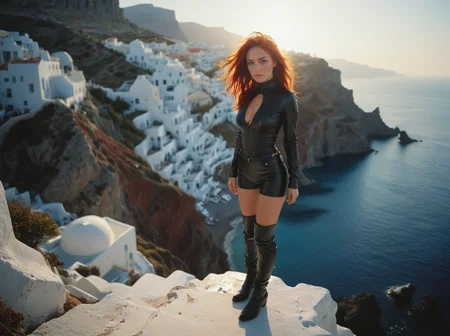
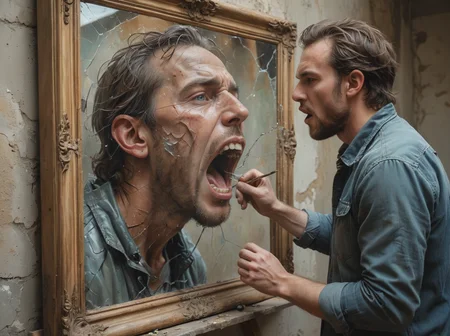
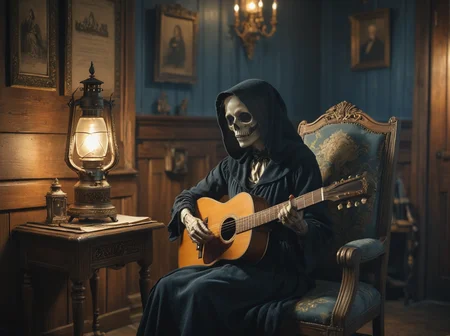
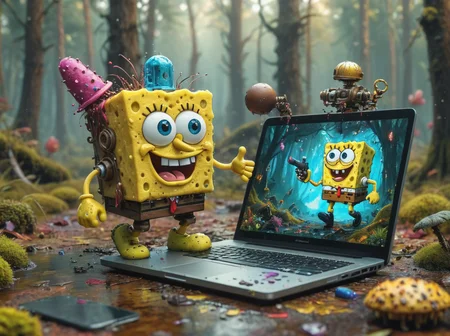
All image prompts come from the CreaPrompt collection, an extension for A1111/Forge
Description
FAQ
Comments (12)
I'm curious which loras you merged? Looks pretty good, gonna give it a try :)
Have you experimented with using different CLIPs with the model? I've found with certain merges using different CLIPs makes it way more compliant and you can specify more things in the image. But I have to say the image quality is great. Kudos to you! :)
gives a lot of errors: TypeError: 'NoneType' object is not iterable
no other model gives this error
@jice which version do you recommend, other models don't give this error
@civitai6999 I use A1111 or Forge, other users don't get this error, it seems you are the only one
Hi, I have the same error, did you fix it ? Thank you :)
@Monsieur_Raphael I can't fix something I can't reproduce, sorry
@jice Sorry I was talking to @civitai6999 and i forget the @ ^^ I'm sure it's not you :)
@civitai6999 I found the source of the problem. Do not directly copy the information from the example photo prompt. There are inpaint and other adetailer parameters inside that are not recognized if you copy and paste all the image information directly and it crashes everything.