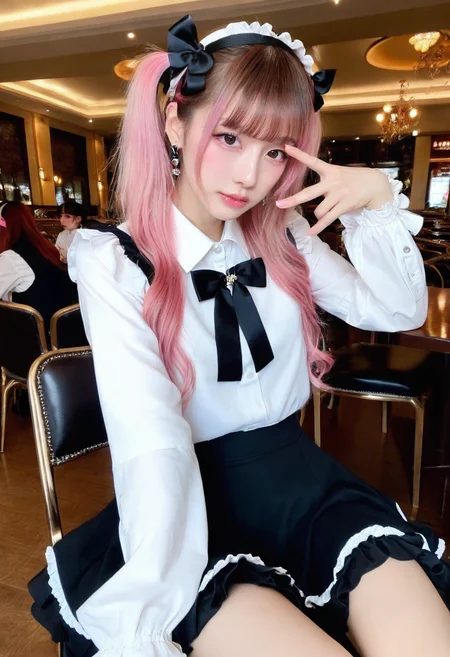
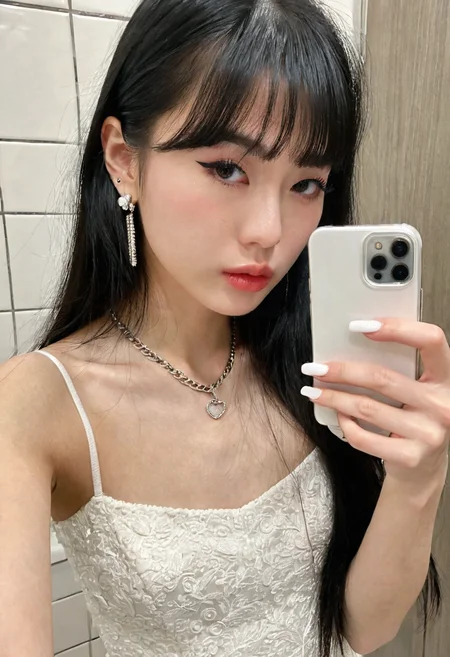
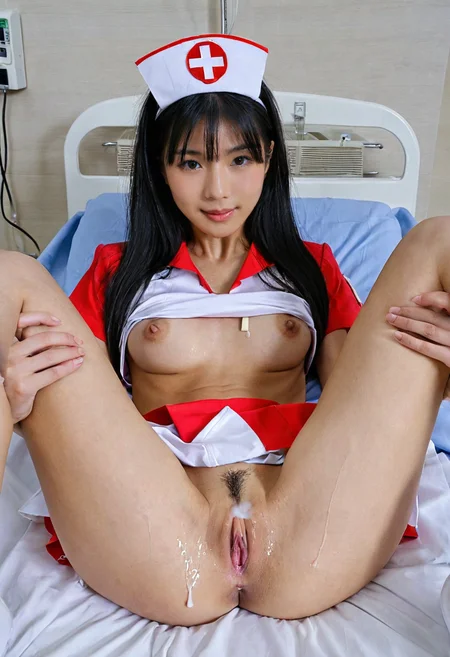
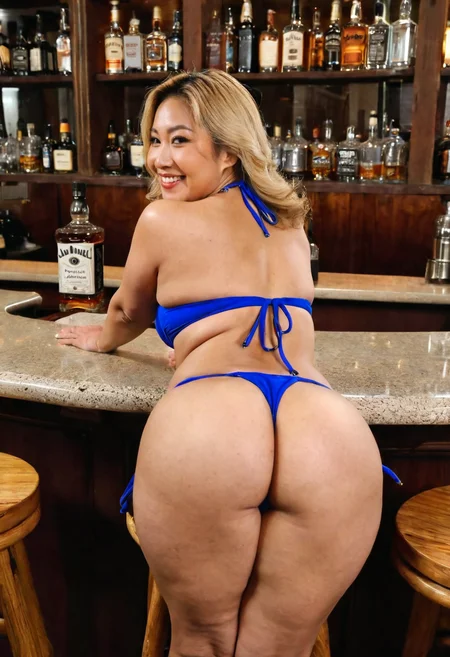


权重从0.1开始。
Weights start at 0.1.
--
我使用了"FULL"的提取方式,所以档案较大,在意硬碟空间不足的人不建议下载。
I used the "FULL" extraction method, so the file is larger. It is not recommended for people who are concerned about insufficient hard disk space to download it.
--
My other checkpoints and Lora.
--
--
Light and color control: sd-channel-offset
面部局部重绘可使用adetailer.
高解析度放大可使用"ultimate SD upscale".
For partial facial redrawing,use adetailer.
High resolution upscaling can be done using "ultimate SD upscale".
--
--
客製化lora:我的Telegram ID:@iamddtla0620
我的微信ID:iamddtla
我的line ID:iamddtla
时间宝贵,请直接说明来意,例如:订制LORA.
Customized lora: My Telegram ID: @iamddtla0620
My WeChat ID: iamddtla
My Line ID: iamddtla
Time is precious, please state your intention directly, for example: customized LORA.
Description
sdxl-V2-lora為”lora”版本,被錯誤標記為”LyCORIS”。
sdxl-V2-lora is the "Lora" version and was incorrectly labeled as "LyCORIS".
--
縮小檔案此尺寸,載入速度更快。
步驟1:lora權重使用0.5以下,權重越低越靈活。
步驟2:在修復面部時,請將修復面部中的人物lora權重設定為1。
Reducing the file size will make it load faster.
Step 1: Use lora weight below 0.5. The lower the weight, the more flexible it is.
Step 2: When retouching the face, set the Lora Weight for the character to 1.