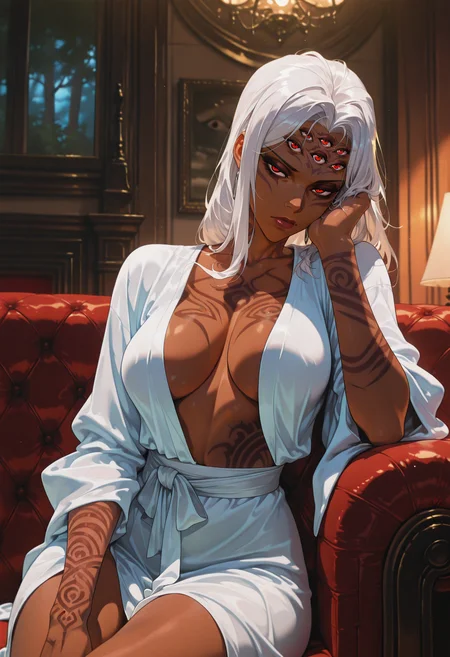
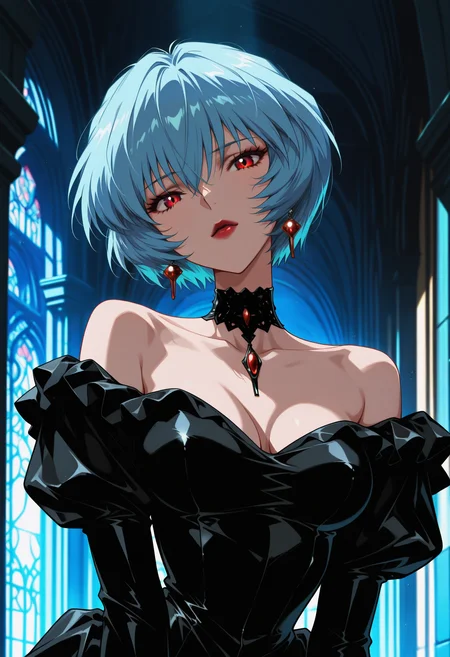
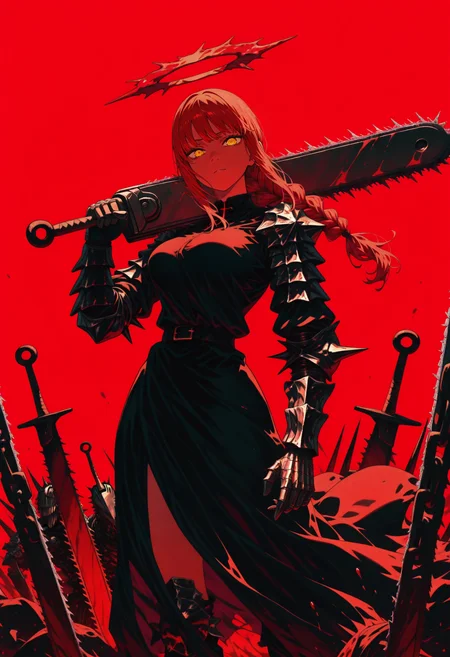
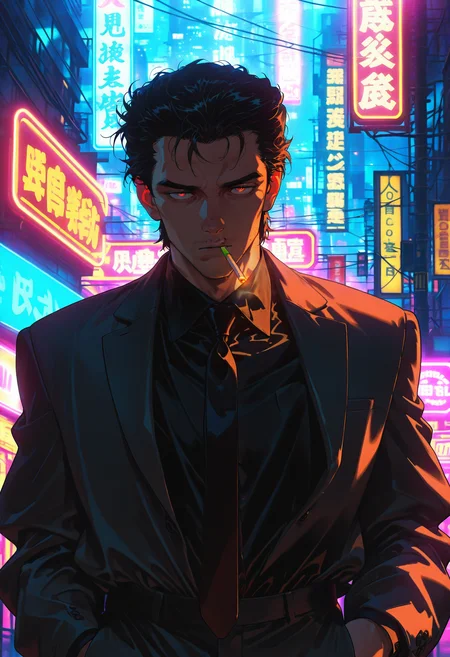
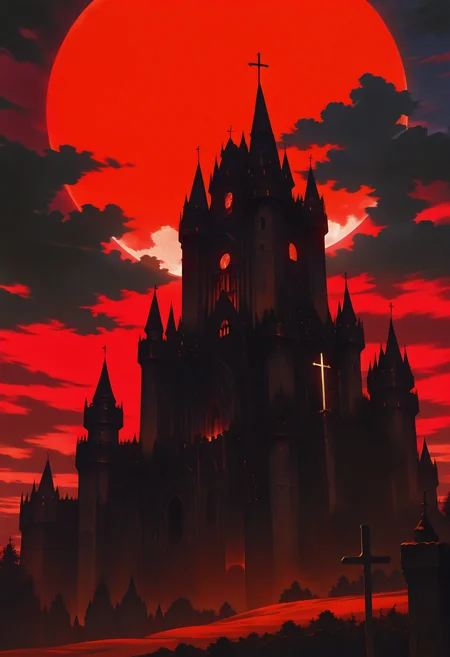
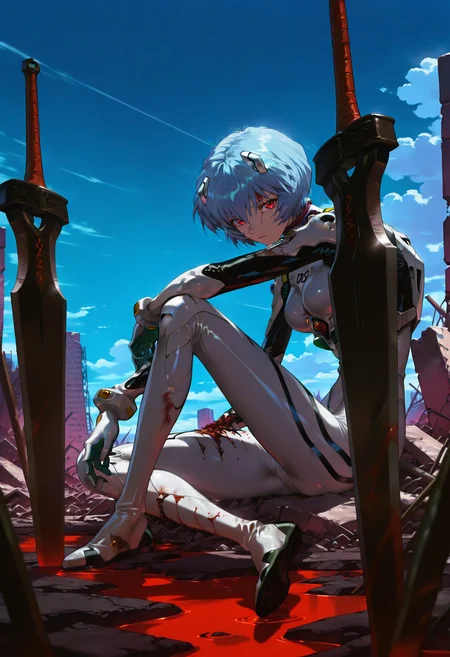

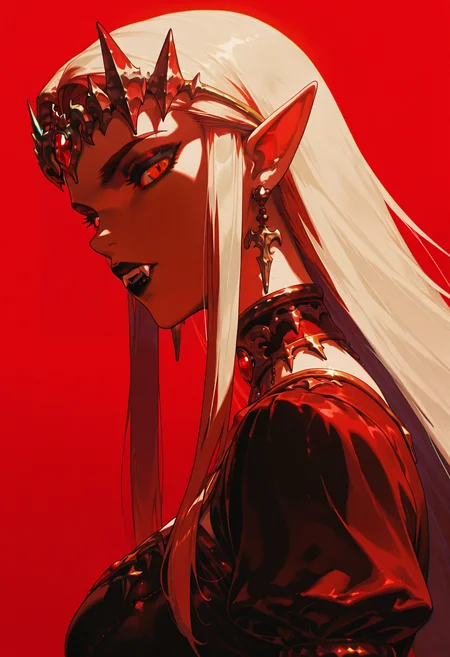

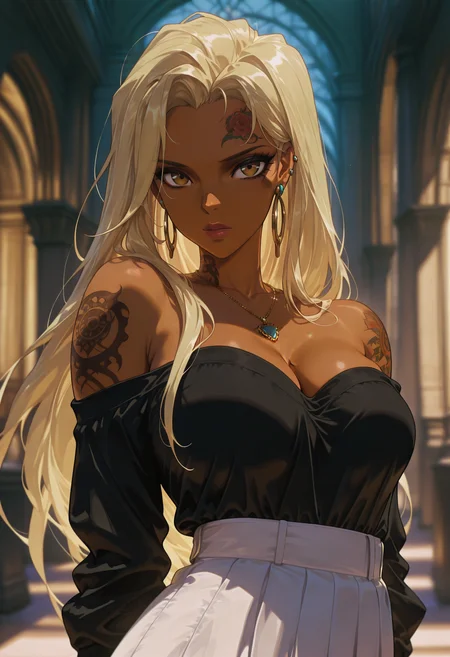

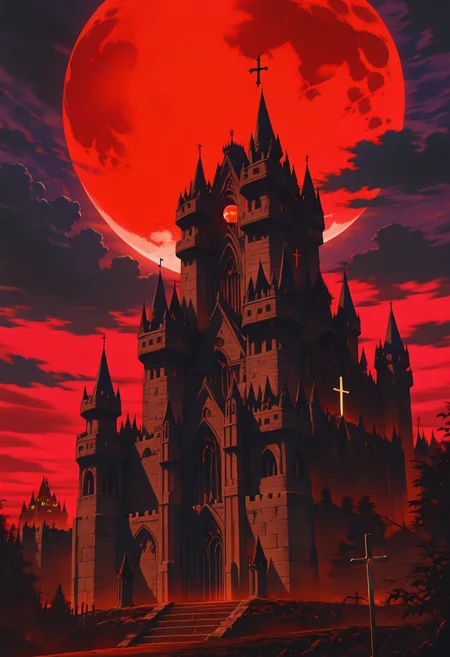
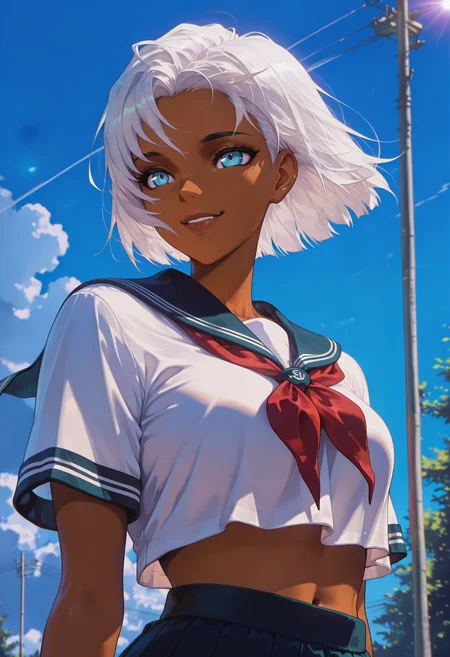

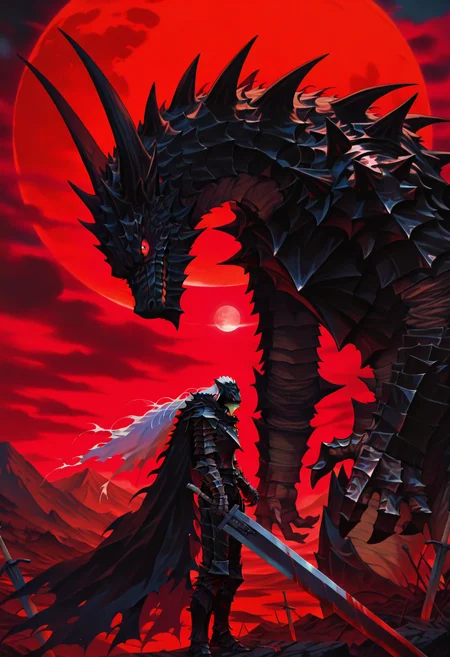
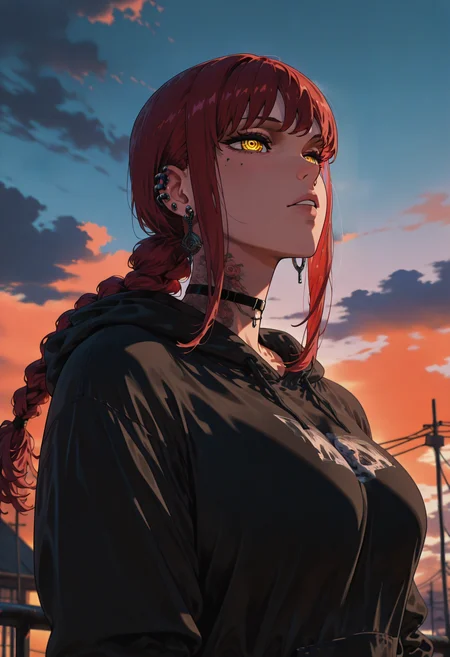
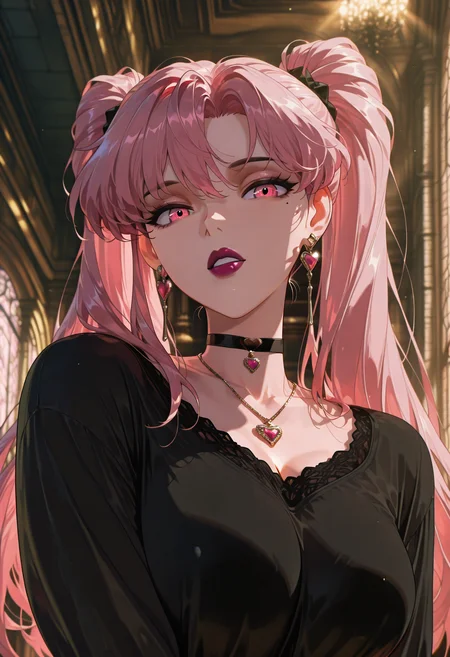
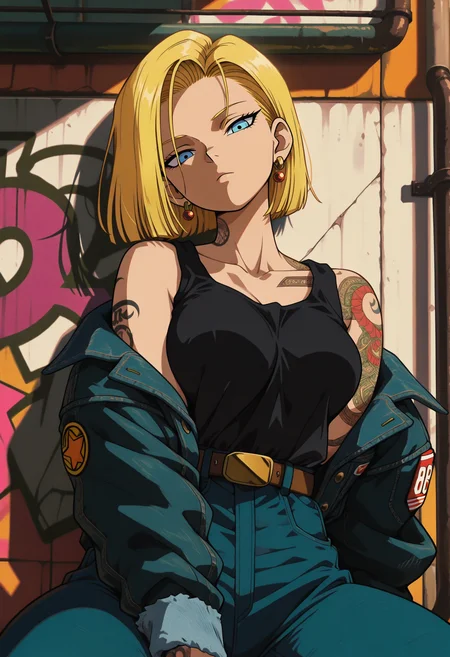

This model is a blend of 90s anime, gothic aesthetic and cyberpunk mixed into one. I used some screengrabs from some anime classics mostly from director Yoshiaki Kawajiri's works and some images I made myself and then I ran all the images through photoshop and fixed them up a bit and added my own filters (color grading/saturation/grain/etc...). Let me know if you encounter any problems. As always have fun generating!
If you want to support me financially or request a custom LoRa you can do so here: KoFi
Usage:
IllustriousXL
Trigger word: g0th1cpnk
Strength: I mostly use 0.8-1 but feel free to experiment
FLUX
Trigger word: g0th1cpnk
Strength: I mostly use 0.8-1 but feel free to experiment
PonyXL
Trigger word: g0th1cpnk
Strength: I mostly use 0.8-1 but feel free to experiment
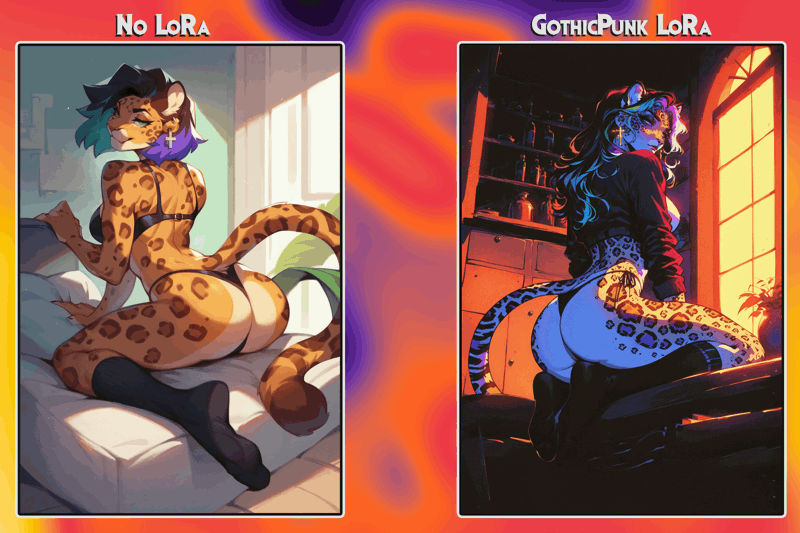
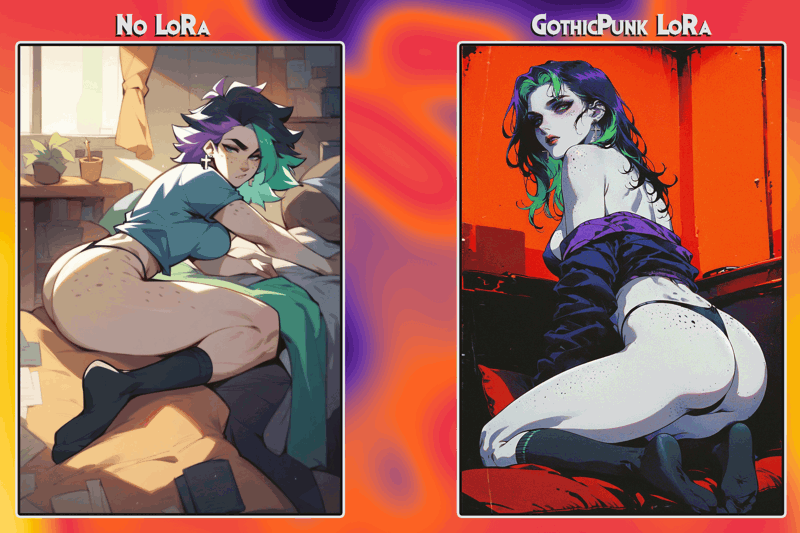
Description
FAQ
Comments (4)
Trying certain characters with this lora seems to sway the style away from how it's intended to look, any tips on how i can alleviate this? Even with WaiNSFW for example, it tends to sway it away. Rouge the Bat is my main example.
The style shift happens because the character you're prompting (like Rouge the Bat) is typically associated with a different style in the base model's training data, like 3D or semi-realistic. This isn't an issue with the LoRA; it's just how the base model handles certain characters.
To fix it, try:
Adding style keywords (e.g., "anime," "illustration").
Using negative prompts to block styles like "3D render."
Emphasizing the style you want over the character in your prompt.
It's a base model behavior, not a problem with the LoRA itself.
@NeoWave Sorry i didn't intend to sound like this is just your lora issue lol I know it's an issue in general with any model, just wasn't sure how i should approach it. Thanks.
@wingusblingushahalol No worries, I get what you meant. It’s a common issue with AI models in general. Just focus on tweaking prompts like adding style keywords or using negatives for unwanted styles. Glad I could help. I know it can be annoying at times, the only way this could be fixed is to go through all the checkpoint images and for every image make 3 different versions 3d, cartoon, anime so it wouldn't generalize the characters, but I don't have those kind of resources to make it happen. I hope you get around the issue.
Details
Files
Available On (1 platform)
Same model published on other platforms. May have additional downloads or version variants.