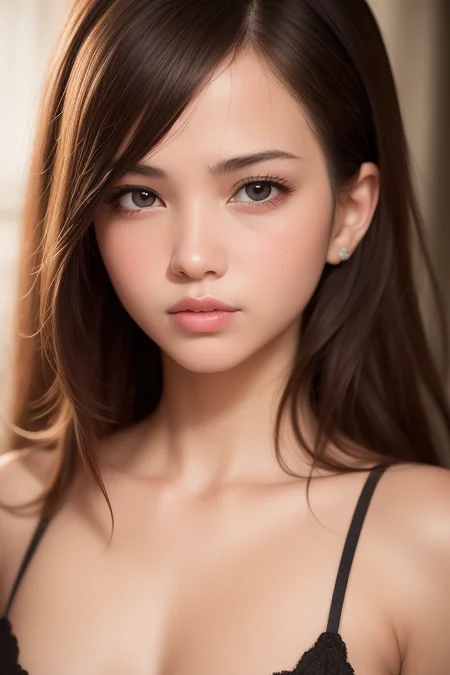
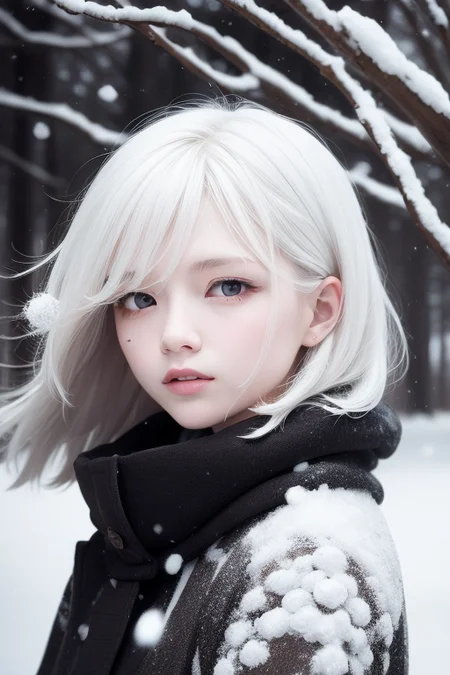
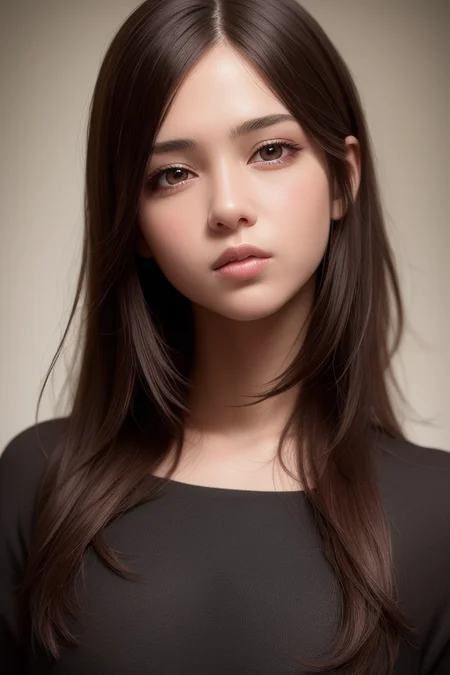
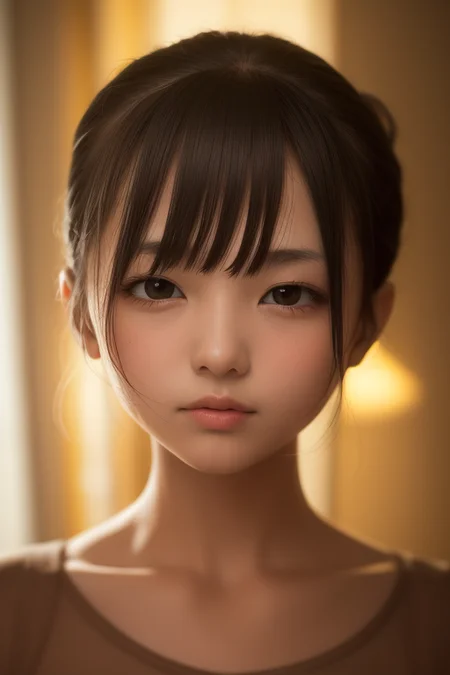
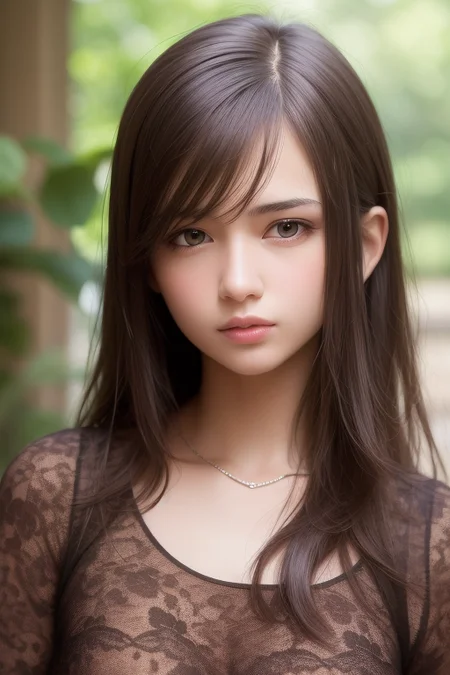
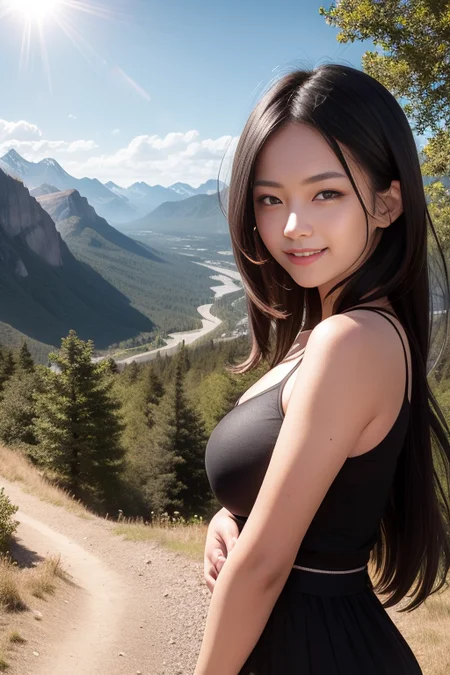
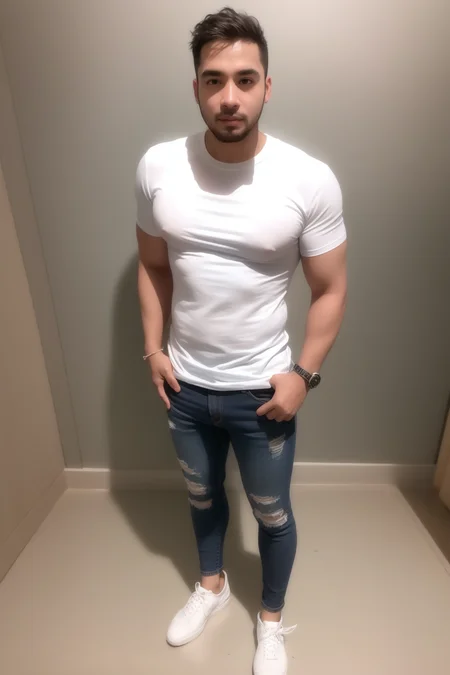
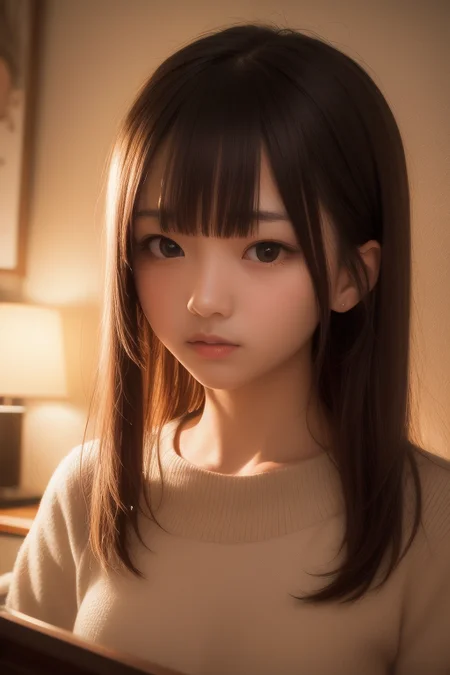
!!pruned fp16 replaced with no ema. The change in quality is less than 1 percent, and we went from 7 GB to 2 GB.
See example picture for prompt.There are recurring quality prompts.
vae-ft-mse-840000-ema-pruned or kl f8 amime2
img2img SD upscale method: scale 20-25, denoising 0.2-0.3 After selecting SD Upscale at the bottom, tile overlap 64, scale factor2
caution! Sampler must be DPM++SDE karras.
clip skip 2
https://huggingface.co/stabilityai/sd-vae-ft-mse-original/blob/main/vae-ft-mse-840000-ema-pruned.ckpt https://huggingface.co/AIARTCHAN/aichan_blend/tree/main/vae Apply VAE. You will get better color results.
We recommend hiring and upscaling only the pictures whose faces are damaged from being far away.
As it is a semi-realistic model, we do not recommend inappropriate exposure.
There are other dos series as well.
https://civarchive.com/models/6250/dosmix
https://civarchive.com/models/6437/anidosmix
https://civarchive.com/models/8437/ddosmix
Description
v1
FAQ
Comments (94)
Looks great! What models did you merge?
This looks absolutely stunning - can't wait to get home to my desktop computer so I can give it a test drive. Does this contain a lot of that Japanese photoreal model trained on popstars and the like? I ask because the token "1girl" seems to lean heavily toward an asian appearance.
I don't know exactly why it comes out like that because it's a lot of things mixed together. Thanks for using it.
They are Chinese modles.U can see here are a few of Chinese comments.
If you specify "caucasian features" in your prompt, you'll get less of the asiatic look.
why all my generated images looks green/grey ish
I guess you need to download "vae-ft-mse-840000-ema-pruned"
put it on your models\VAE , then go to setting / SD VAE and choose "vae-ft-mse-840000-ema-pruned"
IMPORTANT you need to apply the setting to apply the VAE (it always been forgot)
that solves the issue, thank you!
所有生成的图都是灰蒙蒙的,好怪,没有示例的效果_(:з」∠)_看生成过程好像色彩都挺鲜艳的,到了最后一步感觉一下子饱和度就下去了还变模糊,很多图还会带点紫斑
你需要下载这个VAE:vae-ft-mse-840000-ema-pruned
vae不对啦
@Schure @secretFG 解决了,是我挂载VAE之后忘了保存,谢谢二位!
@ym121 下载后改后缀名为.vae.pt和模型放在同一目录就行
@secretFG 謝了
@secretFG 求问如果是用huggingface diffusers那套,这个模型是放在vae那个文件夹下面嘛?
@DragonHeart 没用过不知道呢
@Schure VAE:vae-ft-mse-840000-ema-pruned关键词是啥,搜不到
@Evan110000 关键词就是vae-ft-mse-840000-ema-pruned
@secretFG 去哪里下载啊
请问vae这个应该放到哪个目录下呢?
@Moebing 在哪里下载的?保存到哪里?
@secretFG下载这个,怎么使用?
@Schure 云端版要怎么装?
请问下 Model hash: 39ddf7ce6e 是这个模型吗?
I do not know. I'm sorry.
https://civitai.com/models/7227/urushi realdosmix 39ddf7ce6e (unpruned 7gb version) 请问下 7G版本现在还没下载吗?我想下来试试
@shoree 从我的电脑中删除了 7GB。对不起。我想问问那个人。
你们都是国人吗?
this model has a incredible semi-realistic skin texture and quite a balance between real-human and anime-character, and I cant help to know if there will be a NSFW release comming ?
Just tell me PLZZZZ
It grey out in last step in my test
The same is happening to me.
If anyone knows how to solve it or can help, it would be greatly appreciated.
@Dhenes_Furtado Use VAE. It is in settings -> Stable Diffusion -> SD VAE. Download a VAE model for this purpose. For the DosMix series use vae-ft-mse-840000 or kl-f8-anime2. Using VAE will not change composition but will improve color a lot.
@CaryWang 什么是vae
@a1470458285953 https://huggingface.co/stabilityai/sd-vae-ft-mse-original/blob/main/vae-ft-mse-840000-ema-pruned.ckpt https://huggingface.co/AIARTCHAN/aichan_blend/tree/main/vae Apply VAE. You will get better color results.
The model used in the example picture is “Model hash: 39ddf7ce6e, Model: RealDos”. Can you share it?(*^_^*)
@diary_of_sta could you make the unpruned version available for download again? My primary use case is Dreambooth, and the 2GB models do not train well at all. Thank you!
sorry. I got rid of all the 7GB...
I have difficulties in installing these models and do inference on my computer, does anyone has any advices?
想知道大佬们如何解决大分辨率下的多头,多肩膀、腰下面脖子上这些情况的,感觉各种tag都难解决
先用小分辨率再hiresfix放大
why many peopel use SD1.5 instead of 2.0?
This is because the model training is all set to 1.5
some say 1.5 is more stable
2.0 is censored thats the main reason.
How do you get these high resolution images? I make images and they come in a bad quality with noise... I tried de-noising too. help!
There are generally two ways to do this, upscaling hires in Text2img and using the SD upscaling script used by Img2Img. hires upscale method: denoise 0.5, upscale by 2. Latent, R-ESRGAN 4×+ Anime6B. SD upscale method: scale 20-25, denoising 0.2-0.3 After selecting SD Upscale at the bottom, tile overlap 64, scale factor2
@DiaryOfSta Thanks!
I have similar problem, Thanks!
请问如何做出漏点但不漏胸的图片
https://huggingface.co/stabilityai/sd-vae-ft-mse-original/blob/main/vae-ft-mse-840000-ema-pruned.ckpt https://huggingface.co/AIARTCHAN/aichan_blend/tree/main/vae Apply VAE. You will get better color results.
I use a translator to read Chinese, but I don't know if this is what I want.
@DiaryOfSta I'm afraid he's asking for protruding nipples without exposing them. imho, there's nothing that can stably generate these.
Might be a good idea to train one, tho.
@uu3 Thank u !
@DiaryOfSta appreciate ur reply
use prompt (nipples slip, open clothes), not 100% guaranteed
有人知道怎么解决画面上有紫色斑的问题?
https://huggingface.co/stabilityai/sd-vae-ft-mse-original/blob/main/vae-ft-mse-840000-ema-pruned.ckpt https://huggingface.co/AIARTCHAN/aichan_blend/tree/main/vae Apply VAE. You will get better color results.
@DiaryOfSta thank you !
Why the picture that I generate suddenly become a very dark color in the end
https://huggingface.co/stabilityai/sd-vae-ft-mse-original/blob/main/vae-ft-mse-840000-ema-pruned.ckpt https://huggingface.co/AIARTCHAN/aichan_blend/tree/main/vae Apply VAE. You will get better color results.
Hi, your artworks is really very nice, our company “LiveMe” would like to cooperate with you for AIGC model training, do you have email or other contact information?
https://www.pixiv.net/users/89789028
[email protected]
send me a message here
Whats's the difference between this and ddosmix?
I've heard dozens of times that DDoSMix is more realistic, and many people call it a naming mistake. But too much time has passed to change.
@DiaryOfSta my experience shows these 2 are quite similar in terms of realistic effects
@arthur6772hk934 If you compare the two models with the same seed and prompt, you can see the difference.
为什么画出来的画面都是灰灰的
https://huggingface.co/AIARTCHAN/aichan_blend/tree/main/vae Apply VAE. You will get better color results.
没加VAE
@tomhu122907 Are the three VAE different?
I used the following setting as you recommended,
"img2img SD upscale method: scale 20-25, denoising 0.2-0.3".
However, the img will always become very burry. Did I miss any steps?
Solved. I chose the latent upscale instead of the "SD upscale" script.
Though, the upscale succeed. I found the result is not obvious.
The latent upscale always give me surprise.
Why does the face that is not specified change in designation?
I can't seem to replicate any of the images on this page using the same prompts, settings and Lora. My images are all coming out a bit grey as well for some reason. What am I doing wrong?
@Magento Thanks, sorry for the dumb question. I selected the VAE you linked under 'SD VAE' in the AUTOMATIC1111 GUI under settings, it's still coming out grey, is there another option I missed?
@Magento never mind! I didn't save the setting, thanks so much
jesus christ this art style is ugly
Jesus Christ has nothing to do with this.
It's AI what were you expecting
100% of people who make comments like this are ugly. True story. Science.
In what way is this even an "art style"? What are you talking about?
It's a good checkpoint, but it needs some work on the hands. Most of the brushes horribly generate!
man pls pls can ypu tell me whats the recipe for ddos and realdos mixed? i love them and want to study what models went into creating them pls
so good
Please make on like this for SDXL. Thanks!
Wie niedlich
Details
Files
realdosmix.safetensors
Mirrors
realdosmix_.safetensors
6925_realdosmix_.safetensors
realdosmix_.safetensors
realdosmix_.safetensors
realdosmix_.safetensors
realdosmix_.safetensors
realdosmix_.safetensors
realdosmix_.safetensors
realdosmix_.safetensors
realdosmix_.safetensors
realdosmix_.safetensors
realdosmix.safetensors
realdosmix_.safetensors
realdosmix_.safetensors
realdosmix_.safetensors
realdosmix_.safetensors
realdosmix_.safetensors
realdosmix_.safetensors
rdm_.safetensors
realdosmix_.safetensors
realdosmix_.safetensors
realdosmix_.safetensors
realdosmix_.safetensors
realdosmix_.safetensors
RealDosMix.safetensors
realdosmix_.safetensors
realdosmix_.safetensors
Realdos.safetensors
realdosmix_.safetensors
realdosmix_.safetensors
rldsmx.safetensors
realdosmix_.safetensors
realdosmix_.safetensors
realdosmix_.safetensors
test8.safetensors
realdosmix_.safetensors
realdosmix_.safetensors
realdosmix_.safetensors
realdosmix_.safetensors
realdosmix_.safetensors
realdosmix_.safetensors
realdosmix_.safetensors
realdos.safetensors
realdosmix_.safetensors
realdosmix_.safetensors
realdosmix_.safetensors
Realdosmix_.safetensors
realdosmix_.safetensors
realdosmix_.safetensors