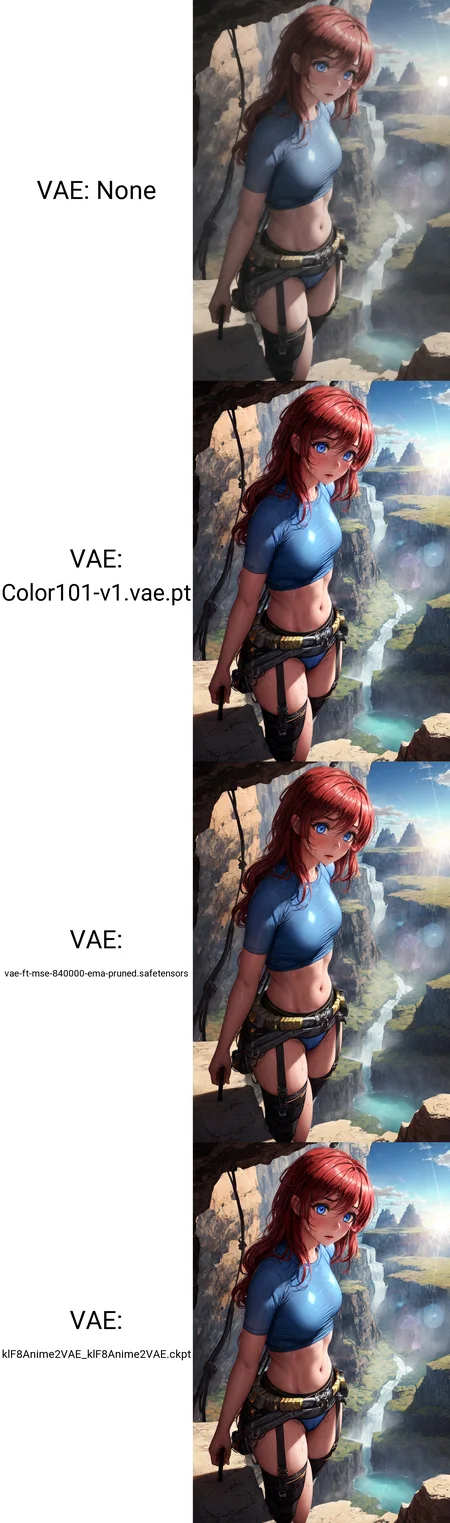
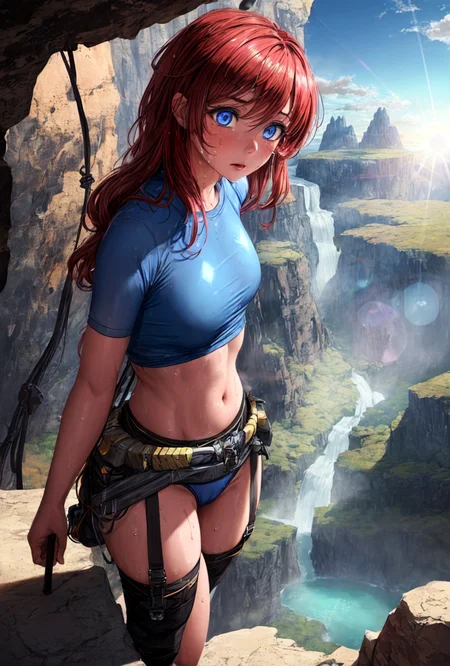
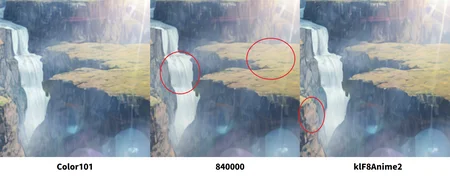
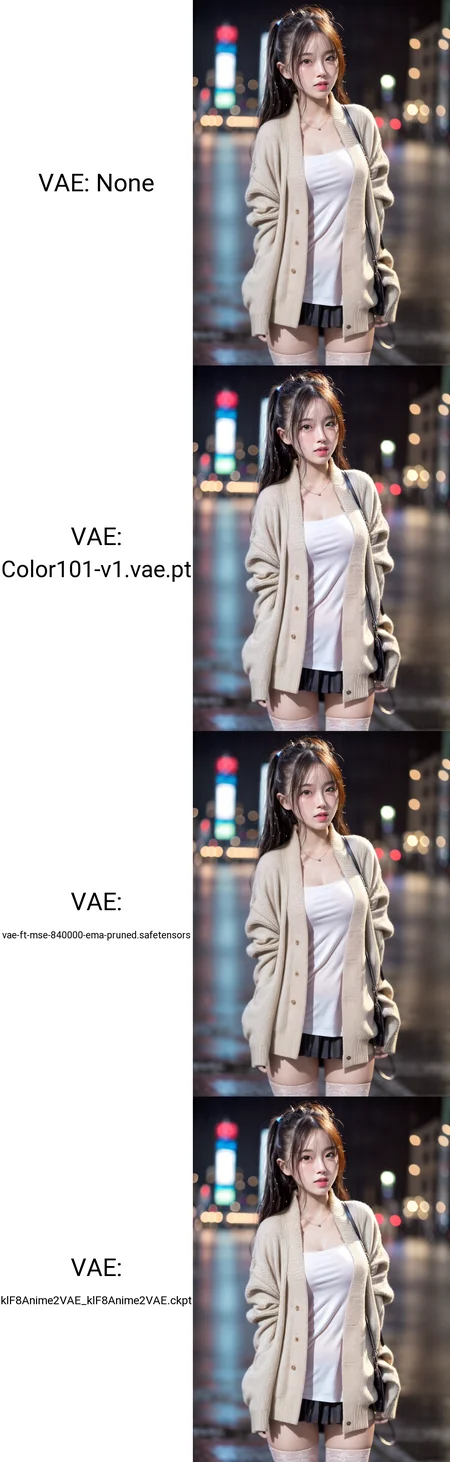
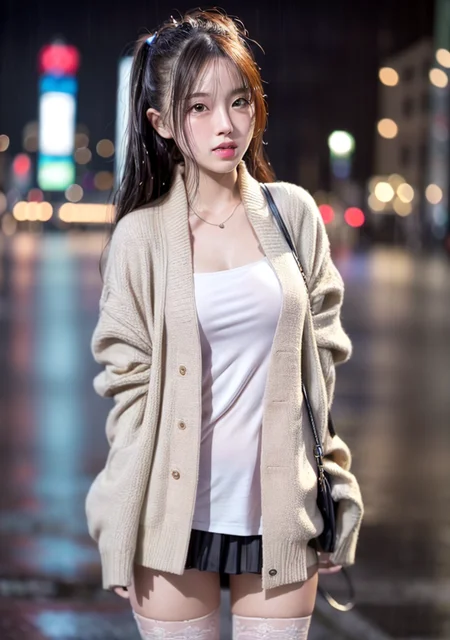
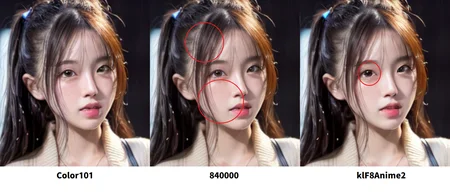
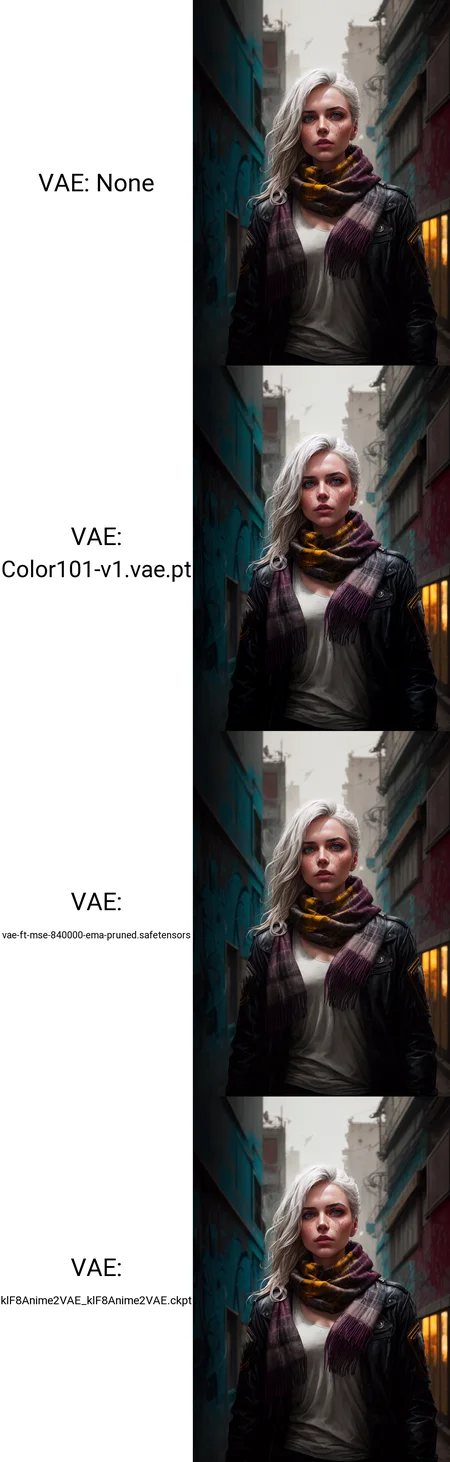
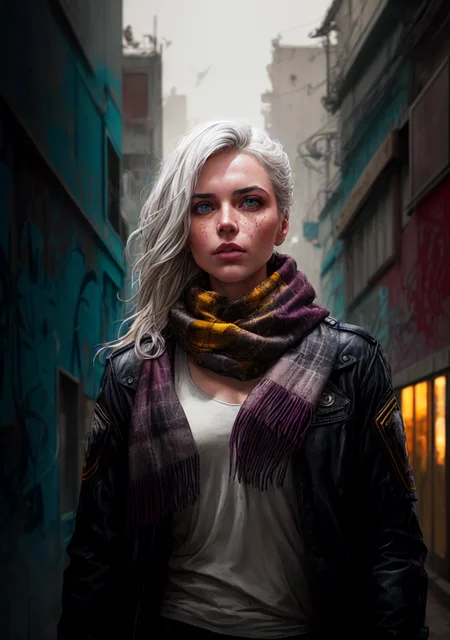
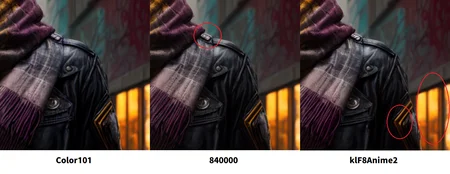
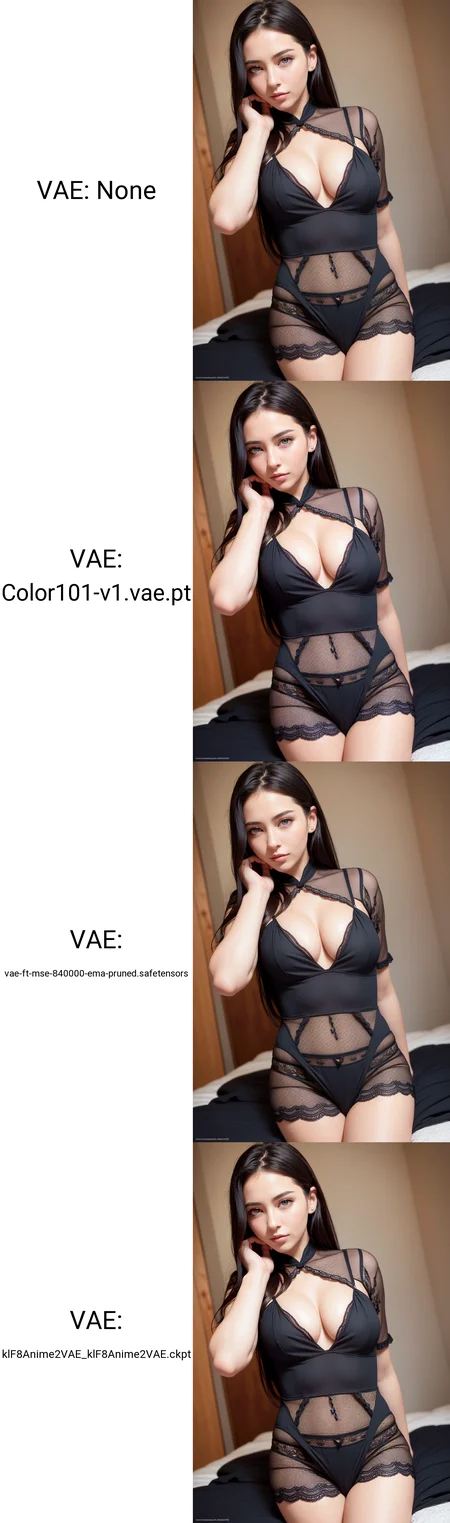
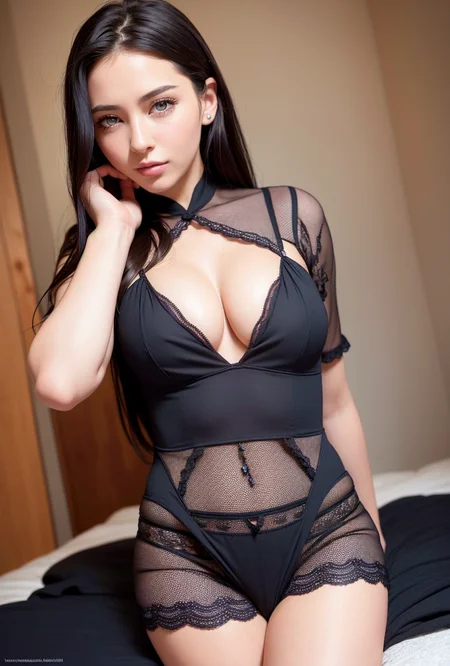
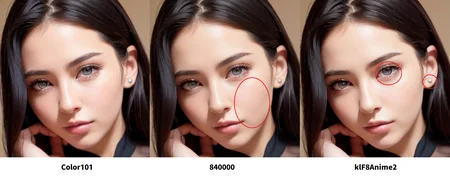
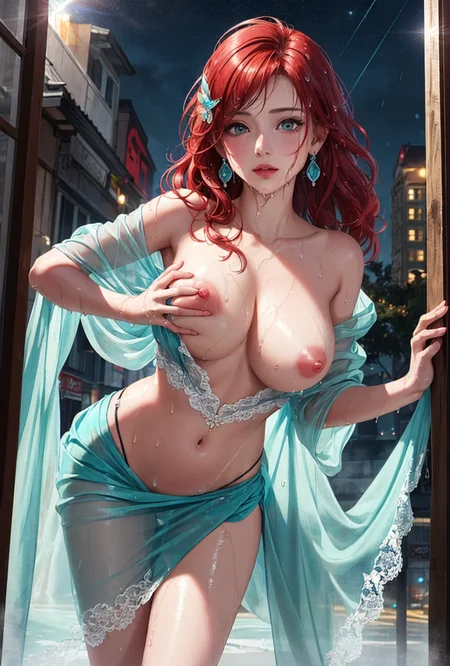
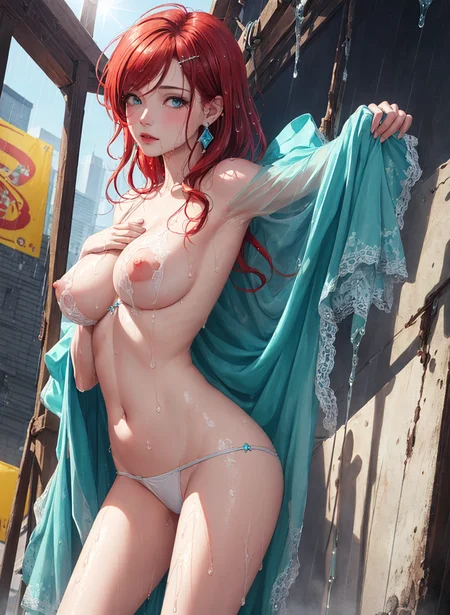
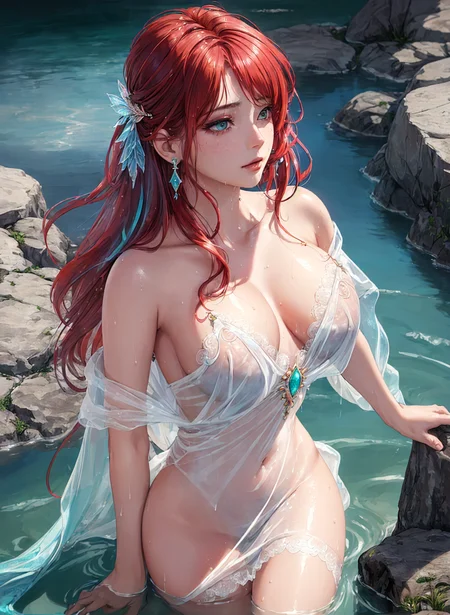
A VAE for generating higher dynamic and more natural image in comparison with the common VAE like 840000, Anything, kl-f8-anime2, etc.
Important note:
This VAE is for SD1.5 only!
This VAE may generate undesirable results on small resolution like 512x512, according to feedbacks. Color101 is more suitable for generating big image directly (that was what I did while tuning this VAE) or using hires fix for larger resolution.
The comparison images are compressed to .jpeg files automatically by Civitai.com, the difference of color shown here would be affected. So, it is better to make comparison by yourself.
Usage:
Put the file inside stable-diffusion-webui\models\VAE.
v1 update:
1. Provide more and clearer detail than most of the VAE on the market.
2. Fix detail distortion.
3. Skin tone is more natural than old version.
v0.1 update:
1. Fix green artifacts appearing in rare occasion.
2. Fix blurry detail.
What is VAE?
A VAE affects image where fine detail like texts and eyes present, at scale, it doesn't. If you look closely at the eyes in the comparison images, the eyes in some VAE sample has lost the slera in eyes. I recommend you that make some sample on your own to see the difference, because the images uploaded here were automatically compressed to .jpeg file with loss.
VAE in SD works as a decoder to calculate the latent space of a pixel for determining what color a pixel should be. The more complex around a pixel, the more factors needed to be decided, so in opposite, if your image structure is simple, it won't be changed drastically.
This Color101 VAE can give your images more vibrant colors, closer to HDR effect, higher saturation and add more redness to skin in comparison to other VAE on the market. If you like thick color, this should be your choice.
You can see https://stable-diffusion-art.com/how-to-use-vae/ for more detail.
Description
v1 update:
1. Provide more and clearer detail than most of the VAE on the market.
2. Fix detail distortion.
3. Skin tone is more natural than old version.
FAQ
Comments (13)
There is few gap between the drawing of Color101 VAE and kl-f8-anime2, less green, more focused and more contrast. I was looking for VAE of this color. I like this.
Just tested this on photorealism generation, once on base 1.5 model and another on my own model. Once at 512x512 then HiRes fix to 1024x1024
On 512x512, it is very bad. Smudges out fine details especially skin textures. Makes a sharp image looks slightly blurry.
However, on HiRes fix, it is has opposite effect. It smooth out the super sharp edges and add a little texture/noise to airbrushed skin. This is very prominent on complicated designs like carved jewelleries. Gives an over sharpened upscaled image a more analogue quality.
Thank you for your feedback! I apologize for incompetent performance on small scale image like 512x512, because I've only adjusted this VAE by generating 1280x864 image directly and comparing it to 840000 and klF8Anime2's results. It is very interesting it would do such effect on different resolutions.
When I messed with this VAE, I already discovered it would preserve more noise (or details) from latent space, hence it would provide more details when you directly generate big image, but I did not think about it would do negative effect on smaller images. I should state it in the introduction for less confusion.
Could you upload a safetensors version?
Safetensors version is uploaded.
@Rexts thankyou
注意到了一件非常不能忍受的事情:使用这个VAE会导致画面变糊。
Can you provide further info for the issue? It works fine in SD1.5 environment.
Hey dude.
How did you train this VAE ?
I want to create one for SDXL, because we have the same issue there. And NOBODY trained a vae yet...
High
To help other people saving their time, this vae is not better than 8400. Check this thread on reddit:
Try it on generating original 1024x1024 or 768x1280, I tune this SD1.5 VAE with big pictures.
Any smaller resolution is not my concern when I tune this VAE.
Details
Files
Available On (1 platform)
Same model published on other platforms. May have additional downloads or version variants.