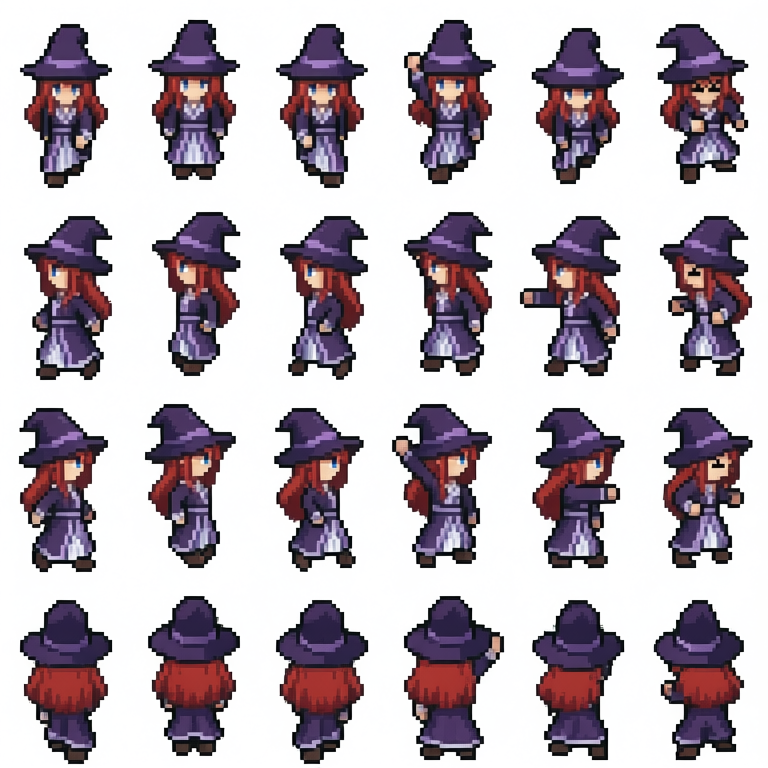
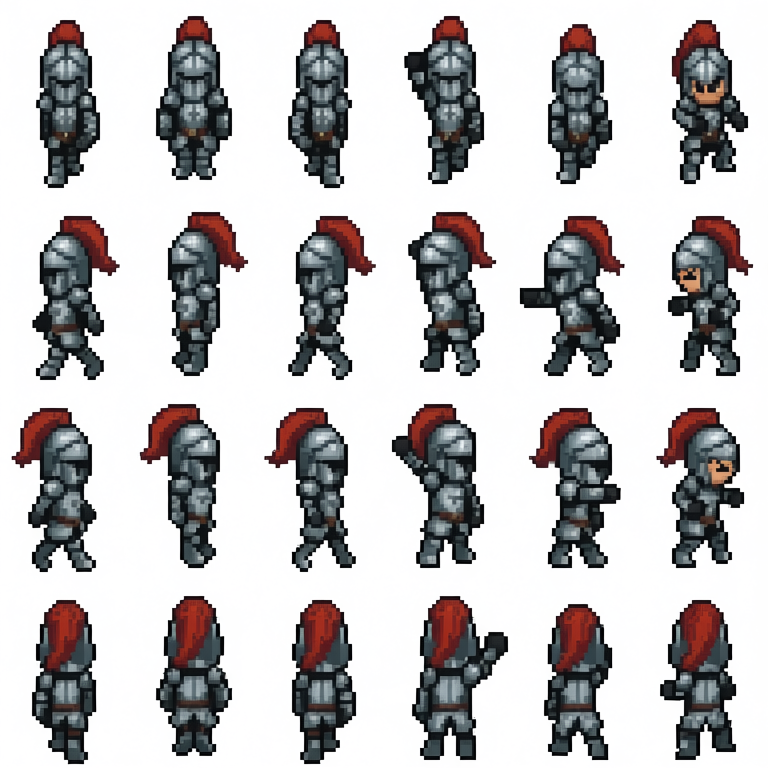
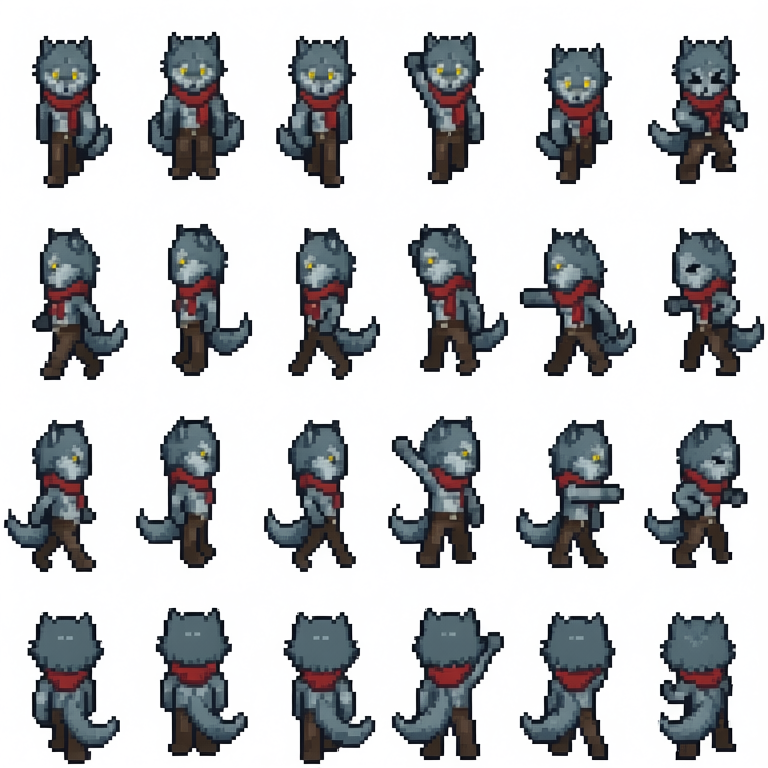
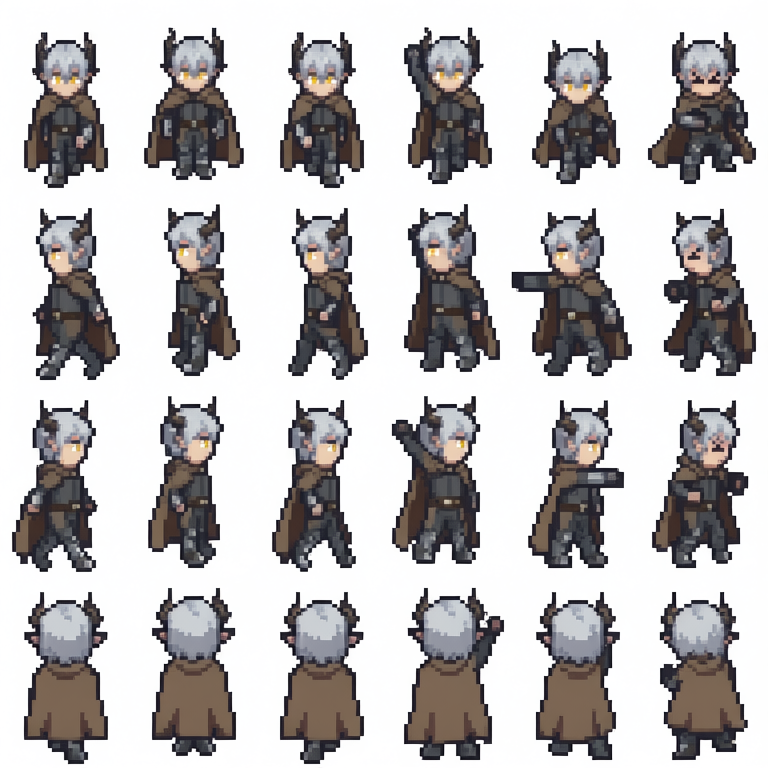
### You can access the model files in the "Files and versions" tab.
#### Model files may be downloaded with ModelScope SDK or through git clone directly.
### LoRA Description
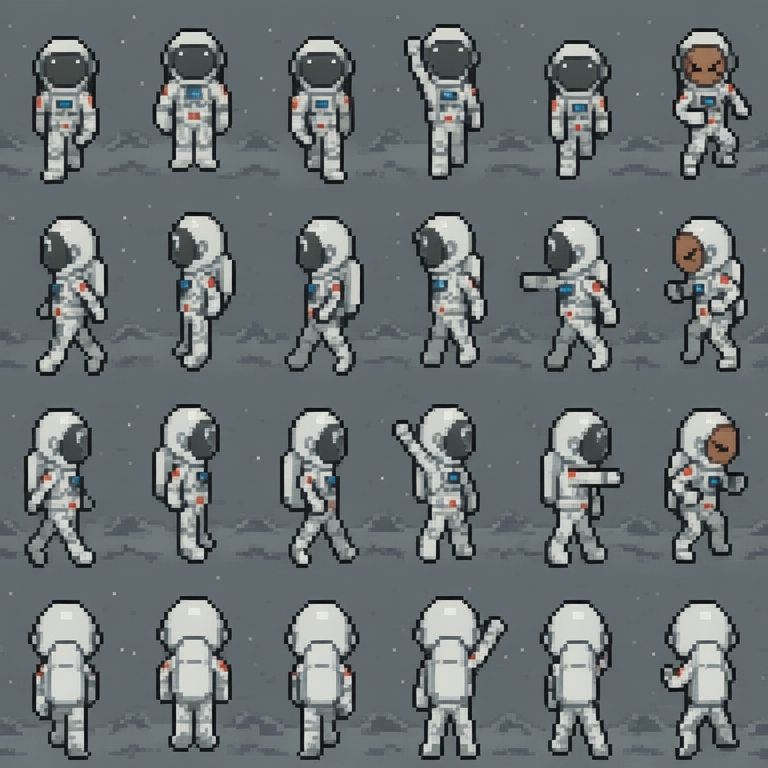
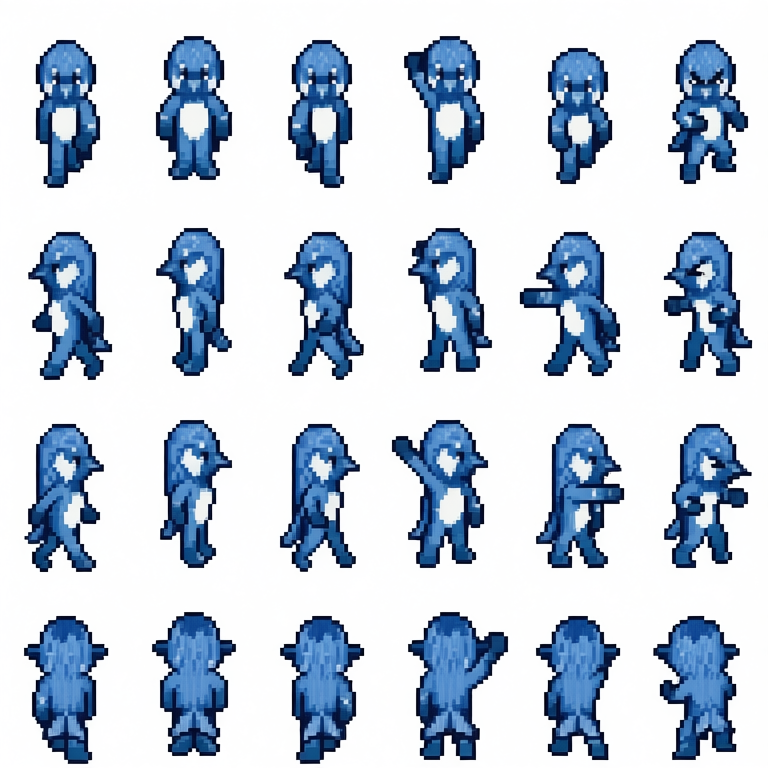
A pixel art spritesheet LoRA for small 32x48 pixel characters, with animation frames for walking up/down/left/right, 2 attack frames with an arm swing, and 1 hurt/damaged frame.
Download with ModelScope’s Python SDK
```bash
#Install ModelScope
pip install modelscope
```
```python
#Download with ModelScope’s Python SDK
from modelscope import snapshot_download
model_dir = snapshot_download('svntax/pixel_spritesheet_4walk_combat_32x48_v1')
```
Download with Git clone
```
git clone https://www.modelscope.ai/svntax/pixel_spritesheet_4walk_combat_32x48_v1.git
```
### How to use
Use a reference image of a character, and make sure the output image is 768x768 because that's the size of the spritesheets used in training.
Prompt:
```
Create a pixel art spritesheet of the character in the image. Keep the appearance the same. The spritesheet is a 6 by 4 grid of four rows and six columns of frames - First row is 3 walking frames facing down, 2 arm swing attack frames facing down, and 1 hurt frame facing down. Second row is 3 walking frames facing left, 2 arm swing attack frames facing left, and 1 hurt frame facing left. Third row is 3 walking frames facing right, 2 arm swing attack frames facing right, and 1 hurt frame facing right. Fourth row is 3 walking frames back view facing up, 2 arm swing attack frames back view facing up, and 1 hurt frame back view facing up.
```
### How to get pixel-perfect images
To get pixel-perfect images, downscale by a factor of 4. So 768x768 output images should downscale to 192x192. Using k-centroid scaling, for example, works well.
If you are a contributor to this model, we invite you to promptly update the model card content according to the model contribution documentation.
Description
This version uses the following prompt format:"Create a pixel art spritesheet of the character in the image. Keep the appearance the same. The spritesheet is a 6 by 4 grid of four rows and six columns of frames - First row is 3 walking frames facing down, 2 arm swing attack frames facing down, and 1 hurt frame facing down. Second row is 3 walking frames facing left, 2 arm swing attack frames facing left, and 1 hurt frame facing left. Third row is 3 walking frames facing right, 2 arm swing attack frames facing right, and 1 hurt frame facing right. Fourth row is 3 walking frames back view facing up, 2 arm swing attack frames back view facing up, and 1 hurt frame back view facing up."