

 NEW Z-IMAGE TURBO MODEL - IllustriousXL - FLUX - PONY - SD 1.5 ⬇️⬇️⬇️
JOIN My Discord Server: https://discord.gg/zmnHnkCe
--> (Read the description about its use and look at the information on the versions of each model for its best use)
Remember to see the version details to see the new notes to use the model, follow me and continue enjoying the most beautiful models in our community ;D
NEW Z-IMAGE TURBO MODEL!!
This new version is fast and extremely flexible, successfully handling anime, semi-realistic, and cartoon styles, and much more.
Useful model details:
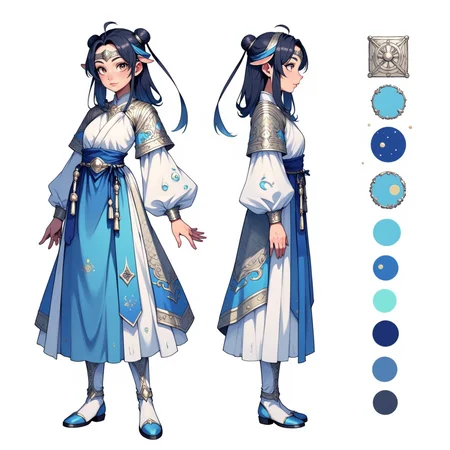
Trigger Word: CharacterDesignIZT
Use the following structure for success (OPTIONAL) (The quotation marks are for example purposes):
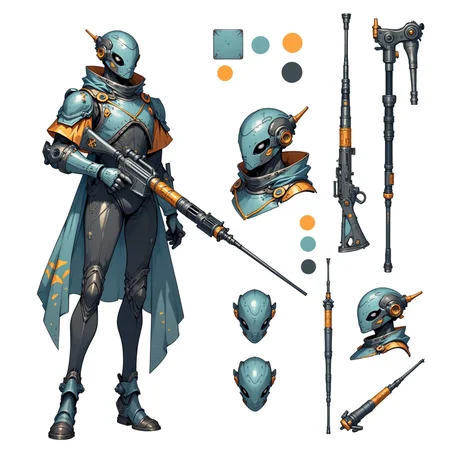
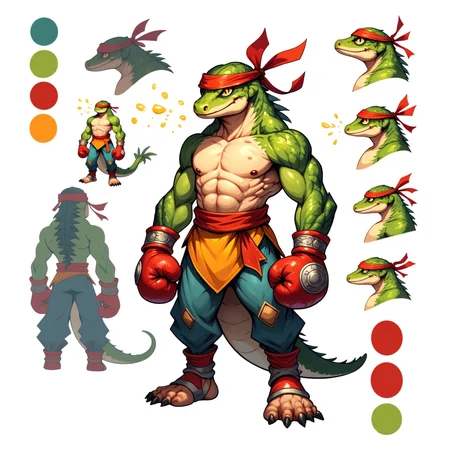
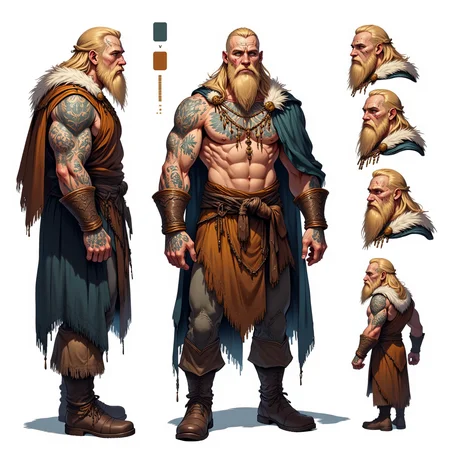
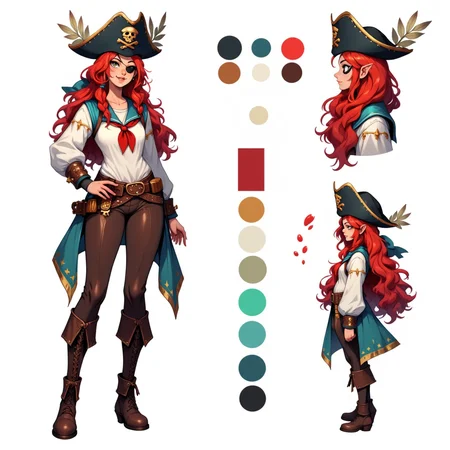
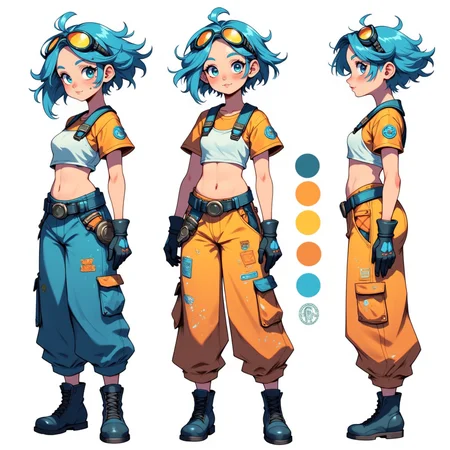
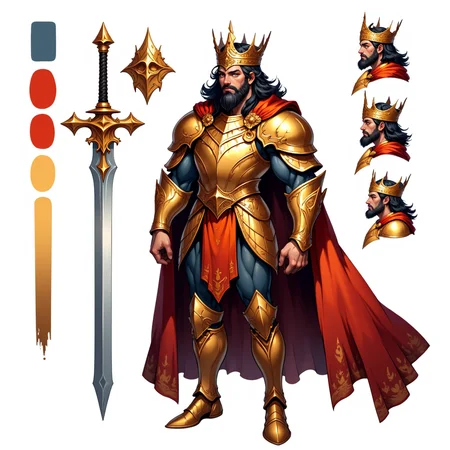
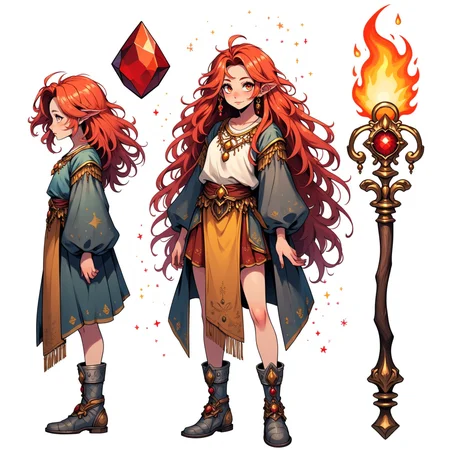
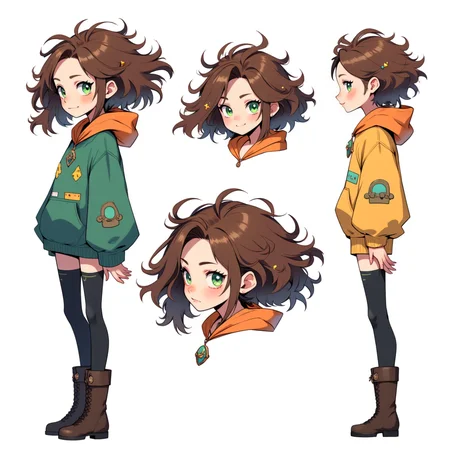
"(Trigger Word). This is a Character design sheet showcasing a stylized depiction of a (subject), rendered in a vibrant, (Art Style). The background is white, A color palette swatch is included in the image, showcasing the main colors of the character.""(All the physical characteristics of the character as well as their clothing in detail; you can include colors and more.)""The character is depicted in three poses: a full-body view, a headshot, and a close-up of her face." "multiple facial exaggerated expressions in each perspective; happy with open mouth and one eye closed, angry, serious."
"The illustration presents three views of the character:
1. A full-body view from the side, showing her standing with a slight tilt of her head and a epic posture.
2. A close-up of her face from the front, showcasing her smile expression and hairstyle.
3. A side profile view, highlighting her facial features."FLUX
New version of the Character Design Sheet model. Now in FLUX. Personally, I think it is the version that gives the best results. Release Notes:
-Better understanding of Prompts
-Better composition of character perspectives in square resolution (1024 x1024) or similar. If you are using PONY try vertical or horizontal images (768 x 1024 / 1024 x 768)
-More versatility
-Recommended strength <0.8>
I recommend the following when using the model:
-(Only for IllustriousXL) I recommend using the following layout of prompts:
-ADetailer (for faces)
-768 X 1024 or 1216 X 832 resolutions (Vertical recommendation)
highres, hi res, best quality, masterpiece, intricate details, absurdres, 4k, semi realistic,,"NEXT THE BASE PROMPT"--> CharacterDesignIllustrious, reference sheet, simple white background, (color guide:1.2), (multiple views), (full body), dynamic pose "NEXT THE CHARACTER CHARACTERISTICS" --> blonde, bluen eyes etc.-(Only for FLUX) I recommend using the following layout of prompts:
CharacterDesignFLUX, reference sheet, white background, simple background, multiple views, upper body, front, from side, color palette reference, high_detailed, captured in high detail, (all character characteristics), magic particles, multiple references-(Only for FLUX) I use this Seed with very cool results: 3853963441
⬇️⬇️⬇️⬇️⬇️⬇️⬇️⬇️
The best DISNEY PRINCESS COLLECTION here --> COLLECTION <---
All my STYLES here ---> STYLES <---
CHECK ALL MY MODELS here ---> ALL MY MODELS <---
⬇️⬇️⬇️⬇️⬇️⬇️⬇️⬇️
ADVICE!!
If you want any COMISSION, contact me via:
Email: [email protected]
Discord --> jeangcr
Check my comissions!
Description
New version of the Character Design Sheet model. Now in FLUX. Personally, I think it is the version that gives the best results. Release Notes:
-Better understanding of Prompts
-Better composition of character perspectives in square resolution (1024 x1024) or similar.
-More versatility
I recommend the following when using the model:
-ADetailer (for faces)
-Recommended strength <0.8>
-1:1 resolutions (square) - (1024 x 1024 or more)
-You can add the color prompts separately so that the model takes them into account, for example (Blue, green, red, etc.)
I recommend using the following layout of prompts:
"CharacterDesignFLUX,reference sheet,white background,simple background,multiple views, upper body, front, from side, color palette reference, high_detailed, captured in high detail, (all character characteristics), magic particles, multiple references."You can copy the prompt from the reference images.
Have fun! I really loved the results. (I tested on Dev. fp8)
FAQ
Comments (15)
NEW BETTER FLUX VERSION!!!!!
Hello YeiYei, Thank you for sharing the flux version! I have a question: Now that we've created a character design sheet image for our character, how can we utilize this sheet to consistently portray them across different settings in an illustrative story?
Hi! I recommend use it as reference image in IP - Adapter, select a strong weight on ControlNet to make it more consistent with the reference sheet. 👍✨
cool idea
if we could only have a lora that rotates a character a little. "More strength more rotation" :P
best
Very beautiful lora. Can I please use your workflow? When I do it from the image, it tells me there are two missing node types, these are "ECHOCheckpointLoaderSimple" and "YoloDetectorProvider". please let me use your workflow please please please
I personally use WebUI for this examples 🙌
Yeh workflow would be awesome to get best results. Even just a very simple workflow. Although controlnets is good. I’m gonna try it on an existing workflow. See how it goes. WebUI will give some idea.
I use all of your trigger words, but all it does is drawing colorful circles next to a character. NO turnarounds whatsoever. What am I doing wrong?
"A woman doctor multiple referenceshigh_detailed, captured in high detailreference sheet,white background,simple background,multiple views, upper body, front, from side, color palette referenceCharacterDesignFLUX"
Maybe use proper spaces and commas? Like: "A woman doctor, multiple references, high_detailed, captured in high detail, reference sheet, white background, simple background, multiple views, upper body, front, from side, color palette, reference, CharacterDesignFLUX
maybe try BREAK command sometimes it helps."multiple references, high_detailed, captured in high detail, reference sheet, white background, simple background, multiple views, BREAK , A woman doctor, upper body, front, from side, color palette, reference, CharacterDesignFLUX"
ah nevermind forgot the easiest soloution, is save images from the gallery section, load them up in A1111 PNG section -> TXT2img there you can see their promtps and replicate most of them so you can learn how it works.
i love to much
It's fun...I have to play with it a bit more to get the outcomes better. All in all it does exactly what it's supposed to do. Great job!
Details
Files
Available On (2 platforms)
Same model published on other platforms. May have additional downloads or version variants.