







I finally made a GUFF version of the model) I'm sorry for the long wait, I didn't have enough time.
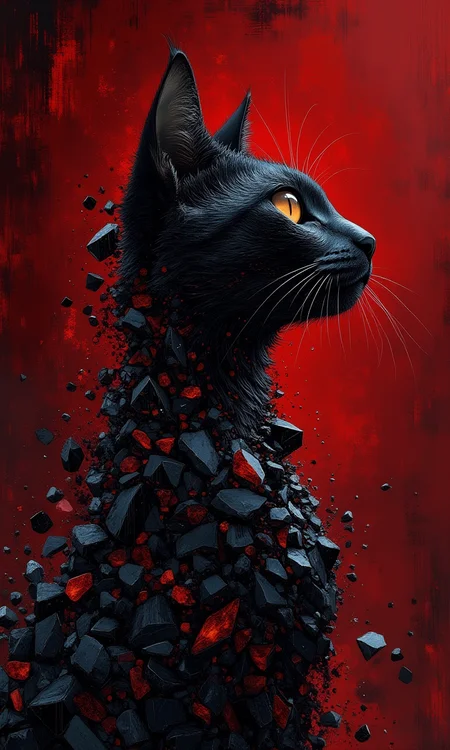
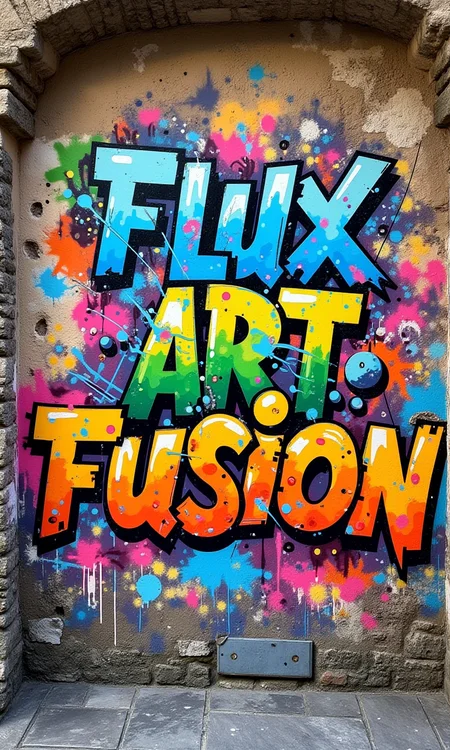
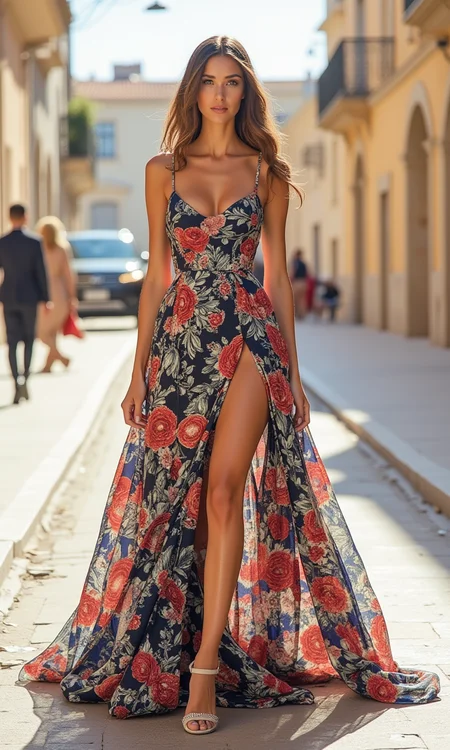
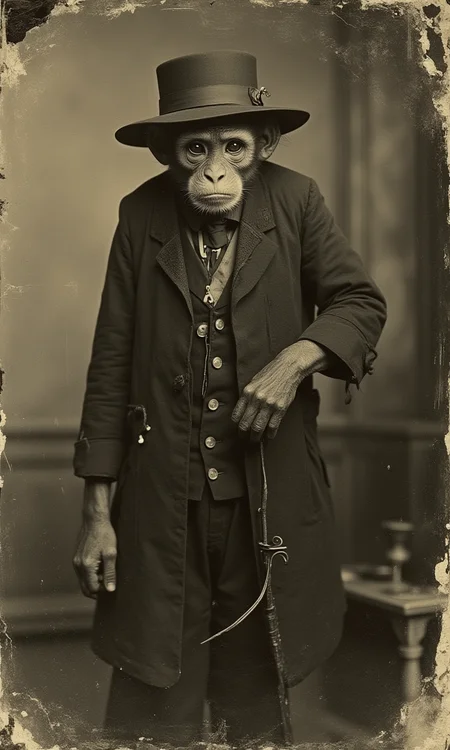
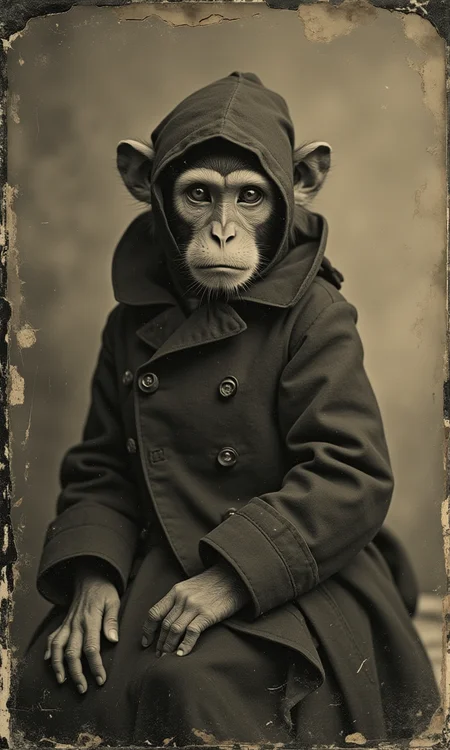
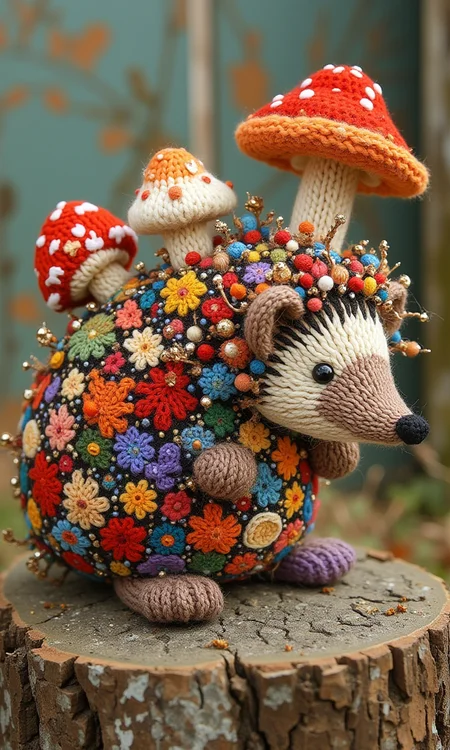
The models handle a variety of art directions very well. They do especially well with painting and drawn art. But it is also good at realism as well. Don't be afraid to experiment. I've spent many weeks exploring the model's capabilities, but it surprises me every time.))
NF4 models are a bit more accurate than the familiar NF4 v2. I've done a lot of generation with complex cues to assert this. And I am completely satisfied with the way these models understand me. With simple cues I didn't notice any difference.
In Forge WebUI, I select Euler or Flux Realistic samplers, schedule type: Simple. CFG: 1, number of steps 20-30.
Generated outputs can be used for personal, scientific, and commercial purposes as described in the flux-1-dev-non-commercial-license
Please upload your images directly from this page. Because the site does not recognize the hash of the model. Thank you all for your support!
Description
GGUF Q8 version of the FP16 model. Use GGUF text encoders
FAQ
Comments (68)
Модель кайф 👍 Алмаз молодец)))
Спасибо!!))
I like this model and have been able to get some good results. I was going to say it has trouble with Loras, but that Automatic (fp16 Loras) was my problem.
Yes, I wrote about it in the description
Yes, and thank you for that! I wouldn't have figured it out.
Just asked for a few Miró works. Impressed. Not that it made something "alike", but that two of them were scary good.
The model is very fast and has a very good prompt following. Love it.
Thanks!🤩
The model is the best)I stopped eating and sleeping, I sit and generate pictures only :D
Thanks!))😍😍😍
I have to agree with you wholeheartedly, I even cancelled Christmas yesterday...
It's the best diet one could have.
will there by a gguf Version?
Отличная модель скорость заметно быстрее чем на обычной NF4, также намного лучьше понимает стили
Спасибо!)
Amazing
Очень воодушевляющий чекпоинт! Прям то что надо для рисованных изображений. Огромное спасибо за то что поделились такой прекрасной вещью! Всяческих вам успехов! И да - очень быстро работает даже на слабых карточках, прекрасная оптимизация!
Спасибо!)
I was looking forward to it... but I can't use the All in One version.
A simple version of FP16 and also a GGUF version will be coming soon
Thank you! This is a very cool model, if you want artistic artwork, perhaps this is your best choice!!!! I recommend it.
Thanks, Bro!))
Thanks for the new model, will try it out with pleasure yes and Happy New Year 2025.
Просто невероятный чекпоинт! Настолько гибкого и понимающего промпты я еще не встречал. Детализация просто офигенная. Спасибо. Приятно с ним работать.
Спасибо!)
Great model, fast and understands the prompt very accurately!
Thanks!!)
Best Flux Model Ever and faster than the fp8 NF4 for me. Love it.
Thanks!)
I just got the prerelease, thanks for your hard work :)
Which model should I download?
Any model understands the prompt well. FP16 versions improve quality. However, the NF4 version has a built-in Clip-L FP32, which helps to better understand the prompt.
@Abzaloff Thank you
Oh so this is not a fine tune? basically more of checkpoint merge?
Dear Abzaloff, those models are absolutely incredible! 🤩 I ADORE the style! 💗 Could you please tell me how (with which node) I can load the fp 16 version in Comfy UI? So far I didn't find one that worked but I am also a bit of a noob in that area. If you can recommend a ready Workflow to download this would be even better. Thank you so much! 🙏
Hi! Any workflow that can run FP8 will also work with FP16.
Edit: Okayyyyy so apparently the regular Load Diffusion Model Node does the trick....Well I just started with flux and got tangled with the many different model names and variants. 🙈 - thank you for your help!
======================
Hey again and thank you for your response :D
about the workflow: I wish that was so. But I am using a simple default flux workflow and change the loader to "Load FP4 or NF4 Quantized Diffusion or UNET Model". And turns out it loads the Fp8 version nicely and generates, but when I hit Queue with the Fp16 I get the following Error:
"SamplerCustomAdvanced
4-bit quantization data type None is not implemented."
I have no idea what that means. Also I don't find any other loader that does the trick. Could you kindly link to one or suggest resources? Many thanks! 🙏
AH! Important: I have downloaded the
v1.0 fp16 model and the
v1.0 fp8 NF4 AiO model
so I guess that "NF4 " makes all the difference. So question is, what loader node do I need for the v1.0 fp16 model?
Thank you again! :D :D
@AliceInUltraland Hi! If you're using the NF4 loader, then download the FP16 version in NF4 as well. But if you want to use the regular FP16 version, then use the standard Unet model loader.
This is just a fantastically cool model! The best! Thank you very much!
Thanks!)
This model works perfectly with loras. I apologize for not listing this model with my pictures, but quite often it throws me out of the resource list. I don't have the patience to wait 5 minutes or more before I get it right.
Thanks!!!👍❤️
I really love this model. It's versatile and produces great results. Thank you for your work!
Thanks!!)
not working,
TypeError: 'NoneType' object is not iterable
every time gives this error,
any solution?
Hi! What are you wearing? Which workflow do you use? You're the first one who doesn't work. The reason is clearly not in the model. The models are no different from the others
@Abzaloff sd fourge
@mkrathod51 do other Flux models work for you? Which particular model can't you run?
@Abzaloff this is the first Flux model i am using, Flux art fusion , directly putting in to model folder
any solution?
Just love this model. Can you tell me which loras was included in this merge?
I have not used any Loras from this site. Some of the loras I made were added, but they didn't make it to the site.
Hi guys, can you help me how to fix it on forge (pinokio)?
"AssertionError: You do not have CLIP state dict!"
Use the NF4 model
Hi, just have a look here mate : https://github.com/lllyasviel/stable-diffusion-webui-forge/discussions/1050
Incredible details!
This model is simply the best flux model. My go to model. I use the fp8 version. Thank you for sharing!
What it excels at is realistic types of images with a very nice artistic, creative vibe, and lots of details without needing a ton of steps. It also excels at anime and illustrative styles.
This model works exceptionally well with higher configs. A higher config will give you a better likeness if using a character lora, but other models like default flux dev will give you very polished, smooth skin, this model gives nice skin textures at higher configs.
I like to use a split sigmas with my samplers and find a combo of 8 Flux Guidance, then 4 Flux Guidance after 5 steps works very nicely for good prompt adherence and a good image.
4.5 then anywhere from 3-4 also works quite well.
Guidance between 2-3 can still work and give a bit more freckles and realism at a cost of likeness.
I usually use 25 steps.
Some sampler combos I like are: ipndm or ipndm_v and sgm_uniform, res_multistep and beta, or if you want really crazy wild colors and bizarre madness, deis and ddim_uniform.
This model has ruined me, every time I try a new checkpoint, I find myself soon running back to Flux Art Fusion.
Thank you very much for such a kind review!!! I'm really glad you liked the model. Currently, I'm working on improving it to make it even better)
Can someone explain me whats the main benefit of using GGUF version over other fp16 and fp8 versions? Thank you!
The advantage is only for those who lack VRAM. In all other cases, it's better to use full models.
Details
Files
Available On (1 platform)
Same model published on other platforms. May have additional downloads or version variants.