


https://huggingface.co/thomaseding/pixelnet
--- license: creativeml-openrail-m ---
# PixelNet (Thomas Eding)
### About:
PixelNet is a ControlNet model for Stable Diffusion 1.5
It takes a checkerboard image as input, which is used to control where logical pixels are to be placed.
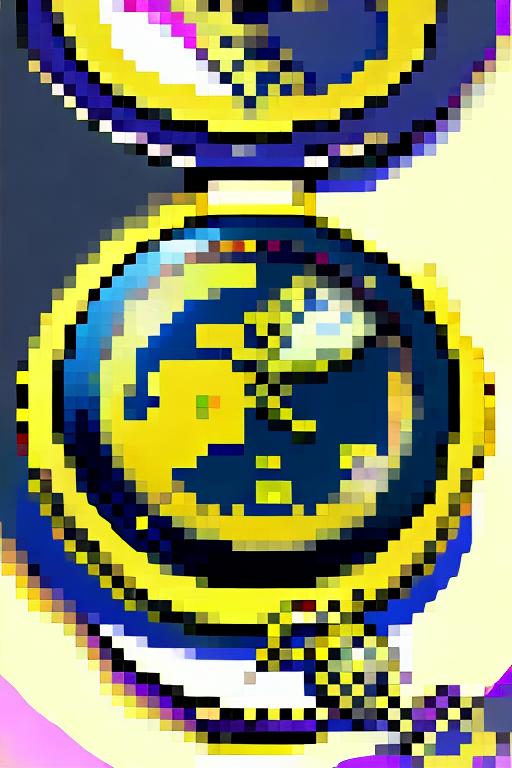
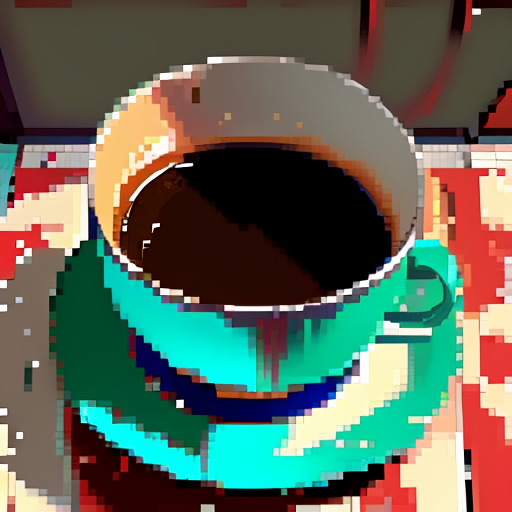
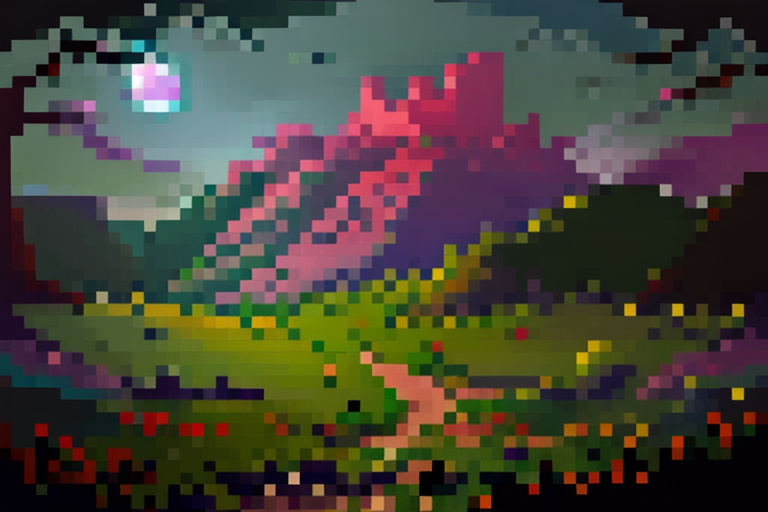
This is currently an experimental proof of concept. I trained this using on around 2000 pixel-art/pixelated images that I generated using Stable Diffusion (with a lot of cleanup and manual curation). The model is not very good, but it does work on grid sizes of about a max of 64 checker "pixels" when the smallest dimension is 512. I can successfully get the model to understand 128x128 checkerboards for image generations of at least 1024x1024 pixels.
The model works best with the "Balanced" ControlNet setting. Try using a "Control Weight" of 1 or a little higher.
"ControlNet Is More Important" seems to require a heavy "Control Weight" setting to have an effect. Try using a "Control Weight" of 2.
A low "Control Weight" setting seems to produce images that resemble smooth paintings or vector art.
Smaller checker grids tend to perform worse (e.g. 5x5 vs a 32x32)
Too low or too high of a "Steps" value breaks the model. Try something like 15-30, depending on an assortment of factors. Feel free to experiment with the built-in A1111 "X/Y/Z Plot" script.
### Usage:
To install, copy the `.safetensors` and `.yaml` files to your Automatic1111 ControlNet extension's model directory (e.g. `stable-diffusion-webui/extensions/sd-webui-controlnet/models`). Completely restart the Automatic1111 server after doing this and then refresh the web page.
There is no preprocessor. Instead, supply a black and white checkerboard image as the control input. Various control image grids can be found in this repository's `grids` directory. (https://huggingface.co/thomaseding/pixelnet/resolve/main/grids/grids.zip)
The script `gen_checker.py` can be used to generate checkerboard images of arbitrary sizes. (https://huggingface.co/thomaseding/pixelnet/blob/main/gen_checker.py) Example: `python gen_checker.py --upscale-dims 512x512 --dims 70x70 --output-file control.png` to generate a 70x70 checkerboard image upscaled to 512x512 pixels.
The script `controlled_downscale.py` is a custom downscaler made specifically for this model. You provide both the generated image and the control image used to generate it. It will downscale according to the control grid. (https://huggingface.co/thomaseding/pixelnet/blob/main/controlled_downscale.py) Example: `python controlled_downscale.py --control diffusion_control.png --input diffusion_output.png --output-downscaled downscaled.png --output-quantized quantized.png --trim-cropped-edges false --sample-radius 2`. See `--help` for more info.
### VAE:
https://civarchive.com/models/366568/vae-teding-aliased-2024-03
### FAQ:
Q: Are there any "Trigger Words" for this model?
A: Not really. I removed all words pertaining to style for my training data. This includes words like "pixel", "high quality", etc. In fact adding "pixel art" to the prompt seems to make the model perform worse (in my experience). One word I do find useful is to add "garish" to the negative prompt when the output coloring is hyper.
Q: Png or Jpeg?
A: Use Png. Jpeg's compression algorithm is terrible for pixel art.
Q: Is there special A1111 user-interface integration?
A: Yes... but not yet merged into the standard ControlNet extension's code. See (https://civarchive.com/posts/371477) if you want to integrate the changes yourself in the meantime.
Q: Why is this needed? Can't I use a post-processor to downscale the image?
A: From my experience SD has a hard time creating genuine pixel art (even with dedicated base models and loras), where it has a mismatch of logical pixel sizes, smooth curves, etc. What appears to be a straight line at a glance, might bend around. This can cause post-processors to create artifacts based on quantization rounding a pixel to a position one pixel off in some direction. This model is intended to help fix that.
Q: Should I use this model with a post-processor?
A: Yes, I still recommend you do post-processing to clean up the image. This model is not perfect and will still have artifacts. Note that none of the sample output images are post-processed; they are raw outputs from the model. Consider sampling the image based on the location of the control grid checker faces. The provided `controlled_downscale.py` script can do this for you. You can take the output of this script (presumably the `--output-downscaled` file) and then run it through a different post-processor (e.g. to refine the color palette). I only tested the script for a few generated images, so it might still be a bit buggy in the way it computes the sample locations. So for now, compare the output of the script. You may find that supplying an alternative control grid image may be beneficial, or may find that using some alternative post-processing method may be better.
Q: Does the model support non-square grids?
A: Kind of. I trained it with some non-perfect square grids (when pre-upscaled checkerboards are not a factor of the upscaled image size), so in that sense it should work fine. I also trained it with some checkerboard images with genuine non-square rectangular faces (e.g. double-wide pixels).
Q: Will there be a better trained model of this in the future?
A: I hope so. I will need to curate a much larger and higher-quality dataset, which might take me a long time. Regardless, I plan on making the control effect more faithful to the control image. I may decide to try to generalize this beyond rectangular grids, but that is not a priority. I think including non-square rectangular faces in some of the training data was perhaps harmful to the model's performance. Likewise for grids smaller than 8x8. Perhaps it is better to train separate models for very small grids (but at that point, you might as well make the images by hand) and for non-square rectangular grids.
Q: What about color quantization?
A: Coming soon, "PaletteNet".
### Sample Outputs:
Description
FAQ
Comments (22)
Hmm, I get the model in the list and I use the pixel grid as the image unit, but it's not quite taking.
Any suggestions @thomaseding
Seems like only "Balanced" works. The controlnet sliders don't appear to make a difference either.
EDIT: Other settings and sliders actually work. See updated model description for details.
I generated and uploaded a few example pixel resolutions here: https://easyupload.io/m2qedt or here: https://imgur.com/a/pou1FKN
It would be great to get some more images included in the zip-file @thomaseding. They take almost no space, just a few kb. Just to make it easier for people to use and get started with something similar to your results.
Sure no problem. Later today I'll batch create a few zips for various image dimensions, each containing various checker face sizes.
@thomaseding Feel free to use the ones in my easyupload link, they are some common sizes.
@mnemic I updated a bunch here https://huggingface.co/thomaseding/pixelnet/resolve/main/grids/grids.zip
This is a really interesting idea! Looks great. Any chance of uploading the ControlNet model pruned similarly to: https://civitai.com/models/9251 ? :D
Thanks for the feedback. I will find a script to share that quantizes/prunes the model. I'm not really interested in hosting a family of models when a script can do the conversion locally. Give me a few days perhaps to find one, I've never pruned a model before.
Ok, I ran this script on my files
https://github.com/Mikubill/sd-webui-controlnet/blob/main/extract_controlnet.py
https://www.reddit.com/r/StableDiffusion/comments/112j0mc/compress_controlnet_model_size_by_400/
But the end result model size didn't change. I also tried it with the --half flag, and still no size change.
@thomaseding I can try taking a look during the weekend, thanks for trying :D
Really neat proof of concept. I'd love to see this idea taken further and/or PRed into an automatic1111 extension or ControlNet itself - it'd be great to be able to pull grids on demand from webui.
Ok, I made a pull request to for this https://github.com/Mikubill/sd-webui-controlnet/pull/1774
I'm not sure if it will be approved into the main repository. But if you want, you can install it manually. Refer to this for details on how to do so:
https://civitai.com/posts/371477
I have a pending pull request into the controlnet extension for this integration.
Please refer to this for details on how to install it manually:
https://civitai.com/posts/371477
@thomaseding Hey, I really love this add on, Ive also found it useful for generating non-pixel art. I use it as the first step, then I upscale the results.
Im MOST excited for your palette net addon you said you are working on. Im not exactly sure what its going to be, But I have really been wanting a way to choose a color palette for an image made in stable diffusion, like a list of hexvalues, and as of right now I dont know a way.
Anyways, Im linking you this json list of popular color palettes
https://github.com/Jam3/nice-color-palettes
And also this site, but not in a easy format for mass use.
https://colorhunt.co/palettes/popular
Maybe those wont be helpful for you, but maybe so. Figured Id leave them just in case. or maybe itll be inspiration to find something similar that fits your needs better.
Thanks.
I haven't had much time to work on training models recently. You should expect to see a PaletteNet (a different ControlNet model) sometime in August. For an experimental proof of concept, I'm just going to use some pre-written NeuQuant implementation and throw a bunch of photos, cartoons, vector art, and pixel art at into it. I still need to play around on how I want to encode the color information for a controlnet image. I have a few ideas and just need to see which performs best. For example one idea is to just linearize the palette into a line consisting of one pixel per color, and then tiling/wrapping it across the desired dimensions.
I'm curious, can you elaborate and show an example of how you use this model for upscaling?
@thomaseding I dont have a good example at the moment. and its maybe better to use some other methods i can think of. Still gotta test more. But so if you look at the pictures I have up right now, they are all very detailed, in fact more accurately: cluttered. They break one of the basic principles in art, you need some areas of less complexity and a focal point, or several focal points.
The problem is, I start with a small generated picture then I upscale it and it adds more detail, evenly everywhere because im using tile resample.
So I had the thought to start with something that is more like minimalism or vector art. I have to test this out more, but I think that will work better than the pixel art for most stuff.
But the pixel art did help i think because it simplified everything, and its easier to look at a small pixel art image and think about the composition and value and edit it before you move onto the more complex stuff.
Most "ai artists" arent artists. not hating on them at all, its awesome they get to express themselves creatively. But what im getting at here is that for shaping a really good picture, all of the same steps can pe applied with AI art as other mediums, just in different ways.
Posing in controlnet is like a stick figure drawing of the basic idea. Generating a bunch of small images before a big one is like making thumbnails for value studies, color studies, composition
https://www.artstation.com/artwork/B0Drm
https://www.artstation.com/artwork/QBD9E
https://www.artstation.com/artwork/ZG52x1
And the pixelization is helpful as a tool for this, and probably the palette net tool.
So like with the palette thing, if possible, what I would like to do is take a normal (not pixel) image that ive generated then use controlnet with the line art thing where it edge detects everything, and then just change the colors to a specific color palette because as it is i dont know a good way to get anywhere near the exact color palette I want. (without doing post processing in another program).
Ive had this idea to very closely imitate the normal drawing process to see how useful it is. I would start with an Lora that does sketches and just play around with some poses. Once I found what I liked, I would take this sketch and use controlnet to turn it into a value study. (greyscale image showing where sunlight is falling what part of the image is highlighted, etc.) then I might paint on that value study a little bit just getting it how I like, or just generate a bunch of them. Then colorize if and work on remaining details.
@thomaseding Went off on a tangent, sorry lol.
@luminousdragon Interesting. You might like playing with a control weight value less than 1 to get vector-art like stuff from PixelNet.
As for the palette stuff, I hope to be able to train it where a value of 1 adheres precisely to the palette provided, but a lower value hopefully would allow some bounded color distance away from the provided colors (e.g. for gradient effects).
I will be training it geared toward txt2img, but perhaps img2img will work for free.
i don't presume this works with XL so if I wanted to do something similar, which controlnet model would I want to use to get something close to these results if I use my own checkerboard image?
I trained this before SDXL was a thing. This model is only for SD1.5
Details
Files
pixelnetControlnetFor_v00Experimental.yaml
Mirrors
controlnet11Models_scribble.yaml
controlnet11Models_seg.yaml
controlnet11Models_animeline.yaml
controlnet11Models_openpose.yaml
controlnet11Models_mlsd.yaml
controlnet11Models_normal.yaml
controlnet11Models_pix2pix.yaml
controlnet11Models_canny.yaml
controlnet11Models_lineart.yaml
controlnetQRCode_sd15V1.yaml
controlnet11Models_softedge.yaml
outfitToOutfit_v20.yaml
controlnet11Models_depth.yaml
pixelnetControlnetFor_v00Experimental.yaml
controlnet11Models_inpaint.yaml
Available On (1 platform)
Same model published on other platforms. May have additional downloads or version variants.