+-+-+-+-+-+-+-+-+-+-+-+-+-+-+-+-+-+-+-+-+-+-+-+-+-+-+-+-+-+-+
Check out my SDXL Models:
Stylized model: RAYBURN
Realistic model: RAYMNANTS
Painterly model: RAYCTIFIER
+-+-+-+-+-+-+-+-+-+-+-+-+-+-+-+-+-+-+-+-+-+-+-+-+-+-+-+-+-+-+
EDIT: thanks to user @sheerazrazak90434 and awskr over on Hugging Face,
you can now find a version of v3 AIO converted for Draw Things here on Hugging.
Shout out to both and a big thank you!
+-+-+-+-+-+-+-+-+-+-+-+-+-+-+-+-+-+-+-+-+-+-+-+-+-+-+-+-+-+-+
Introducing RAYFLUX v3 AIO
AIO is the next gen in my RAYFLUX line, where Photoplus was technically v2.
It brings back some of the creativity of v1 to Photoplus, and is now all baked in with T5, Clip and VAE, meaning you can load it and use it with a normal Load Checkpoint workflow in Comfy.
Hope you'll enjoy,
R.
HOW IS IT DIFFERENT?
AIO is a new attempt at a model that good at photography but also performs well on creativity and general non-photo subjects. It is a dataset merge from v1 and Photoplus, with some custom LoRA merge-in and some manual block weight tweaking. I've re-upped the model to FP16 but used some optimizations to keep the full based model which includes the VAE, T5XXL-FP16 and the ViT-L-14-BEST-smooth-GmP-TE-only-HF-format from Zeroint already baked in while keeping the size on the reasonable side. The model isn't without it's quirks but responds actually better than Photoplus in a lot of subjects so I decided to go ahead and share it.
TL;DR: AIO will perform well on basically anything you throw at it, and tries to retain the slightly grain photographic style Photoplus brought, but more creative.
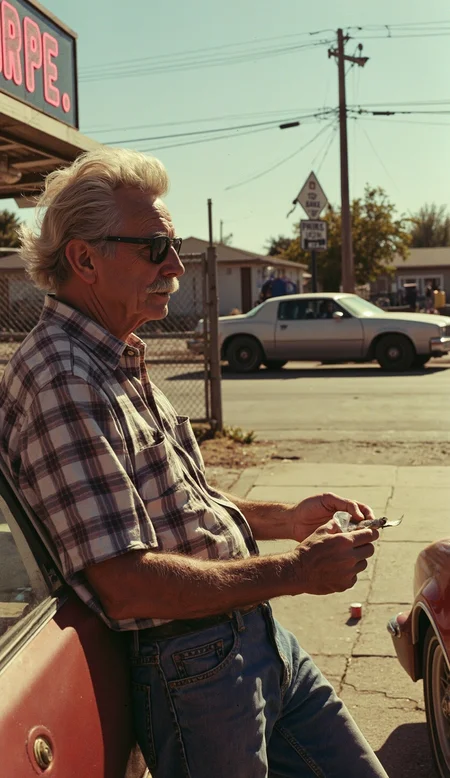
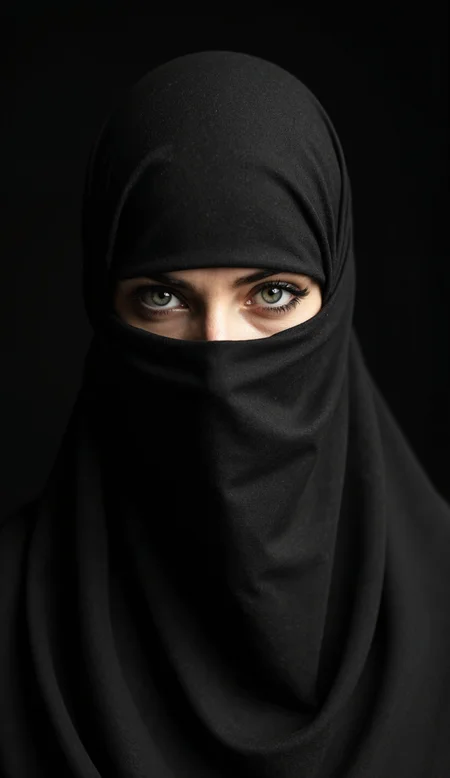
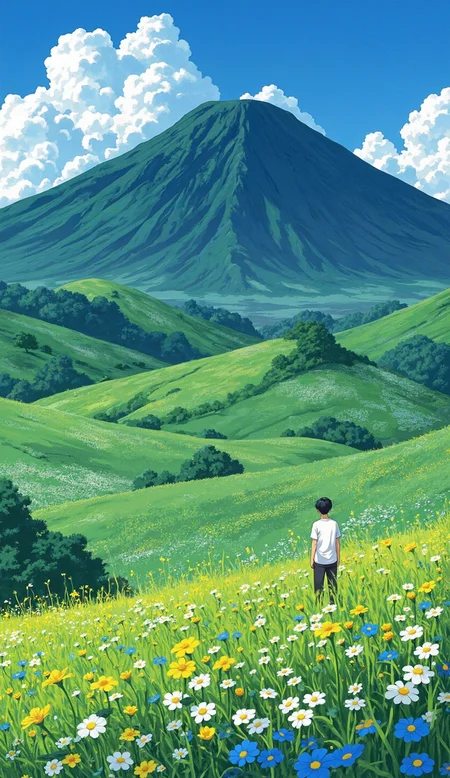
EXAMPLES
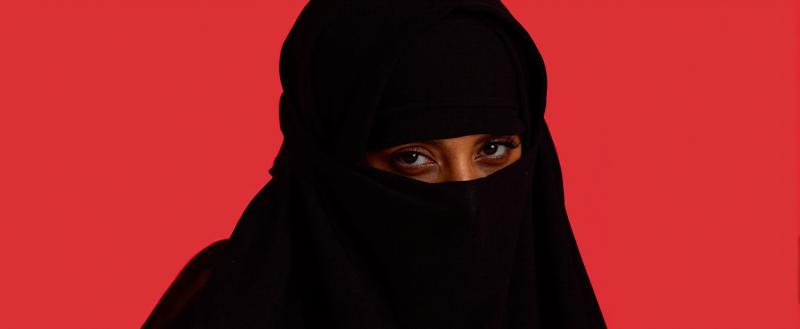
A striking, high-fashion close-up portrait of a woman veiled in a black niqab, set against a stark, deep red background. The image is dramatically lit, emphasizing the texture of the fabric and the woman’s piercing gaze
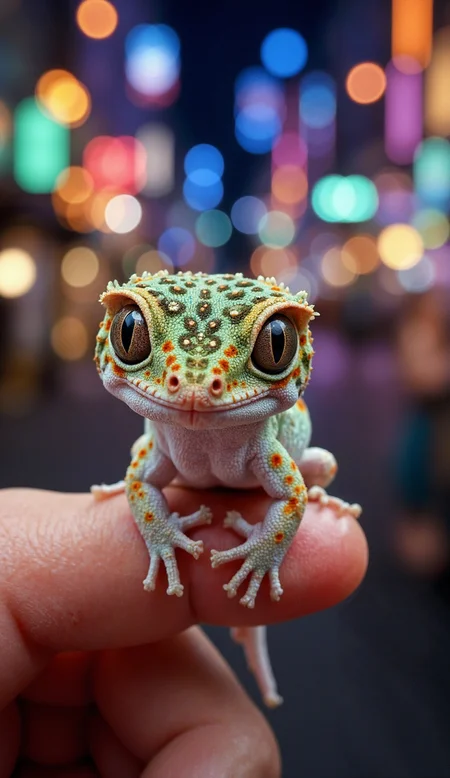
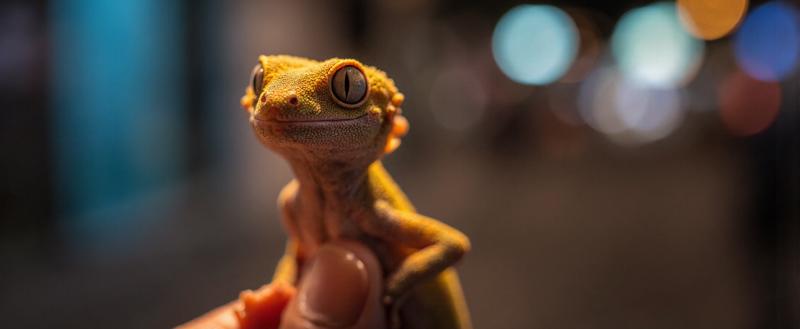
A vibrant and detailed close-up photograph of a juvenile crested gecko perched on a human fingertip, set against a blurred, bokeh-filled urban nighttime background.
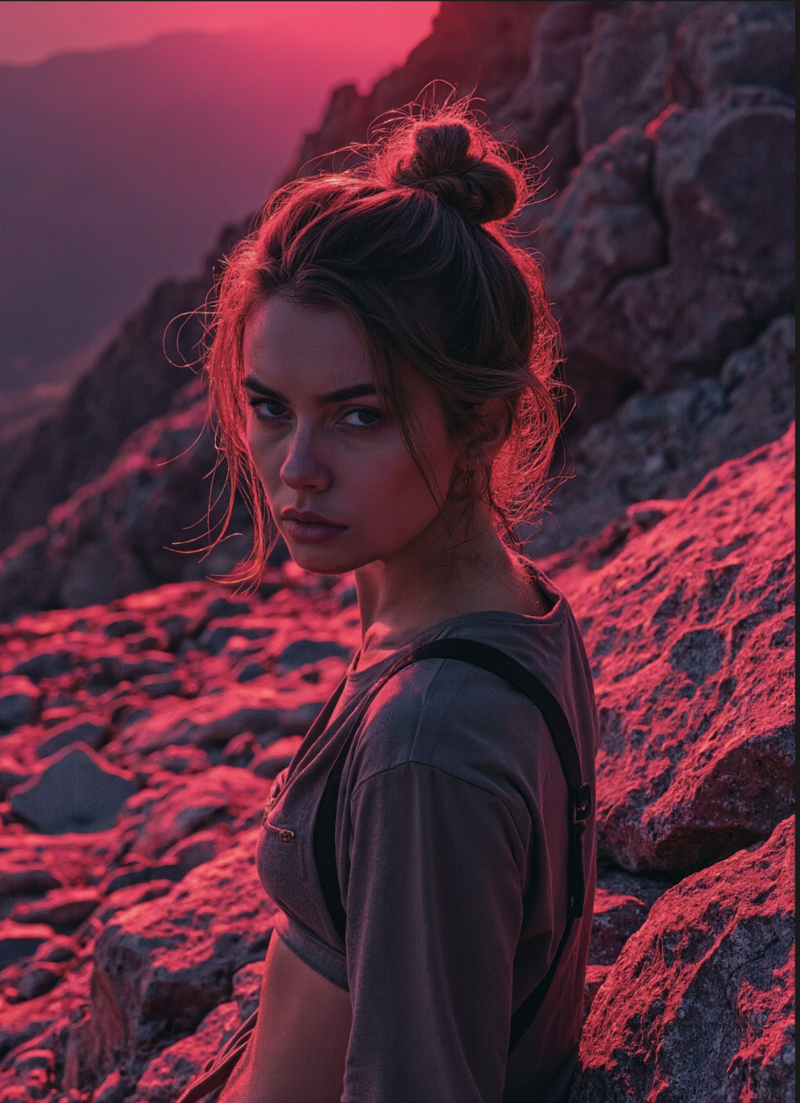
RAW photography of a 20yo woman, slim, with an angry look in a rocky mountain peak, pink and purple limited colors.
SETTINGS
AIO shine with a specific combination in my opinion dpm_adaptive with ddim_uniform. All the settings used for Photoplus or v1 will keep working, but the results are just more creative using this specific combo
Unlike the other RAYFLUX models, max shift and base shift can be tweaked, with a good range being around 1.2-1.8 on max, versus 0.5-1 on min. Flux Guidance works best at a lower value, 2-3 seems to be the best range.
As a reminder, RAYFLUXv1.0 used Heun/beta and Photoplus DPM_adaptive/beta.
For steps, AIO works great between 14 and 20 steps.
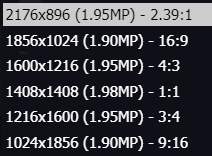
As a note, AIO works great at 2MP resolutions too! (see some examples below)
I usually do a second pass with a SD upscale at 2 steps with denoise at 0.2-0.3. I switch the upscaling model depending on the style I'm looking for e.g. 1x_ITF_SkinDiffDetail_lite for grainy portraits (works great at x2 too!), 4xUltrasharp for generic illustration, 4x_Foolhardy_Remacri for softer, cleaner digital illustration style. The prompt you use on the SD upscale is very important in general, don't hesitate to abuse it to nudge the upscale in the direction you want (i.e. write grainy for more grain, soft for less grain, add details about your protagonist, etc.)
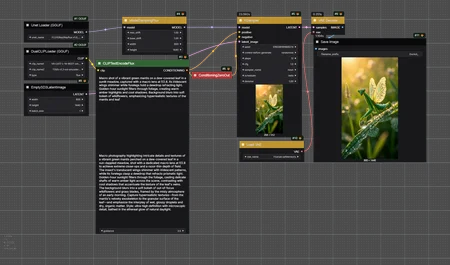
Here's an easy start to Rayflux AIO in Comfy. Few nodes, great results!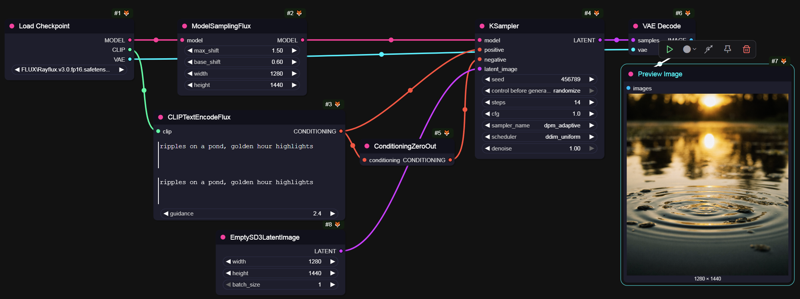
KNOWN ISSUES/QUIRKS
Nipples, male or female. There's a distinct lack of nudity in my dataset and somehow this version isn't helping much with that. There's a ton of LoRAs out there for it though, so it's not too dramatic.
it's slower and more VRAM hungry than the previous versions. With a checkpoing clocking at 21GB (although it includes T5, Clip and VAE so the UNET's footprint stays around 16GB). It takes 50-60s to generate a single 2MP image on a 4090.
There's way more variation seed to seed as a result of my tweaking and compared to the previous 2 models, which is a good thing imho, but also makes it a bit more work to domesticate.
Baking in encoders really did improve a lot model response, and easy of use, but somehow makes GGUF quantization trickier as I'm playing with different precision in the blocks of the base model (which started as a FP8 re-upcasted to FP16 before additional training). User foggyghost0 in the comments also reported some encoding precision issues, so please be patient while I sort this out.
Description
This is a quantized version of RAYFLUX 1.0.
It's a custom mixed precision quantization that target Q8_0 on most networks but keeps high precision on specific higher precision tensors, i.e 1D tensors, tensors with ≤ 1024 parameters, or those matching blacklist patterns (e.g., time_embedding.) which are kept in F16.
This is fully supported in Comfy or A1111 and gives a better precision than a standard Q8 quant for a cost of less than 1GB more than the FP8 version. It should also perform a few percents faster than a full Q8 quant.
Use it like you would any other GGUF!
FAQ
Comments (9)
clipL Fine TuneByZeroint_text.safetensors
link plz~
RAYFLUX PhotoPlus Full Model fp8 (11.08 GB) not working b__b;
This model seems pretty good, but I really struggle with noise and grain in the images. This messes with the upscaling, it seems to be to noisy kinda. I do not know how to describe it. Any advice?
I'am still total beginner in this whole th9ing, but this is my favorite model so far. Works REALLY well for realistic European images of woman. Recommended! And HUGE thanks to author ;)
Hey!
Thx for a great model! Can you please please please make a E4M3 quant version (instead of E4M2) as it doesn't import into my generation environment?
Thank you! I'm getting an vae erroer, does it not work with the standard ae.safetensors?
I tested it with my realistic looking 100% vegan fakefur model. When it come to fuzz the texures come out crisp and realistic. If you like fuzzy stuff, that checkpoint is a most have - thx for sharing. I posted some pics in the gallery so you guys can judge yourself.
hi, could you share your workflow with SD upscale at 2 steps with denoise at 0.3. I am a bit new tto comfyui and couldnot find relative infos about denoise stuff.
I absolutely love this model!
I've been starting with a latent that is about 1.4x "base" size, and while it takes a bit longer to generate, the output is amazing quality. I still will run the output through Ultimate SD Upscale w/ 2 or 3 steps using Remacri and just WOW.
Thanks for such an amazing model!
Couldn't load your PHOTOPLUS model in DrawThings. Is it not supported or am i missing something ?