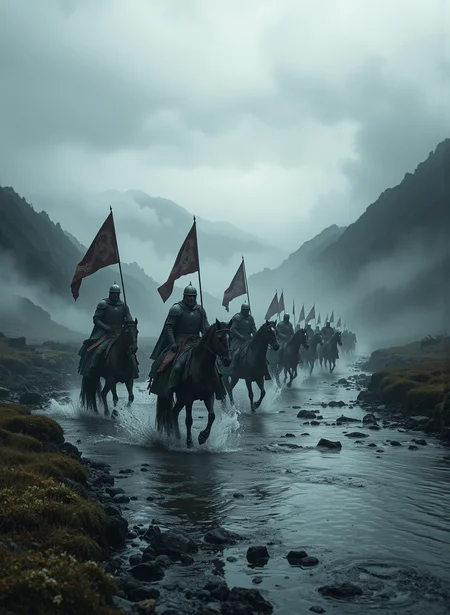
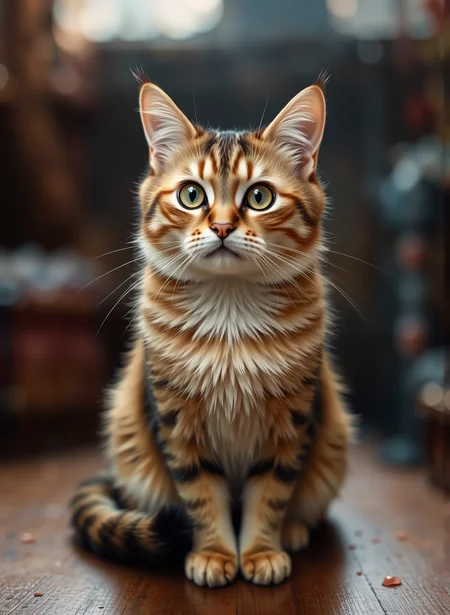
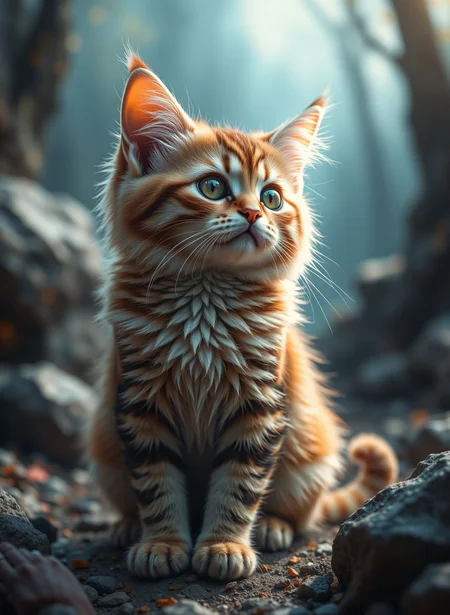
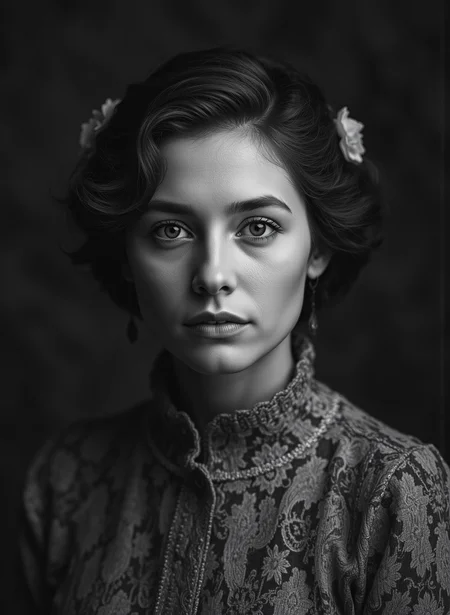
A realistic layer mix of several schnell models (shuttle 3.1, shuttle 3.0, schnell base) picking the best layers from each to produce an aesthetic model.
v5.1 (photo) - More photographic fine tuning
v5.0 -adds in yet more fine tuning
v4.0 - Not published
v3.3 - adds in some minor fine-tuning
Don't forget to tip! Models like these take a lot of work to wrangle. Tip me some buzz!
NAG!
I highly recommend trying NAG with this checkpoint https://github.com/ChenDarYen/ComfyUI-NAG?tab=readme-ov-file
It gives you back control over negative prompts and can really increase the realism.
Recommended settings
Euler - Simple scheduler - 4 steps - CFG 1.0, using more steps = more details.
This checkpoint is capable of doing 2 Megapixel images without issue. Suggested Resolutions:
1MPix
1:1 - 1024 x 1024
4:3 - 1152 x 896
16:9 - 1344 x 768
1.5MPix
1:1 - 1280 x 1280
4:3 - 1440 x 1120
16:9 - 1680 x 960
21:9 - 1920 x 800
2Mpix
1:1 - 1408 x 1408
4:3 - 1664 x 1216
16:9 - 1920 x 1088
Recommended models by GPU VRAM
24Gb - FP8 / Q8 GGUF... or anything smaller
16Gb - FP8 / Q8 GGUF... or anything smaller
12Gb - FP8 / Q6_K GGUF / Q5_1 GGUF
8Gb - Q5_1 GGUF / Q4_1 GGUF / Q4_K GGUF
6Gb - Q3 GGUF / Q3K GGUF
Description
FAQ
Comments (2)
There was one image style that I wanted to create where the base Schnell was unable, so I tested out this model and it worked almost every time. It's a red, dot speckled, overlay grid with the mixed background.
However, what I found very impressive was it's split image composition ability, where I accidentally kept this model loaded and used it in combination with a boring prompt, then added some detail to that prompt. If I figure out how to add this example I will. What happened when I used the regular base Schnell is that the image split abruptly at some point but, with this model, there was the intended gradient provided in the prompt, which kinda blew my mind.
Thank you \o/
Flux Schnell (FP8)
I'm curious how you determine which layers of each model are the best?