


Tutorial on how to use it
And make it look actually good
Checkpoint
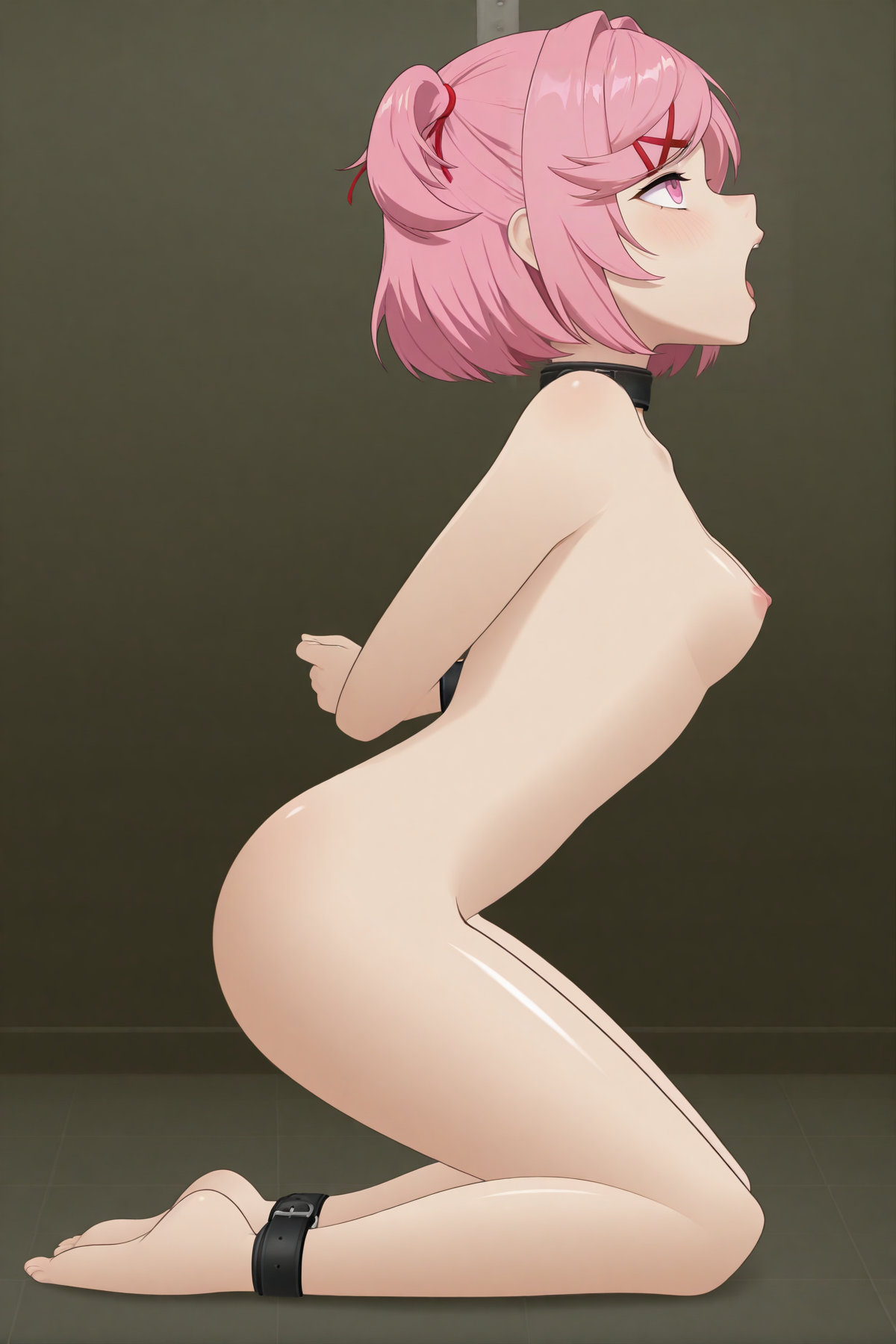
First of all, base model, not every model gives good results, for now, the model that had given the best results has been Hassaku XL (Illustrious) Image made with Hassaku here 👇
Prompting
With prompting you shouldn't have much issue, you can use quality prompts, this ones are the ones I use:
POSITIVE: score_9, score_8_up, score_7_up, epic photograpy, extremely detailed, high quality, absurd res, high res, masterpiece,best quality,amazing quality, absurdres, 8k, zPDXL2, zPDXLpg, zPDXLrl
NEGATIVE: bad quality,worst quality,worst detail,sketch,censored, artist name, signature, watermark,
You must add the SDT lora, and use it's activation prompt:
sdtstyle, 1girl, kneeling, arms behind back, bound, from side, side view, open mouth
And use the prompt of the character you'd like to create, for example:
natsuki, pink hair, short hair, hair ornament, two side up, hairclip, pink eyes, x hair ornament, small breasts
Of course add the lora of the character you'd like to use
Sampling method:
For this, I've been using DPM++ 2M
This gives pretty detailed images
BUT
To get even better results, you need to be using A1111, in txt2img you are given the next options:
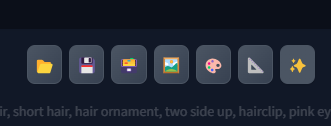 The right one (The one with stars) is for upscaling your image and regenerating, is the Hiresfix of civitai,
I use it TWO TIMES, the first one using DPM++ 2M, and the second time using Euler a
With that it gets scaled with good details, and with Euler it get's a more toony style
Size
I make the first image on 600*900, and then it get's upscaled with hires (Last point)
After and Editing
So, to make this an actual hair into SDT you must do actual work
Go to your image editing software (I use Paint.net, it's free and easy to use)
 Get your image, remove the body, the background, the ear, the head....
You need to leave only the hair, and then continue editing.
To make it look the best, fix the errors AI can create, like bad coloring, lines that merge into other lines, bad illumination... all of that
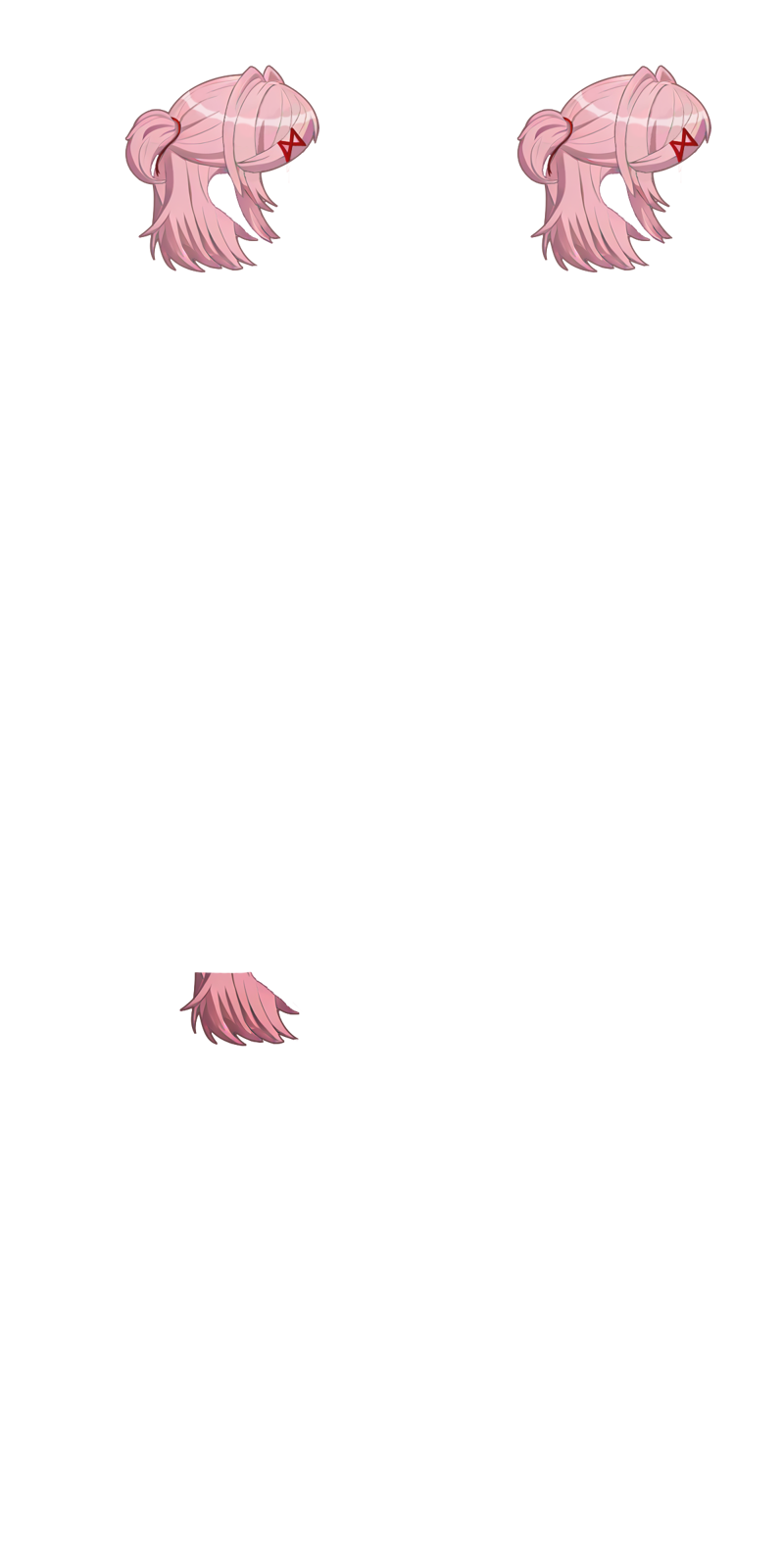
you should end up with something like this:
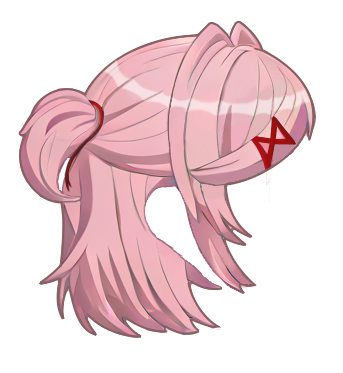 For that hair I removed everything, remake the hair illumination myself, fixed the ribbon, fixed the hairclip, added outlines... a lot of work
Then you can use a template like this:
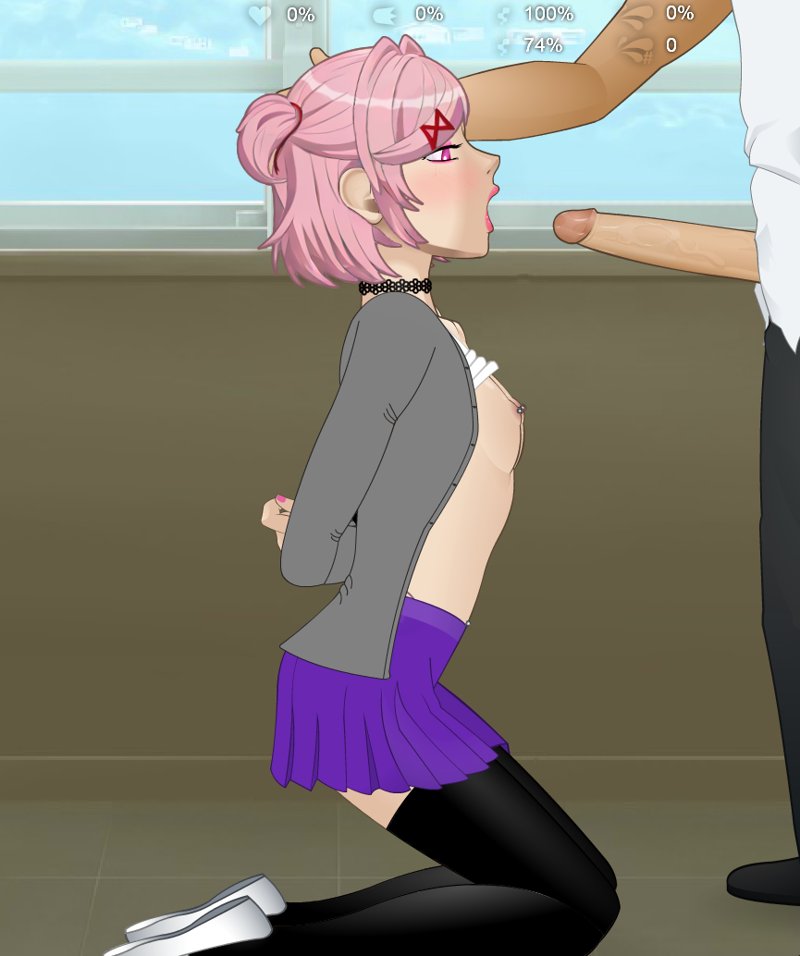
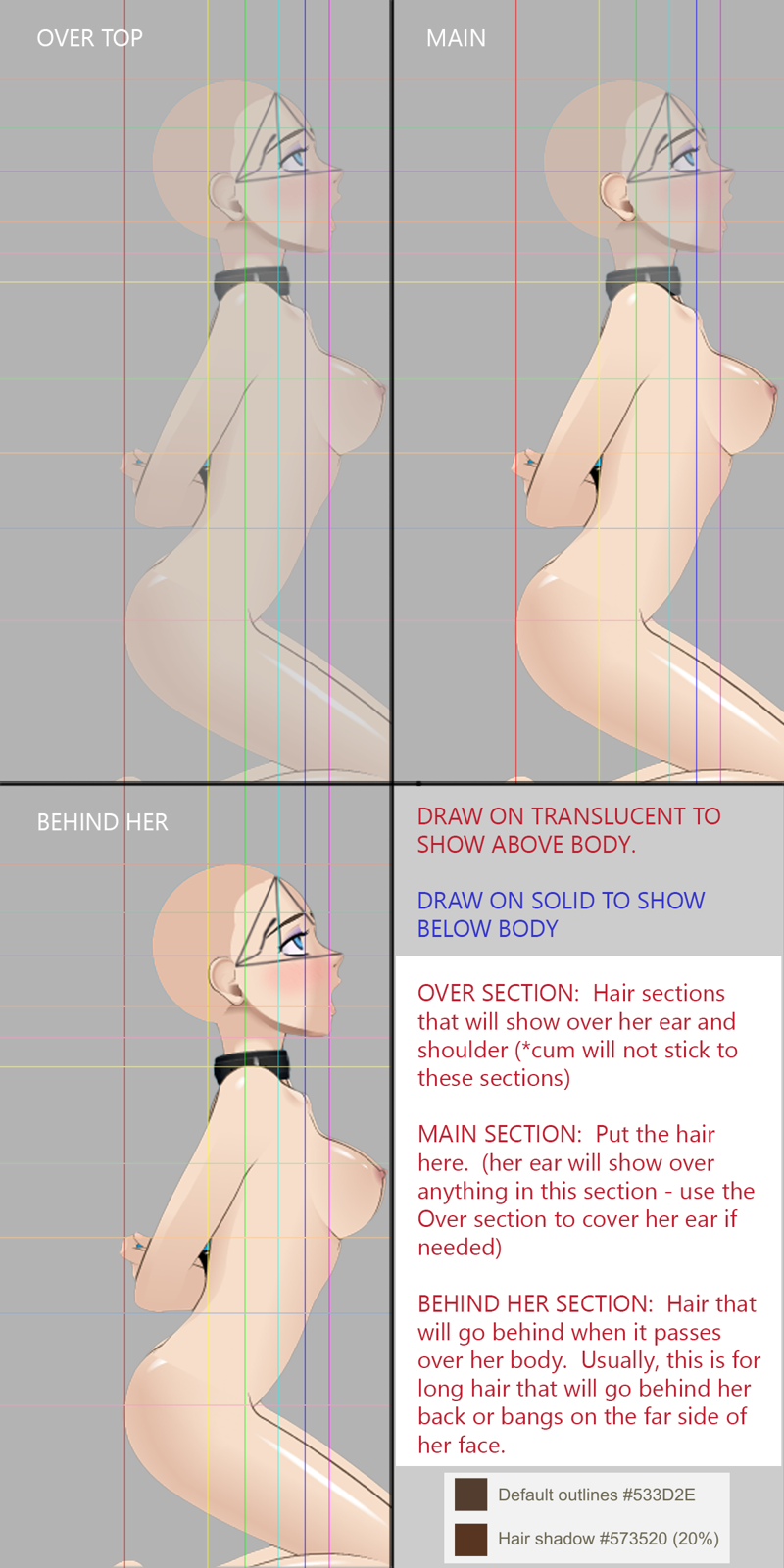 To place your hair and have a final image like this one:
 And you've finished!
Add that hair into the game and enjoy your new static hair
Description
FAQ
Comments (4)
SDT! Man that takes me back
Seriously! Wow! I'm sure I have the .swf and a directory full of hair PNGs somewhere buried on my PC.
very nice ty for sharing.
why use pony score tags on illustrious though?
Actually, I just forgot
Since that's the "Base prompt" I use, I keept it for every generation (negative and positive)
I eventually moved to illustrious and I never changed it, so yeah
Details
Available On (1 platform)
Same model published on other platforms. May have additional downloads or version variants.