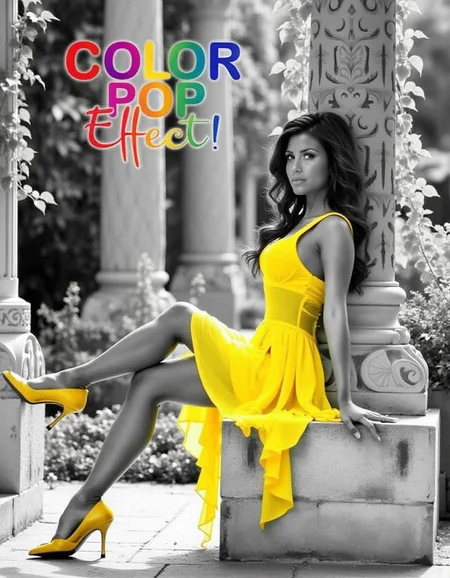
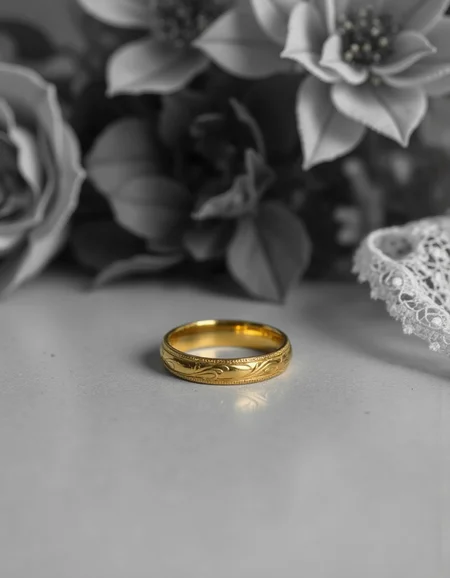
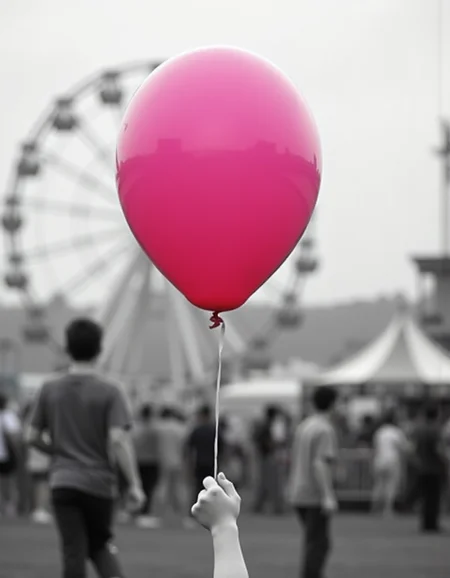
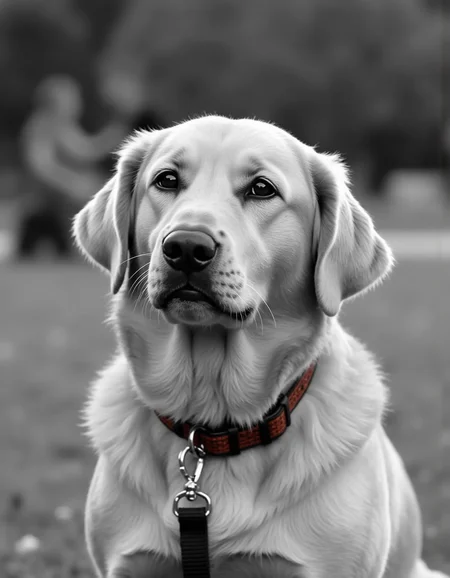
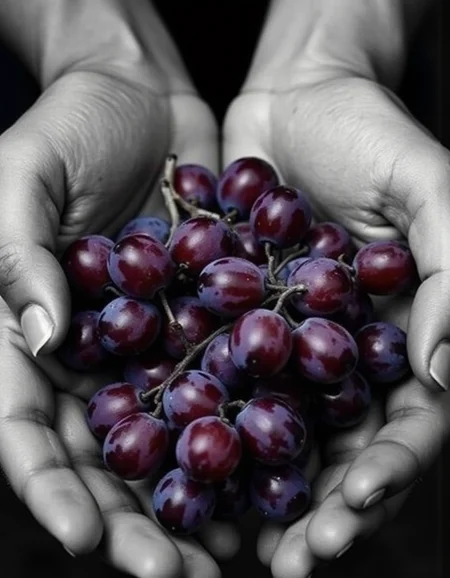




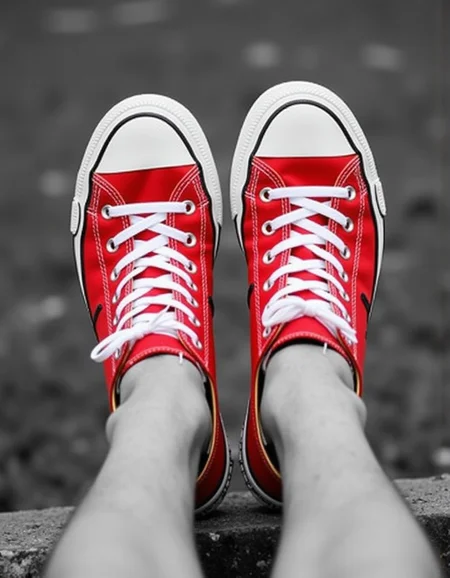
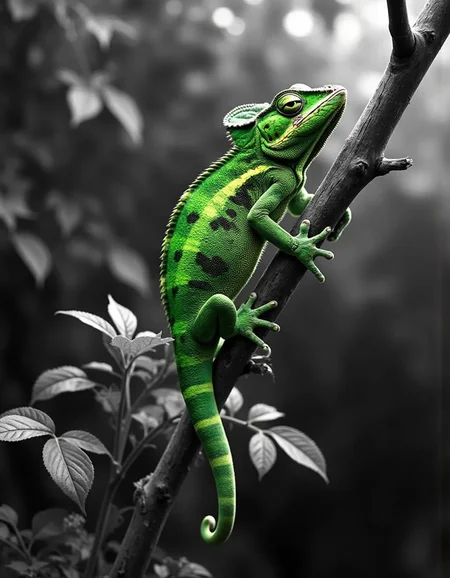

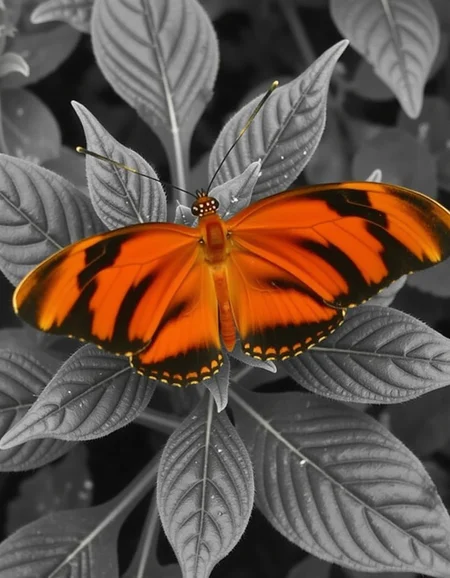
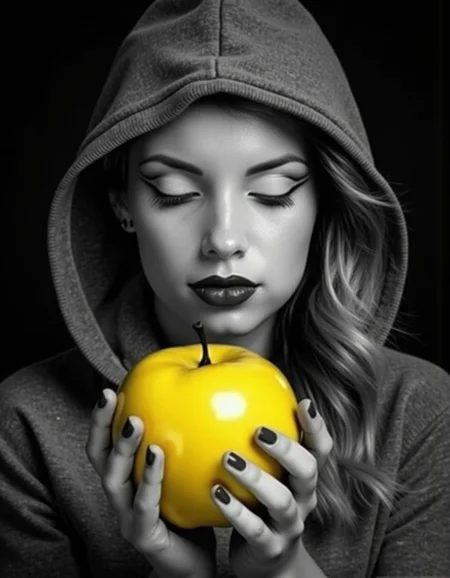
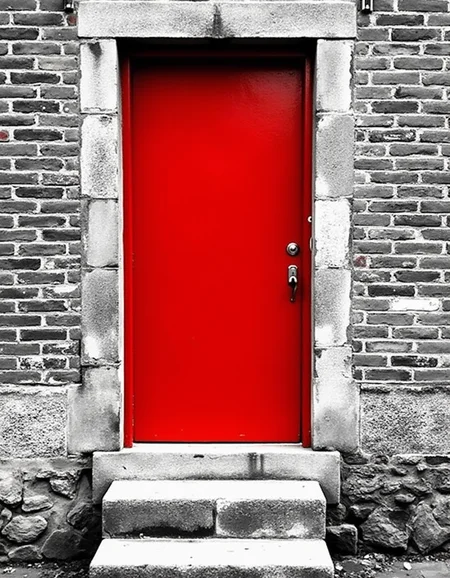
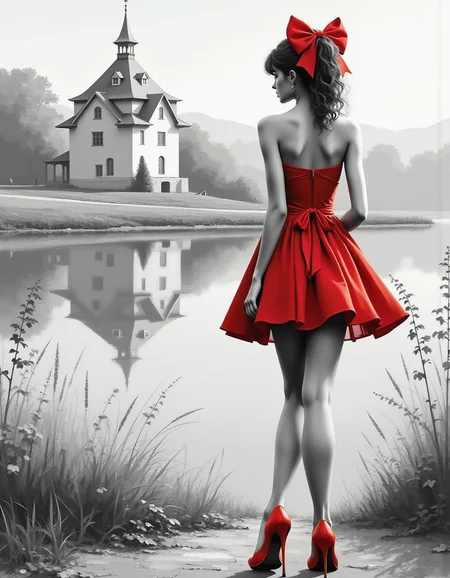
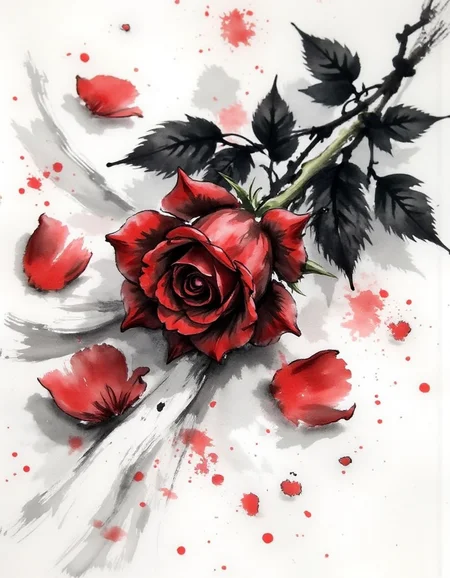
Color pop or color splash is a photo editing technique that makes photos stand out by turning everything grayscale except for a single object. Flux can accomplish a similar effect, but I found it worked less than half of the time and even then, it didn’t always work right. This LoRA fixes the issue, accomplishing the effect in 9 out of 10 tests. It is simple, but effective.
Usage
To use the LoRA, list the trigger and the color and object you want to stand out. Then describe there rest of the image in black and white or grayscale. Here are some examples:
diclrpp, A bright red door stands out on an old, weathered brick wall, its paint vivid and freshly applied. The rest of the image is black and white, showing the faded texture of the bricks and the worn stone steps leading to the doorway.
diclrpp, A vibrant pink balloon floats against a grayscale carnival scene. The background includes a faded Ferris wheel and blurred crowd silhouettes.
Lora Strength: A strength between 0.8 and 1.2 is recommended. Start at 1 and move higher if there is still color in the rest of the image. Raising the strength too high usually isn’t an issue.
Description
FAQ
Comments (4)
This works incredibly well. Fantastic, thank you so much for this.
Glad you like it!
Kudos to you for this Lora. It does its job very well, but no matter what resolution I use, I always get vertical stripes in the image. Does anyone have any idea what might be causing this or how I can avoid it?
Can you point me to an example with metadata and I can take a look?