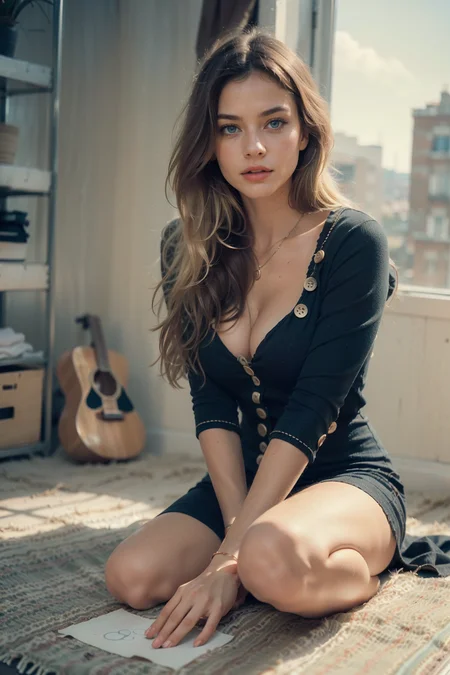
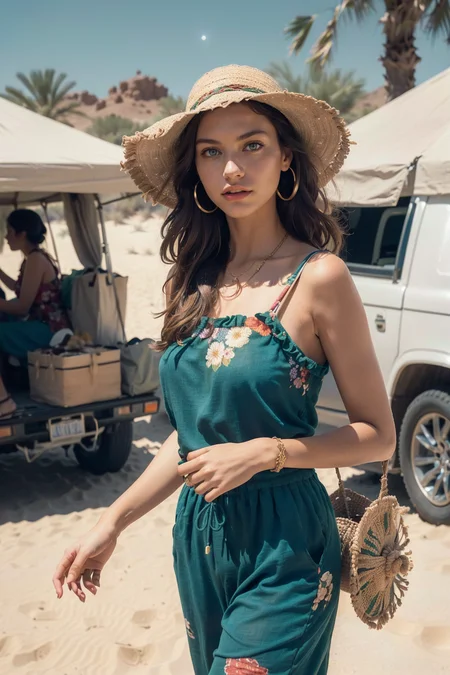
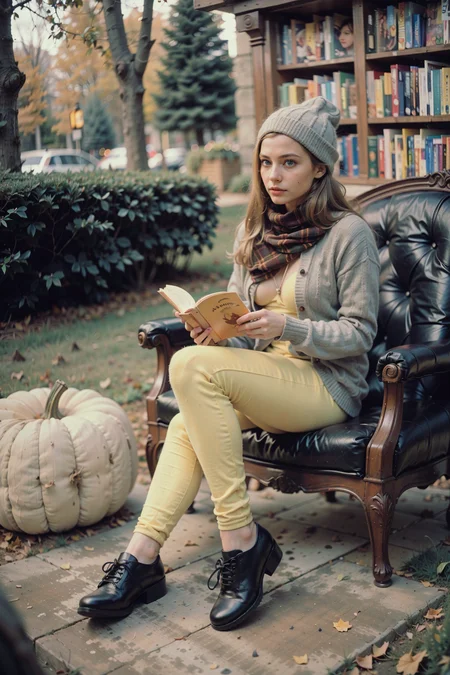
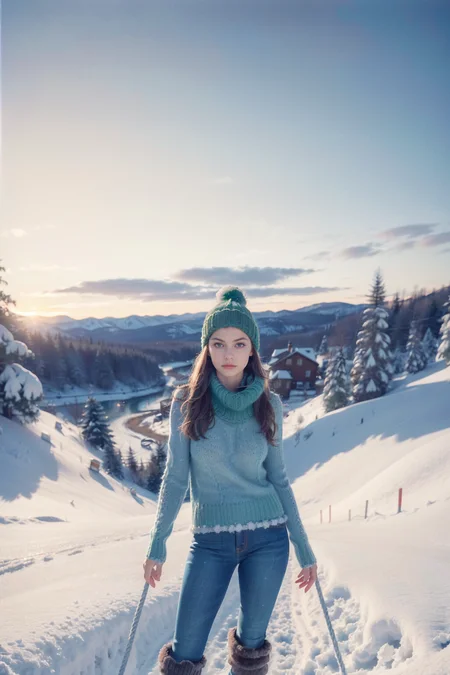
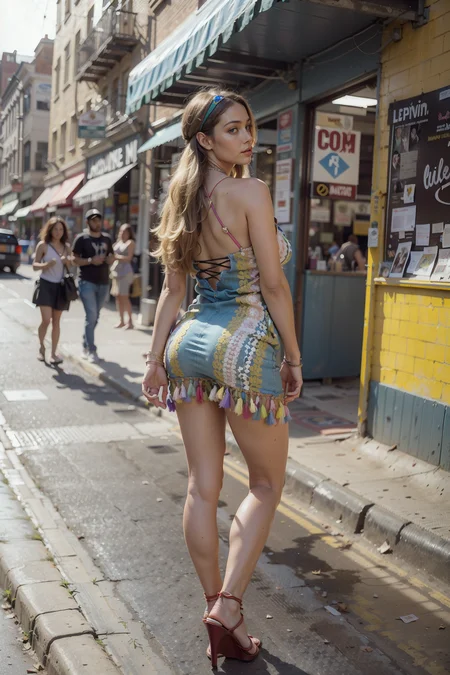
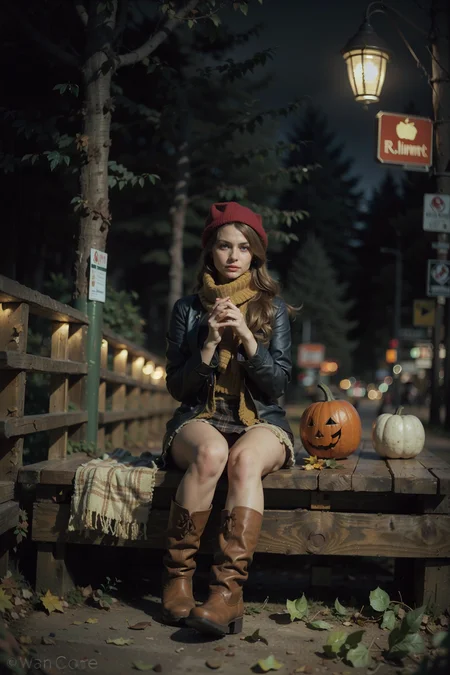
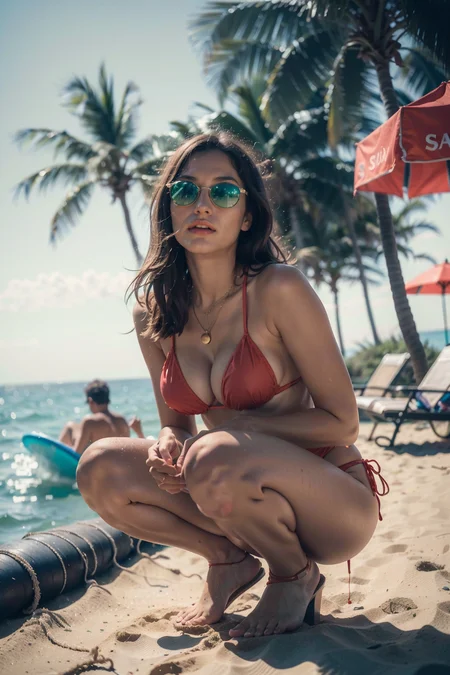
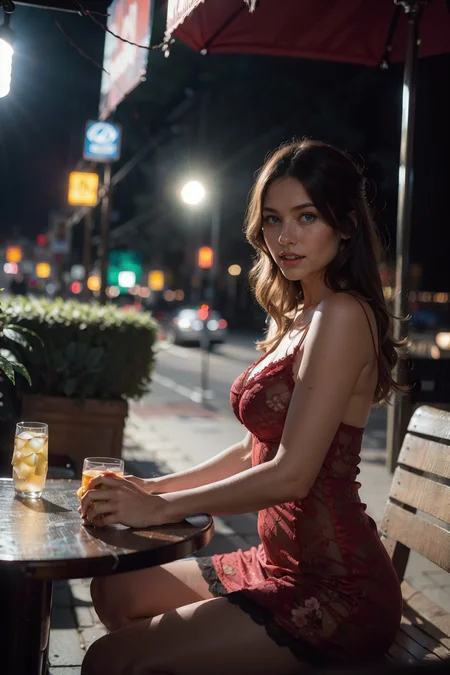
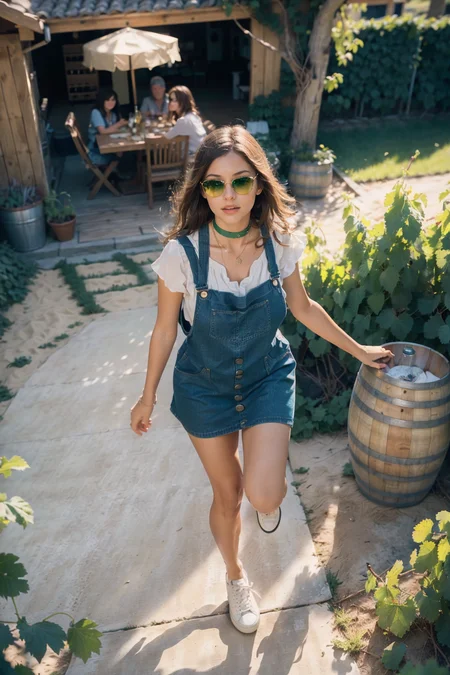
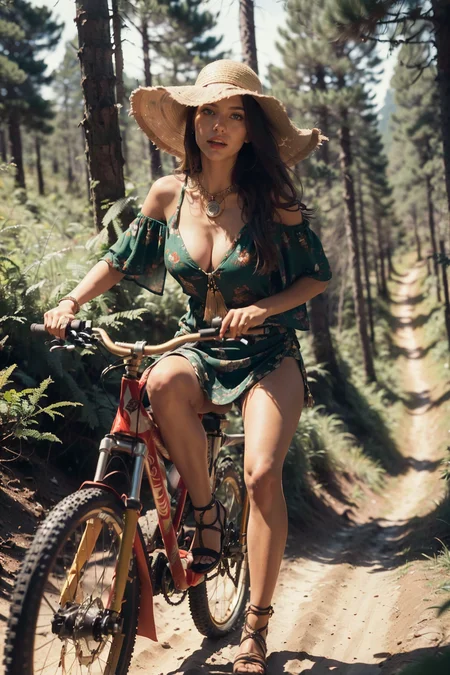
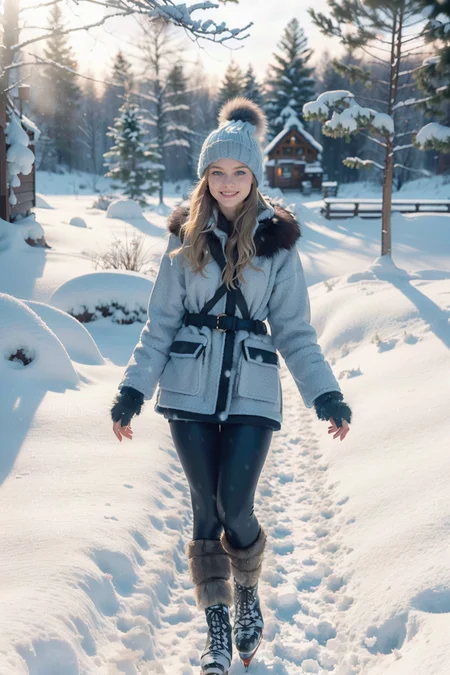
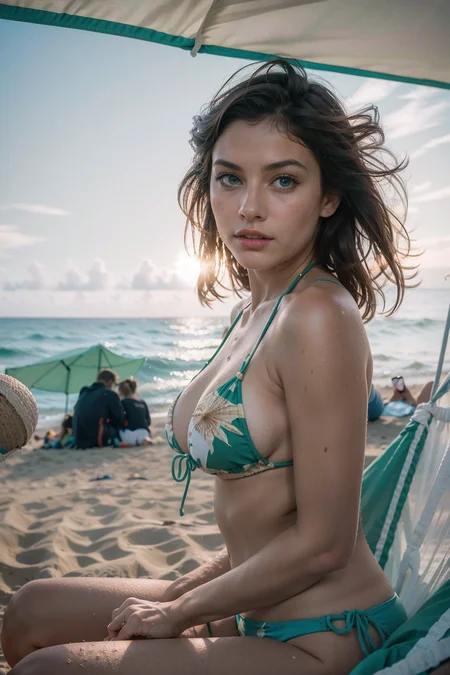
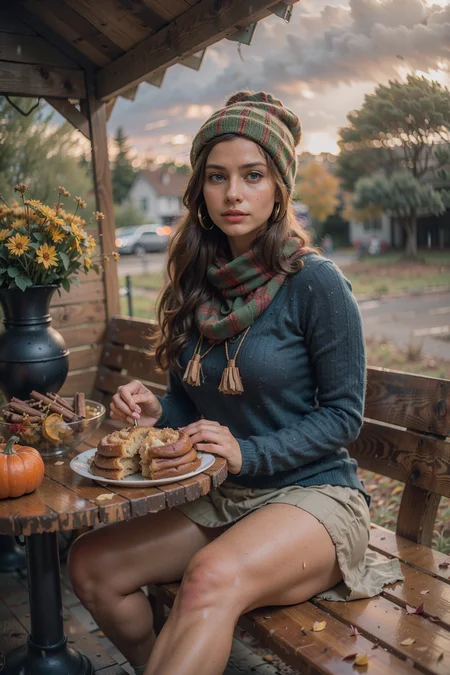
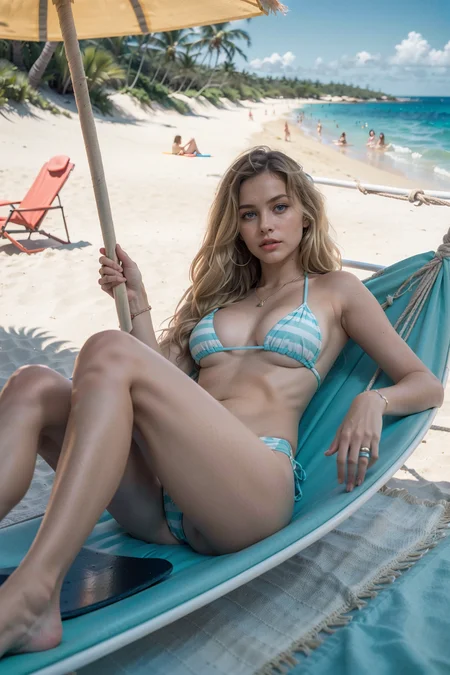
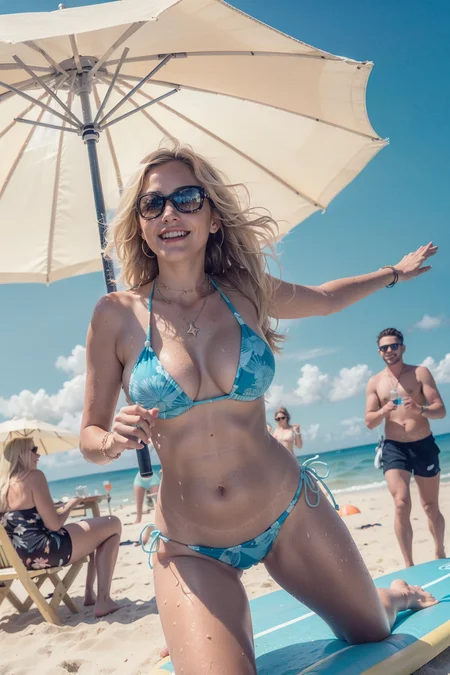
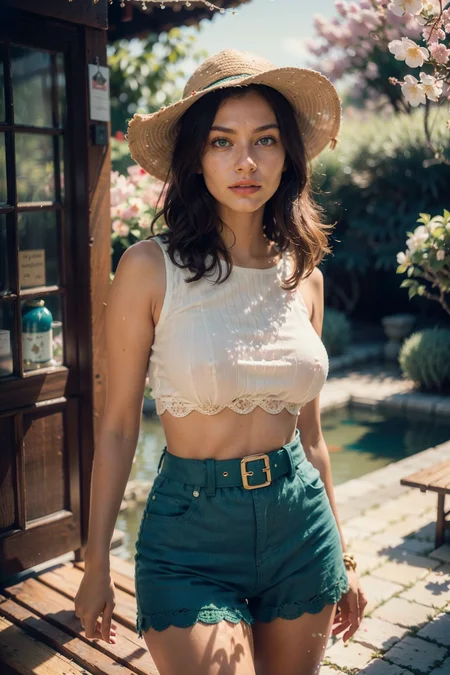
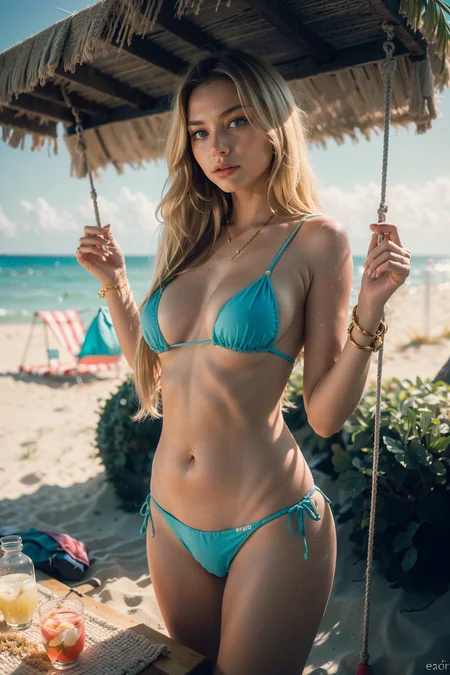
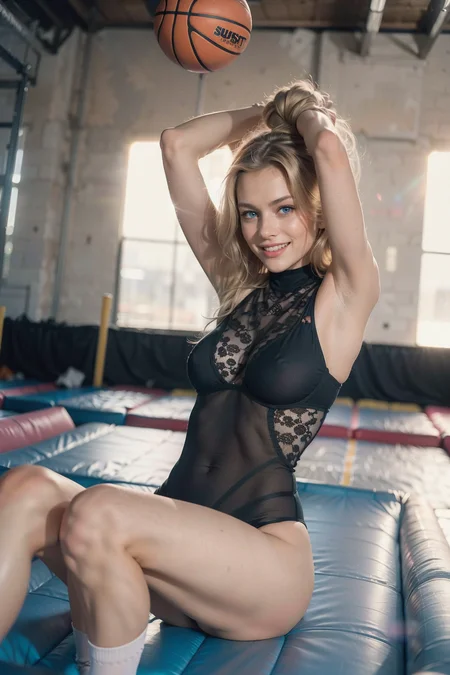
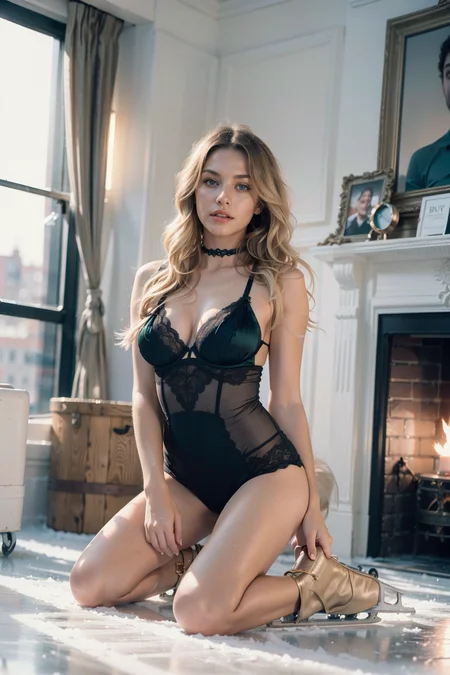
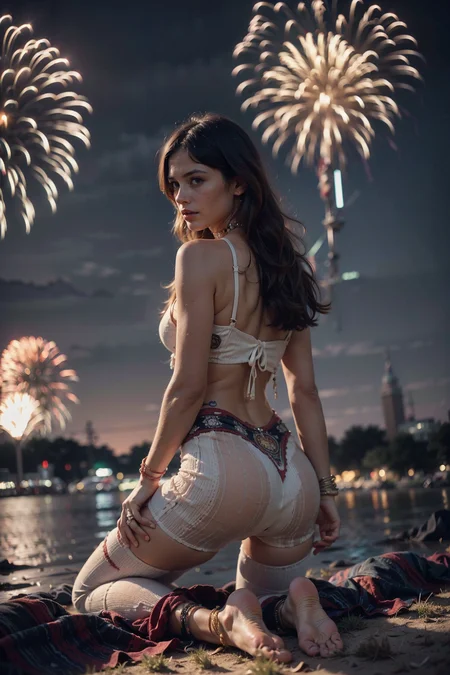
Hires : ESRGAN x2/30/0.3, clip skip: 2, Extensions: dynamic threshold, ddtailer (Just an example.)
Several days ago, I was bored, so just for fun, I quickly made a model and shared it here. But surprisingly, many people showed interest, so this time, I stayed up for three nights, did thorough testing, and now I'm uploading the official version, v1.
1. Update Summary
The first official version, v1, is designed to generate beautiful Western female images quickly, depending on people's preferences and computer specs. It can generate high quality images with shorter prompts, a low sampling step, and a fast sampler (without LORAs, embeddings...etc). I also set high thresholds for prompt and setting values, so skilled folks with high-performance computers can create top-quality images by adjusting prompts and values. At the same time, I intentionally biased the default face of the model towards Western person while not allowing the model to generate exaggerated western woman's face (for Asian users' tastes). Lastly, I made sure to maximize prompt recognition, so it has a very high success rate compared to other photo-realistic models.
2. Change in Westmix V1.0
1) The biased Asian face as the default face has been eliminated, and the need to add "Asian" in negative prompts is removed.
2) To generate high-quality images that closely resemble real photos, you don't need lengthy and messy positive and negative prompts anymore. (ex. 4~7 neg. prompts)
3) Significant improvements have been made to generate top-quality results even with fewer sampling steps and lower configuration settings, catering to users with less powerful computer specifications. (Also With DPM ++ 2m Kerras, which is much faster than SDE 2m Kerras, you can now generate top-quality images)
4) The face generation process has been enhanced to create faces that closely resemble real photos and can produce more various faces than the previous testing version V0.
5) The prompt recognition has significantly improved as the number of prompts required to achieve high-quality results close to reality has been greatly reduced.
3. About Sample Images
Like in the previous model, all sample images are without any corrections or selections. I uploaded whatever Mr. AI produced. This means that you will see odd fingers, hands, toes and feet on some of them.
A few top-quality images are without prompts and settings again. I want you to play with many models yourself and be good at adjusting setting numbers and prompts for photo realism because it's really fun!
Sample images without exifs : only one offnoise related lora used. No embeddings, no loras. (If they look good to your eyes, it's the power of prompts and numbers. FIND THEM by playing around with it!!)
I put a bit of explanation on each set of sample images, so if you are interested, read the post titles and descriptions.
4. About Extensions
1) Use at least DDtailer and Dynamic Threshold extension. They will help you generate top-quality images. (DDtailer is a must to use when you generate a far distance long shot.)
5. Sampler
With DPM++ 2M Kerras, which is much faster than SDE, you can generate top-quality realistic images. You can find some sample images I uploaded. Find the best setting and prompts for the model and enjoy the best quality images.
With DPM++ SDE, you will see faces are slightly different from that with 2M Kerras. They are more 'western-beauty-standard-like' than in 2M Kerras. And, of course much slower too.
6. NSFW
Unfortunately, I am not interested in NSFW at all and I don't even know how my model does for NSFW. I am rather interested in figuring out how this beautiful tool can be applied to everyday life.
7. Things to improve in the future
1) Personally, I really care about the facial part. It's still not as photo-realistic as I'd like it to be. In the upcoming updates, I plan to maintain v1's power while enhancing the realism of the faces.
2) A tiny bit unstable when everything exceeds its threshold. I don't think you will find the situation where it does because it's just from how I test a model. I will have to improve it anyway for a perfection.
Description
Refer to the model description
FAQ
Comments (40)
No prompts?
only high quality images are without exifs. Like I said in the description, I don't want to take great fun from you, so... :)
Without examples I never find what makes good results. Please reconsider not releasing the prompts. It is very annoying.
@2DisnotPhotoRealistic You're actually making it more difficult.
@jagona Ok, I will upload some middle quality images with exifs that you can play around and find out what the best numbers and prompts for my model. :)
@stanleypain007313 will upload some middle quality images with exifs that you can play around later.
uploaded some sample images with exifs. go check it out. And I recommend you to run as many shot as you can and get your own know-how by it. It's that every model has different optimal prompts and setting for photo realism.
Thanks, I will give them a shot :)
@2DisnotPhotoRealistic i agree with the others, for example: On one of the images that you upload, you are using clip skip 2... but You didn't mention on the description :) It's good to upload images and example prompts so we can get excited XD
@2DisnotPhotoRealistic Thanks for the examples. I've used large sampling steps before, but always forget that you should increase CFG along with it. Never would of thought of using CFG Scales over 20 without dynamic thresholding(which is still black magic to me). Been using ICBI_seco with CFGs around 4 recently, and 21 is a big change. Still can never get high details like in your other pics.
@jagona usually when with more than 12 cfg, you must use dynamic thres. otherwise the image gets broken badly. Also, set hires upscale sampler to ESRGAN with 0.3/30. Dynamic thres. is not hard to use if you are not into a profound adjustment on an image generation. Just set the mimic cfg same as cfg. Also, use ddtailer always with smallest numbers otherwise the face changes and becomes more 2D. I wish civitai also showed dynamic thres., upscaler and ddtailer numbers so that people can easily get the sense of what to do with a certain model by looking at sample images...
@stable_diffusion7388 yeah I get what your point is and thanks a lot for reminding me. I will add some more on the model description.
@stable_diffusion7388 done adding hires, clip skip and extensions info. on the description.
no vae or baked in vae? or do you recommend a vae? Also c'mon no need to gatekeep the metadata if you've an excellent model let us try gen the images you got on display.
vae-ft-mse-840000-ema-pruned. generally, this vae is used for not my model only but most photorealistic models.
samples with exifs uploaded.
@2DisnotPhotoRealistic ty it's actually an amazing model you've crafted here, iv been getting godly outputs with it, be proud this is super insane right upto those popular models yours has such unique and amazing elements to it, ill share my gens here when i get a moment
@vitherenegade thanks!
What upscale settings do you use for photos? This is most likely multidiffusion step-by-step upscale? Upscaler, Denoising strength? ultimate-upscale? (Only DDtailer and Dynamic Threshold extension?) Inpainting? It would be great to see an example of something on the video, if possible) Everything is very detailed and looks nice. Thanks
very very nice comment! I use 'esrgan_4x' sampler on 'hires' for a photorealistic image because it does not much 2d on images like R_esrgan. setting numbers are usually 0.3/30 but if I want to create an image with a concept like dark gloomy...etc, I adjust the number to get the best feeling. I mostly use 2x upscale.
And, the ddetailer and threshold! They are very important in generating top-quality images. I put as smallest number as possible for ddtailer (denoising/inpaint number) because it turns face into more 2d when the number is too high. Usually, you don't need to touch anything but denoising/inpaint) number, and those number should change depending on the image composition. (if char is in a very far distance, you increase those numbers and if too close, you turn it off...so on). For the sample images in this page, most high quality images were generated with 'bbox...' as a primary detection model, everything default except for denoising/inpaint about 0 to 20/ 0 to 24. (do not touch other numbers if you don't know what they do for sure. Adjusting other numbers are required for generating a truly top-quality image but you must first know what they are for.)
I want to tell you about dynamic threshold in very detail but it will be too long to write here. Just want to tell you that when prompts are not recognized due to its huge token sizes, you need to increase cfg and sampling steps until it does. I usually prefer high cfg number because I use so many detail prompts. But to find a proper cfg for the high quality image you desire, you adjust not only cfg but also sampling steps and prompts together, otherwise even with dyn. cfg an image will be broken.
As for 'Dynamic Thresholding Advanced Options,' I set 'Top percentile of latents' to clamp to 100 (rarely change), mimic scale to cosine up / half cosine down for most sample images in my model page (with 0.5 to 4), but they all change depending on composition, background, details ... etc.
Hope this helps!
also I uploaded middle quality sample images with exifs. go check em out and play with dynamic thres. and ddtailer to make images more realistic.
I have used hundreds of models. but I have not come across a model as successful and realistic as this one. GJ!
Even your previous Westmix was absolutely TOP TIER. It's like you're improving upon perfection! This is incredible work. Thank you SO MUCH for what you do :D
How to generate an image with multiple girls? Tried "2girls" prompt and things similar to that and it keeps producing only one girl
for only prompt generation, you put more detailed prompts like (alternated face), (alternated body)...etc and make sure the resolution is wide enough to handle multiple girls. Also, for a better image you can use the extension called regional prompter. I guess once you get how to use the extension, you won't worry about it anymore at all. Hope this helps.
Good!!这是最好的模型之一,和另外一个叫Epic的现在是我的最爱,做写实风格的画面非常逼真
This is the best model in the world right now. Do not let anyone tell you otherwise.
Asking for everyone out here: any chance you can provide an SDXL version? :)
Unfortunately, my gpu is not good enough to make a SDXL model. I guess SDXL creators will come up with a very bad defect (demanding too much gpu for making a model) in the future. Then, I will work on it for sure.
@2DisnotPhotoRealistic Oh I get that. Thanks a lot though. And if you can find the time, it would be great. The results are stunning and that's "only" SD 1.5.
This has to be my favourite model right now. Getting amazing results with it.
Welp. Photon got dethroned and this is new king!
hmmm, close but no sigar. Model looks great but I get worse results with my LoRA's than Photon. This model unfortunately also seems to push hard for skinny models
Sometimes this gives error: "A tensor with all NaNs was produced in Unet" using another model works
Can you make all the settings in ComfyUI? It would be interesting to take a look at all the settings with nodes in the workflow.
Tell me why all the girls turn out the same. Even if I use the clue "blonde hair", "blonde" draws a brunette with the same face
given that this is "western" - it won't work for Asian faces right?
Stayed up all night running tests with this model to answer this very difficult question for you. It's so sad we couldn't glean this information anywhere else. Even Google failed me! But I still need a few more hours to solve this mystery, so stay tuned...
@domiluci Thanks buddy. I did a run - it looks "ok" but the face was off from my face swap.
Hello everyone! I'm back, and this time I'm looking to create LoRAs for Flux 1D. I'd love to hear your suggestions! Please follow the link and share your thoughts on what kind of Flux 1D LoRAs you'd like to see: https://civitai.com/articles/8252/i-need-your-input-on-creating-loras-for-flux-1d
Details
Files
Available On (1 platform)
Same model published on other platforms. May have additional downloads or version variants.