


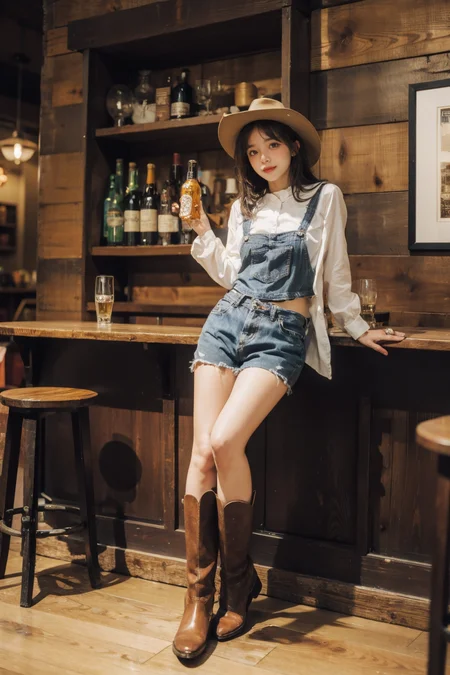
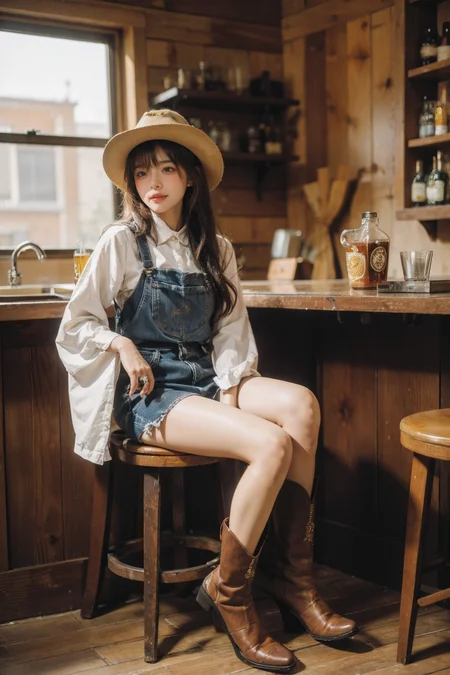


这是一个亚洲女性脸模,无需分层使用。此lora在大部分情况下可以使人物皮肤变得更加白嫩,一定程度上改善图片发黄的问题,代价是牺牲一定的皮肤质感。
--这个模型不太适合欧美风格比较鲜明的模型,建议使用亚洲模型。
--我还是建议你们下载到本地进行使用,我发现很多在线生成的效果,只能说一言难尽。
--This is an Asian women's face model that does not need to be layered. This lora can make the character's skin whiter and tenderer in most cases, and improve the yellowing problem of the picture to a certain extent, at the cost of sacrificing a certain skin texture.
--This model is not suitable for models with distinctive European and American styles. It is recommended to use Asian models.
--I still recommend that you download it locally and use it. I found that many online generation results are not good.
V40--
降低了V30的柔光效果,脸型相比V30略微改变,我个人认为V40更加可爱一些。
权重0.9似乎更加好看。推荐权重0.7-1.0。
请务必打开ADetailer插件使用,且在插件提示词中加入lora,这样才能完美还原脸型,
我比较常用face_yolov8m这个模型,重绘幅度建议根据景别以及人物大小来调整,范围大概在0.2-0.4之间。
可以尝试在提示词中增加blush,或许能让脸更加可爱,少女。
貌似在其他模型上传图片无法链接到我的lora,所以希望能在此页面进行返图~
The soft light effect of the V30 has been reduced, and the face shape has changed slightly compared to the V30. I personally think the V40 is cuter.
A weight of 0.9 seems to look better. Recommended weight 0.7-1.0.
Please be sure to open the ADetailer plug-in to use, and add lora to the plug-in prompt word, so as to perfectly restore the face shape.
I usually use the face_yolov8m model. It is recommended to adjust the redrawing range according to the scene and the size of the characters. The range is about 0.2-0.4
You can try to add blush to the prompt word, maybe it can make the face more cute, girly.
It seems that uploading pictures on other models cannot be linked to my lora, so I hope to return pictures on this page~
这是一个亚洲女性脸模,无需分层使用。此lora在大部分情况下可以使人物皮肤变得更加白嫩,一定程度上改善图片发黄的问题,代价是牺牲一定的皮肤质感。特定情况,自带柔光效果。
权重在1.0或1.0以下都可以,再往上我没有进行测试。
此lora可以让你非常轻松的获得一个面部表情变现力不错的亚洲女性。
建议打开ADetailer插件使用。
如果你觉得不错,请在此分享你觉得不错的图片,谢谢。
This is an Asian women's face model that does not need to be layered. This lora can make the character's skin whiter and tenderer in most cases, and improve the yellowing problem of the picture to a certain extent, at the cost of sacrificing a certain skin texture. In certain cases, it has a soft light effect.
Weights at or below 1.0 are fine, I haven't tested anything higher than that.
This lora allows you to easily obtain an Asian woman with good facial expressions.
It is recommended to use the ADetailer plug-in.
If you think it is good, please share the pictures you think are good here, thank you.
Description
降低了V30的柔光效果,脸型相比V30略微改变,我个人认为V40更加可爱一些。
权重0.9似乎更加好看。总体来说,各有优点,总体区别不是特别大,看你个人爱好了。
请务必打开ADetailer插件使用,且在插件提示词中加入lora,这样才能完美还原脸型。
The soft light effect of the V30 has been reduced, and the face shape has changed slightly compared to the V30. I personally think the V40 is cuter.
A weight of 0.9 seems to look better. Generally speaking, each has its own advantages, and the overall difference is not particularly big, depending on your personal preferences.
Please be sure to open the ADetailer plug-in to use, and add lora to the plug-in prompt word, so as to perfectly restore the face shape.
FAQ
Comments (24)
好喜欢你图里的人物,可是我用了LORA怎么也调不出来。
参数都有的呀~
@MengX 可以了 谢谢大佬
@MengX 你好, MengX_Mix_Real_V1这个模型你是删除了吗?
@lhdmxd 这是我融的模型,所以并没有上传
@MengX 大佬可以透露一下用了哪些模型融吗?谢谢了
@lhdmxd 大模型以上传,喜欢可以去体验一下~
@ferocious35demons939 大模型以上传,喜欢可以去体验一下~
Exactly what I was lookin for. THANKS!
Thanks~
谢谢大神!超爱这个脸。
不知道你说的奇怪是具体是什么样的?
--
注意我的版本使用说明噢,切记打开AD修复插件配合使用。模型和参数我都有给到建议噢~
我中间有改传一个144的版本,好像问题是多一点。后面我又赶紧改回去288的版本了,还是很正常的,好像有几个人下载了。
@MengX 大大不好意思,我是萌新。 我发现眼睛是majicMIX2.5主模的问题。不是这个lora的。就是感觉眼珠的位置有时候会有点奇怪,也可能是我自己觉得奇怪,其实是正常的 - -。
MengX here, YMeng where?
神中神
What's your Discord or email? I would like to chat with you
face_yolov8m,Which model does it refer to
大佬创作的图和路人创作的完全不一样,有感觉多啦哈哈
used it for some inpainting/clothing removal and works AWESOME. thanks
Details
Files
Available On (2 platforms)
Same model published on other platforms. May have additional downloads or version variants.