








V10 is sponsored significantly by Wizz (https://civarchive.com/user/_Wizz_) - check him out, amazingly kind and knowledgeable guy.
Please consider joining my Patreon so I can keep most of my work available for everyone - I'll be releasing early access models there for a cheaper monthly fee than buying them here individually, and also will be providing exclusive models and more!
For business inquiries, commercial licensing, custom models, and consultations, please get in touch at [email protected] or [email protected]. You can also contact me here through CivitAI DM or join my Discord.
If you see this model on a commercial product/website that is not CivitAI, then the website you are seeing it on is stealing and profiting on my work. Please contact me. If you currently offer it commercially, contact me to avoid being called out publicly.
Note: commercial licensing is a requirement for all generative services other than CivitAI. It's also a requirement for companies using it in a commercial setting; e.g. marketing materials, fashion shoots, apps for photo/video editing, etcetera. The only commercial usage that does not need a commercial license is for artists selling their imagery as prints and such.
Consider using DPM++ 3M SDE Exponential or DPM++ SDE Karras for this model, I personally like them best, 3M SDE Expo for most styles, DPM++ SDE Karras for photorealistic. Make sure to read the prompt advice further on in this section if you want to create photorealistic images as well as some of the sample images.
Introduction
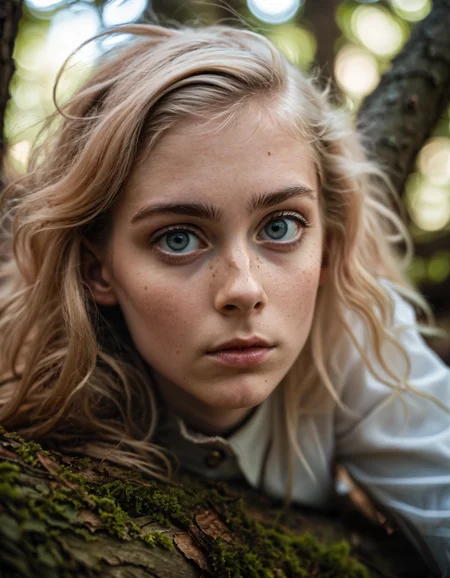
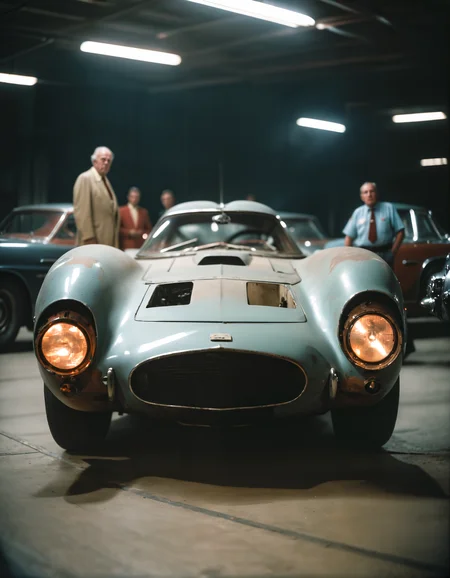
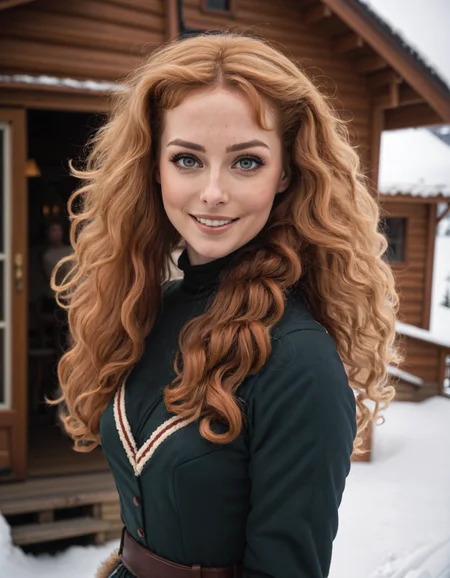
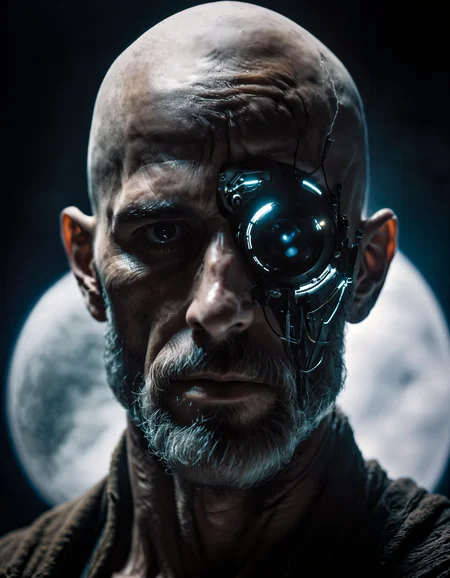
A model line that should be a continuance of the ZavyMix SD1.5 model for SDXL. The primary focus is to get a similar feeling in style and uniqueness that model had, where it's good at merging magic with realism, really merging them together seamlessly. Of course with the evolution to SDXL this model should have better quality and coherance for a lot of things, including the eyes and teeth than the SD1.5 models. This model has no need to use the refiner for great results, in fact it usually is preferable to not use the refiner. Recommended to use ultimate SD upscaler to get the most amazing results.
Continue reading for more information and some tips and tricks.
I kindly request that you share your creations both here and on my Discord server, as I would greatly appreciate the opportunity to see them and motivate me to spend more time in further ventures here.
Pros and cons
Pros
Much better saturation than base model.
Much better teeth, eyes, hands and feet.
Increased realism.
Less blurry edges but still keeps a certain pleasing softness to the image.
Better looking people.
Great texture and tonality.
Cons
NSFW much better than base, but still somewhat lacking without LORAs.
Roadmap
Training the SDXL model continuously.
Pioneering uncharted LORA subjects (withholding specifics to prevent preemption).
Tips
To better understand the preferences of the model, individuals are encouraged to utilise the provided prompts as a foundation and then customise, modify, or expand upon them according to their desired objectives.
Ditch the refiner, an img2img ultimate SD upscaler gets better results when you select this model for it.
For photorealism, use nmkdSiaxCX_200k for initial upscale, consider using ultramix_balanced for final upscale/pass to lessen grainy pictures.
Consider using face restoration techniques when the result for the face is subpar, but the rest of the image is interesting.
If you find that the details in your work are lacking, consider using wowifier if you’re unable to fix it with prompt alone. wowifier or similar tools can enhance and enrich the level of detail, resulting in a more compelling output.
ComfyUI is the UI I use for my SDXL images.
Your 1.5 LORAs won't work in SDXL.
Consider finding new prompts, don't use the standard 1.5 ones. SDXL likes a combination of a natural sentence with some keywords added behind.
To maintain optimal results and avoid excessive duplication of subjects, limit the generated image size to a maximum of 1024x1024 pixels or 640x1536 (or vice versa). If you require higher resolutions, it is recommended to utilise the Hires fix, followed by the img2img upscale technique, with particular emphasis on the controlnet tile upscale method. This approach will help you achieve superior results when aiming for higher resolution outputs. However, as this workflow doesn't work with SDXL yet, you may want to use an SD1.5 model for the img2img step.
Prompts
Recommended positive prompts for specifically photorealism: 2000s vintage RAW photo, photorealistic, film grain, candid camera, color graded cinematic, eye catchlights, atmospheric lighting, macro shot, skin pores, imperfections, natural, shallow dof, or other photography related tokens.
Recommended negative prompts: As few negative prompts as you can, only use it when it does something you do not want, like watermarks. Consider using high contrast, oily skin, plastic skin if the skin is too contrasting or too oily/plastic. Also make sure to add anime to negative prompt if you want better photorealism, and more mature looking characters.
You are further encouraged to include additional specific details regarding the desired output. This should involve specifying the preferred style, camera angle, lighting techniques, poses, color schemes, and other relevant factors.
Recommended settings
sdxl_vae.safetensors (baked in).
DPM++ 3M SDE Exponential, DPM++ SDE Karras, DPM++ 2M SDE Karras, DPM++ 2M Karras, Euler A
Steps 20~40 (lower range for DPM, higher range for Euler).
Hires upscaler: nmkdSiaxCX_200k, UltraMix_Balanced.
Hires upscale: Whatever maximum your GPU is capable of, but preferably between 1.5x~2x.
CFG scale 4-10 (preferably somewhere around cfg 6-7)
Lightning LoRA specific settings:
Euler sampler with SGM Uniform as Scheduler.
Steps 4 (use the 4 steps LoRA)
CFG scale 1-2 (CFG 1 at the higher weights for the LoRA)
LoRA weight 0.6-1
Model recipe
Trained from SDXL 1.0.
Social media
You are welcome to join my recently created Discord server, where we can engage in discussions, share our experiences in AI, and showcase the things we’ve made with AI. You are encouraged to join and ask any questions or seek additional tips and tricks related to my models or AI in general. Your participation would be greatly appreciated.
Description
Slightly more clarity.
Friendlier to most tested LoRAs.
More prone to atmospheric scenes.
Widened further, more capable in range of subjects.
FAQ
Comments (15)
What is new in v4.0?
That's usually written in the 'about this version' section :).
@Zavy Wow, I overlooked this item, but with the find function and your search text I was able to find it.
Thank you. :)
I was today years old when I learned CivitAI has an 'About This Version' expando :-P
Thank you - this has been one of the best models I have found for creating realism and good combo celebrity people.
Hit that Follow button everyone! Zavy definitely deserves our support!
A fantastic model. Makes for very high quality images. Big props to Zavy
Hi
I am fairly new to SD, So I apologise if this has already being asked, Does anyone know which control net model I should use ?
I keep getting a error message saying that the control model is not compatable with SDXL, does anyone know which one I can use ?
Thanks
Hey,
CN 'processors', the models, need to be compatible with SDXL. SDXL being very different from SD1.5.
Here you go :
https://civitai.com/models/136070/controlnetxl-cnxl
Also don't use old embeddings and sh!t like that, as most of the bad reviews users do.
Cheers ! 🥂
All models need to match, so lora, control net etc has to match the model type. So if its an SDXL, then the extras also have to be SDXL.
Thank you very much for this great model. I'm using it in Comfy with a 1.5X upscale workflow and it's really churning out the hits!
This model might be OK for anything other than realistic photos as I find it underwhelming. It tends to screw up the eyes quite a bit.
Hey, thanks. I can't see any image in your profile which has been made with this model (only one made with this model that is a person, in fact) that suggests this issue. Nor has it been outside the norm in my own experience. I also do not see it in images posted here in this gallery by other users who use it as intended. I do see quite a few warped eyes with other models and/or LoRAs you used in your gallery though.
If you have more images that you rather do not share in your profile, you can always sent them in dm to me in either Discord or giving links in my dm on CivitAI.
@Zavy Thanks for the feedback. I'll give your model a couple more chances, maybe i'm a bit premature. I can be that way at times.
@condzero1950 Yes, as always, please post same images with workflow/prompts so that Zavy and others can see what the problem is.