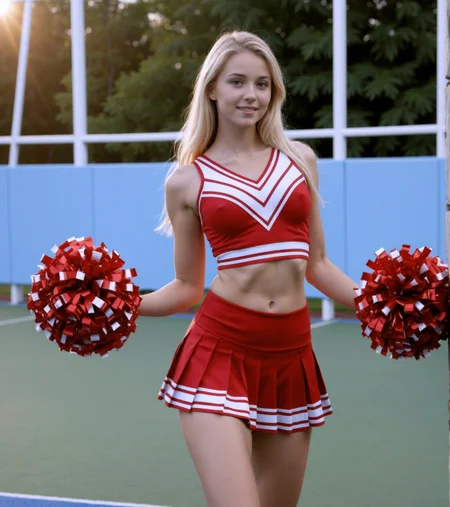
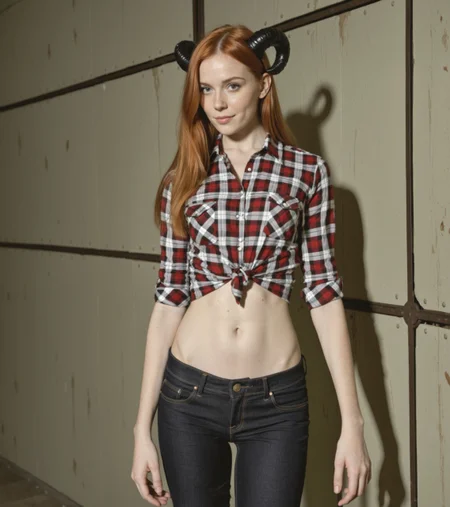


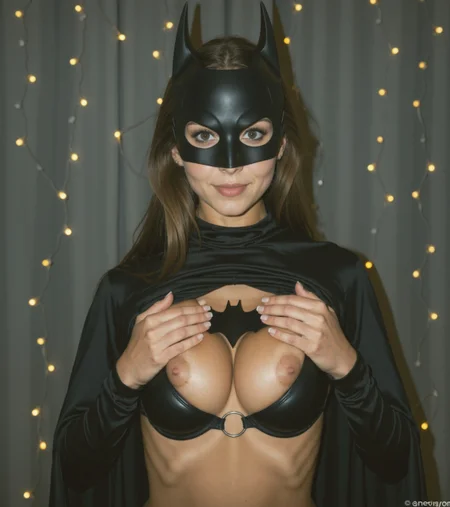
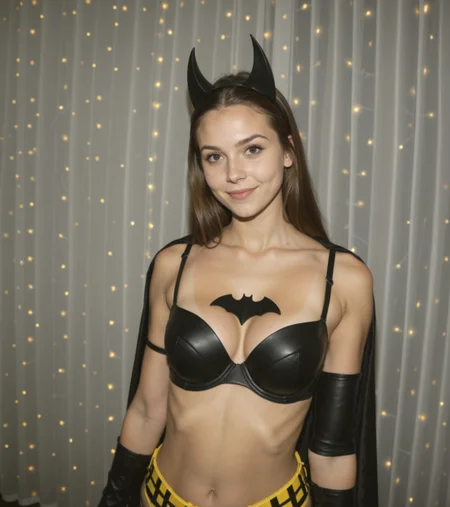


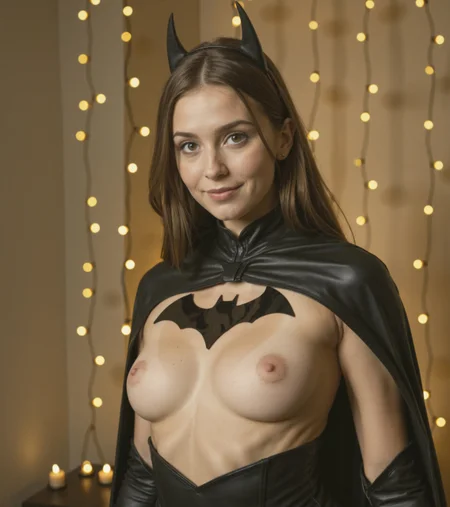
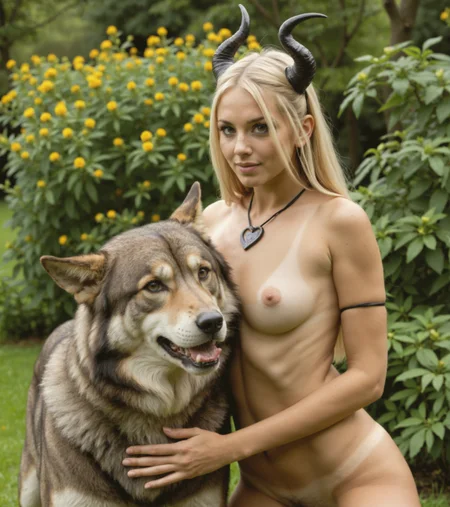
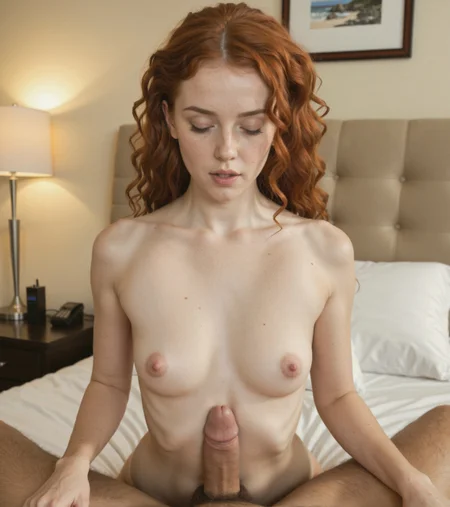

A realistic merge with Illustrious and my SDXL merge models.
V4 Ascension
Better, more natural realism and lighting and skin detail.
This model outputs better with square images around 1280x1280.
V3 Rapture
This version has better skin realism and better faces.
Removes the washed-out colour saturation look happening on some images.
In my workflow I am using a CFG of 1.2 but on site it may need to be higher.
V2 Revelations
Better photo realism an works great with my tuned ComfyUI Workflow
V1 Genesis
It seems to like a low cfg of around 2-4 instead of the usual higher values.
Scheduler: Euler a/ancestral - Normal , 20+ steps. CFG 1.1 - 2.0
I would highly suggest you try my ComfyUI Workflow built for this model: https://civarchive.com/models/1255024?modelVersionId=1591700
Description
Better photo realism an work great with my tuned ComfyUI Workflow
FAQ
Comments (28)
Just tested it and its awesome, not quite sure If i like v2 or v1 more (v2 might be slightly better IMO). both are real good. I love how creativ the model is with backrounds! many others only have simple backgrounds
Thank you.
hard at times to just get a front view of the subject haha . 70% off the time it's a side side . Or back view. And I'm even putting front view in the prompt . That being said I love this model 😍 . Also using the workflow listed. Keep up the amazing work
(((thoughts on my updated workflow for Jib Mix Illustrious Realistic))) April 14, 2025
Jib Mix Infrastructure (JMI)
Simple explanation: You mix both models (Illustrious and Flux) together to strengthen their weak points. Don’t sleep on this—it’s a really powerful combo!
Pass 1: Use the DMD2 LoRA 9-step generation workflow. It includes DynamicThresholding, PAG, a higher CFG, and (((Adaptive Guider))). Load tons of LoRAs—pay attention to (((dramatic chiaroscuro lighting))), even if you're not aiming for dark images. Use the Daemon Sampler, Multiply Sigmas, and end with tonemapping the highlights.
https://www.dropbox.com/scl/fi/n95pip43bpln8frtr1tes/01.png?rlkey=rs85tsxe3106b6ndk2id8ys2x&dl=0
Pass 2: Refine pass using the same model and a standard 70-step workflow. Upscale the image by 1.25x (use ITFSkinDiffDetail with denoise around 0.25–0.3). If you’re working on characters, add skin LoRAs like aidmaRealisticSkin, PornmasterSkin, Skindentation, etc. Use Daemon Sampler and Adaptive Guider again. Now, inject latent noise (noise_std 0.1, split 0.45). Make sure to color match with Pass 1 because DMD2 and standard workflows have very different color profiles.
https://www.dropbox.com/scl/fi/v2d4lucub9tjml889q7wp/02.png?rlkey=53nycfdr5375l1skw36yd57do&dl=0
Pass 3: Face pass using Jib Mix Flux v8-Flash! SVDQuant-4bit. Add FaceDetailer, your custom-trained character LoRA, and a Phone Quality Style LoRA or something similar to match (or downgrade) Flux quality to Illustrious quality. Yes, Illustrious (SDXL) can give decent faces—but it’s nowhere near Flux quality.
https://www.dropbox.com/scl/fi/u5xeg798fhun8q70okkov/03.png?rlkey=9r3rw9e3j7g84ubwshud664hf&dl=0
Pass 4: Refinement using Jib Mix Flux v8-Flash! SVDQuant-4bit again. Use a very low denoise of 1.25 with the LoRAs you like (try something like 2000analogcore or similar), and upscale another 1.25x with any upscale model you prefer.
https://www.dropbox.com/scl/fi/6ued7b44nihxfh0cy8g56/04.png?rlkey=t1frgw500s1dsl2rxx9g74xpe&dl=0
Pass 5: No final upscale in ComfyUI! At this point, your image will already be large enough (original size + x1.5 upscale from earlier steps). Remember: if you’re going for realism, it’s not about resolution or clarity. As the ILM greats said: “Keep it dark and out of focus.” That’s how you sell a shot. Do the rest in post—don’t try to finish everything in ComfyUI. Use free tools like Krita, GIMP, or DaVinci Resolve for final color grading, grain, and fixes.


Have fun!
This sounds really interesting, I will have to check it out later.
Are you willing to post your whole workflow so I don't have to rebuild it? DM me if you like.
It looks really interesting.
@J1B Yep, let me clean it up a little bit—it's a mess right now. I'll send it to you in a few hours.
@BlackRoad229 can you pls send me workflow to, bro
It is a good workflow and makes good images, it is pretty slow if you run it all. I tend to use my illustrious model when I want some quick images after I get bored of how slow Flux and Hi-Dream are even on a RTX 3090.
Best Realism Illustrous model bar none. By far!
Thank you.
Fantastic model - my new go-to! 🙌
Thank you for the Tip. Much appreciated.
Thank you for such a usable base model.
Thank you for your generosity! Your model was very nice too. It was more realistic than some of the other's I've tried so far.
This produces incredibly realistic images, but during the last moments of rendering it completely distorts the image. Ive tried using your render stats. Used and not used a VAE. High hires steps, low hires steps. High sampling steps and low SS. Any other advice?
I think what you are describing is usally caused by the wrong VAE. I have come across some ComfyUI nodes with broken VAE or Clip skip functions.
@J1B Thanks for the reply. Do i need a VAE? Clip skip of 2?
@Colero The Vae should be baked in, or try the Illustrious VAE. clip skip 1 is good for realism 2+ is for anime generally.
for me ... not VAE or clip skip.... I'd rather look in the direction of "scheduler" , which works directly on the last images
New to comfyui. Been working with google's ai suite to learn and troubleshoot. really hung up on the workflow model though. missing node types, string, sdpromptreader, and sdpromptsaver. I've tried 100 different things and can't seem to get these nodes working. Anyone have some help they can offer? much appreciated!
Here is the github for that node: https://github.com/receyuki/comfyui-prompt-reader-node
not sure if it is in the ComfUI Manager list or has been removed?
Turning on install from github link is a little bit tricky. I think the config setting is here
ComfyUI\user\default\ComfyUI-Manager\config.ini
and set security_level = weak, use at your own risk!
Any tips for getting more varied faces when using this on the online generator? Most of mine tend to look the same
I often use an age slider to fix that: https://civitai.com/models/1670555?modelVersionId=1891887
But they are banned for NSFW on-site generation.
You can try entering made up random names, that can help, or just describe the face you want.
My favorite realistic model. I hope to see more work on it
What UI are you using? Are you using the correct VAE (sdxl one)?
@J1B stable diffusion 1.10, Vae is put in automatic. I do not have this problem with other illustrious models.
Try to turn off --use-sage-attention
Details
Files
Available On (2 platforms)
Same model published on other platforms. May have additional downloads or version variants.