


 It would be incredibly kind of you to post the first image directly to this LoRA. This helps support the creator directly. After that, feel free to upload any images as you wish.
Thank you so much for your support! ♥
Overview:
The "Golden Noir Abyss" LoRA specializes in generating surreal, abstract dreamscapes where golden hues blend seamlessly with deep noir contrasts. Using the trigger word "bo-golden", this model creates ethereal, dreamlike compositions that feel both mystical and cinematic. Perfect for artists exploring surrealism, double exposure effects, and high-contrast golden aesthetics, this LoRA transforms any scene into a gilded vision of abstract beauty.
Features:
Abstract Golden Aesthetic: Blends rich gold tones with deep noir shadows, creating a striking, high-contrast look.
Surreal Dreamscapes: Captures the fluidity of dreams, with melting forms, floating elements, and atmospheric depth.
Double Exposure Effects: Generates overlapping imagery, seamlessly merging figures and landscapes for a layered, cinematic effect.
High-Detail Rendering: Produces intricate golden textures, shimmering metallic surfaces, and delicate light reflections that enhance the surreal atmosphere.
 Recommended Settings:
CFG Scale: 3.5 (feel free to play with this value)
Steps: 20-30 (feel free to play with this value)
Sampler: Euler
Resolution:
832x1216 (portrait) for character-focused artwork with intricate detail.
1536x1024 (landscape) for expansive, cinematic environments.
LoRA Weight: 1 (feel free to play with this value)
Use Cases:
Surreal Portraits: Create elegant, golden-lit figures emerging from dreamlike voids, their silhouettes blending with abstract textures.
Ethereal Worlds: Generate floating cities, infinite deserts, and celestial landscapes, drenched in luminous gold and deep noir.
Double Exposure Art: Merge silhouettes with cosmic elements, golden reflections, or urban cityscapes, creating hauntingly beautiful compositions.
FLUX Golden Noir Abyss Examples:
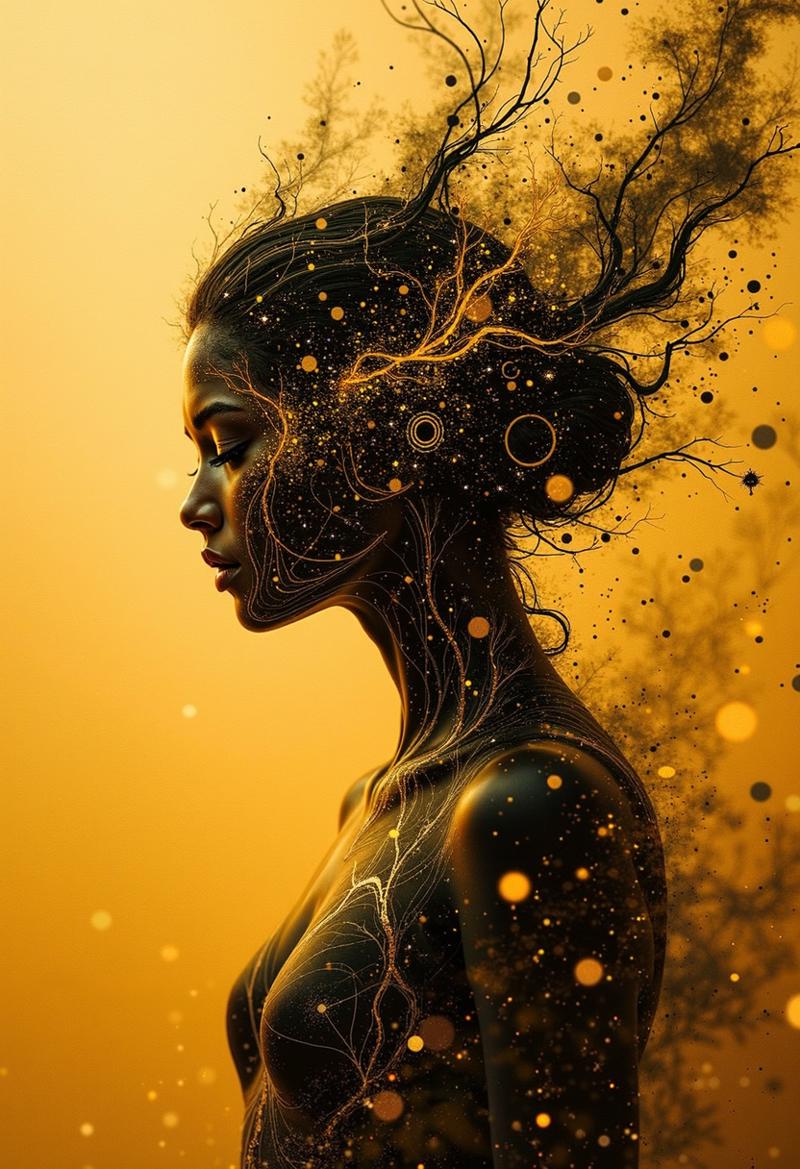
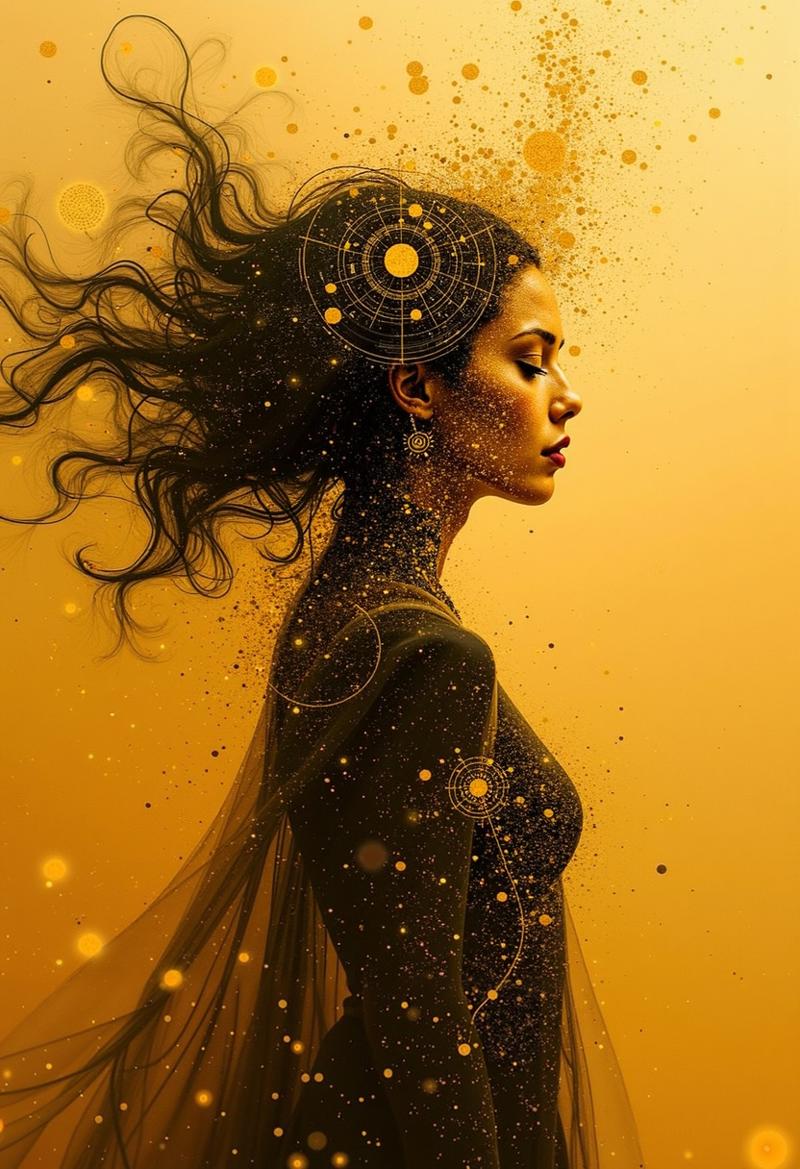
"Golden Veil"
A mysterious woman stands in a field of floating golden particles, her form dissolving into streaks of liquid light. Her face is partially obscured by double-exposure overlays of celestial patterns, merging reality with dreamlike abstraction.
 "Noir Abyss"
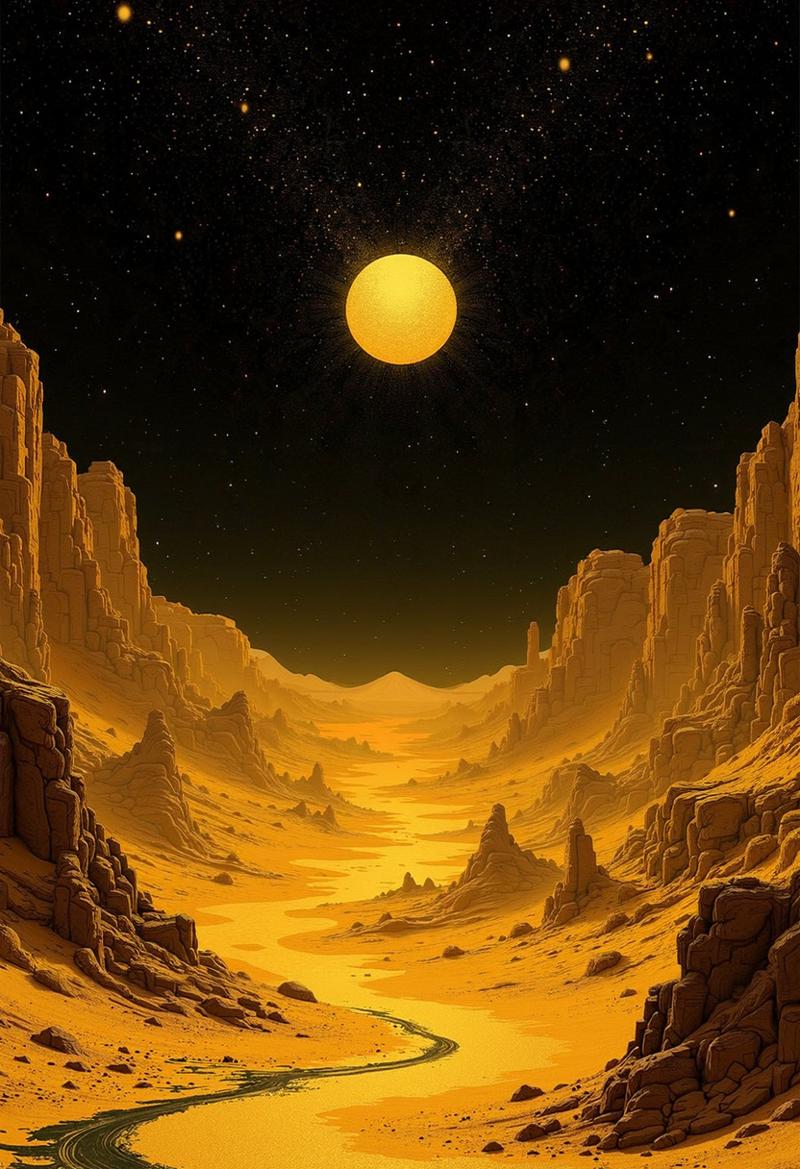
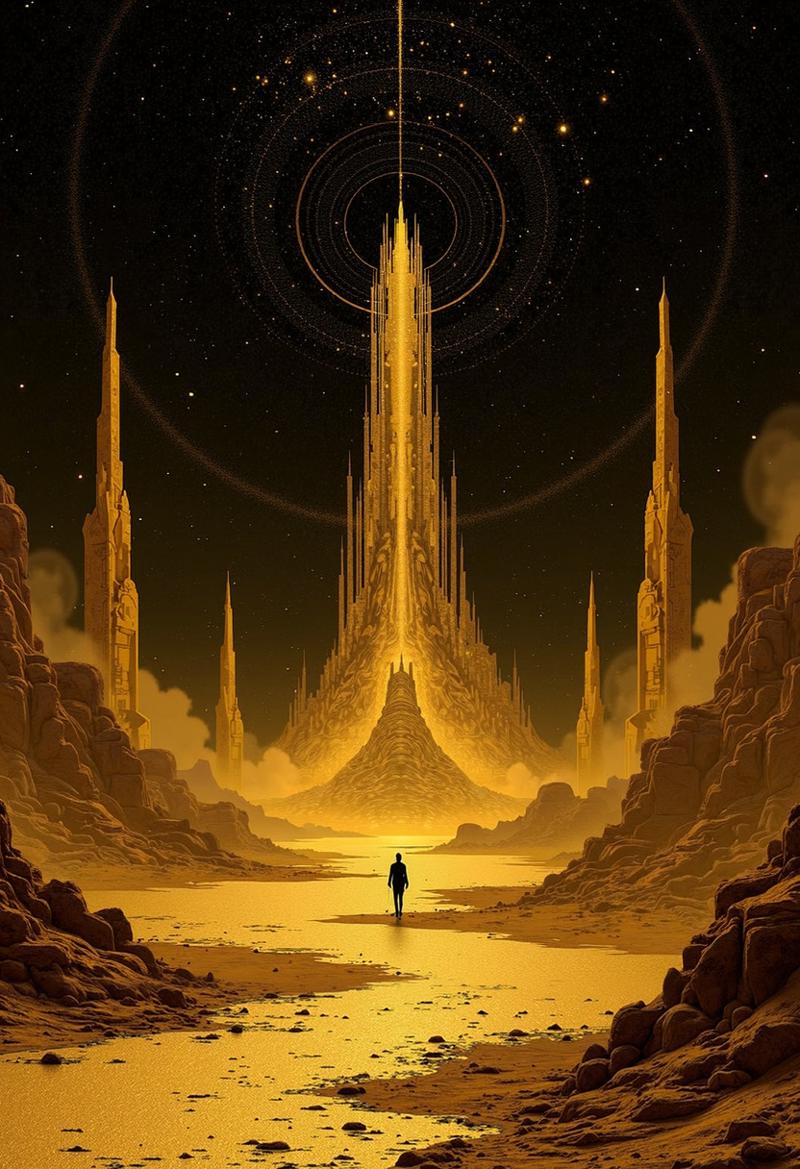
A vast, golden desert stretches into infinity, with tall, crumbling statues casting long, surreal shadows. Above, a night sky glows with golden constellations, illuminating the landscape with an otherworldly radiance.
 "Gilded Reflection"
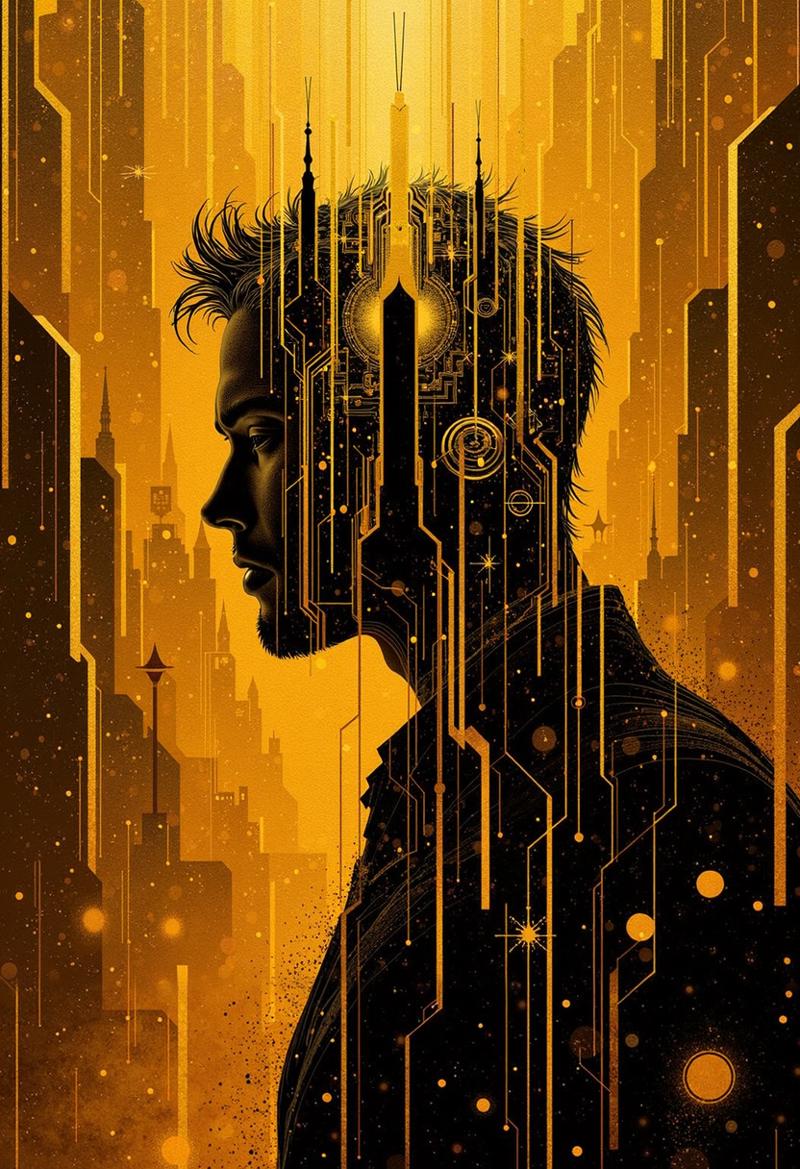
bo-golden, a man’s silhouette is superimposed over a grand, glowing metropolis, his features dissolving into a cascade of golden lights. The buildings themselves seem fluid, shifting between solid structures and abstract reflections.

Usage Tips:
To get the most out of "Golden Noir Abyss", use trigger words like "bo-golden", "abstract", "double exposure", and "surreal dream". Experiment with additional elements like "liquid gold," "shattered light," "floating figures," or "celestial glow" to further enhance the dreamlike quality.
If you enjoy my work, feel free to support me here: https://ko-fi.com/bo4rsworld
♥ Thank you very much, my friend! ♥
I'm very excited to see the stunning and surreal creations you bring to life with this model!
Description
FAQ
Comments (8)
Running this lora at cfg 1.0 was giving me noticeably reduced quality... but using a higher cfg drastically slows down image generation. To avoid this generate an image normally at cfg 1.0, then run a single step at cfg 3.5 to clean it up (advanced ksampler/steps 20/start at 19)
This adds ~2 seconds to generation instead of making it take ~3 times as long.
That's weird. All the images you see here were created with CFG 1, 9 steps, and a Lora strength between 0.6 and 1. This is also verifiable. The higher the strength, the more effect from the Lora itself, and the less perfect for realistic, for example.
Per image, it took about 65-85 seconds, with upscale.
@bo4rsworld I was definitely seeing quality issues and went back and forth trying various settings a few times before settling on a bit of higher cfg as the solution. Without that the images looks "degraded", the detail wasn't all there, areas that should have been smooth look like an over-compressed jpeg...
If you're not seeing that then I'm curious what in my workflow is doing it, though probably not curious enough to spend more time investigating.
@Nabonidus That's true, if you don't use an upscaler, the images look a bit more pixelated. I don't know myself why that's the case. But with upscaling, the problem disappeared immediately, regardless of the settings.
Lora training and I just won't be friends anymore, hahaha.
But I'm happy that you found a solution without upscaling for yourself! :)
@bo4rsworld That makes sense... I don't have an upscaler in my workflow because when generating images for fun 1.5 or 2.0 megapixels is more than enough, and I can pick specific images to redo with up-scaling if I want a bigger version. I'll try adding seedVR2, I've been meaning to give that a try.
@bo4rsworld BTW> thanks for a really nice style model; too many Z-Image loras are things that can be easily done just with prompting, but this model has a unique look that works really well.
@Nabonidus , I'm excited to see what you'll create :)
@iheartlumina , thank you very much for the Buzz <3