Updated the Prompting Guide
For business inquires, commercial licensing, custom models, and consultation contact me under [email protected]
Join Juggernaut now on X/Twitter
Prompting Guide for Juggernaut Ragnarok by Adam
Hey everyone,
It’s been 8 months since the last version was released here on CivitAI.
Of course, I haven’t been idle during that time . I completed several projects to ensure I’d have the financial means to keep exploring new architectures and possibly do full finetunes on them in the future.
Juggernaut Flux (and its many sub-variants) was a ton of work, but ultimately, I’ve wrapped that chapter up. The training process gave me way too many headaches. To keep my sanity, I spent my spare time working on Juggernaut SDXL with the hope of maybe releasing one final version for you all.
And that day has finally come. :)
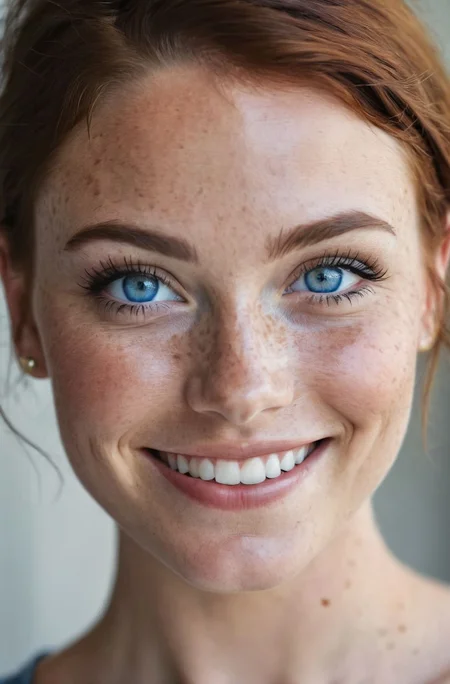
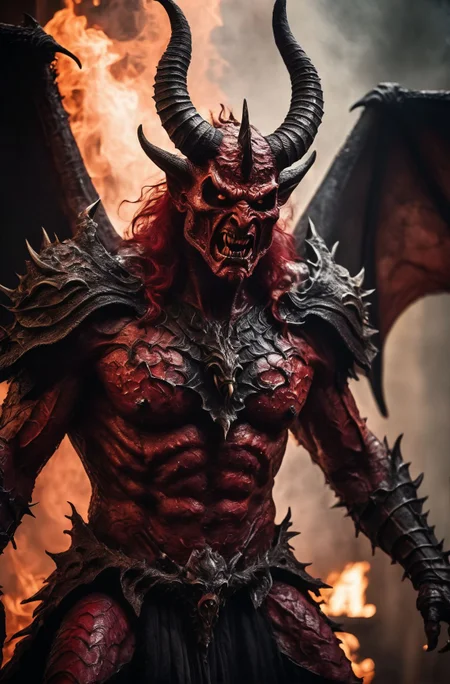
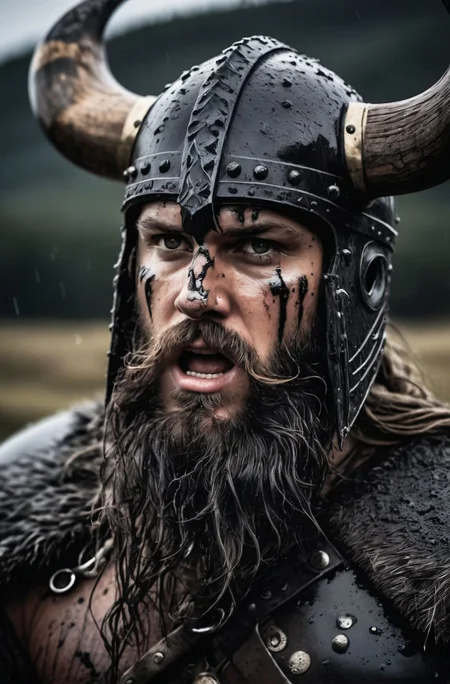
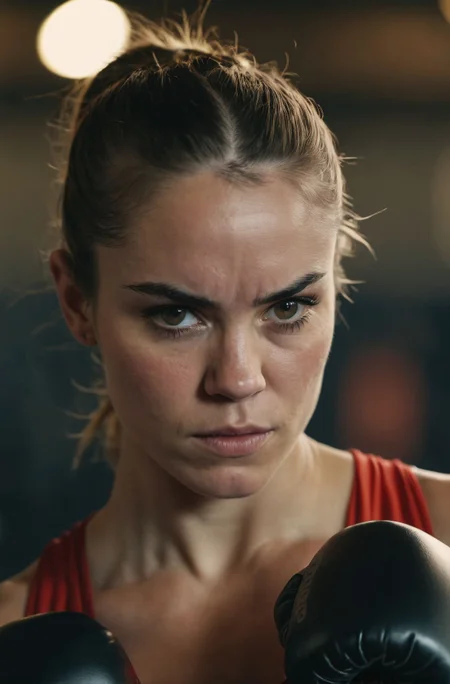
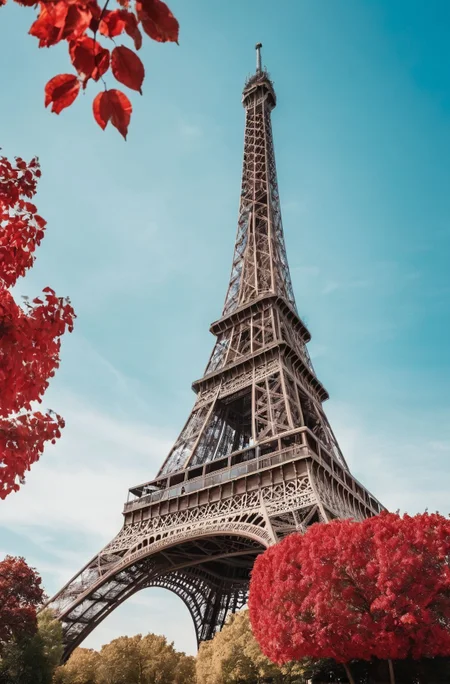
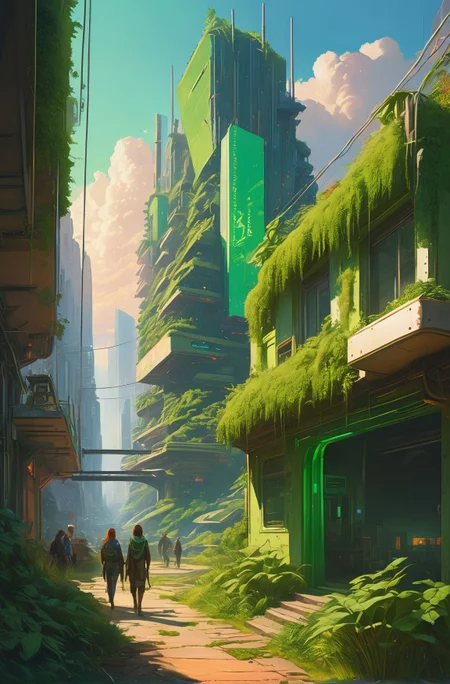
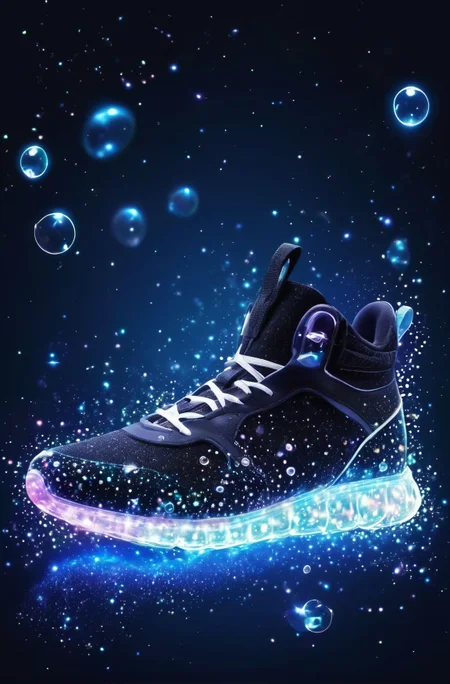
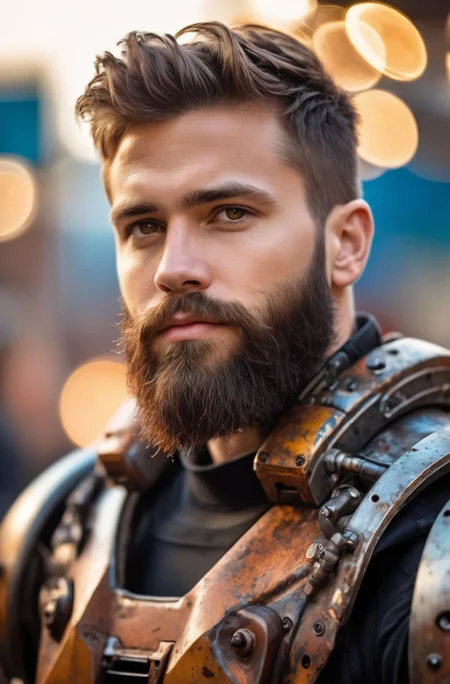
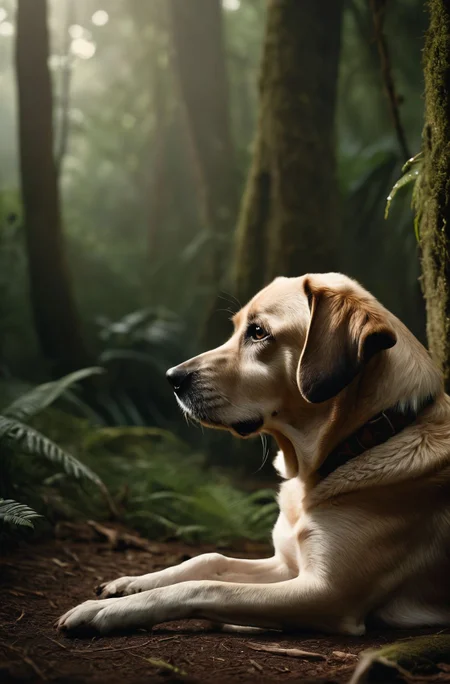
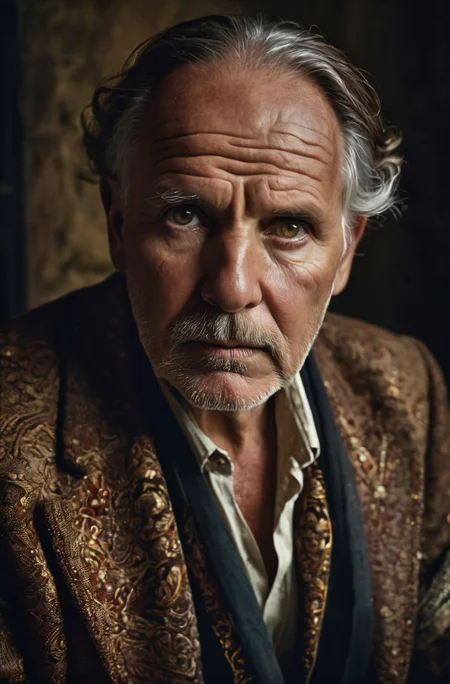
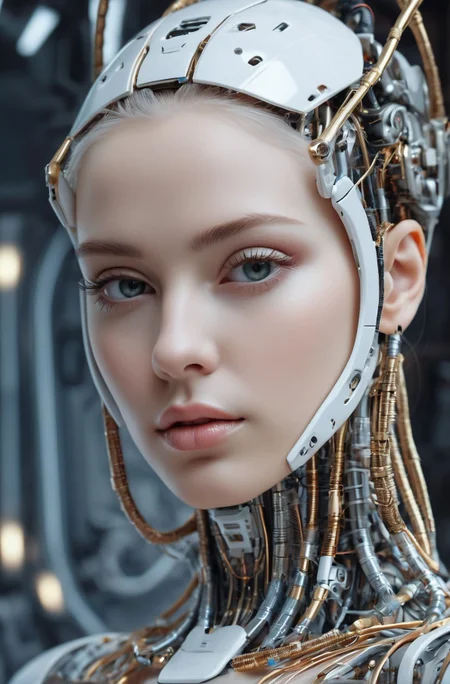
Juggernaut Ragnarok has improved in many areas: photorealism, digital painting, poses, hands, feet, and much more.
That said, it’s still an SDXL model, and I don’t recommend comparing it to models like Flux, Reve, or Sora. For example, it still has limitations when it comes to text rendering or faces at a distance.
I recommend using it as part of a pipeline for your projects. Example setup:
FluxDev / Pixelwave / Jug Flux Pro → Juggernaut Ragnarok
A quick personal note about Juggernaut:
Honestly, I don’t know what comes next.
After the release of Sora and similar tools, the open-source image generation space feels a bit dull in comparison.
Nothing has really excited me enough to dive back into training (yes, I’m talking about HiDream too).
So I’m seeing Juggernaut Ragnarok as a kind of farewell, especially since it’s unclear where things are headed with CivitAI in general.
(You can download all Juggernaut versions from HuggingFace, by the way.)
Last but not least:
Have fun with the model, share your creations, and good luck with your projects!
And in case you’re wondering: Yes, you can do anything you want with Juggernaut : merge it, train it, sell the image outputs, etc.
Just a simple shoutout is all I ask. :)
And now, here are the recommended settings:
Recommended Settings(VAE is baked in):
Res: 832*1216 (For Portrait, but any SDXL Res will work fine)
Sampler: DPM++ 2M SDE
Steps: 30-40
CFG: 3-6 (less is a bit more realistic)
Negative: Start with no negative, and add afterwards the Stuff you don´t wanna see in that image.
VAE is already Baked In
HiRes: 4xNMKD-Siax_200k with 15 Steps and 0.3 Denoise + 1.5 Upscale
And now, have fun trying it out. As always, I'm eagerly waiting for your pictures in the Gallery :)
If you liked the model, please leave a Like. In the end, that's what helps me the most as a creator on CivitAI. :)
Last but not least, I'd like to thank a few people without whom Juggernaut XL probably wouldn't have come to fruition:
Dreamlook.AI (Trained 3 Side Sets)
Description
Juggernaut 5.5 was with 200k more Steps
+ A Side Model trained by Dreamlook.ai with 570k Steps
+ RunDiffusion Photo Real Model (Unpublished)
VAE is Already Baked in, so no need to choose one
Improvement in every part of the Model
FAQ
Comments (150)
It´s been live.
An Inpaint Version will be coming in the next couple of Days :)
Thank you for you contributions Sir :)
should clip skip use in your model ?
I personally never use it, so i wouldnt recommend it. But it still should work fine
@KandooAI ok. thank you
I feel like the answer to this question is always "try both and see what you prefer". There's no right or wrong, only what makes you happy!
That said, changes to how CLIP works in SDXL make clip skip less important than it is for SD1.5. Most of what it used to do can now be done by adjusting CFG (although some anime checkpoints are still being trained specifically for clip skip 2, probably out of habit).
@A1322 Thanks for the Input. I rarely used it in the past, so i didnt know that it was less important on SDXL. A new learning for me :)
From the sample images this is a great improvement over realism. I will try it later.
Do you use the refiner with v6?
No refiner needed!
@RunDiffusion Thanks, but will it be sharper/more defined with the Refiner or worse? I know for things like nipples the refiner sucks but it sometimes makes a clearer image. I wonder if anyone will train the refiner?
@EricRollei21 A refiner is always a great idea. You can even use an SD 1.5 model as a refiner (like in Fooocus). A refiner is just a second step in the diffusion pipeline. I would recommend trying it but with low strength and work up from there.
@EricRollei21 The results of my tests with comfyui show that there are a lot of concepts missing from the refiner model, and when you include concepts in your Prompt that it doesn't have, you will get unsatisfactory images. The most impressive ones are the NSFW content and the negative expressions of the characters. refiner will refine your otherwise obvious features into mediocrity.
My experience has been to use refiner when all of your Prompt can be accurately fed by sai's base model, and most of the time I only use it as a model for Upscale.
@suede2031691 I'm surprised to read you use the refiner for upscale, but maybe I didn't understand. I use the refiner in most workflows at base, then upscale with the base model and controlnet tile if it's sd 1.5 or if SDXL then I use IPAdapter instead. Mostly I upscale using tiled sampler.
I am really enjoying this model. Thanks for all the time you put into it.
You mentioned something about working on cinematic stuff. Is that still something you are trying to work on?
Yeah absolutely, thats still one of my main goals :)
It's been 8 hours since I downloaded the model, and the character skin details have been enhanced to the naked eye. Even the game rendering style is better understood than the V5 version. I've seen some Post get abstract compositions that work extremely well, but I'm having a hard time getting similar images with natural language Prompt.
I was going to train Lora on V6 for richer facial expressions, but checking the changelog for Kohya-ss's script, I see that it still doesn't separate the two text encoders for SDXL, so I'll just have to wait for the OP's next release, and look forward to progress on character expressions and violent horror-type NSFW content.
For some great photo realism, use prompts with the person at the front then say what that person is doing, then add the filler tokens. e.g. beautiful woman playing tennis in the rain, stormy weather, dark clouds, action shot, intense scene.
Natural language prompts don't work well with SDXL in general.
@RunDiffusion This is not true. It's simply that these custom models are not trained with Natural Language prompts.
This custom model has been trained on short keyword combos rather than natural language. The majority of SDXL models that I have used respond better to natural language prompts than to any other form of prompting.
In my experience only those custom models trained using the old SD1.5 captioning methodology struggle to use natural language prompts.
That said, there is a good reason for there to be models that can still use the old ways. As most people, like yourself, mistakenly have the same belief (A belief perpetuated by SD1.5 creators rushing their SDXL models for the CIVITAI competition and not taking the time to research and develop new methods for the new model but instead using their existing experience) and will find this model more effective when used in conjunction with the old methods.
Further, I'm relatively certain that if you tested this in Automatic1111, currently they only make use of one of the 2 SDXL text encoder clip models. Whereas other UI, like ComfyUI/Foooocus act upon both encoders for most accurate testing.
@Triple_Headed_Monkey But comfyui's TextEncode is not so simple to divide into natural language and phrases when you use it, some prompts are better in CLIP_G even if they are phrases, and CLIP_L feels more suitable for some quality control prompts. anyway, it's quite complicated.
@suede2031691 Sure. Personally I only use the simple text encoder view with one prompt box. However this sends the prompt to both text encoders in ComfyUI.
With that I get pretty good results. My prompts are usually worded like the caption for an image in a museum display exhibit.
A title/concept "A Digitial anime artwork of" followed by the prompt itself "a woman with beautiful eyes eating cornflakes" then afterwards follow up with a few keywords/phrases to bolster the context and setting "she is sat in a dark room lit by a single torch,".
I loved the V5, and I love even more this version. So flexible, beautiful and great to work with.
Thank you so much for what you do, it's really appreciated.
Thank you very much, that means a lot to me :) And like i said in one of your images already, its always a pleasure to see your images on Juggernaut :)
I'm just starting out and the results are blowing me away but my images keep coming out with bad eyes, usually multiple pupils. Any negative prompts to stop this?
For your positive prompt, use "perfect eyes" or specify a color of eyes. That should help.
For the neg, "bad eyes", "deformed eyes", etc
Whoa! Welcome back, and congrats on the collab with RunDiffusion, I can't wait to see what y'all create together.
Magic! We’ll create magic!
well done, its looking much much better
Wow! Congratulations! I've always admired your work and your previous models, but this one truly stands out in many respects. I would even consider it the best SDXL custom model ever produced. It indeed sets a new benchmark for SDXL, coming very close to the highly desired 1.5 models in terms of quality. Many believed it wasn't possible with sdxl until you came out with version 6. Well done!
Wow, thank you for these very kind words :) That means a lot to me :)
Update:
The Inpaint will need a couple of Days/Weeks longer. RunDiffusion already has the Inpaint, but we can´t get it to run on Automatic1111. ComfyUI seems to work. We assume it´s an Automatic1111 Code Problem. I personally also encounter the same Problem a couple of weeks ago when i tried creating an Inpaint for Juggernaut.
Of course we are trying to make it work on Automatic1111. Otherwise a release wouldnt make any sense since the majority of you use Automatic1111.
I am gonna Update as soon there is new Info and i tag @RunDiffusion on who prob can more talk about it in Detail ;)
Thank you for your hard work!
We are going to try and see if we can fix this on our end and submit a pull request to Auto1111. This may be more difficult than it seems... We will keep everyone posted.
I use comfyui but have no idea what Inpaint is and what it does?
@suede2031691 You can see that on my Old 1.5 Inpaint Versions of Juggernaut pretty good. I´ve done some Examples there.
Lets pretend u made an Image of a woman with brown hair. You like the image, but now u want the same image with blue hair.
With Inpainting you mask/mark the Hair and prompt "Blue Hair". The Inpaint Model will only generate the Mask Area, so you will have the exact same image, but this time with Blue Hair
@KandooAI I seem to understand that the cue word using the Inpaint model is only for the masked area, whereas the normal model repainting requires a cue word describing the whole picture?
Thank you i was about to ask if auto111 has a problem, im getting "mat1 and mat2 shapes cannot be multiplied". will wait.
Good job 👏
How will generate the images 512*512 good images, I have tried but results are not good
Don’t use SDXL for 512x512 images. It will look horrible.
Try generating at 768x1168, then simply downscale them with your preferred tool of your choice.
does upscaler work for sdxl ? last time I checked iirc, upscaling didn't do much quality improvement for images, you had to start with higher res images above 1024px
Latest checkpoint is great but have a lot of trouble with hands. Used your example prompts and in every image the hands are messed up.
Great job! Does it work with Adetailer ?
A personal note:
After just 5 days, we've already achieved 10k downloads with the new version. I want to sincerely thank you all from the bottom of my heart. You might think I've gotten used to this by now, but every time it's exciting and thrilling to see how you react to a new version.
The current pictures in the gallery look absolutely breathtaking, and to be honest, some of them could have come straight out of the Midjourney Pipeline they look so good :)
You're probably tired of hearing this by now, but once again, a big thank you to all of you :)
awesome to hear!! btw what does it mean when you say vae baked in ? should we use automatic or base vae in the automatic1111 gui
@ArconSeptim You can use Automatic or None. It means that the VAE is already in the Model. So u dont need to pick one
You deserve a lot of praise for your work. It's just an awesome model and I am thrilled to know you still have more to add.
I am having a lot of fun with it, thank you for that.
@KandooAI Ok thanks!
fantastic! I'm curious how to train a model like this, is that based on the dreambooth training method, with tons of high-quality image resource?
Quick question "Important: VAE is already baked in" - does that mean for AUTOMATIC1111 I should set "SD VAE" from Automatic to None?
Yeah its best to put it on "None" , but it should also work with "Automatic"
Any people of color in this model? Seems it is trained only on white individuals?
https://civitai.com/images/3163189
That´s one of the Images i did on the Release Day. So yes they are
@KandooAI thanks
The model starts rendering fine, then at around 80% it starts getting distorted, loosing color, and finally at 100% the image is totally distorted and colors are crazy.
Anyone else having this issue?
https://ibb.co/CnCnMJy
Edit: nevermind, I just realized it has to be used with sdxl_vae.safetensors (all SDXL checkpoints in fact)
Or if using a1111, leave your vae setting at None. It is rare you need to replace the baked in vae. Using sdxl_vae.safetensors you are literally replacing the built-in vae with itself. The one exception would be if you wanted to save some vram and use the fp16 sdxl vae. Look for sdxl-vae-fp16-fix from madebyollin on huggingface
@joeuser12 Thank you so very much! :D
Hi,
great model! I tried to use it as base checkpoint for my loras, but results are not good. If I train a Lora on sdxl_base and apply it on juggernaut, it's fine. Training on juggernaut, however, ends up in strange artifacts and low quality images.
I have the feeling that the offset noise is responsible for that, as the artifacts are most severe with offset noise disabled and lowest with offset noise = 0.1
Can you share your training parameters (offsetnoise and adaptive noise scale)?
I didnt use the Offset Noise, i used the multires_noise with these settings:
multires_noise_iterations: 6
multires_noise_discount: 0.6
The Noise Discount is bigger than the default settings on Kohya due to the size of the dataset (Bigger = Higher Multires noise Discount, Lower = Lower Multires Discout like 0.1-0.3
And min_snr_gamma: 5
Wow, that was fast, thanks ;D
This explains the weird artifacts I have in my image and that won't go away even with the high offset noise. I have to play around a bit, maybe with lower discount values. So far I cannot train on the checkpoint without either getting weird results or getting noise artifacts from the pyramid noise.
FYI: I made that observation too.
Nice works bro, I swear Juggernaut is Top notch SDXL model on earth at the moment. Really appreciate your efforts.
I am Eric, I run a Gen AI startup leveraging SDXL Loras and want to suggest a collaborative research opportunities making 'Midjourney for human portraits'
Let's jump on a quick call/chat and I would cover detail + opportunities we could make together.
many credits, reputation and compensation is assured.
Find me on the contact below:
- Discord : eric_sdxl
- Email: [email protected]
THANK YOU its the best model i have ever used
Perfect model, the best one I've tried so far - among dreamshaper, thinking diffusion, unstablediffusion and so on.
I agree. This is probably one of the best models available as of November, 2023. Well done!
Hello, I'm a newbie, all my images with this CHECKPOINT get pixels, help
What do you use? Automatic 1111? Which resolution are you using and which VAE?
@Aerth If I use Automatic1111, the vae I use is vae-ft-ema-560000-ema-pruned.safetensors, my PC is an RTX 3070 8GB, I5 11000, I clarify that English is not my native language
@SrGatoide It's not mine either, it's ok. The VAE you use is for models based on SD1.5. This one is a SDXL and requires other VAE. Luckily it is baked in, meaning it's already included.
Choose Automatic in your A1111 and you should be good.
@Aerth I'm going to try it 👍
@Aerth thank you i turned off VAE and it help me.
@restartinstar423 Although it worked for me, I stopped using it because it causes my PC to freeze
@SrGatoide It's probably due to the way A1111 loads the models which can be 'heavy' and is certainly slow. You should try ComfyUI, it''s lighter in resource usage.
@SrGatoide Try watching this video to optimise SDXL for A1111. It worked for me.
https://www.youtube.com/watch?v=7mlJQ6viH20
@Aerth I'll try it, I just found out about its existence
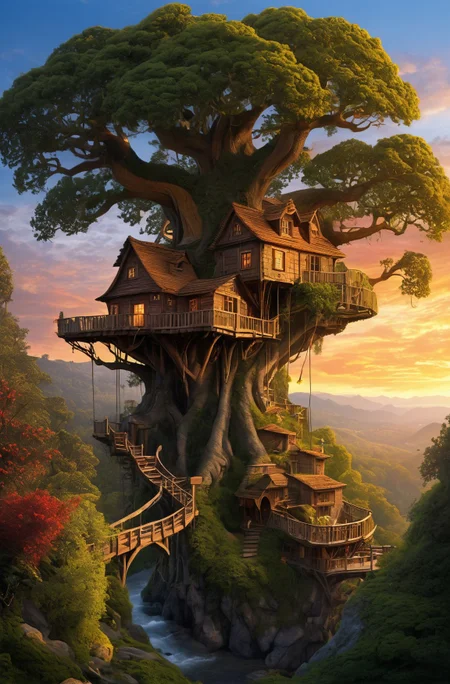
Same problem for me, I am trying to reproduce your tree house picture, and it looks beautiful to near the end when... pixels.
@decourcy3348 What do you use? A1111? Generally 'pixels in the end' are a problem when the engine tries to decode the latent space to convert it to an image, which is done with a VAE.
Possibly you use a wrong VAE, one for SD1.5 for example.
This model does not need external VAE because it is already included in. So VAE parameter should be 'Automatic' or 'None'
Hi @KandooAI, any news about the Inpaint model? :D Thanks for your amazing work <3
Update:
In the past few days, we've been working tirelessly to create an Inpaint version for Automatic1111. However, ultimately, the Automatic1111 creator needs to fix the Inpainting issue on their SDXL platform. We have successfully made it work on Fooocus, SD.Next, Comfy, Invoke, and Enfugue. Now, the question arises as to whether it's worth releasing it or if we should simply wait for Automatic1111 to resolve the Inpaint problem.
What are your opinions ?
Can we ask what kind of issue you ran to with A1111?
If it works with the others, why wait? When A1111 will be patched the download will be already here.
@Aerth It's Auto1111 lack of SDXL Diffuser support. The inpainting model will work in any UI that is diffuser-based. Is that worth releasing? Auto1111 doesn't check if the checkpoint is a fine-tuned inpainting model or not. :(
@RunDiffusion Oh I see, thank you. Well I mainly use ComfyUI so I would say yes, but that is just me :)
I would vote for using the model in A1111, as this is the UI I know the best. But maybe you should release a model, after which there will be opened a discussion or bug report on A1111 SD-webui github page, and the issue, I think, would be solved.
@Aerth Noted!
@renaldas Agreed. We will chat with Kandoo and see what he wants to do. We're here to support him and his decisions.
Its going to be fixed soon for A1111 just notice them
Yes, definitely! It will work on diffusers and the community can help you figure that out
I'm planning to use the inpaint model with StableDiffusionXLInpaintPipeline from huggingface diffusers, so for me should be enough to just have safetensors.
I don't know how A1111 works, it also works with safetensors?
@angelolamonaca523 Yes, it does. But the issue with A1111 at the moment is elsewhere.
A1111 seems to not be capable to differentiate inpainting from normal models and works with them the same way., which defeat the reason to have inpainting models.
Definitely release!
I primarily use auto1111 but have been using foooocus for inpainting lately anyway plus it's super easy to setup.
Super excited to dive into the inpainting model! 🚀 The current sdxl is missing that magic inpainting touch, and I've got high hopes for this one – it's going to be an absolute game-changer! 🎉 If A1111 isn't quite ready for the grand reveal, why not give us a sneak peek on Fooocus, SD.Next, and other platforms? From what I've heard, Fooocus is constantly updating, so it could be a thrilling early release option! 😃💥
as a ComfyUI user, I am in favor of release.
Go ahead and release it, only the auto1111 platform doesn't work. And other GUI users can give quite a bit of feedback.
I use ComfyUI and mage space, so I don't mind if you release it now.
Comfy is life.
A1111 is not the end-all be-all of SD. You have it working with 5 UIs. Release it, and let A1111 be outdated if that's what they want to do.
Is this still planned? I recall seeing a comment a few days ago saying we should expect something in the next 1-3 days but it appears this has since been deleted ):
@pluffer30 Yeah still coming. But can´t name a specific date since its not provided by me (Its from RunDiffusion). Once i get the HuggingFace Link from RunDiffusion i will put it straight to the Description
This SDXL model is absolutely incredible! Any idea when the inpainting model is set to drop? I'm super excited to get my hands on it!
Won´t take that much longer. Can´t say a specific date yet, but the Release will happen in the next 1-4 days
@KandooAI Any update on that? I'd love to try it out as well
@19inchrails Yeah but not good ones. They got it to run, but like the Original Stability Inpaint Version its very unstable. So Inpainting on SDXL is at a very bad place right now, at least with Inpaint Models. RunDiffusion still will provide me with a HuggingFace Link so you guys can try it out on your own, but i cant say a specific date. I´ll hope it happens before Thanksgiving
I have some loras that I trained with the SDXL base model. I use them with this model but there are always some artifacts. Can I use this model with specific images to create new loras?
I have found the best way to fix that it is retrain your lora against this model instead
Hi @KandooAI any update about the Inpaint model. I noticed your last comment about it was deleted 2 days ago and no update since then .
It´s still coming. But can´t say a specific date since its provided by RunDiffusion. Shouldnt be take that much longer :)
Any update?!
@nabilscgi Yeah but no good ones. Inpainting on SDXL is still at a bad place. I personally say its not worth it at this point. But we will still provide a Huggingface Link in the next couple of Days, maybe you guys can get something good out of it
I have fallen in love with the capabilities of this model. I look forward to the next version. Thank you for your good work!
Hello! What is "pad conds: true" and why do you use it on this model? I see that it gives better result in details but can`t find it in the settings. Thank you!
What would be the procedure for training Loras or Dreambooth on this model as a base model? What do you suggest and how to use them afterwards?
Just point pretrained_model_name_or_path directly at this safetensors file. You don't need to do anything special. You train against it like you would train against the base sdxl model.
@joeuser12 you think its better to make checkpoints in Dreambooth on this model or Loras?
Is afterdetailer working with this version?
Yeah should be no problem :)
What would be your guide for creating Loras or Dreambooth training on this version of Juggernaut?
How many images for training to use, should we even use regularization images or not? How many epochs, net dim.,
Do I need to use a VAE?
No, latest Version has the VAE baked In :)
Is anyone else having trouble loading this model with Automatic 1111? Else, any tips in loading it? For me, it fails to load, with each part of the model giving a size mismatch error. Can send error specifics if necessary.
Loads fine in a1111. Make sure your a1111 is up to date.
Check the file hash, your download may have been corrupted.
i have same problem. Failed to create model quickly; will retry using slow method.
For the last couple of weeks I have barely bothered to use other models in ComfyUI... this gives such nice results with or without Loras. No need for a refiner either.
Any chance of a LCM version? 😊
I am using latest a1111. Not sure what I am doing wrong but this model (juggernautXL_version6Rundiffusion) is panful slow working for me.. 10min for 768x768 , I reinstalled few times but it did not help. This is only model I have the issue the rest sdxl models work relatively fast 10~15 sec e.g.(realvisxlV20_v20Bakedvae, sd_xl_base_1.0_0.9vae ), so what special in this model I do not understand , tried with medvram , no-half with /without
Will be happy to any advice/comment . What folder I need to add it ,what args better to try in a1111 , what could be the possible issue
same bro, i hope they can help us.
You are probably running out of vram and your Windows drivers are using system ram which is really slow. Try using the fp16 sdxl vae instead of the baked in one. Look for madebyollin/sdxl-vae-fp16-fix
Update:
V7 of Juggernaut is ready. Its been in the testing process for a week now and we are positive that its an improvement :)
At this point it wont change that much, but V7 will have a way better lighting and more contrast (I saw some complains about the Desaturated look)
Also the Cinematic Side of Juggernaut got a bigger improvement since i trained another Cinematic Set to the Base (which i planned from Day 1 :D )
V7 is gonna be released right after the upcoming Weekend. So mark the 27th of November in your notes ;)
Happy ThanksGiving :)
There won't be another exclusive release of V7 at Tensor.Art this time, will there?
@suede2031691 Right now an exclusiv "V7" for Tensor.Art is planned, but not at the same time. The Exclusive Version will prob be uploaded a week later
Amazing model, using it as one of my core one.
Fantastic model! I have compared this one with many other, and this is definitely the best one I have found! Much respect to the author for the amazing work!
Hi @KandooAI, first of all fantastic work these models are amazing. Any news on the inpainting model from RunDiffusion?
Hopefully after the ThanksGiving Weekend :) Right @RunDiffusion ? ;)
I am having troubles loading the model in automatic1111. It calculates the correct hash, then 'loading weights', and then after few seconds the UI loses connection and the terminal shows 'Press any key to continue'. Both v5 and v6.
Anyone with similar problems? Couldn't find anything on the web yet..
I didn't have that issue on Automatic1111, but I had a similar one in my custom AI app, which was a similar error. Don't use SD1.5 loras etc. In other words, it might be because you have incompatible Loras. Try without any loras, then if it works download and use SDXL compatible Loras. Cheers
Did they shadow ban your model from the models page? It's not there for me now I have to search it up
Details
Files
juggernautXL_version6Rundiffusion.safetensors
Mirrors
juggernautXL_version6Rundiffusion.safetensors
juggernautXL_version6Rundiffusion.safetensors
juggernautXL_version6Rundiffusion.safetensors
juggernautXL_version6Rundiffusion.safetensors
juggernautXL_version6Rundiffusion.safetensors
juggernautXL_version6Rundiffusion.safetensors
juggernautXL_version6Rundiffusion.safetensors
juggernautXL_version6Rundiffusion.safetensors
juggernautXL_version6Rundiffusion.safetensors
juggernautXL_version6Rundiffusion.safetensors
juggernautXL_version6Rundiffusion.safetensors
123n.safetensors
juggernautXL_version6Rundiffusion.safetensors
juggernautXL_version6Rundiffusion.safetensors
juggernautXL_version6Rundiffusion.safetensors
juggernautXL_version6Rundiffusion.safetensors
juggernautXL_version6Rundiffusion.safetensors
juggernautXL_version6Rundiffusion.safetensors
juggernautXL_version6Rundiffusion.safetensors
juggernaut_xl_6.safetensors
juggernautXL_version6Rundiffusion.safetensors
juggernautXL_version6Rundiffusion.safetensors
juggernautXL_version6Rundiffusion.safetensors
juggernautXL_version6Rundiffusion.safetensors
juggernautXL_version6Rundiffusion.safetensors
juggernautXL_version6Rundiffusion.safetensors
juggernautXL_version6Rundiffusion.safetensors
Available On (1 platform)
Same model published on other platforms. May have additional downloads or version variants.