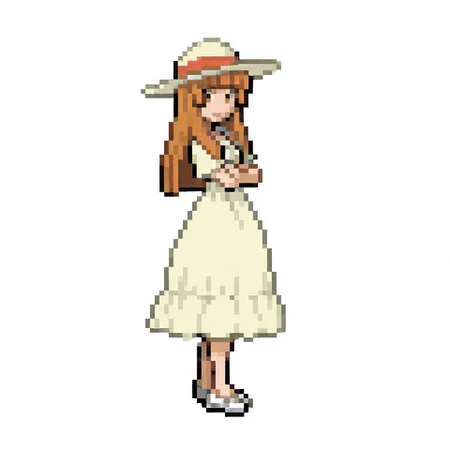
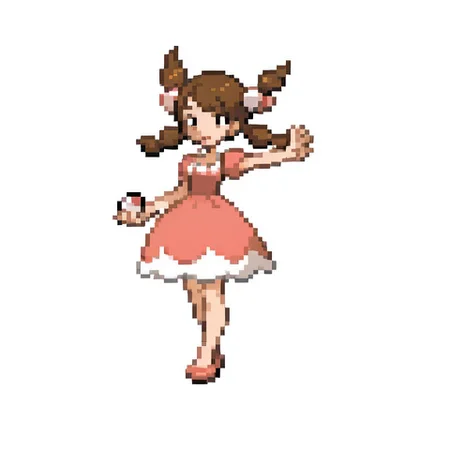
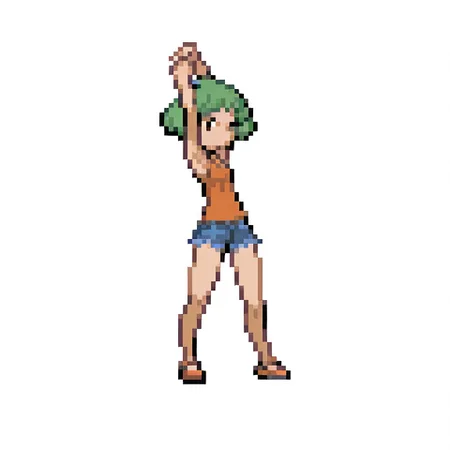
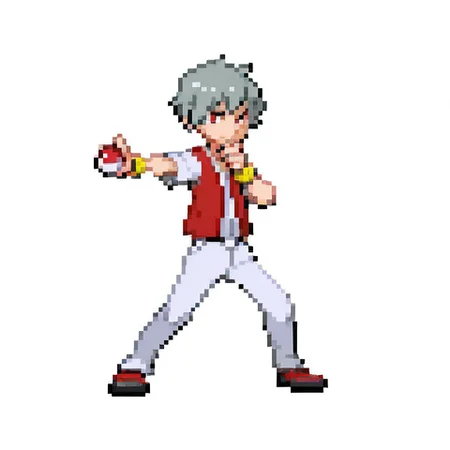
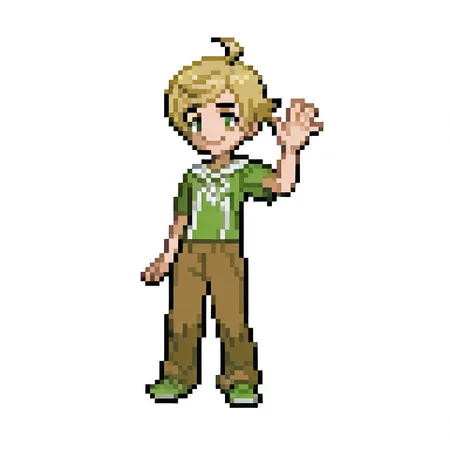
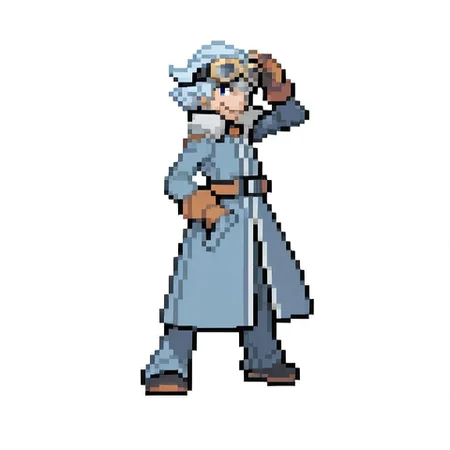
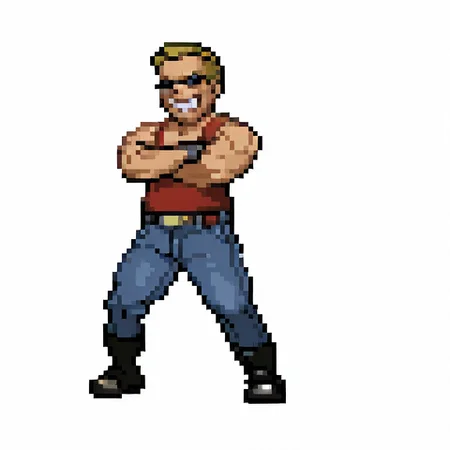
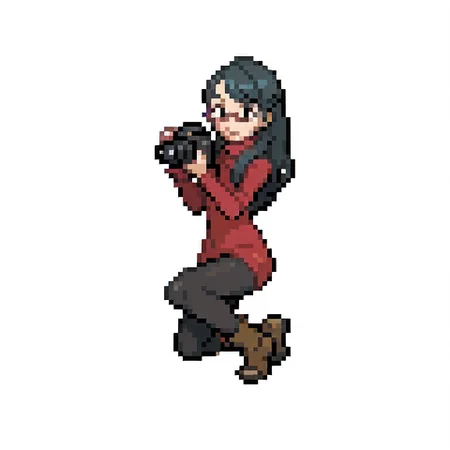

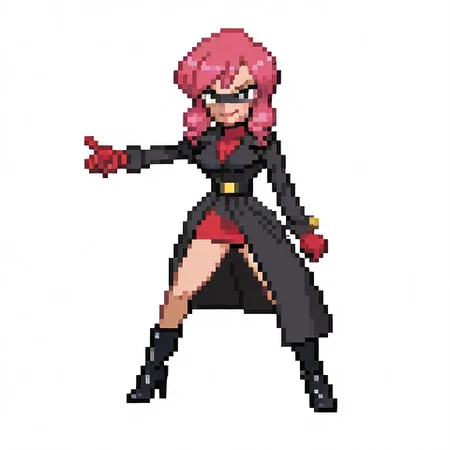
Reproduces trainer sprites from Gen 4 and 5 of Pokemon.
Avoid using quality tags. It should work better if you use img2img with a blank white 768px square at 1.0 denoise.
Description
FAQ
Comments (27)
This is incredible! What changes were made from V1 to V2?
The dataset has expanded a bit and the tagging was more extensive. It is at 95 epochs compared to the previous version's 100 epochs, so it may carry the style less strong.
@hino_arashi Great to know! I appreciate the thorough explanation. Excited to play with this more :)
How do you do the img2img gen trick? All I got was another blank white
The denoise should be set to 1.0 ( 100% ) for the 768px square.
@hino_arashi What is the specific setup? How I did it was I uploaded a blank white pic at 768x, then add the appropriate prompt tags -- still blank.
@koopa990 If you're hosting your own setup, image to image will have an option for denoise strength to be set to 1.0. However, you could easily just set the image output to 768 x 768 to avoid dealing with this at all.
If you're using the on-site generator, select "Image-to-image variations", use a 768x768 px white square, and near the bottom, there is an option for "denoise" to set to 100%. cfg of 4, steps of 20, "Euler a" as the sampler should work fine.
@hino_arashi Is img2img the recommended way to generate an image closer to the art source? Or I can do it in txt2img
@koopa990 Yep. txt2img will work fine. img2img simply allows the output to be 768x768, so when it's downscaled to 96x96, it will be pixel perfect without aliasing.
@hino_arashi How do I properly downscale the higher res image to very low one? I think I did this wrong in iimg2img.
@koopa990 I don't think there's a way to do this. I just mean that the 768x768px output can be downscaled to 96x96px and the pixels will line up.
@hino_arashi ohh, like downscaled in a photo editor?
koopa990 yo i'm super new on all this so this might not be what you are looking for but if you want you can downscale image on "Piksel" it's a website for pixels art creation. I think this is what the creator was talking about when mentioning downscaling.
33guys33691 I see. Is there an option to import an image?
koopa990 yes, you can import and export as you want.
@hino_arashi what are good prompts to use? dont seem to get what i want and im trying alot of prompts
I'll be using this a lot, thanks for making this!
Perfect model
this is cool, any chance you can go gen 3 style or will this work for that too
Awesome style!
Doesnt work for me, im trying my hardest with forge, using the recommended settings, prompts u used for images, illustrous xl model, but i either get a white sheet or a characters that has blurry pixels. would help if i could get more informations, im using forge, tried cfg scale from 4 to 7 and sampling from 20-25, image 768x768, 512x512 and even tried dmm++ 2m karras, euler a en many more but still get bad results, tried less prompts, tried alot of prompts, tried img2img and texttoimage but everytime same results
If you have access to forge, you don't need to use img2img. Generating at 768x768px should allow it to generate and scale down. I usually use WAI-Illustrious-SDXL, but most models should be fine. I usually keep it around 4 cfg, steps at 20. Generally, I use euler_a, too. Clip skip at 2. Simpler prompts should keep it from interfering with it, too.
@hino_arashi how do u properly scale down images?
@jjvgwesterveld236 768x768px should evenly scale down to 128x128px.
@hino_arashi its working fine now but want i want to now is how u scale down a image to 128x128? U can do it in forge as well? Sorry, but i never scale images down.
@jjvgwesterveld236 I don't know a workflow to do it in one go. I would reduce them from 768px in an image editor to 192px after and the pixels should line up without much issue. This is 6x, so it shouldn't experience a bunch of anti-aliasing.
@hino_arashi any recommendation for a editor? i have adobe but dont now if that one is good for it.