

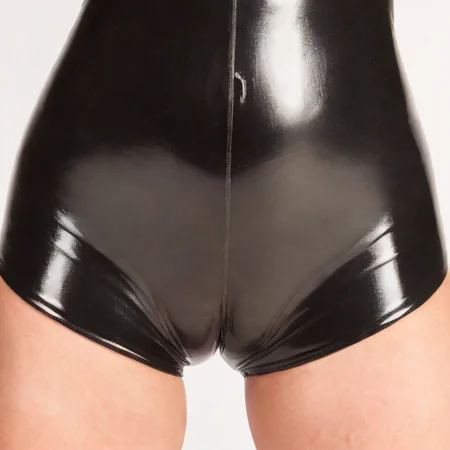


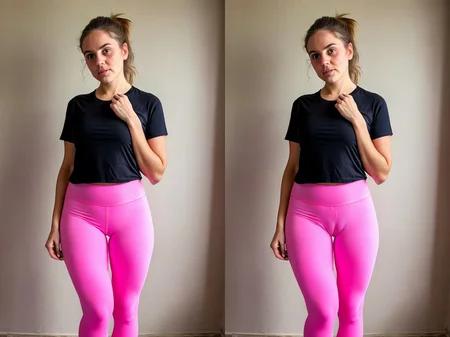

This LORA can be used to add the impression of a cameltoe. Start with low LORA weight, e.g. 0.3 and increase if the effect is not strong enough. Beyond a weight of 0.7 it will probably generate close-ups only.
It can be used for inpainting too. To do so, remember to:
Inpaint area: Only masked
Add enough padding
Width&height = 512x512 (for only masked this is always the best resolution)
Prompt should be about the masked area only, so "woman with a cameltoe in a white bikini bottom" is a good example
Description
Versions prior to v2.1 were never released.
FAQ
Comments (7)
Not all heroes wear capes.
Why does he draw only on the tender part, but not on the full height?
What is the model you are using? I am trying to inpaint just the cameltoe part and am not getting results like your examples. If possible could you explain more the steps for inpainting? Thank you!
Try with the same model that you used to create the original model, experiment with the LORA weight between 0.1 and 0.7. Always inpaint at 512x512. Denoising between 0.3 and 0.5, or experiment with other values...
still not getting the camel toe look what's the best prompt?
Details
Files
Available On (1 platform)
Same model published on other platforms. May have additional downloads or version variants.