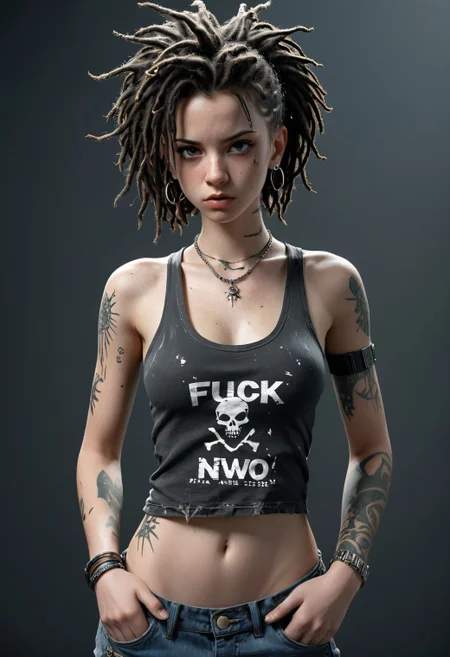
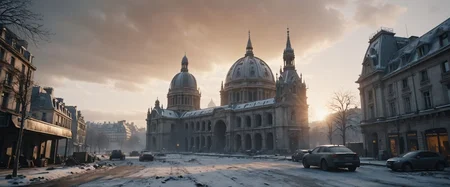
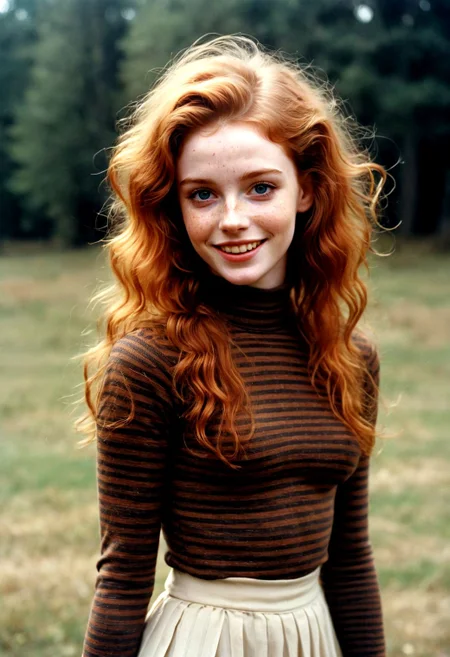

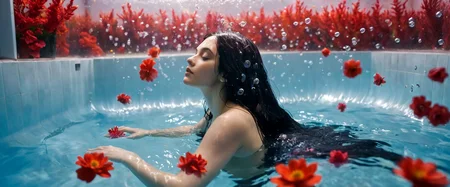
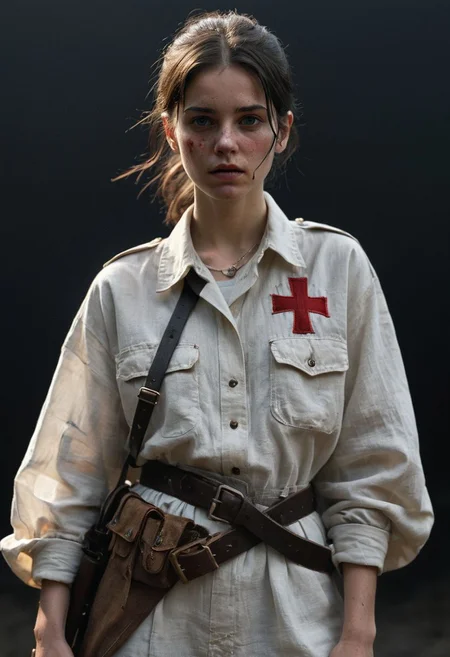
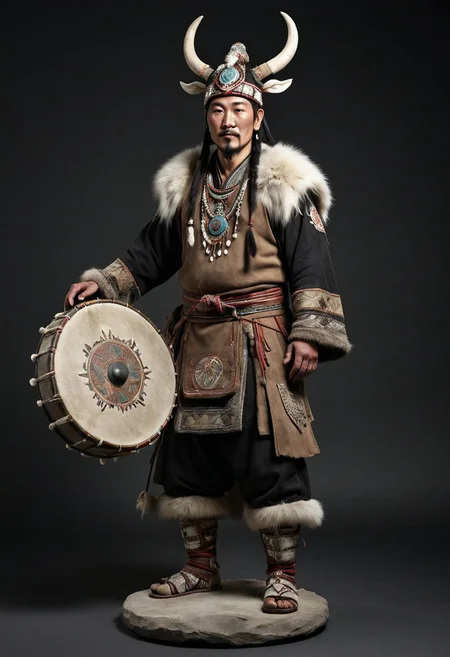
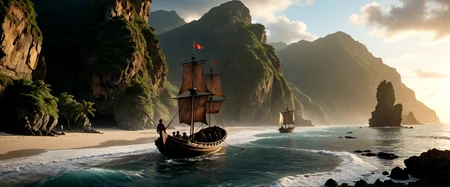
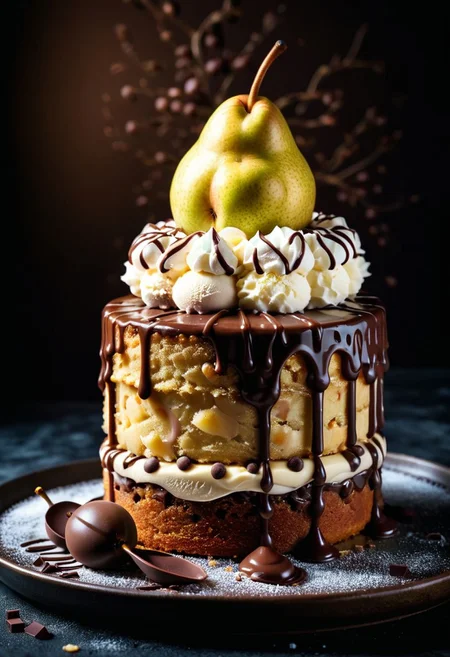

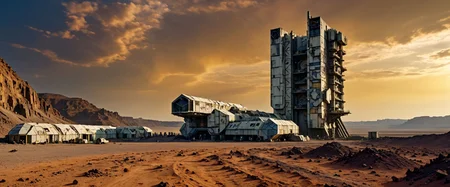

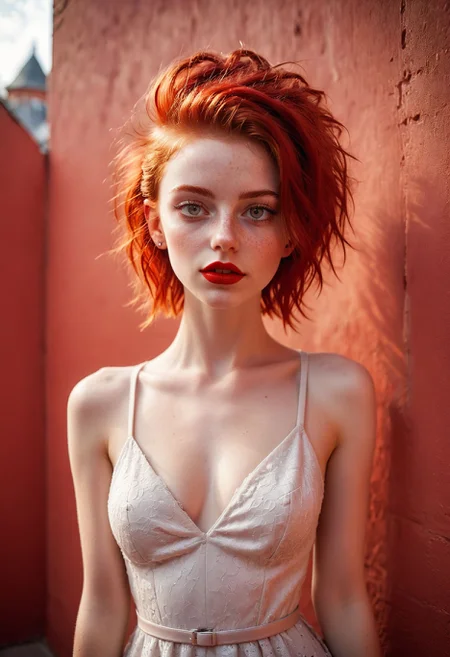
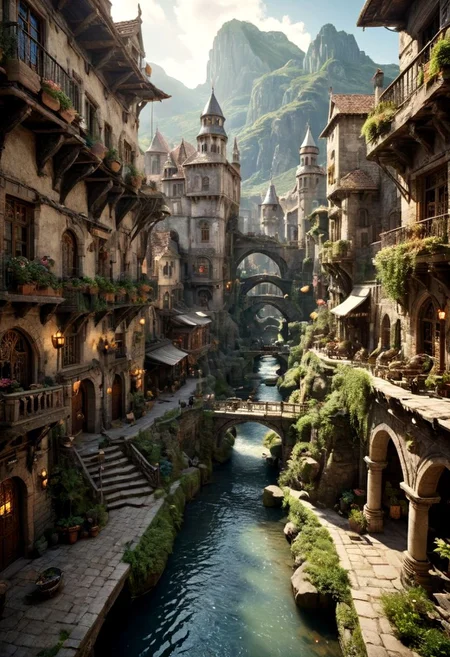
MOHAWK : Character_Designer ( Release )
Suggested to me for the time I spend on these models and if you like what I do here, please considerate to donate on this Ko-Fi page : https://ko-fi.com/aurety
Follow me on X / Twitter to watch the updates : Antoine Aurety / @AAurety
________________________________________________________________________________________________
MOHAWK V2.0 Update!
For the first time ( suggested by some members here and students, I opened a KO-FI page ( links above ) .. For those who wish, you can participate by helping me acquire a more powerful GPU than my 2080ti, you never know :) In any case, it would clearly help me work faster. All the best!
SO..
It's a massive upgrade! I had so much catching up to do with my work on the CHEYENNE model.
I've continued to improve realism and the notion of concept art for rich and varied sketched renderings. There will always be time to improve the details in text2image if necessary. In short, CFG is important and has a huge influence on renderings.
In detail, I worked on :
- Realism ++++
- Widening the shot (wide angle) +++
- Architecture +++
- Details in general ++
- textures ++
- ..
It's now a solid base and I'm going to be able to go back a bit to the 2.5D/3D mix specific to Mohawk.
Like Faeia in her great model Faetastic Faeia said :
However, I am very opposed to having my model and resources I personally train and test and spend hundreds of hours on, be put up on third-party generation sites for their monetary gain where I receive nothing in return.
V1.8 et V1.8(VAE-BAKED) UPDATE //
Hello everyone and peace on earth... I'd like to offer you this new update, which I hope will win you over as it did me. Over 50 merges from Loras and Modeles (too many to mention but I'd like to thank them all for sharing! ).
I've tried to make up for a few lacks in detail, realism, abstraction, text management, sharpness and above all creativity. I think I'm on the right track now!
For the VAE backed version, it's my first one so tell me is something wrong !
This is a major update for the future of MoHawk and I hope you'll download it and, above all, send me your images so that I can better appreciate where I can improve it, thanks to your criticism and feedback.
I wish you all joy and happiness in these very complicated times...
Best regards
Antoine Aurety
___________________________________________________________________________________
v1.6 Update It's a massive update! I encourage you to download it.
First of all, I'd like to thank Render Realm for his gigantic work on his SDXL model review, where he placed MOHAWK_ among his favourites. This has given MOHAWK a bit of visibility amongst all the wonderful models available here, of which MOHAWK is only the offspring because it's a Merged Model... As well as all the authors of the LORAs who are helping me to take small steps towards this new update. Thank you all so much!
IMPORTANT: This model requires a VAE which is not included. I'm using the classic SDXL.VAE. Alternative VAE : https://huggingface.co/madebyollin/sdxl-vae-fp16-fix
I've pushed the cursors a bit in all directions (realism, beautiful faces, textures, materials, complex compositions, details, illustration, matte painting, concept art, etc.) and I hope you like the result as much as I do. I try to respect an editorial process where each evolution doesn't erase the previous model, but evolves it in small, sensitive steps.
Thank you to everyone who posts images and gives me feedback and criticism (even bad criticism!). This model was conceived as a support for my 3D courses, and I'm doing it as a hobbyist, with the desire to share my knowledge and my vision. I just hope it reaches you.
Kisses!
______________________________________________________________________________________
v1.4 Update _ More than 30 mergers ( Lora + Checkpoints )... just a few small details but the result is there, I think! It's a nice update that respects my editorial wishes... The emphasis has once again been placed on matte painting, details and a little more contrast... It's reduced the quality of the full-body faces a little, but I've really gained in close-up and detail of the skin and textures in general... It's also a little more realistic.
I hope you like it, and thanks to those who posted their renderings in the gallery. It's really nice to see the model being used!
Kisses
____________________________________________________________________
V1.2 Update : This is an important update as I'm introducing a bit of Landscape in it and it's a part I want to develop for my matte painting courses.
Otherwise, I've refined the human models: the women are more feminine and the men less muscular. They're not "ideal", but I want to be able to have the occasional "broken face", so I'm fine with that. I increased the quality over all..
If you use the "COMICS" add-on, you'll see that the features are more subtle and expressive.
Anyway, I'm making good progress and hope to see some of your renderings from time to time.
Please follow me and download the model !
R1 Update : This version has been improved in all areas (sharpness, shadow, details, textures, composition, etc.). On the whole, you'll get the same images as the Beta version, but with an obvious gain in quality.
I recommend that you upgrade or get this version!
Many thanks.
First of all, I'd like to thank all the model creators on the Civitai community. All credit goes to them.
MOHAWK has been developed with a view to producing cartoonish or realistic 3D character concepts... Successive merges have tried to support this or that need. It's not perfect, but the results are starting to suit me, so I'd like to share it with you and see what you can do with it, and thanks to your criticism, how I can improve it...
MOHAWK is a merge from various excellents models so it can perform too on any subject, not only character design.. Just for reminder.
How do I use it? :
Once loaded, simply describe the character you want in the prompt and use the various styles provided to render Charadesign and other concepts...
The styles are added to your styles.csv file using any text editor. This file is located at the root of your webui folder. Click on refresh and you'll be able to use them...
There are styles for characters ( cartoon, 0.5 Cartoon, realist ), as well as for assets or objects ( e.g. chair, sword,.. ).
There's also a negative style optimized for rendering, a texture enhancer and a skin enhancer (subsurface scattering, pores, etc.).
Don't hesitate to contact us if you have any questions... You can normally view my prompts in the model gallery to get started.
In fact, you can even use these styles with any other model! It's just that I wanted a package to offer my 3D students a tool that I've mastered in class.
IMPORTANT : If you want to use these presets style properly, i'll suggest to install these wonderfull lora ( optionnal ) :
Grungy_Picture-XL : https://civarchive.com/models/141737/grungypicturesdxlv1
XL-More-Art : https://civarchive.com/models/124347?modelVersionId=152309
br_max-000014 : https://civarchive.com/models/130936/silhouette-synthesis?modelVersionId=143796 (thanks to shashakookoo on reddit for the link ! )
bynightportraits : https://civarchive.com/models/137897/by-night-portraits
My settings :
. No need VAE
. Refiner et hires fix optionnal but if you can do it !!
. Sampling : 2M++ Karras
. Steps : 40 // CFG : between 4-6
. width/height : 768x1024 ou 512x768
. I use Controlnet openpose if needed or special pose..
Happy generations.
A.Aurety
Various merge Models ( for those i remembered, sorry ) :
SweetLens : https://civarchive.com/models/127121/sweetlens-sdxl
Samaritan 3D Cartoon : https://civarchive.com/models/81270/samaritan-3d-cartoon
DynavisionXL : https://civarchive.com/models/122606/dynavision-xl-all-in-one-stylized-3d-sfw-and-nsfw-output-no-refiner-needed
Versatility : https://civarchive.com/models/125918/xl-versatilityns
Realistic-Stock-Photo : https://civarchive.com/models/139565/realistic-stock-photo
FenrisXL : https://civarchive.com/models/122793?modelVersionId=151388
Description
Mohawk V2.0 ( VAE Backed ) a requested..
MOHAWK V2.0 Update!
For the first time ( suggested by some members here and students, I opened a KO-FI page ( links above ) .. For those who wish, you can participate by helping me acquire a more powerful GPU than my 2080ti, you never know :) In any case, it would clearly help me work faster. All the best!
SO..
It's a massive upgrade! I had so much catching up to do with my work on the CHEYENNE model.
I've continued to improve realism and the notion of concept art for rich and varied sketched renderings. There will always be time to improve the details in text2image if necessary. In short, CFG is important and has a huge influence on renderings.
In detail, I worked on :
- Realism ++++
- Widening the shot (wide angle) +++
- Architecture +++
- Details in general ++
- textures ++
- ..
It's now a solid base and I'm going to be able to go back a bit to the 2.5D/3D mix specific to Mohawk.
Like Faeia in her great model Faetastic Faeia said :
However, I am very opposed to having my model and resources I personally train and test and spend hundreds of hours on, be put up on third-party generation sites for their monetary gain where I receive nothing in return.
FAQ
Comments (29)
Thanks for the release. Will V2 also be getting a baked version?
Will you please bake the VAE into this version, as well? Thank you for your hard work!
did it.. Hope it will work for you !
Can I use the images generated using your model for commercial purposes?
of course !! You just can't sell this modele ;)
I have no intention of reproducing copyrighted material or real individuals using your model.
I would like to know if it's possible to commercially use virtual characters created/generated
@Aurety thanks! I respect your copyright.
@cskim514 You mean.. Like Artstation Photography references stuff, etc.. If so, you will be a better seller than me and maybe you will share some money on my KO-FI page.. :)
Thanks, this is a great model, I use SDXL style prompts with coherence and (almost) no negative prompt, contrary to the massive tags prompts of SD 1.5 and this version of the model really understand what I'm asking. Hope you can keep it like this in future versions.
i run SD in the cloud and i usually download the models using wget. I can download 1.8 version but not 2.0 (it only donwloads 112.61K) ¿any hints on that?
no idea !! sorry :(
Hello, I'm not sure if this helps but I frequently use this model with the add-detail-xl LoRA applied to the CLIP only and set to -1. I love the results. Its my main goto model now.
Could you please link to that Lora and explain what you mean by applying it only to the CLIP?
What is the difference between Baked and not Baked VAE? ... when to use?
Some people need an internally baked VAE because they can't specify VAE in the technology they use... Personally, I like to choose VAE because it's like an ambient filter in post-production (like a LUT file in video, for example).
Do you recommend an upscaler for this model? I am struggling with my usual workflows and am currently trying a cocktail of settings &/or nodes.
I use Ultrasharp but just by habit :)
@Aurety Merci, I will try that too. In a similar way I always use Ultimate SD Upscale - this problem forced me to experiment more with the upscaler and finally fine tuned the upscaler to work t produce a much cleaner upscale of the images. Very happy.
can you share training settings?
Magnificent model! Thank you so much for the work done! So far I see only two frankly weak aspects: the hands and genitals. And an important nuance - the model almost does not react to Lora
Thanks for feedback !! Yes, I know for genitals but they're so much models out there who'll be helpfull for this in merge.. But there is a good news for Lora and Mohawk update, there is my new model upcoming called CHINOOK who i incredible and a simple merge with Mohawk extend it so much so it will be updated soon. For Lora use in Mohawk, you'll hhave to push a bit further than 1 the weight and it works !
I look forward to! Lora is already 0.7+ and has too much influence on the final result = spoils it((
Very nice model no doubt but for some reason all expressions I tried are way over the top. Even with the full influence of a face Lora (which usually dampens expressions) and a weight of 0.1 or 0.05 to a word like "angry", "smile", "open mouth", etc, your model feels like the same expression but at weight 1.5
It's way too hard to inpaint anything proper when it comes to working on the face. Not sure why that happens as I don't recall having seen such an issue with the weight of expressions with other SDXL models.
Yes, you're right for expressions.. Mohawk update is on the way but I have to work more on this ! Thanks for feedback !
For some reason it started creating white "dots" where the absolute blacks should be. Like pupils, ears and other places. Any idea why?
you need a VAE with it, or use the model with baked one !
@Aurety Lifesaver, thanks!
I had it on automatic and it didn't pick one it seemed. I enjoyed the "hazy" look of not using a VAE, but the white orbs where too much in the way to ignore. Thanks again!
Details
Available On (1 platform)
Same model published on other platforms. May have additional downloads or version variants.