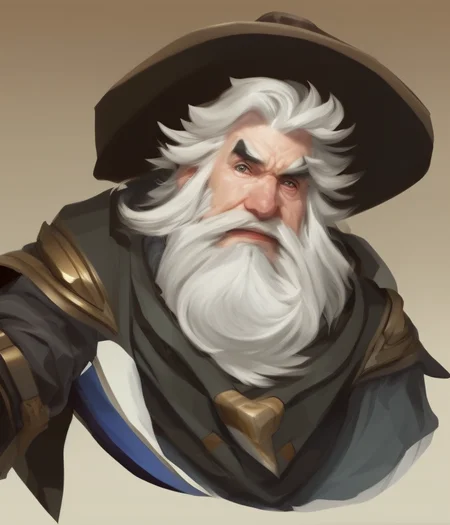
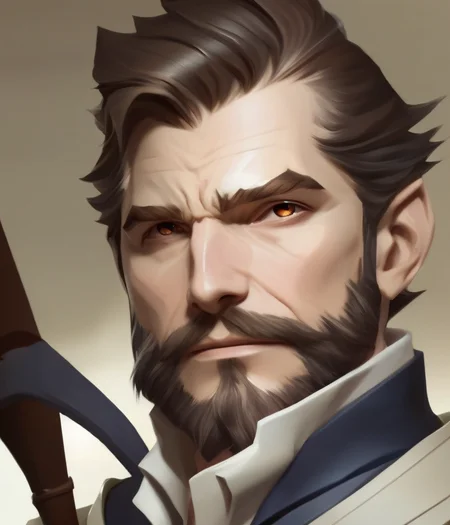
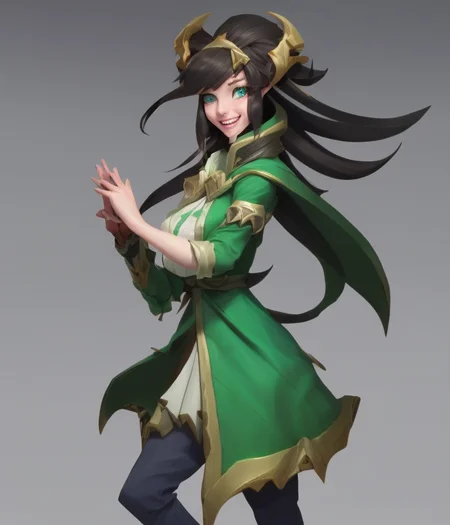
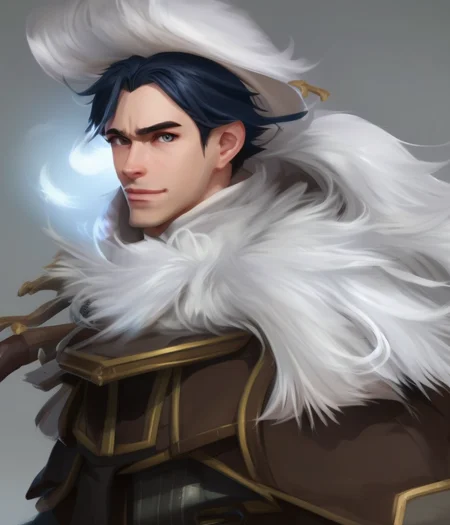
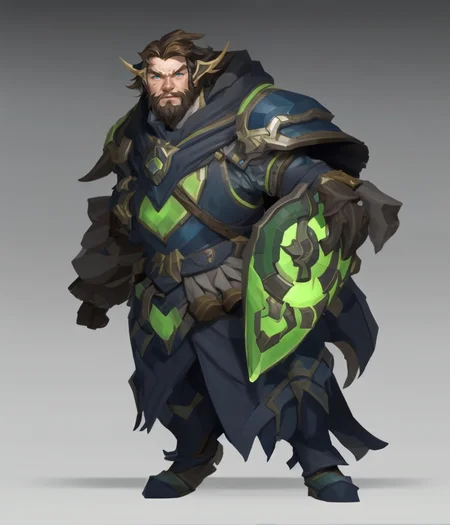
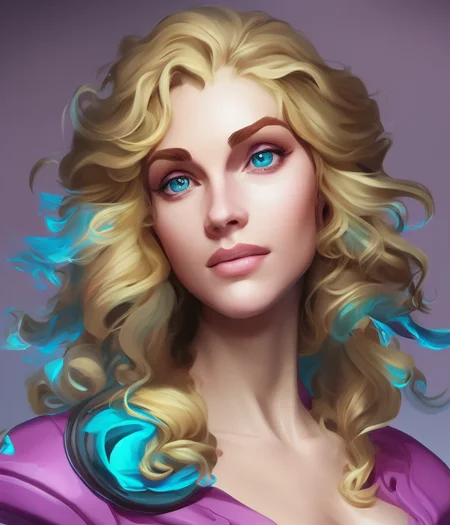
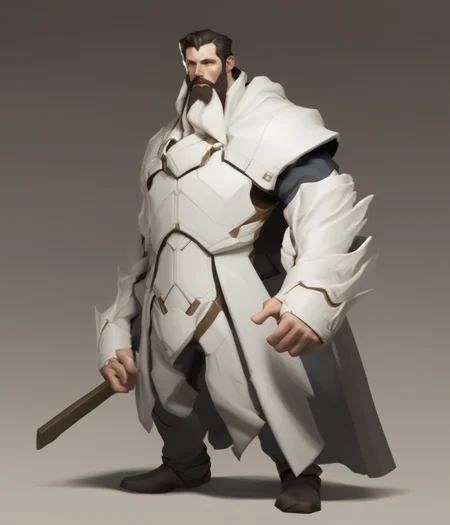
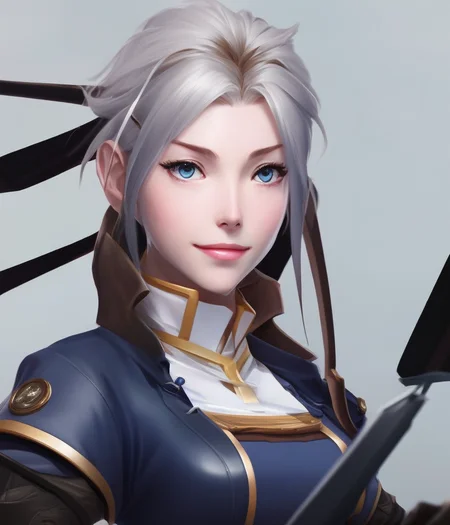
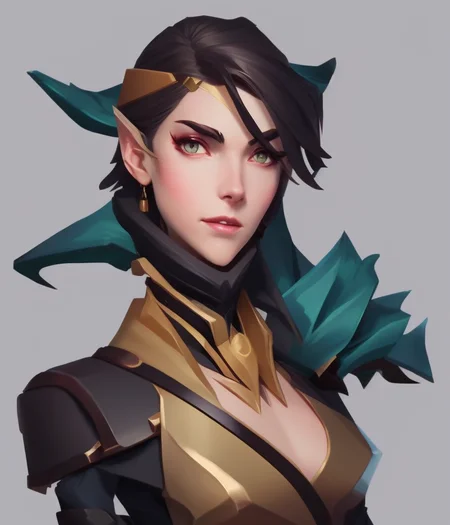
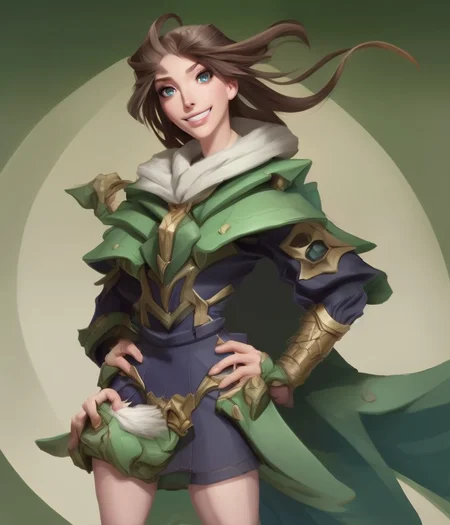

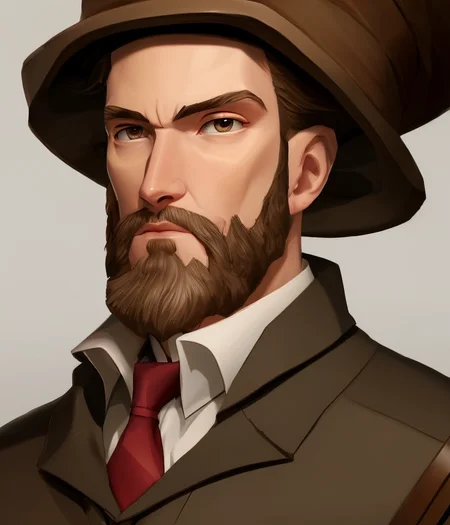
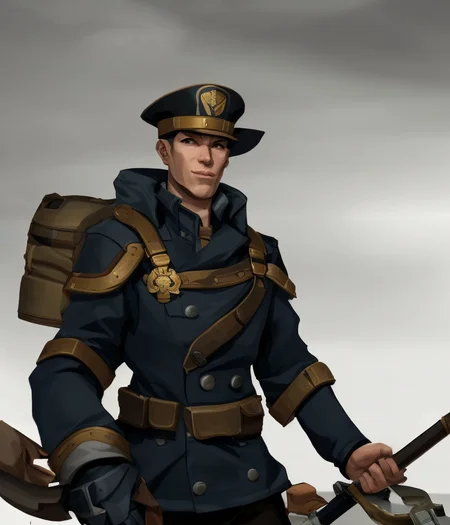
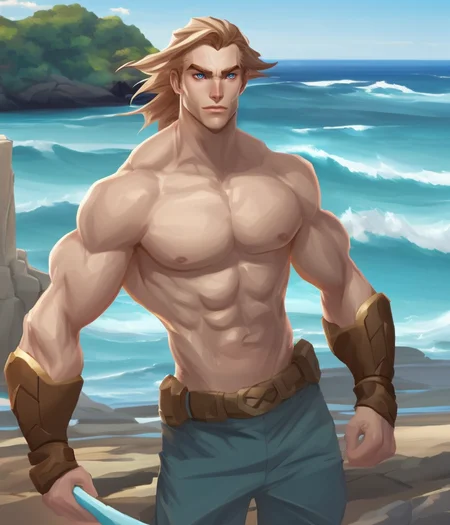
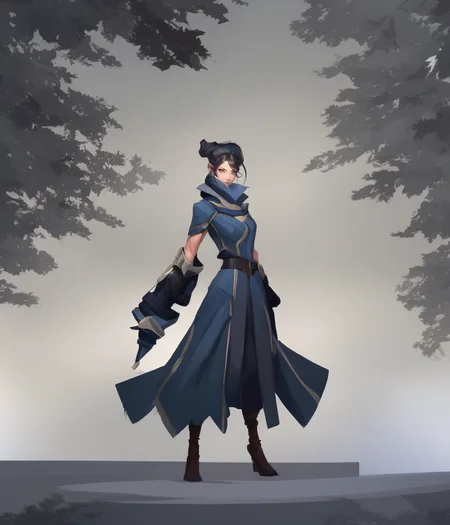
Introduction:
CharHelper_Fine_Tuned_V2 has been trained with SD 2.1 as a base at 768x768 resolution as an update to the previous version. It has additional training on anthropomorphism, dinosaurs, reptiles, animals, aquatic creatures, ninjas, wrestlers, food, diners, gardens, and fairgrounds.
Disclaimer:
Some of the sample images used the Dynamic Thresholding and/or Unprompted Extensions. Civitai did not have a place for it with their template so for more info, check the model card on HuggingFace.
Usage:
The CFG Scale is much less sensitive in this version and can achieve good results between 4 and 9.
I recommend using the Dynamic Thresholding Extension for this model. It becomes much more coherent when it is enabled with the following settings:
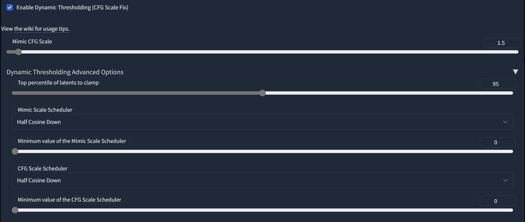
This model also can benefit from the Unprompted Extension's zoom_enhance tool as it likes to output longer range images.
Use Auto for the vae in settings. If you are using a vae based on a SDv1.5 model, you may not get the best results.
Prompts work better when using complete sentences vs the SDv1.x "8k, intricate, etc." type of format.
Keywords are not necessary but I've kept the options for them open. Play around with mixing them up for interesting outputs. They work best with the Prompt Editing Feature which let's the generation focus on the keywords for the first 20% and then can be removed before the image gets too chaotic or vice versa. Using Prompt Editing for artist names as well has had good results.
Keywords:
Character Styles: CHV3CWrestler, CHV3CReptile, CHV3CAnimal, CHV3CNinja, CHV3CAnthro, CHV3CDino, CHV3CFoodPorn, CHV3CDeepSea, CHV3CBigChief, CHV3CBoxer, CHV3CUrban, CHV3COrc, CHV3CGanesh, CHV3CGolem,CHV3CCyberpunk, CHV3CSamurai, CHV3CRobot, CHV3CZombie, CHV3CBird, CHV3MDragon, CHV3CKnight, CHV3CWizard, CHV3CBarb, CHV3CVehicle, CHV3CTroll, CHV3CReaper, CHV3CRogue, CHV3CAlien
Scenery/Styles: CHV3SDiner, CHV3SGarden, CHV3SFair, CHV3SUrban, CHV3SEldritch, CHV3SLighthouse, CHV3SCute, CHV3SMacro, CHV3SSciFi, CHV3SWorld
Fine-Tuned V1:
Introduction:
This model was trained from the ground up using Stable Tuner's fine-tuning method and utilizing contrast fix for darker darks and bolder colors. The Dataset contains 4900 images trained to 35 epochs.
File Name is CharHelper Fine-Tuned.safetensors. Do not forget to download the yaml file and place it in the same directory.
Usage:
Because of the nature of the fine-tuning method, this model is sensitive with the CFG Scale. Photorealism tends to like a LOW CFG Scale. Best result can be found between 3 and 7. Some subjects that are complex like robots like a higher dfg, while photorealism is mostly achieved with a CFG Scale of 3 or 4.
Use Auto for the vae in settings. If you are using a vae based on a SDv1.5 model, you may not get the best results.
CharHelper Fined-Tuned was trained all at once which means the keywords all have more power to them than the previous CharHelper models. CharHelper Fine-Tuned doesn't need keywords but includes them and they can be mixed and matched together in order to acheive a multitude of different styles. Some Keywords were changed slightly from the last version.
Keywords:
Character Styles: CHV3CBigChief, CHV3CBoxer, CHV3CUrban, CHV3COrc, CHV3CGanesh, CHV3CGolem,CHV3CCyberpunk, CHV3CSamurai, CHV3CRobot, CHV3CZombie, CHV3CBird, CHV3MDragon, CHV3CKnight, CHV3CWizard, CHV3CBarb, CHV3CVehicle, CHV3CTroll, CHV3CReaper, CHV3CRogue, CHV3CAlien
Scenery/Styles: CHV3SDark, CHV3SUrban, CHV3SEldritch, CHV3SLighthouse, CHV3SCute, CHV3SMacro, CHV3SSciFi, CHV3SWorld
V4:
File Name is CharHelperV4.safetensors
CharHelper V4 is a merge of CharHelper V3 and a newly trained model. This update is to provide a base for future updates. All older keywords from CharHelper V3 will still work.
Training subjects on this model are Aliens, Zombies, Birds, Cute styling, Lighthouses, and Macro Photography. Mix and match the styles and keywords to push the model further.
Usage
Use Auto for the vae in settings. If you are using a vae based on a SDv1.5 model, you may not get the best results.
This model has multiple keywords that can be mixed and matched together in order to acheive a multitude of different styles. However, keywords aren't necessarily needed but can help with styling.
Keywords:
Character Styles: CHV3CZombie, CHV3CAlien, CHV3CBird
Scenery/Styles: CHV3SLighthouse, CHV3SCute, CHV3SMacro
V3:
File Name is CharHelperV3.ckpt
Completely retrained from the begining in a fundamentally different process from CharHelper V1 and 2. This new model is much more diverse in range and can output some amazing results.
It was trained on multiple subjects and styles including buildings, vehicles, and landscapes as well.
Usage:
Use Auto for the vae in settings. If you are using a vae based on a SDv1.5 model, you may not get the best results.
This model has multiple keywords that can be mixed and matched together in order to acheive a multitude of different styles. However, keywords aren't necessarily needed but can help with styling.
Keywords:
Character Styles: CHV3CKnight, CHV3CWizard, CHV3CBarb, CHV3MTroll, CHV3MDeath, CHV3CRogue, CHV3CCyberpunk, CHV3CSamurai, CHV3CRobot
Scenery/Landscapes: CHV3SWorld, CHV3SSciFi
WIPs (needs fine-tuning, but try it out): CHV3MDragon, CHV3CVehicle
Example Prompt:
Mix & Match "CHV3CCyberpunk.grim reaper"
A realistic detail of a mid-range, full-torso, waist-up character portrait of a (CHV3CCyberpunk.grim reaper) costume with beautiful artistic scenery in the background, trending on artstation, 8k, hyper detailed, artstation, concept art, hyper realism, ultra-real, digital painting, cinematic, art award, highly detailed, attractive face, professional hands, professional anatomy, (2 arms, 2 hands)
Negative prompt: NegLowRes-2400, NegMutation-500, amateur, ((extra limbs)), ((extra barrel)), ((b&w)), ((close-up)), (((duplicate))), ((mutilated)), extra fingers, mutated hands, (((deformed))), blurry, (((bad proportions))), ((extra limbs)), cloned face, out of frame, extra limbs, gross proportions, (malformed limbs), ((missing arms)), ((missing legs)), (((extra arms))), (((extra legs))), mutated hands, (fused fingers), (too many fingers), (((long neck))), (tripod), (tube), ugly, tiling, poorly drawn hands, poorly drawn feet, poorly drawn face, out of frame, mutation, mutated, extra limbs, extra legs, extra arms, disfigured, deformed, cross-eye, body out of frame, blurry, bad art, bad anatomy, (umbrella), weapon, sword, dagger, katana, cropped head
Steps: 10, Sampler: DPM++ SDE Karras, CFG scale: 9, Seed: 1840075390, Size: 768x896, Model hash: cba4df56, ENSD: 3
V2:
Trained for an additional 5000 steps. Result will be much more stable and major improvement over V1. Don't forget to add the yaml file into your models directory.
V2 checkpoint filename is CharHelper_v2_ SDv2_1_768_step_8500.ckpt
Usage:
This model tends to like the higher CFG scale range. 7-15 will bring good results. Images come out well if they are 756X756 resolution size and up.
A good prompt to start with is:
(a cyberpunk rogue), charhelper, ((close up)) portrait, digital painting, artwork by leonardo davinci, high detail, professional, masterpiece, anime, stylized, face, facial expression, inkpunk, professional anatomy, professional hands, anatomically correct, colorful
Negative: ((bad hands)), disfigured, distorted face, mutated, malformed, bad anatomy, mutated feet, bad feet, poorly drawn, ((odd proportions)), noise, blur, missing fingers, missing limbs, long torso, ((ugly)), text, logo, over-exposed, over-saturated, ((bad anatomy)), over-exposed, ((over-saturated)), (((weapon))), long neck, black & white, ((glowing eyes))
Just substitute what's in the begining parenthesis with your subject. You can also substitute "((close up))" with "((mid range))" as well. These worked best for me, but I'm excited to see what everyone else can do with it.
Description
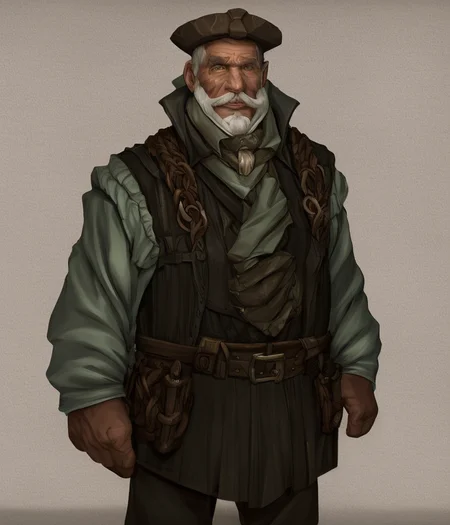
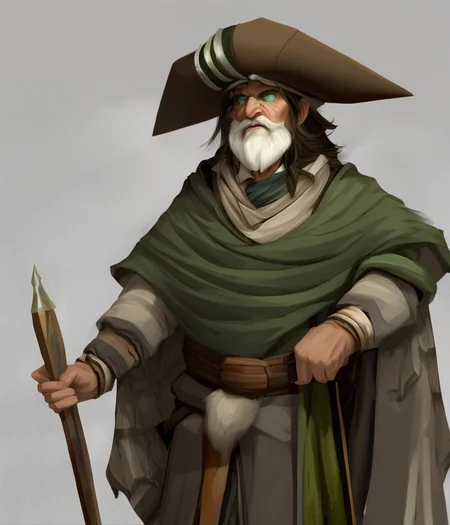
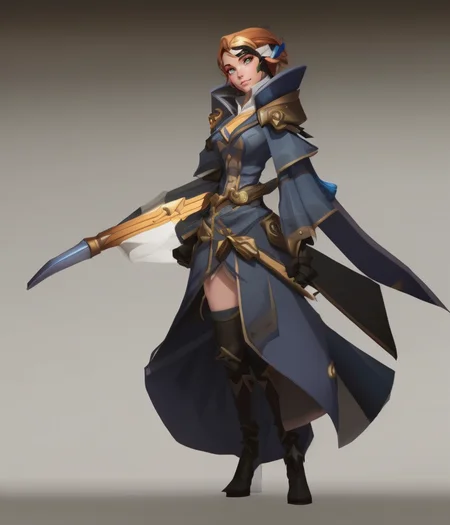
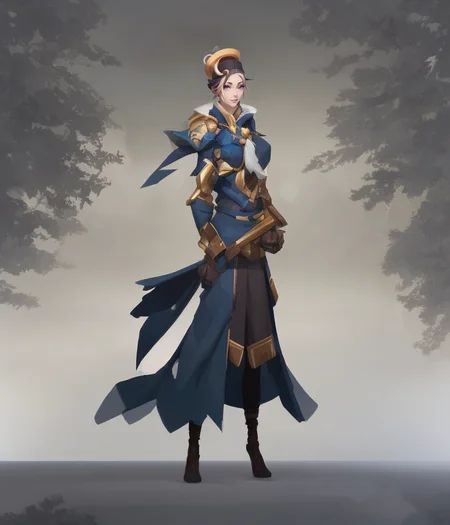
Trained for 3500 steps on SD v2.1 using TheLastBen's Fast Dreambooth. This model was trained on a digital painting style mainly with characters and portraits. The main objective is to train a model to be a tool to help with character design ideas.
FAQ
Comments (11)
Try running the webui with the following in your webui-user.bat file.
--precision full --no-half --medvram --opt-split-attention
i got this error :
Python Error :
raise RuntimeError('Error(s) in loading state_dict for {}:\n\t{}'.format(
Hi! Try the new V2 model and see if it gives the same results. Don't forget to add the yaml file into your models directory.
Details
Files
charhelperFineTuned_v1.yaml
Mirrors
graphicArt_Beta.yaml
graphicArt_Beta11.yaml
allureaiBetaV03.yaml
mangledMerge_v2.yaml
insanity21768_zphyrinsanity.yaml
waifuDiffusion15Beta2_v10.yaml
prettyGirlsNextDoor_v80.yaml
prettyGirlsNextDoor_v90.yaml
charhelperFineTuned_charhelperV2.yaml
remember21768_zphyrremember.yaml
sdartCosmicHorrors_base21.yaml
sdartAliceInDiffusion_base21.yaml
macarolusDiffusionSD21_v1.yaml
jaksWoolitizeImage_woolitizeSD21768px.yaml
charhelperFineTuned_v1.yaml
kitchensink2nsfw.yaml
dragonPortrait_v2.yaml
kitchensinkver18_18.yaml
portraits21768_zphyrportraits.yaml
3dmdt1GeneralistModelHigh_v1.yaml
ushioAnime_v1.yaml
pulpDiffusion_Alpha.yaml
classicNegativeSD21_classicNegative768px.yaml
prmj_v1.yaml
yiffai2322_yai2214.yaml
yiffai2322_yai2322.yaml
kitchensink2safe_kitchensink2.yaml
vectorArt_Beta.yaml
ultraCmodel_ultraCModel.yaml
djzInkPunkV21_0.yaml
oldPortraits.yaml
djzGrimKnightsV21_0.yaml
stickerArt_sticker.yaml
waifuDiffusionBeta03_beta3.yaml
jaksClayitization_clayitizationSd21.yaml
sdartCompleteEdition_v1Base21.yaml
sdartEncapsulated_base21.yaml
rmadaMergeSD21768_v60.yaml
uberRealisticPornMerge21_v1.yaml
uberRealisticPornMerge21_v2.yaml
charhelperFineTuned_fineTunedV1.yaml
milfShaper_ponysd21V10.yaml
perpetualDiffusion10_v10Moon.yaml
kitchensinkver18_18L.yaml
oxigien2ProSD21Hires_v2Pro.yaml
yiffai2322_yai2220F.yaml
yiffai2322_yai2214Safetensors.yaml
djzDivineStatueV21_0.yaml
prettyGirlsNextDoor_v20.yaml
jaksNaturitizeImage_naturitizeSD21768px.yaml
prettyGirlsNextDoor_v10.yaml
prettyGirlsNextDoor_v51.yaml
aZovyaRPGArtistTools_sd21768V1.yaml
sdartUnMythical_base21.yaml
oxigien2ProSD21Hires_v3Lite.yaml
artius21_v10VAE.yaml
pxl8V1_v1.yaml
yiffai2322_yai2220.yaml
conceptSheet_Alpha.yaml
cthughaTokyo_step4000.yaml
jaksCreepyCritter_sd21768px.yaml
jaksWooditizeImage_wooditizeSD21768px.yaml
pseudofreedommerge_v10.yaml
realismEngine_v10.yaml
charhelperFineTuned_charhelperV3.yaml
charhelperFineTuned_charhelperV4.yaml
prettyGirlsNextDoor_v60.yaml
oxigien2ProSD21Hires_v2Ultra.yaml
bow_v10.yaml
oxigien2ProSD21Hires_v3Epic.yaml
sdartSynesthesia_base21.yaml
kitchensink2fp16.yaml
dragonPortrait_v1.yaml
mangledMerge_v3.yaml
yiffai2322_yai2220Safetensors.yaml
vectorArt_pulpVectorBeta.yaml
sdartCompleteEdition_v2Base21.yaml
sdartChaosOrder_base21.yaml
imagineV41_v10.yaml
prettyGirlsNextDoor_v70.yaml
ultraskin_09.yaml
syntheticCmodel_v1.yaml
illuminatiDiffusionV1_v11.yaml