
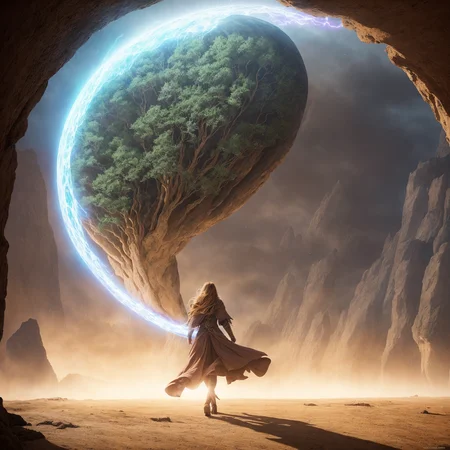
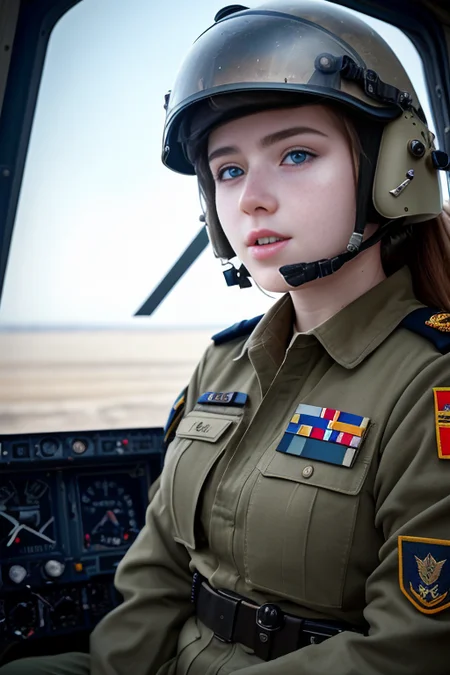
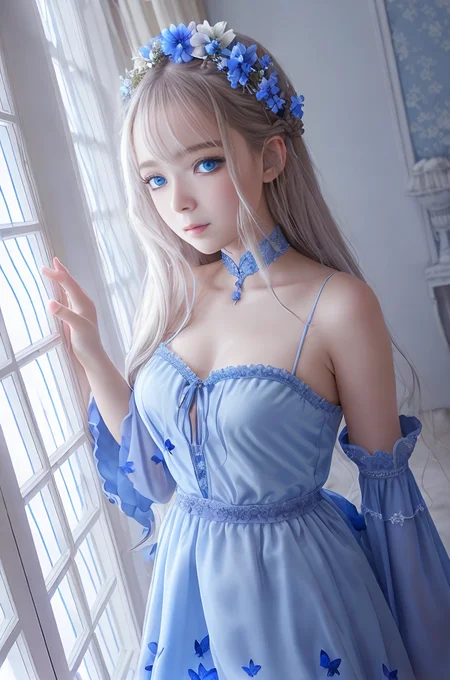

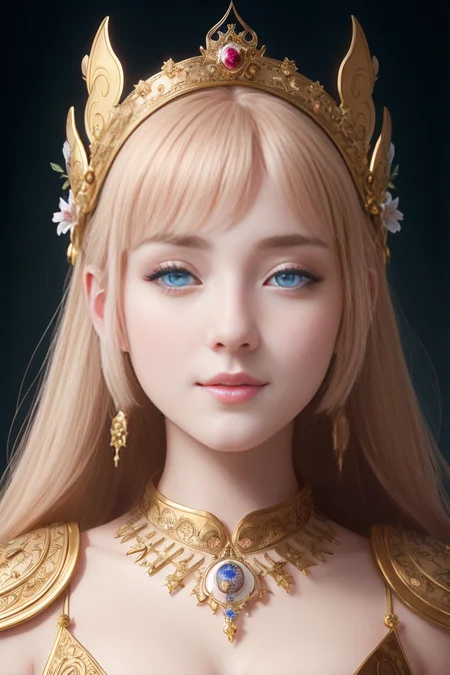


Merged model with additional fine-tuning for variety and quality. Midjourney-esque with the ability generate highly detailed photo-realistic images/still frames
Like photorealism? Try my new fine-tune 'Lomostyle'
Capabilities
Complex 3D renders
Photorealistic images
NSFW/SFW generations (use tags:
nsfw,sfwin prompt)Abstract art
Cartoon stills
Landscape photography
High compatibility with LoRA models
Designed to handle light AND complex prompts.
Hardcore generations are also possible but, that wasn't the main focus of this model. There are much better models for this use case, unless you're looking for a more stylized/artistic hardcore generation.
Limitations
Anime (Future updates will add Anime capability.)
Occasionally the nsfw/sfw tags don't trigger. This can usually be addressed by:
Moving the
sfw,nsfwtags towards the beginning or end of the prompt.Using attention/emphasis
((sfw)), or(nsfw:1.2)
Strong VAE recommendation. (this is due to fine-tuning)
Models used in the merge
Models used in the merge are included in the version description bellow.
Check out my other models
SDXL
Boomer Art Model - https://civarchive.com/models/163139/boomer-art-model-bam
SD1.5
Doomer Boomer - https://civarchive.com/models/118247?modelVersionId=128239
Lomostyle - https://civarchive.com/models/109923/lomostyle
Based Model - https://civarchive.com/models/83991?modelVersionId=89262
Electric Eden - https://civarchive.com/models/64355/electric-eden
Cine Diffusion - https://civarchive.com/models/50000/cine-diffusion
Project AIO - https://civarchive.com/models/18428/project-aio
Experience - https://civarchive.com/models/5952/experience
Elegance - https://civarchive.com/models/5564/elegance
VisionGen - Realism Reborn -https://civarchive.com/models/4834/visiongen-realism
LoRA
Pant Pull Down - https://civarchive.com/models/11126/pant-pull-down-lora
Questions or Feedback?
Description
Initial Release
VAE Strongly Recommended
In webui settings, Uncheck: Ignore selected VAE for stable diffusion checkpoints that have their own .vae.pt next to them
Includes
WonderMix_v2.safetensors
WonderMix_v2.ckpt
WonderMix_v2-fp16.safetensors
Merged Models
Realistic Vision V1.4 - https://huggingface.co/SG161222/Realistic_Vision_V1.4/tree/main
Unvail AI 3DKX v2 - https://civitai.com/models/2504/unvail-ai-3dkx-v2
ZombiMixV9 - https://huggingface.co/zombihed/ZombiMix-v6/tree/main
UnstablePhotoRealv.5 - https://civitai.com/models/3753/unstablephotorealv5
NeverEnding Dream (NED) - https://civitai.com/models/10028/neverending-dream-ned
RPG V4 - https://civitai.com/models/1116/rpg
URPM v3 - https://civitai.com/models/2661/uber-realistic-porn-merge-urpm
Fine Tuning
Note: Many of the sample images use the bad_promptv2 textual inversion. This is not at all required but, if you want to generate identical images to the sample images you can find the textual inversion here:
https://huggingface.co/datasets/Nerfgun3/bad_prompt/tree/main
Other settings:
ETA Seed Noise Delta: 31337
ClipSkip: 1
FAQ
Comments (7)
Hello sir, thank you for this new model release. I definitely I am gonna use, sorry for the basic question. How does model works with LoRAs?
Hey, no problem!
Using Automatic1111 webui, place your downloaded LoRAs into:
stable-diffusion-webui->models->Lora
Then, after you launch webui, on the right hand side of the screen under the "generate" button, you'll see a little red button (I think it's square). Click on it, and you'll see a list of all the LoRAs you have installed in the Lora folder. Click on the Lora file and it should insert the correct trigger into the prompt. It's worth looking at the model page for any LoRA you have installed to see if the trigger word is correct, or if there is any other trigger words needed.
You can adjust the weight of the LoRA by reducing or increasing the number at the end of the trigger; <example_lora:1> reduce weight with <example_lora:0.8>, and so on.
Hope this helps!
@ndimensional Thank you very much!
What's funny is a days ago I was messing with female pirates in VisionGen (old ver) and with a good prompt setup they were coming out pretty good, like screenshots out of PotC. Wonder about with this new check.
This model should be able to generate better cinematic-like still frames than the original VisionGen, but you might need to modify the prompt slightly(or a lot) to get similar results. Good luck!
@ndimensional Oh, I have all yours downloaded guess I'll have to experiment which ideas work best each of your checkpoints.
Another question also, for your checkpoints like new VisGen which say "no vae req" should we actually go and set our VAE to "None" in SD? Thanks alot
@TheCAL Thanks for downloading them all! I'm going to start reworking the descriptions of my models today to better explain what sets them apart. Right now, the descriptions are way to similar.
And for VAE, You don't have to set it to "None". I would recommend leaving it on and uncheck that little box under the VAE dropdown that says something like "ignore selected VAE for stable diffusions checkpoints that have their own vae."
Details
Files
Available On (1 platform)
Same model published on other platforms. May have additional downloads or version variants.