
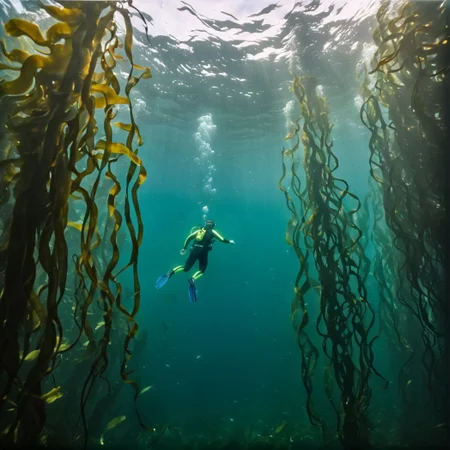
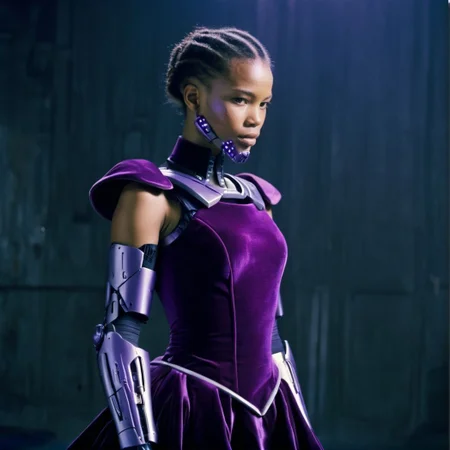
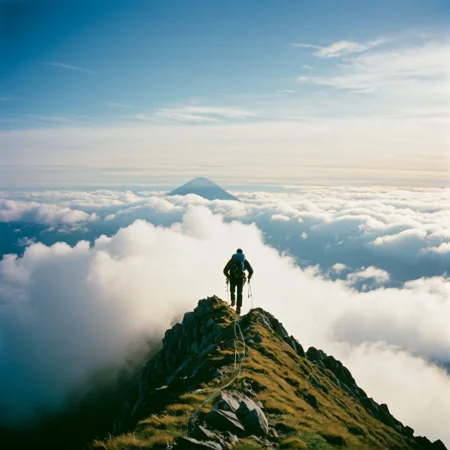
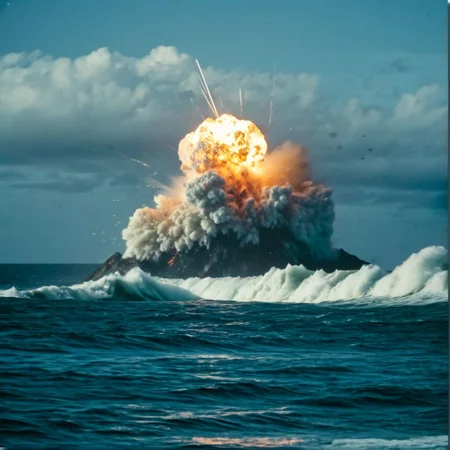
READ EACH VERSION DESCRIPTION
Recommended settings:
1024 x 1024 resolution (most consistent)
Juggernaut XL (or similar photorealistic model)
Use Natural Language prompts
0.8 Strength
No refiner
DPM++ 2M Karras
>30 steps
Note: upscaling may degrade film grain
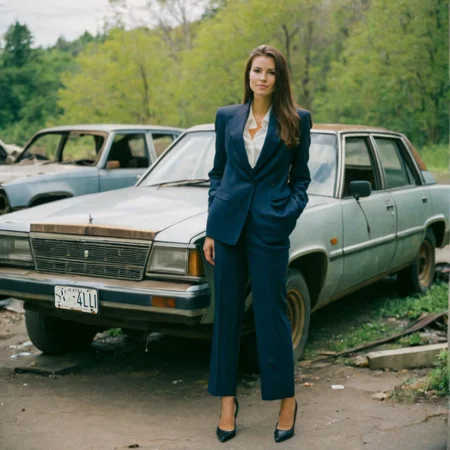
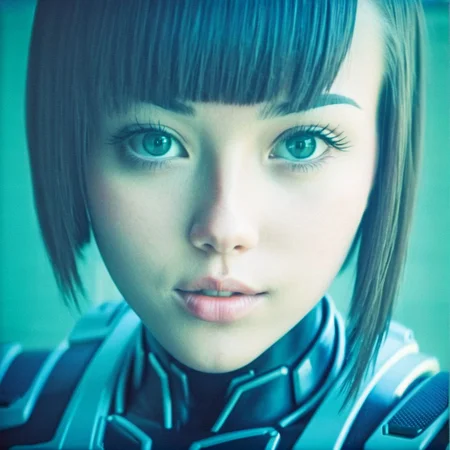
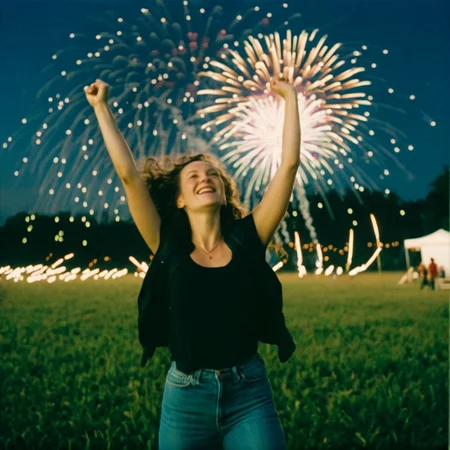
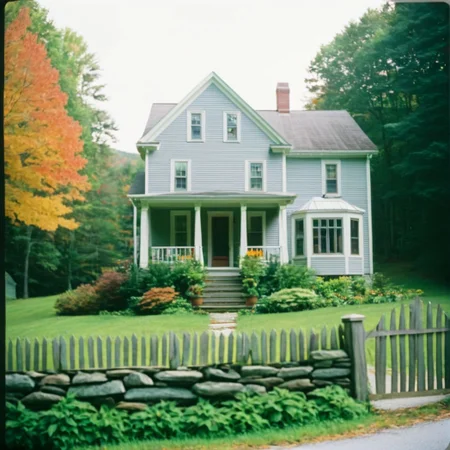
Trained on many high-resolution 35mm and medium format film images
The produced film grain may look bad if files are stored as .jpg, so .png is recommended
Most training images were shot with Portra, Ektar, or Superia X-TRA filmstock
Description
Version 1.0 is finally here! I have worked very hard to ensure that I trained on high-quality, well captioned images, but I still am not an expert! If anyone has any SDXL LORA Training tips, let me know!!!
I am trying to reduce the bias in my model, but it's been very difficult (for example, asking for a "handyman" will produce mostly white men).
FAQ
Comments (1)
I'm getting awesome effects in ComfyUI with Model Strength: 0.7 and Clip strength 0.3.
It is always the same warm/kodak effect, which is amazing, but I was wondering if it's possible to dial in more specific effects. I'm not really sure how LORA's work, but are there any keywords we can use to get more specific film effects (eg film speed, ISO800, film type, graininess, f16, f1.4, etc?) - were the photos that they were trained on labelled with keywords like this?
Details
Files
SDXL_FILM_PHOTOGRAPHY_STYLE_V1.safetensors
Mirrors
SDXL_FILM_PHOTOGRAPHY_STYLE_V1.safetensors
SDXL_FILM_PHOTOGRAPHY_STYLE_V1.safetensors
SDXL_FILM_PHOTOGRAPHY_STYLE_V1.safetensors
SDXL_FILM_PHOTOGRAPHY_STYLE_V1.safetensors
SDXL_FILM_PHOTOGRAPHY_STYLE_V1.safetensors
SDXL_FILM_PHOTOGRAPHY_STYLE_V1.safetensors
SDXL_FILM_PHOTOGRAPHY_STYLE_V1.safetensors
SDXL_FILM_PHOTOGRAPHY_STYLE_V1.safetensors
SDXL_FILM_PHOTOGRAPHY_STYLE_V1.safetensors
SDXL_FILM_PHOTOGRAPHY_STYLE_V1.safetensors
Available On (1 platform)
Same model published on other platforms. May have additional downloads or version variants.