LTX 2.3 Remaster any Video
This workflow allows you to remaster some existing video, you can specify an driving video and it is used as input for the generation. You can also specify up to 4 keyframes to drive your video generation (easy to extend)
LTX 2.3 Extend any Video
This workflow allows to extend videos and stitch the new part seamless onto the existing video.
LTX 2.3 Sound to Video
Added a basic LTX Sound to video workflow that can be used for music videos. Or other use cases.
LTX 2.3 Bounce V 2.5
Added a basic LTX workflow to use the bounce 2.5 lora.
Better Details due to Detailer lora
Referenced new Distill Lora 1.1
LTX 2.3
Added a basic LTX workflow to use the bounce lora
WAN I2V 2.2 / 2.1 - Resume Video + Upscale + Interpolation
ChangeLog
WAN 2.2: Added quality workflow for liquids. Slow but good quality!
WAN 2.2 Lightning 8 Steps added as reference WAN 2.2 workflow with lightningX!
V1_0_6_2_Quality added, since the causVid version did not work well with my newest "big splash" lora...
V1_0_6_2: Replaced the Int node with comfyui base because it caused some troubles for some users
V1_0_6_1: with the causVid lora generations times of < 1minute possible,
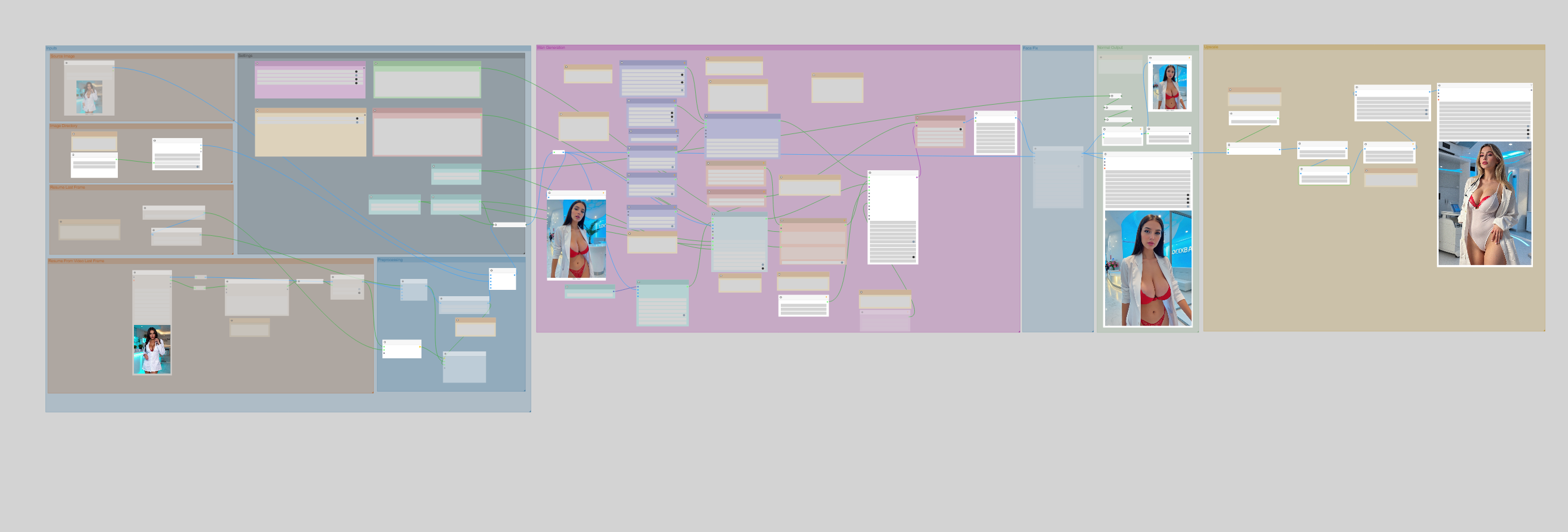
Since a lot of ppl were asking how my personal Workflow looks like here it is! It has some handy features like inbuilt upscaling and continuation of videos with the last generated frames. Don't use more than 1-3 continuations because the Quality loss is quite huge.
It's optimized for a 4090 and 24GB of Memory. But by playing with the params less is possible.
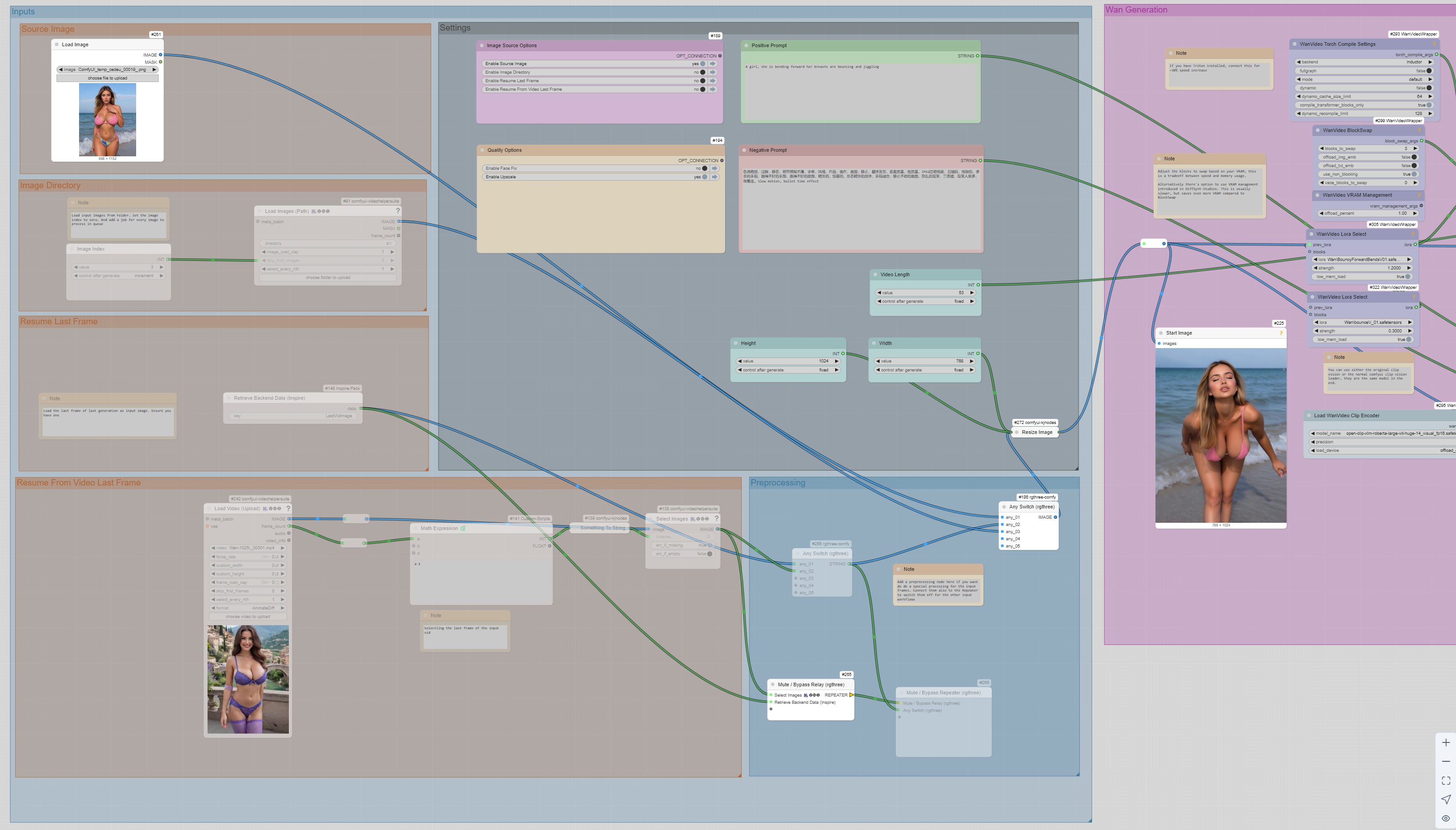
Input Modes
Image -> Use a input images selected by the user
Image Directory -> Set a input directory and load with every run another image as source
Resume Last Frame -> Load the last frame of last generation as input image. Ensure you have done one before
Resume From Video Last Frame -> Select an input video and resume from the last frame. This is helpful if you want to do several continuation attempts of one source video
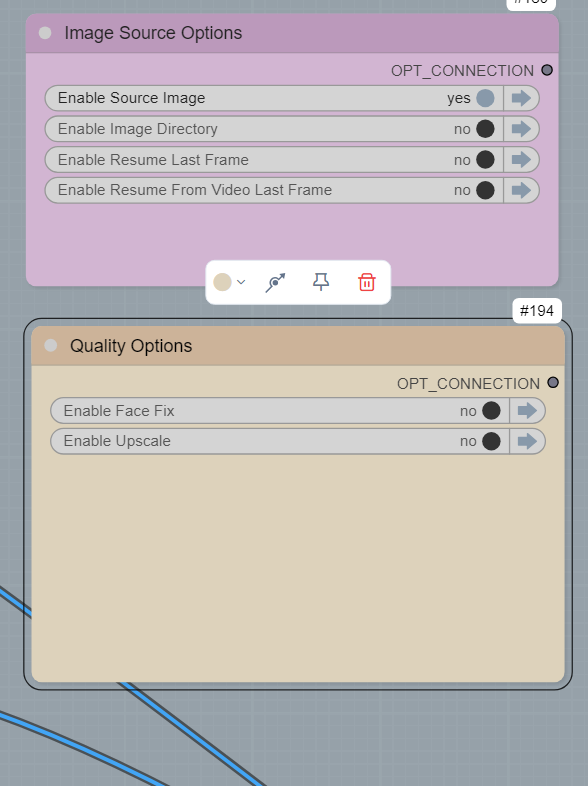
Quality Options
Face Fix-> Uses ReActor to fix the face. I turn this mostly off for wan because its already good enough
Upscale -> Upscales the output to maximize the quality
Remarks:
The ReActor Node is optional, i have my own modified version with disabled NSFW check, you can add any face swap node there, but wan is really good with faces so its not needed
Description
FAQ
Comments (6)
Could you please tell me what model your picture is and whether it was generated by LORA?
Let me just reiterate that the source images you are using for i2v are really hot! we'd love to know some details on how you made them. E.g., the brunette in the red lingerie...
Well the source images were all made by my own flux blend... If there is demand i might release it
@ai_build_art yes please!
How can I use the VRAM management with DiffSynt-Studios?
There is a note about it, but I'm unsure how to use it.
The bouncing is too exaggerated.
Looks like we don't have an active mirror for this file right now.
CivArchive is a community-maintained index — we catalog mirrors that volunteers upload to HuggingFace, torrents, and other public hosts. Looks like no one has uploaded a copy of this file yet.
Some files do get recovered over time through contributions. If you're looking for this one, feel free to ask in Discord, or help preserve it if you have a copy.