🟡:Flux Models 🟢:SD 3.5 Models 🔵:SD XL Models 🟣:SD 1.5 Models 🔴:Expired Models
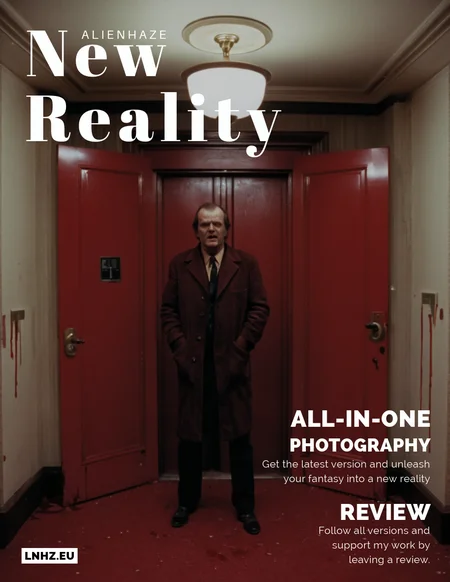
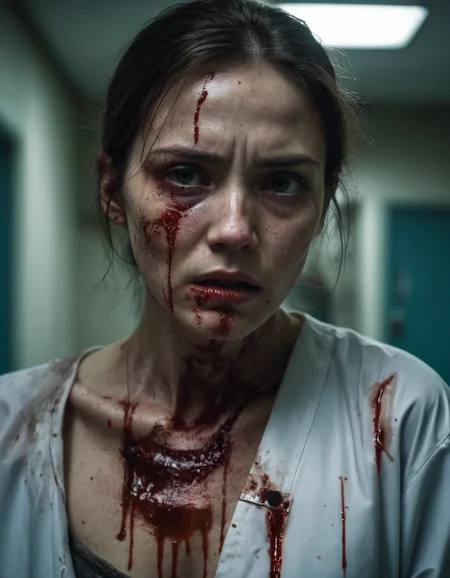
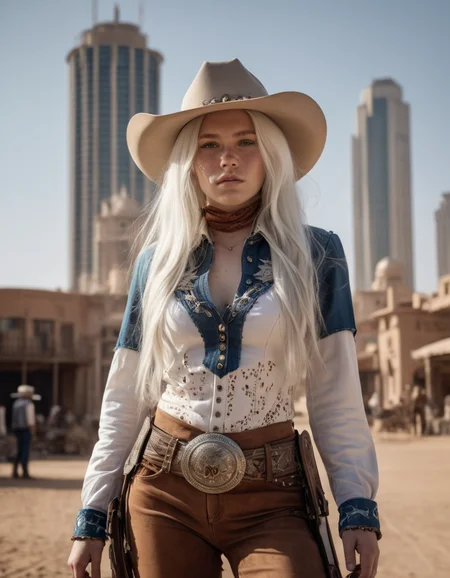
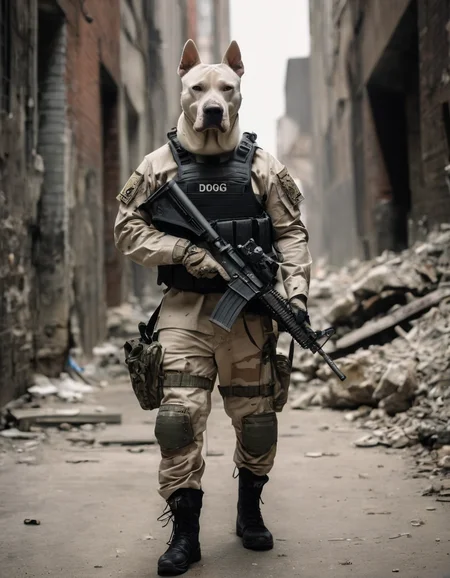
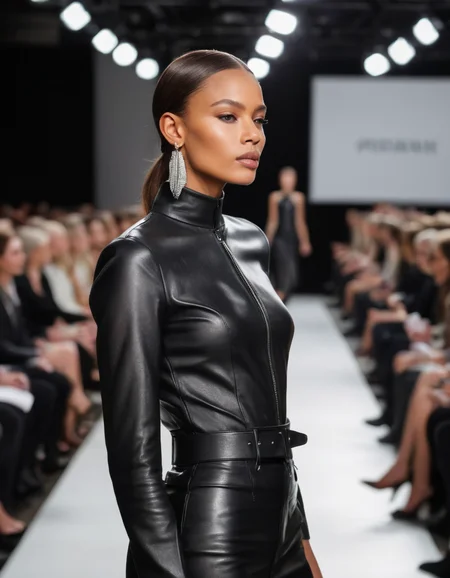
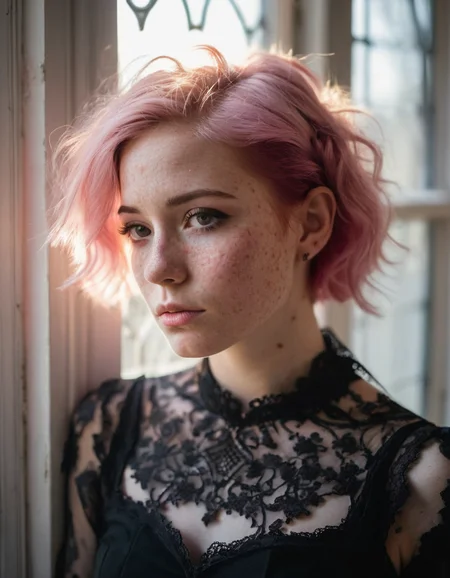
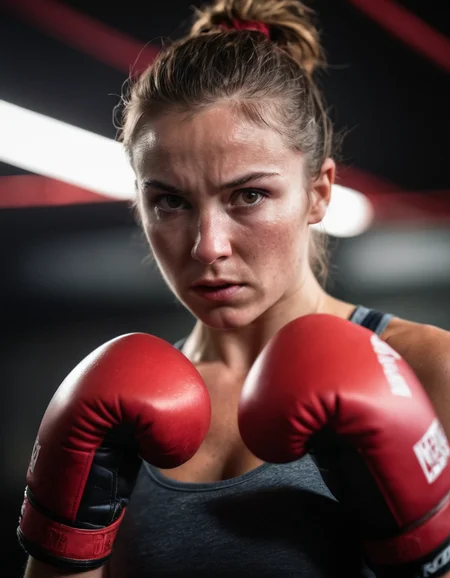
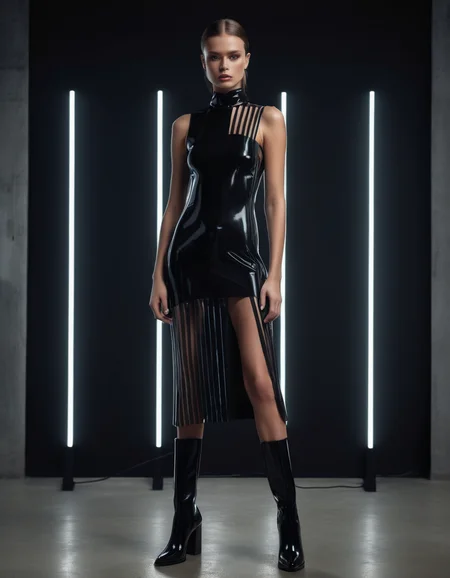
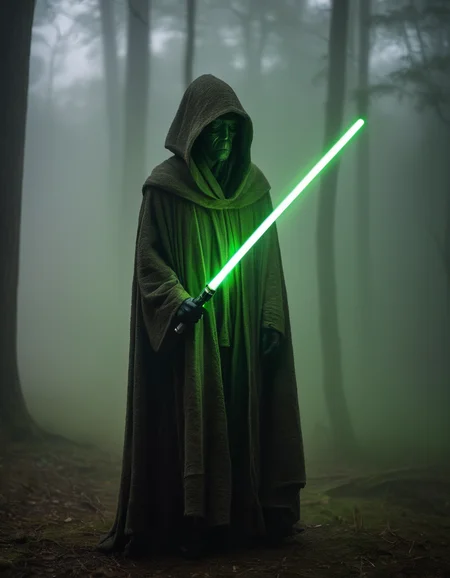
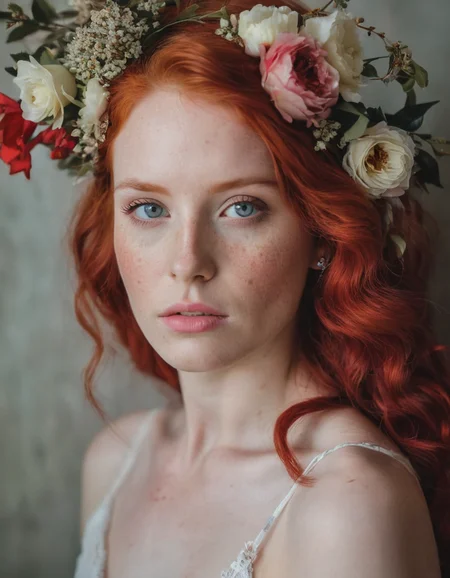
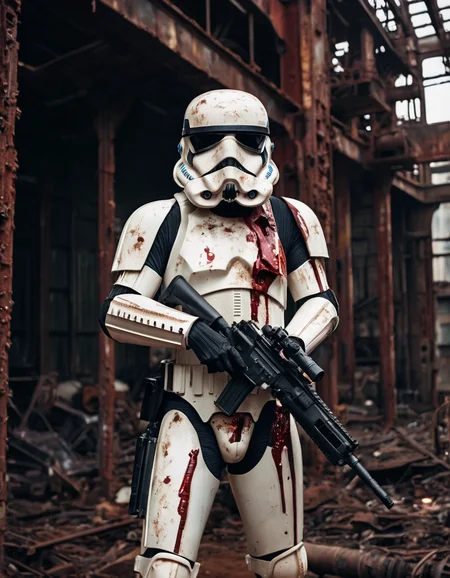
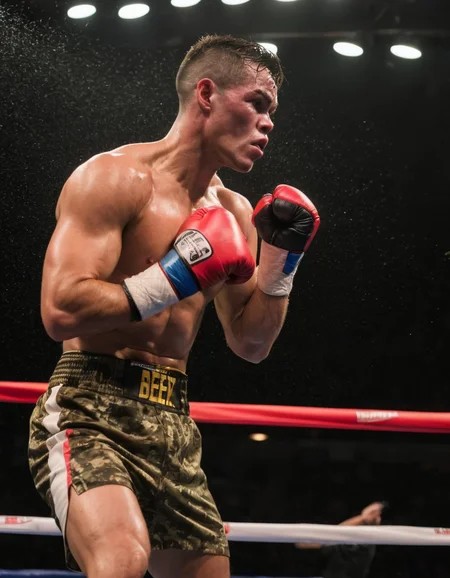
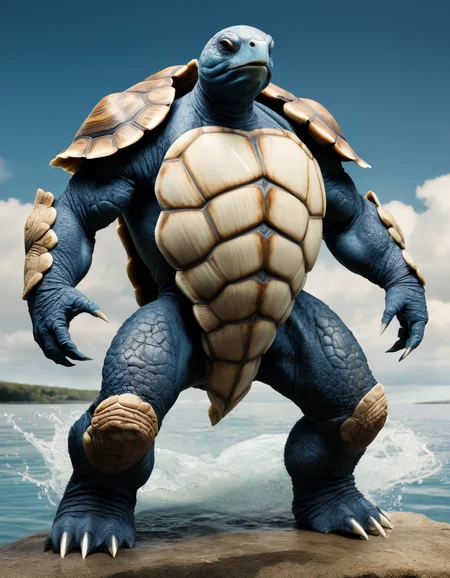
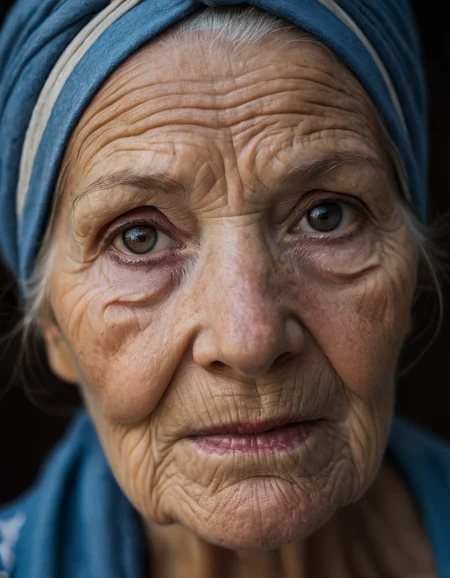
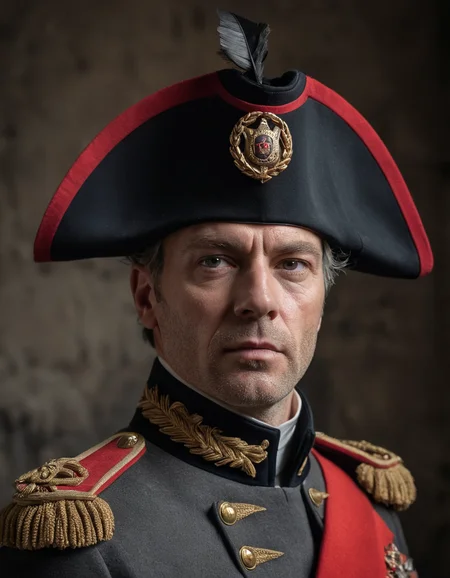
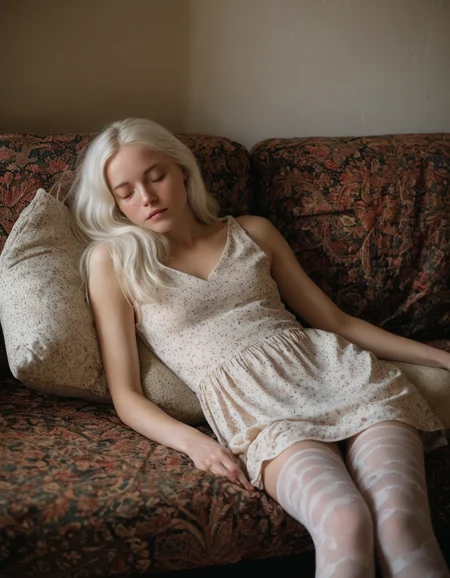
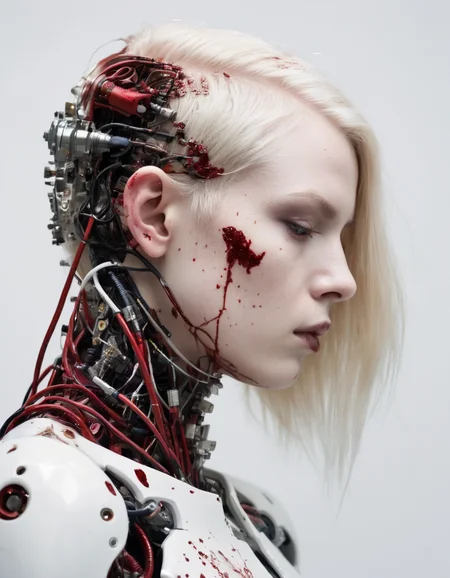
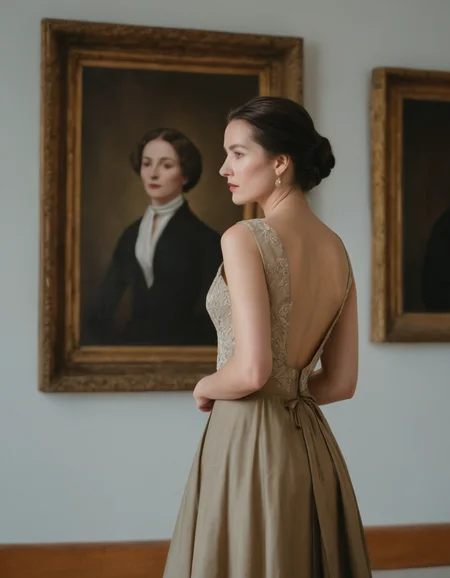
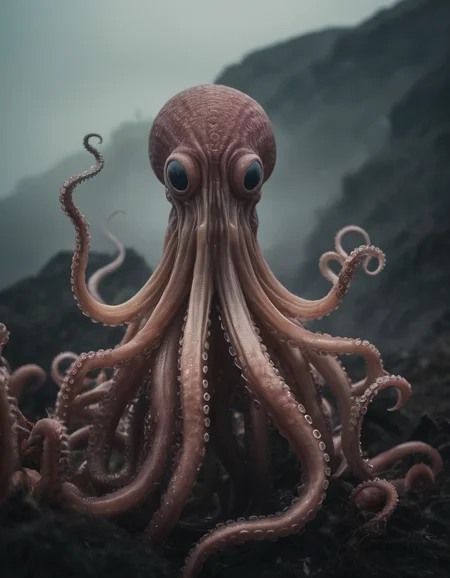
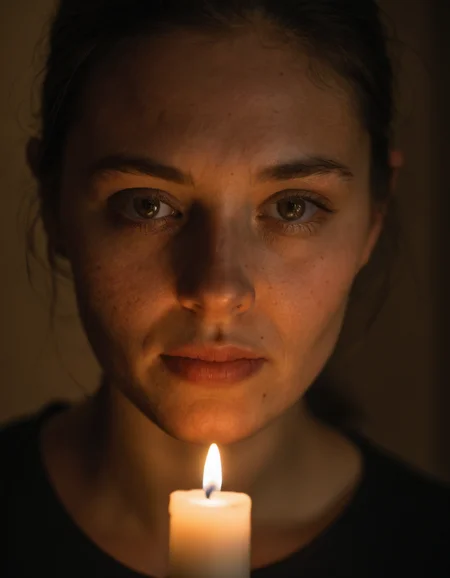
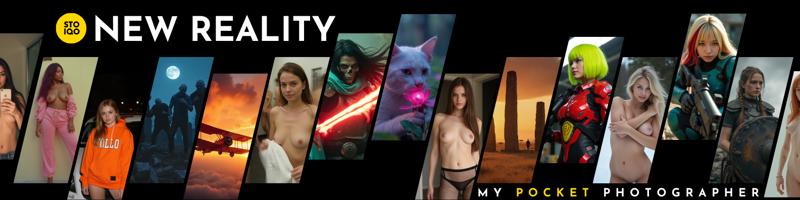 🟡STOIQO NewReality is a cutting-edge model designed to generate photographic content. It empowers users to capture fine details in portraits, explore breathtaking landscapes, and bring mythical creatures to life with unparalleled variety and precision. This model is tailored for artists and creators who demand high-quality results, featuring dynamic light management and intricate textures, making it the ultimate tool for top-tier creative work.
Versions and Recommended Settings:

MAIN SAMPLER: dpmpp_2m+ sgm_uniform
CFG : 3+ | STEPS: 30+
(Recommended): CFG: 5 | STEPS: 40
Finally here is a first finetuning test on SD3.5 for NewReality. As always the first goal of the Alpha version is to give a focus to the photographic aspect and textures by expanding the range of subjects that it can reproduce. Future finetuning will focus more on individual components and details.
The Main Download (Full 26GB) is the AIO version with t5xxl_fp16, clip_l, clip_g and VAE already included.
In the file section of the sidebar you can instead find the Secondary Download (Pruned 16GB) of the version containing only the Model, so you can use it accompanied by the clips of your choice, depending on whether you prefer the fp8, the fp16 or want to experiment with new clip_l or t5.

MAIN SAMPLER: Euler+ Beta
GUIDANCE (In Forge:'Distilled CFG Scale'): 2+ | STEPS: 15+
(Recommended): GUIDANCE: 2.5 | STEPS: 25
NewReality FLUX.1 Dev has reached its Alpha version, but I'm still in an experimental phase with the Flux component. Working on the Unet architecture has proven to be more time-consuming and challenging than initially expected. As a result, I will release smaller, more frequent updates during this initial period to gather valuable feedback. I’m fully aware of the existing issues within the model, and your input will be instrumental in addressing and refining them.
The Main Download (Full 11GB) is the version containing only the Unet, so you can use it accompanied by the clips of your choice, depending on whether you prefer the fp8, the fp16 or want to experiment with new clip_l or t5.
In the file section of the sidebar you can instead find the Secondary Download (Pruned 20GB) of the AIO version with t5xxl_fp16, clip_l and VAE already included.
ATTENTION: The Full/Pruned nomenclature is just to be able to keep the Unet as the main download. All the others change with the AIO as the main. The two models are composed as mentioned above.
 Refiner is Unnecessary and Clip and VAE are Included
MAIN SAMPLER: dpmpp_sde + Karras
CFG: 2+ | STEPS: 15+
(Recommended): CFG: 4 | STEPS: 30
NewReality XL PRO is a fine-tuned model designed with a specific focus on enhancing prompt adherence, earning it the name "PRO" (PRO-mpt). This version excels in managing lighting and image composition, offering a more refined and precise visual output based on the given instructions.
 Refiner is Unnecessary and Clip and VAE are Included
MAIN SAMPLER: dpmpp_3m_sde + Exponential
CFG: 2+ | STEPS: 15+
(Recommended): CFG: 4 | STEPS: 20
 Refiner is Unnecessary and Clip and VAE are Included
MAIN SAMPLER: dpmpp__sde + karras
CFG: 1+ | STEPS: 4+
(Recommended): CFG: 2 | STEPS: 4
 Clip and VAE are Included
MAIN SAMPLER: dpmpp__sde + karras
CFG: 2+ | STEPS: 15+
(Recommended): CFG: 5 | STEPS: 25
Credits:
NewReality is the result of countless hours of work, involving several hundred iterations through training, merging of models and LoRA (Low-Rank Adaptation), fine-tuning specific blocks or captions, as well as performing additive and subtractive merges. Due to the complexity of this process, it is difficult to provide a precise, step-by-step account of every decision and experiment. However, each phase has played a significant role in shaping the final product, whether by direct influence or through valuable lessons learned along the way.
Given the intricacies and challenges involved, I want to extend my heartfelt gratitude to the creators of the models that have contributed to this journey, either directly or indirectly. Regardless of whether they were incorporated into the final iteration, their work provided inspiration, insight, and progress throughout the project.
To all the creators whose models supported this endeavor, I extend my deepest thanks. I encourage everyone to explore and support their work, as it deserves recognition for the incredible value it brings to the community.
EauDeNoire humblemikey socalguitarist ZyloO xlabs_ai aramintastudio Seeker70 Ai_Art_Vision PromptoAI alvdansen aip0pp SG_161222
WORK IN PROGRESS...
Description
FAQ
Comments (24)
does this incorporate newrealityxl_nsfw?
the model is better at doing nudes but it's not focused on that. for new versions of 'newrealitixl_nsfw' visit 'AfroditeXL'
can anybody please tell the generation info of all the examples that are generated by creator
hi @designing839641, sorry but civitai is blocking me from loading the original files because they have too large metadata. During the day you will find all the information uploaded in the respective images.
@ALIENHAZE thank u very much buddy!
I added it to my pictures. Hope it helps you
I'd like to see this too. Anyone know where the prompts are for the examples
Thanks for model @ALIENHAZE - was this model trained with clip skip in mind?
still wish there was an answer for this...
@stewpiid calmly... very, very calmly... everything is answered! 😅😅
The model no, it is not towed with clip skip. SDXL does not really need it. Using clip skip -2 especially with very long prompts, it should still work reasonably well. I have not experimented enough personally to be able to talk about it. I will do it and update you.
I hope more quickly than what I have done now! 🤣🤣
whats the difference of this, afrodite, and new reality? I mean they all kinda do the same thing right?
On new reality you have more bad results for nsfw prompts than on afrodite.
nice work, 2.1 coming also for aphrodite version ? thanks
Apologies potential noob question, how can I achieve this configuration in Automatic1111 Upscaler: 16xPSNR with Heun + Normal. I have added and can use the 16xPSNR upscaler, but I'm not clear on how to use "with Heun + Normal"
Hi, no stupid questions, the information is a lot and constantly evolving, it's difficult to keep up with everything. The proposed options are the 'sampler' (Heun) and the scheduler (Normal). In automatic1111 the default selection is unique and not separate, therefore by choosing the sampler the scheduler is also automatically selected. in the case of 'heun' even if not visible 'normal' is used so just select that. (to clarify, in 'dpm++_2m_sde_karras' the first part is the sampler while 'karras' is the scheduler. in the settings there should be the option to separate the two entries so you can change them independently but I don't have the interface at hand and I can't guide you, but try to take a look, it comes in handy to fix it for the normal generation too.
@ALIENHAZE how many steps in the second pass?
@ALIENHAZE To find the separator for the Upscaler, click on the Settings tab, and then click on the "UI alternatives" in the User Interface section. The setting is "Hires fix: show hires checkpoint and sampler selection (requires Reload UI)"
I couldn't find a way to separate the Scheduler from the Sampler in the main UI settings, however you can manually set the Scheduler in the Settings tab by clicking the "Sampler parameters" in the Stable Diffusion section of the settings. You'll see "Scheduler Type" set to automatic by default.
@Lost_Dreamer thank you i did not see this option (well as A1111 doesn't separate sampler/scheduler...). did you ever tried the polyexponential scheduler i found there ? i had never heard of it ! is there a "use case" for this one (well i'll play with the black box anyway) ?
newbie question : can we "put" sgm-uniform in A1111 schedulers ? i never found a way to add a sampler or scheduler to A1111 so i suppose it's embedded in the version (1.8 now)... if so we'll have to wait... or begin coding a hello world!
What are the prompts for your examples
my favorite checkpoint by far! any chance we could get a sdxl lightning version of this?
Which is the best size to use for generation with this model?
Hi @danphotostudio, being a model based on SDXL I recommend generating at a size closest to 1 Megapixel in the aspect ratio you prefer.
The most common and efficient in generation are:
1:1 --> 1024x1024
3:4 -->896x1152
16:9-->1216x768
and the opposite orientation.
But you can more or less generate any aspect ratio you like. Do you want to do a 48:9? Just find Width and Height which when multiplied are approximately 1,048,000 and you're done!. In this case they are 2352x441=1,037,232
source: https://platform.stability.ai/docs/features/api-parameters
stable-diffusion-xl-1024-v0-9 supports generating images at the following dimensions:
1024 x 1024
1152 x 896
896 x 1152
1216 x 832
832 x 1216
1344 x 768
768 x 1344
1536 x 640
640 x 1536
For completeness’s sake, these are the resolutions supported by clipdrop.co:
768 x 1344: Vertical (9:16)
915 x 1144: Portrait (4:5)
1024 x 1024: square 1:1
1182 x 886: Photo (4:3)
1254 x 836: Landscape (3:2)
1365 x 768: Widescreen (16:9)
1564 x 670: Cinematic (21:9)
LITERALLY THE BEST REALISTIC MODEL ON CIVITAI (2024) , THIS IS REVOLUTIONARY . I SEE MODELS WITH 300K DOWNLOADS THATS PERFORM 30% AS THIS . BRAVO
Details
Files
stoiqoNewrealityFLUXSD35_XL21.safetensors
Mirrors
STOIQONewrealityFLUXSD_XL21.safetensors
newrealityxlallinone_v10.safetensors
stoiqoNewrealityFLUXSD35_XL21.safetensors
stoiqoNewrealityFLUXSD35_XL21.safetensors
stoiqoNewrealityFLUXSD35_XL21.safetensors
stoiqoNewrealityFLUXSD35_XL21.safetensors
newrealityxlAllInOne_21.safetensors
newrealityxlAllInOne_21.safetensors
newrealityxlAllInOne_21.safetensors
NewRealityXL.safetensors
newrealityxlAllInOne_21Main.safetensors
SDXL newrealityxlAllInOne_21.safetensors