


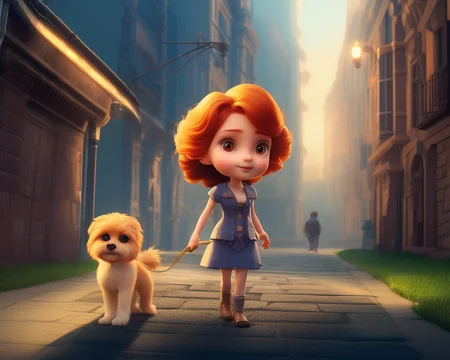


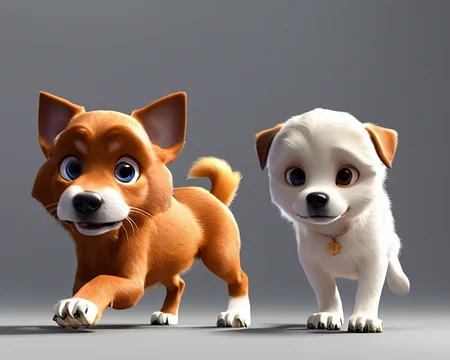




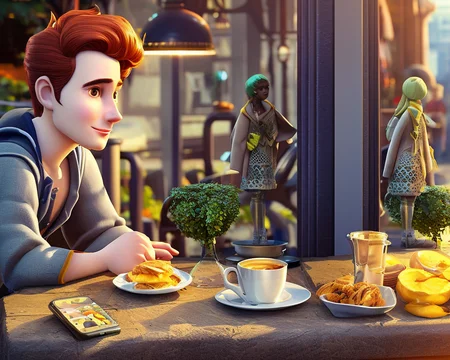

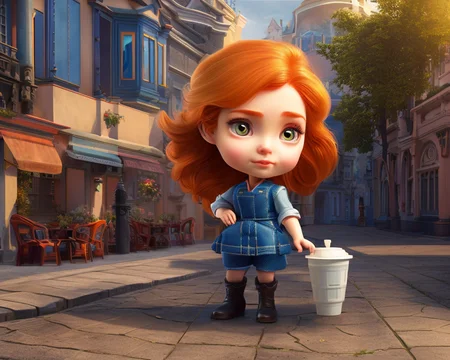
This version works with SD 2.1-768
You need to specify <cartoonish_doll> in the prompt for the style to work.
Here are some examples of how the style is applied to an image
if u wanna buy me a kofi )) https://ko-fi.com/maysunday
Description
FAQ
Comments (6)
Is there any guide how we can use .pt file on stable-diffusion ?
Place the file in your StableDiffusion\stable-diffusion-webui\embeddings folder, then call the style by adding the name of the .pt file to your prompt, in this case (cartoonish_doll:1.0). You can change the value to increase or decrease the influence.
First of all, amazing work you have done!!!
I'm really interested in replicating your results... and I'm failing at it. I'm a newbie so most certainly I'm doing something wrong, could you please point me what I'm doing wrong?
(I'm copy pasting all he specifics of your images and I can't replicate them, as you can see. Tried in 1.5, 2.1 512 and 2.1 768)
Thanks in advance!
I'm including some capture of my results with its parameters
it doesnt work for me too. I used the same prompt, ,but dont get even close to his result
能够分享一下您训练出的embedding的基础模型吗?
This works really well, makes most prompts more miniature and/or with bigger shiny eyes.
The InvokeAI trigger is <doll_character-250>