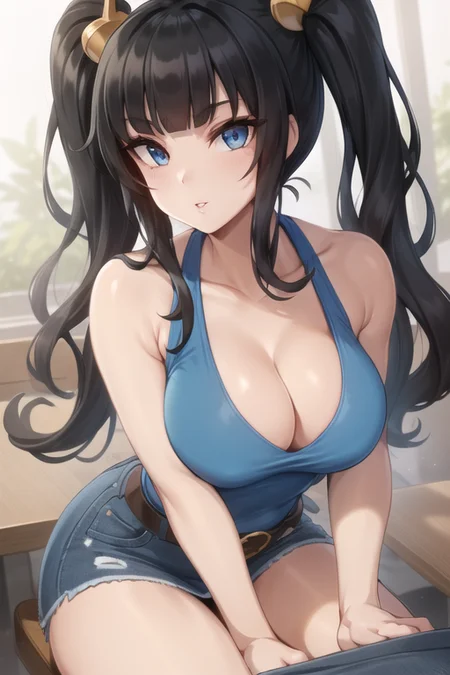

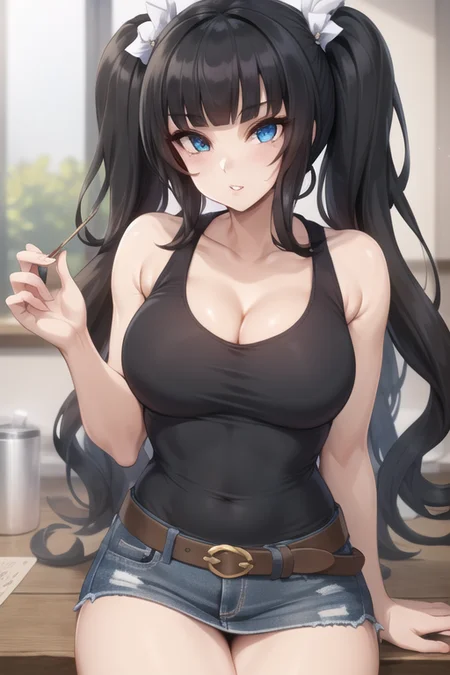


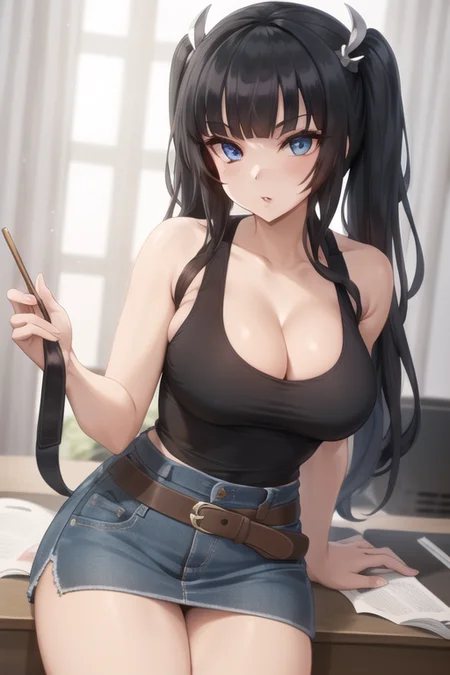


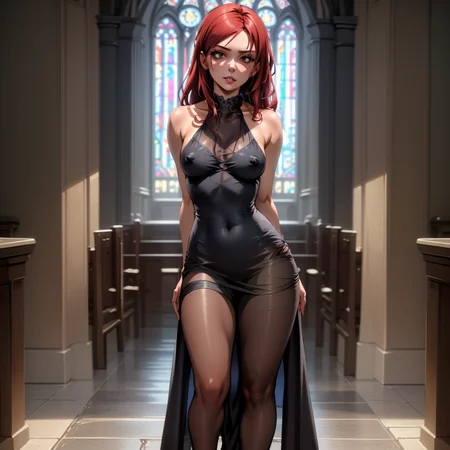
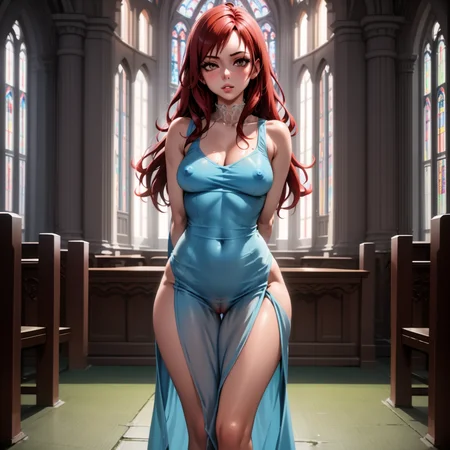
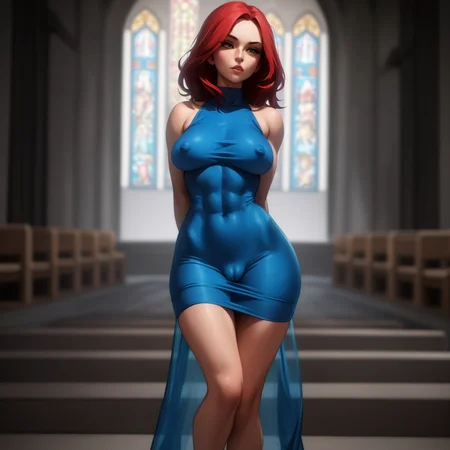
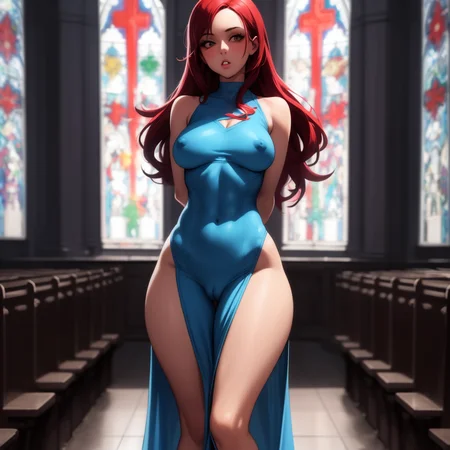
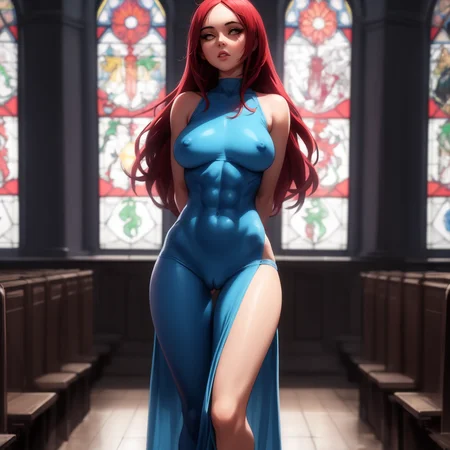



This is a LoHa LoRA! You need the extension! Why? They do a lot better with multi-concepts.
Trigger words for V2.20:
<lora:SkinTightv220:0.5>(skin tight, taut clothes, impossible clothes, 1girl)
Works RELLY well on any kind of clothing if you want just the effects!
You can try "impossible clothes", "taut clothes", "form fitting", "covered nipples"(for nipples texture under shirt and nothing for flat round breasts),"puffy nipples", "cleavage", "areola slip", "see-through"(for colored nipples under shirt), "navel" and "midriff"(for short shirt).
Follow the steps in the Model Version notes to reproduce my images.
Sample images generated from multiple models.
All negative embeds should be easy to find. and Prompts should be included in the sample images! Click the little icon in the bottom right to see it.
It learned pretty well how to do covered nipples! Probably capable of using it for any type of shirt if you just want nipples texture.
Could use same tags in negatives to control how it generates.
You might want to add some negatives, for example:
(covered nipples, see-through, navel, midriff, impossible shirt)
It was trained on 170 512x512 images scraped from the internet and 20 epochs using animefull_final.
Danbooru tags generated by Waifu Diffusion 1.4 Tagger and fine tuned for specific details like nipples texture, see-through, and impossible shirt or form fitting.
Description
Generate using a weight of 0.3-1 like this: <lora:SkinTight120:0.5>.
How I archived my generations:
txt2img: DPM++ SDE Karras with 20 steps, 512x512(can go up to 768 for wide or tall), Restore faces on (using CodeFormer weight 1.0 in Settings), Hires-fix on, to 1024x1024 (double original size) with your preferred upscaler and Denoise 0.4, CFG 7. Then send to img2img!
img2img: DPM++ SED Karras with 20 steps, Restore faces on (CodeFormer weight 1), rescale to 1536x1536, CFG 7, Denoise between 0.3-0.7 (based on how much you want to improve the image), SAME PROMPT! Send to extras when happy with img2img/inpaint results.
extras: Scale to x3 (final will be 4608x4608, I suggest going lower, I did x3 just for the samples here) Upscaler 1 - FatalAnime 4x, Upscaler 2 - SwinIR 4x with 0.10 visibility, GFPGAN 0.10 visibility, CodeFormer 0.10 visibility.
If anyone is curious about my version names: v{version}.{trainingEpochs}
FAQ
Comments (5)
Where can I get Model C7C20v1?
Stryves, which is the guy who actually generated the sample, said its a Custom Model and if you want the closes to it, it would be Corneo's 7Th Heaven.
will it work for realistic models?
afaik, yes. Use it with a lower weight. I suggest starting with 0.65 to avoid it tuning the image into cartoon.
This Lycoris doesn't work for me. I've noticed that a couple of Lycorises I have downloaded don't work, but others do. I'm not sure what the problem is.
Details
Available On (1 platform)
Same model published on other platforms. May have additional downloads or version variants.