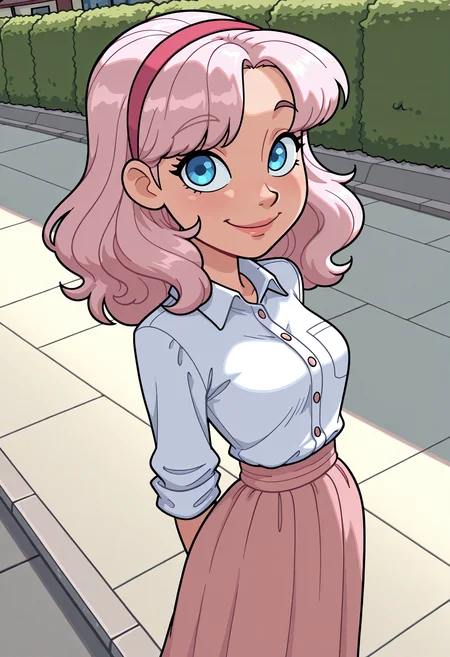
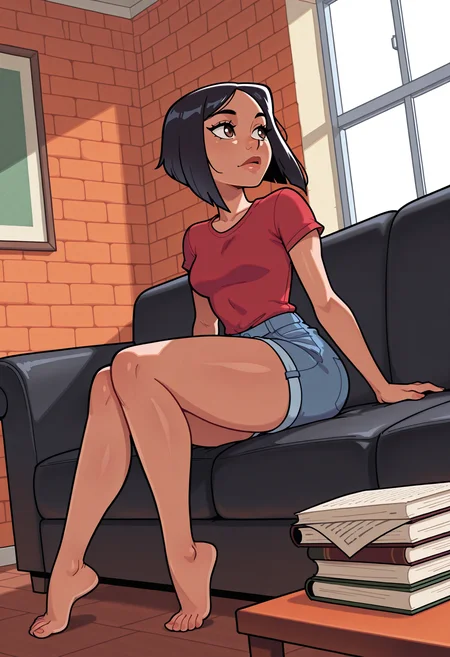
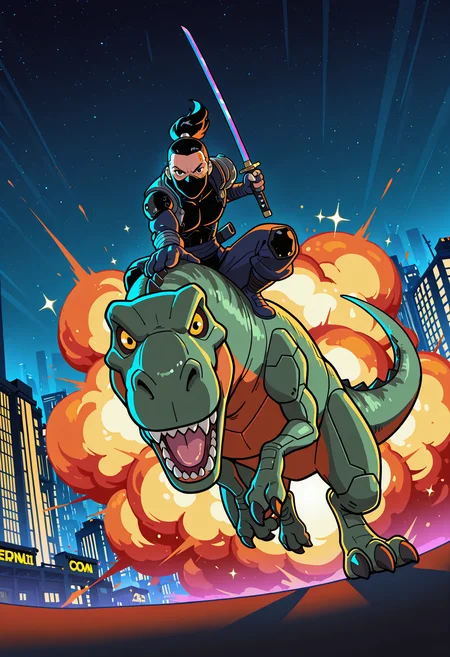
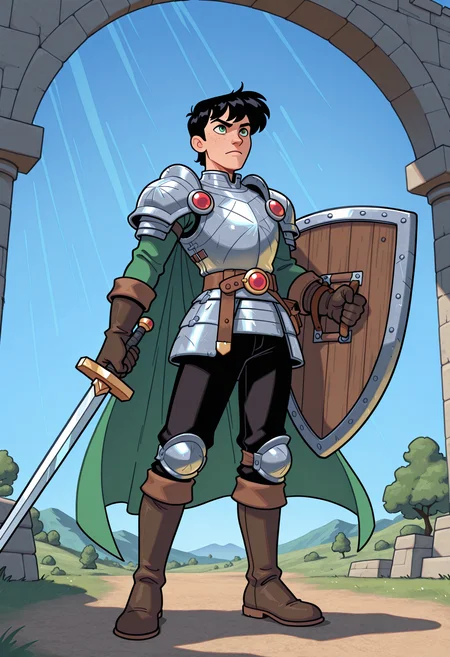
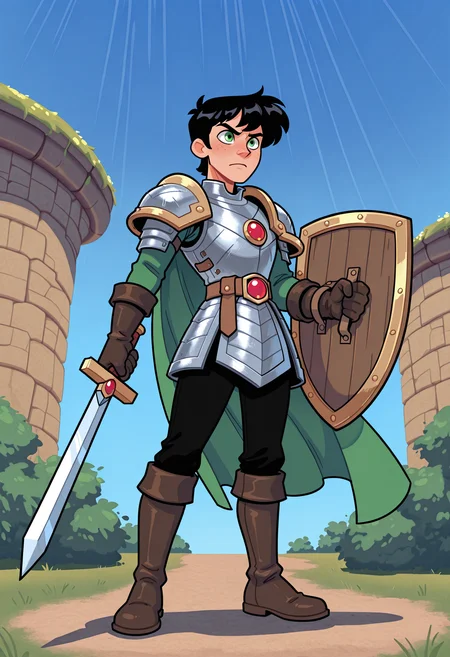
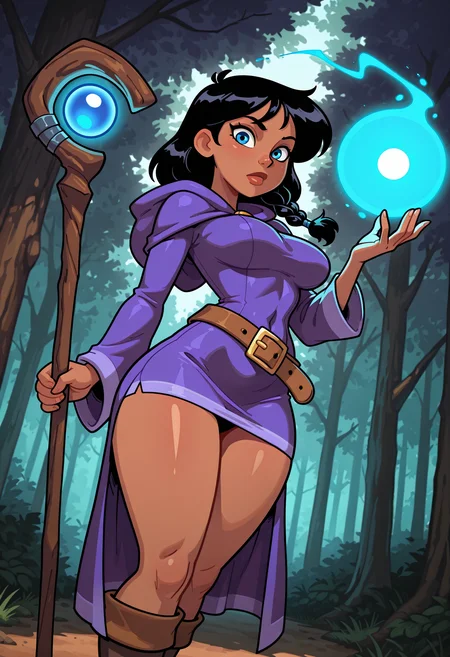
Please consider donating buzz so I can keep my checkpoints accessible on-site!
Suggestions:
Try out prompting COMICBOOK STYLE
If you want extra cartoony, prompt TOON
If you want flat colors, prompt FLAT COLORS
Then add all your favorite quality tags
Steps: 35-40
CFG: 5-7
Euler A+Karras
Clip Skip: 1
Upscale and face fix as necessary.
The showcase includes a few prompts with Comicbook Style or Toon to show the visual difference they make.
---
If you want to use my style loras with this checkpoint, I recommend .7 strength on them!
---
Most 'cartoon' focused checkpoints seem to lean towards the big head, small body style. And while that's awesome and my favorite checkpoint is that way, it's not the ONLY way to do cartoons. And when you have a big-head leaning checkpoint, some cartoony style loras create ridiculously huge heads.
This mix is meant to fix that!
So, introducing Bridgetoons Mix! A carefully crafted recipe of several other checkpoints and loras.
A cartoony checkpoint with (relatively) normal sized heads but all the other cartoony features you know and love.
Seaart can go to hell.
Description
Better backgrounds and colors!
FAQ
Comments (26)
babe wake up new Bridgetoons Mix v5 just dropped <3
Haha!
Sadly v4 aren't allowed anymore on site :/
I was using it like crazy in last days, used at least 30k buzz 😅 (not kidding)
@CathyPowers Aww, I'm sorry. I'm glad you liked v4. Hopefully you'll like v5 just as much!
@Bridgewalker tried it now and it's pretty much just as good :3
I didn't even need to use any loras to have different styles and coloring types without problems, v4 loves purple color and v5 seems to be really into blue. (when you don't specify color of clothes as example)
Just got the 50 buzz unlimited use :3
@CathyPowers That's interesting! I have no clue why it favors one color over another.
@Bridgewalker it's very common to happen, nothing to worry about, 90% of illustrious models favor blue color over other colors
I love it! can't wait for it to be available for more generations!
I tend to stay in my own world, but I have to step out, for a moment, to comment on this. I've been watching for your releases since you started posting, and I don't think I've missed a single download. I am absolutely in love with these toon styles you've curated. Thank you so, so much for taking the time to share your work!❤️
Thank you so much for the kind words!
I second that! Always nice seeing people being positive as I prowl new models.
Nice one! What exact model did you use for training? the Illustrioux XL 1.0 from Onoma AI?
Any chance do have your models on site again? (That bid system sucks)
It's nearly impossible for me to get my models enabled for onsite generation with CivitAIs current decision to limit the site to 100 checkpoints.
Hopefully they'll address the issue soon though.
@Bridgewalker wait, they lowered to 100? I didn't know that, I thought it was 200 🥲
It explains a lot tbh, we're currently forced to use the same models over and over
@CathyPowers They lowered it to 100, and didn't cap any of the big, popular, established users' ability to flood the list with 16 of their samey anime checkpoints, at ridiculous buzz prices. Smaller, newer creators were basically muscled out immediately.
@Bridgewalker they lack comercial experience to notice that forcing people and creators to use the same models over and over will make people stop buying buzz, less income means even less structure to keep the site on, They're focusing so much into video models that uses WAY more processing that they forget about what truly gives them money
yow i gotta say bro ... THIS IS REALLY GOOD
I'm glad you like it :)
All my generations are in black and white or some other two tone variation. I've used multiple variations of prompts, schedulers, samplers even versions of comfyui. This is my first time trying an illustrious checkpoint. Can anyone help ?
Can you share your prompts?
@Bridgewalker "heroic fantasy character, vivid lighting, cel shading with soft gradients, comic book tone, dynamic composition" I'm using this for tests but before i was using more character details
@Bridgewalker must be something in the prompts i was using. When i copy the prompt from one of the preview images it works fine. I will initiate further testing. Thanks for pointing me in the right direction
@GrimmHelltrap I hope you figure it out! Let me know if you figure out what was causing it
@Bridgewalker oddly the negative prompt has a massive impact in the wrong way. If I have just one word or two in there it is fine. When copying the negative (and positive) prompt from the preview images I get horrible results. Removing the negative prompt gives really good results.