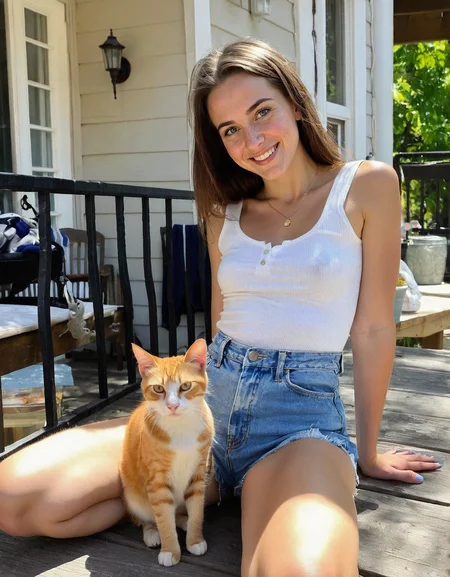







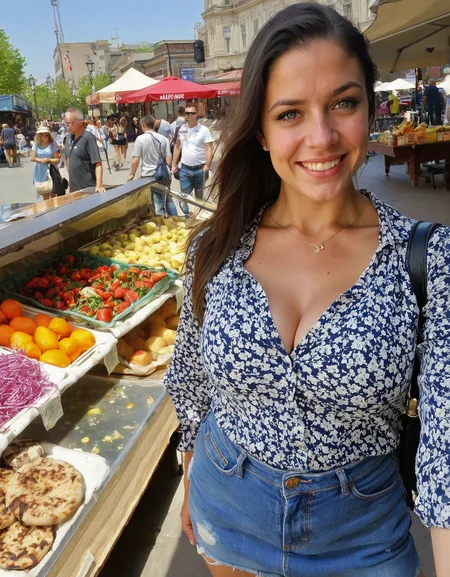
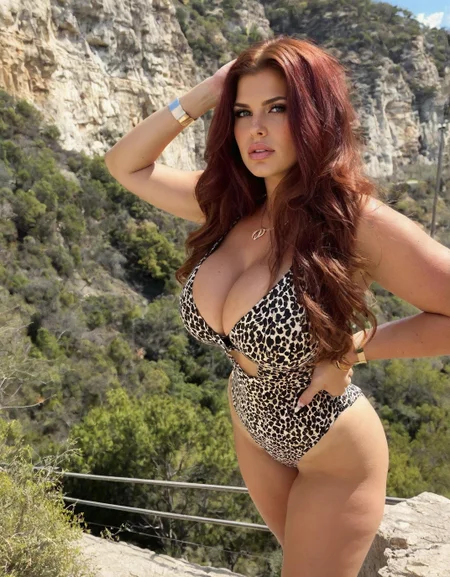
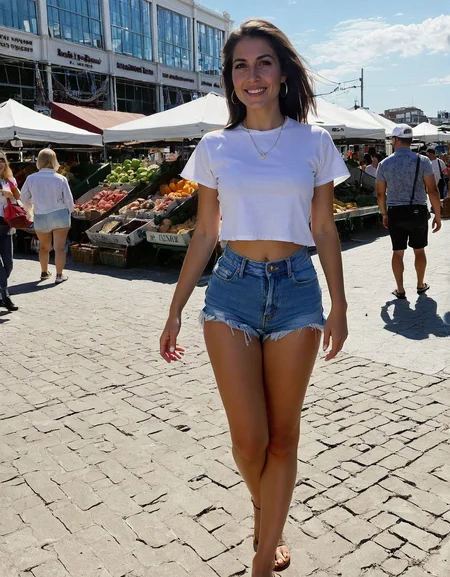

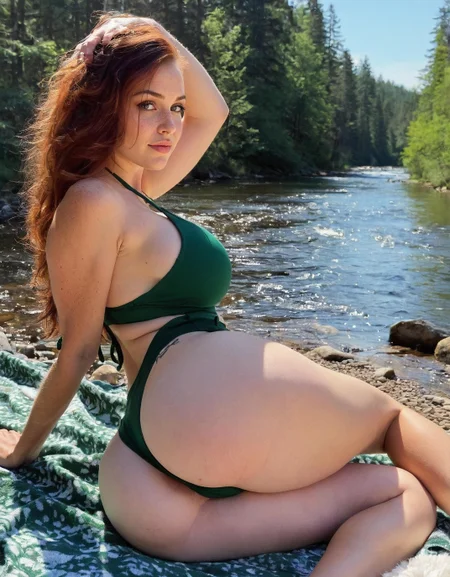


📸 FameGrid Checkpoint – Photo Real | UltraReal | Bold
Created for influencer-tier, grid-worthy realism (However, this model is extremely versatile)
FameGrid is a photorealistic SDXL checkpoint, trained on elite-quality social media influencer data to generate hyper-clean, cinematic, and platform-ready images out of the box. No LoRA stacking. No guesswork.
Latest Update: Photo Real 1.5 - Swapped Text Encodes and fine tuned for a few 4K more steps, extended dataset for increased versatility.
After extensive testing, I recommend using comma-separated keywords and phrases for your prompts and keeping the total length to 250 characters max for the best quality.
🧬 Three Variants – Three Styles:
🟦 FameGrid – Photo Real
The core version. Balanced, natural, and realistic. Ideal for IG-style portraits, e-commerce, and lifestyle visuals. Plug-and-play realism with clean composition and vivid skin tones and texture.
🟥 FameGrid – Bold (just released)
Trained to emphasize a more cinematic, polished, and edited-photo look—with deeper contrast, intentional lighting, and stylized compositions. Ideal for content that needs to feel premium and editorial.
🟨 FameGrid – UltraReal
Finetuned on a curated top 100 image subset for even sharper textures, ultra-realistic skin, and minimal distortion. Results feel like high-end DSLR output.
➡️ Download exclusively at UltraMuse.art
💡 Built For:
AI influencers, digital creators, virtual models
E-commerce + fashion product shoots
Editorial-grade lifestyle visuals
High-quality content pipelines (UGC, ad creatives, etc.)
⚙️ Recommended Settings:
CFG Scale: 2–7 (lower = more realism, higher = more clarity)
Sampler: DPM++ 3M SDE / Uni Pc / DPM SDE
Scheduler: Karras
🛠️ Bonus Workflows Included:
ComfyUI (fully optimized for FameGrid)
FameGrid is for scroll-stopping, algorithm-ready content creation in model form. Whether you're building an AI influencer brand, testing ad concepts, or replacing studio shoots—this is your new creative engine.
Want more cinematic polish? Go Bold.
Want surgical detail and beauty? Go UltraReal at UltraMuse.art.
Start generating visuals that actually look like they belong on the feed. 🔥
Description
FAQ
Comments (31)
Always nice to see more SDXL checkpoints that aren't merely merges. What was used as a base for training?
It's a custom merge of 3 models + fine tuned on dataset of 1300 photos for 20K steps.
Fake prompt in preview images, fake settings in metadata. Generated images are far from the quality of the samples provided. Twisted, smeared, distorted arms, legs, and faces.
As I understand now, this model can only be used with your workflow in Comfy UI, so explain it in the description.
The model is not suitable for A 1111 and Forge.
All the images were generated with the FameGrid XL workflow (see resources section) in comfyui. If you're not using comfy, try generating with a HiRes fix or equivalent process.
@UltraMuse I posted some images generated in Forge. With a resolution of 896x1152, with a resolution of 2048x2048, with and without Hi Res fix.
I tried it in the Comfy UI with your Workflow. The result is better, but not as described by you. Incorrect anatomy. Out of three attempts, one turns out well. But each image is generated for 5 minutes on my 3060 rtx.
Because of the speed, I choose SDXL models rather than Flux, but in this case, Flux would be preferable and faster.
I don't know why I'm writing this. It's just a shame to be disappointed in expectations. There is a huge gap between expectations and the result.
And why upload images with inappropriate prompt or without prompt at all?
@UltraMuse Without upscalers and facedetailers and dancing with a tambourine and summoning spirits, your model by itself is not capable of generating a good image.
@svvabd323 The old prompts were wrong my script incorrectly imported them over. They have been updated now.
@svvabd323 My workflow is for maximum quality, you can try lowering the steps in each of the ksampler and face detailer by 10, that would probably shave off 2 mins.
I'm sorry but this model is just garbage. Just like @svvabd323 said, the generated images are nothing like what the model produces. If you're so proud of your model, why not share the actual ComfyUI workflow as well? I just tried it and got garbage results in ComfyUI. Your instructions to "use controlnet" and "choose a good upscaler" are just as useless as this model, unfortunately.
@yemex15959130 https://civitai.com/articles/16057/famegrid-sdxl-checkpoint-workflow
is the workflow I used. Other users are getting even better results than I have if you check the gallery. Half the game is experimenting. Find your flow.
You're right about images with multiple people. Checkpoint haves harder time with those. However with enough tries it's possible (posted the images) but I had to adjust the prompting quite bit. Probably merged CLIP or it needs lots more training. Compare this CP for example to Cyberdelia's Catalyst v1.0 which was also just released. Also CP does common mistakes by swapping skin colors at times but Catalyst does that too (also with concat conditionings).
Otherwise what I tested this solidly works for solo female pics if you have fancy for instagram duckfaces (ratio: 1 considered failed out of 10). Fingers and legs are in (mostly) correct numbers which is commendable for brand new checkpoint. No negative lists used. Uploaded some test pics.
@svvabd323 Just remove face detailer if you use 3060 8GB, it does not fit in VRAM with checkpoint and at least segmentation part churns on CPU. Generate large set of images, pre-screen (i.e. press delete button) and then run face detailer on separate workflow as it is major time-hog. And about official workflow, there is lots of fluff and adjectives which probably do nothing unless CP was specifically trained on those. Then again, a lot of checkpoints do similar results and you can add whatever additional nodes were in workflow on those. I haven't run the workflow but just commenting as face detailer is the slowest part of generation.
true, model is garbage
@RobotCatsAreCoolKillers 3060 rtx 12GB VRAM, 32 GB RAM. It's not the best PC, but I don't have any problems using Detailer. And I didn't make images with lots of faces. It takes 5 minutes to create a picture with one character, which is simply unacceptable, it's better to use Flux.
You can't even compare this model with Catalyst v1.0.
Uploaded new model 1.5, this is a massive improvement from the initial version. Also read the description for tips on getting the best results. https://civitai.com/models/1693257?modelVersionId=1925920
@UltraMuse don't know what your doing man but the model is still producing botched results. lots of details are messed up, it can't even do faces correctly
@ffafffafaaa Are you using this workflow?
https://civitai.com/articles/16057/famegrid-sdxl-checkpoint-workflow
Also ensure your prompts are under 250 characters in total length. comma separated keywords and phrases
@ffafffafaaa Yep. Seriously botched. Possibly the worst model ever uploaded. On the other hand, I find it produces excellent consistent images that can be compared to the best that many other checkpoints can produce. I'm not sure what the complainers are doing, but I suggest you look at your workflow and try again. Maybe you can post some of your 'failures' so that others can see the results. I've posted some of my failures that were done on Mac in Drawthings. A single image generation was 8sec. No Lora except for SDXL_dmd2_4step. CFG 1.0 4Step.
@alulles DMD 2 LoRa completely changes the image. And by the way, the pictures are clear with it, but it cuts down on detail and simplifies the whole image. Then all the nuances of the model are destroyed by DMD LoRa.
@svvabd323 No it does not change the checkpoint. Please post some of your failures so we can learn.
@svvabd323 Lets see your images then. Yes I know my images are very poor, and DMD is rubbish, but hey ho that's the way I go. This conversation is over without you posting your images.
No problem in Forge here, getting great result
@kunde2 How? my results in Forge are not great either.
From what I tested, it has some good qualities to it. Though I have had quite a bit of anatomy issues as well. Though this only seems to happen with complex prompts with one or more people. Even though it says it's an XL model base, it has that 'pony face' that is almost impossible to get rid of when merging pony models. (I also see you using score_9, which is pony exclusive tag). I feel that's messing some things up.
I'm not sure if it's a merge, or a finetune, as it doesn't specify, but I would recommend to get rid of the pony merge if you can. I believe that's what's causing the issues. I will say it does a good job of giving different faces, which is very rare in any model without specifically prompting for such each time, so that is indeed a plus. I don't know if you're using the the ultrareal for these images, but I cannot recreate them in the same form as the previews with the current model using the comfyui workflow you provided. Interested to see where this model goes.
Stunning results!
If you are using comfyui i recommend PerturbedAttentionGuidance node at strength 2, can get some decent images out of this model. Link to my post https://civitai.com/posts/18486582.
Yes, definitely, also I'd recommend simpler prompting like you did as well. That's what I came to realize with further tests. I'll have to update the sample images.
Edit: The new 1.5 update is much better than 1.0. The "vanilla" outputs aren't quite as clean as some other models, but it more than makes up for it in variety and flexibility. I definitely recommend using the WorkFlow UltraMuse linked in reply if you want to make the most of this checkpoint. Great job, and I look forward to seeing how this progresses
~~~~~
I'm a big fan of (and even purchased) your Famegrid LoRA, but I'm also seeing some mixed results with this checkpoint. In my workflow I'm getting similar images to the ones in your samples, but the quality (especially in the face) is nowhere near what I get from other models. Results using your Famegrid Checkpoint and LoRA workflows are a little better, but still nowhere near what you are showing. In fact, some of the images don't even look like they are from the same seed.
It would be very helpful if you were to include the Comfy workflow with your images so we can see what's happening under the hood.
Thanks, have you tried this workflow? https://civitai.com/articles/16057/famegrid-sdxl-checkpoint-workflow
This is what I used to generate the images.. Experiment with the cfg settings and denoise on the face detailer. The setting vary depending on what you're trying to pull off.
@UltraMuse The new 1.5 update is much better than 1.0. The "vanilla" outputs aren't quite as clean as some other models, but it more than makes up for it in variety and flexibility. I definitely recommend using the WorkFlow UltraMuse linked in reply if you want to make the most of this checkpoint. Great job, and I look forward to seeing how this progresses
Details
Files
Available On (2 platforms)
Same model published on other platforms. May have additional downloads or version variants.