

Please read it before using this lora:
You can use it like a regular lora BUT it will pollute the art, in addition it also appears many x-rays at the same time (generally I do not recommend).

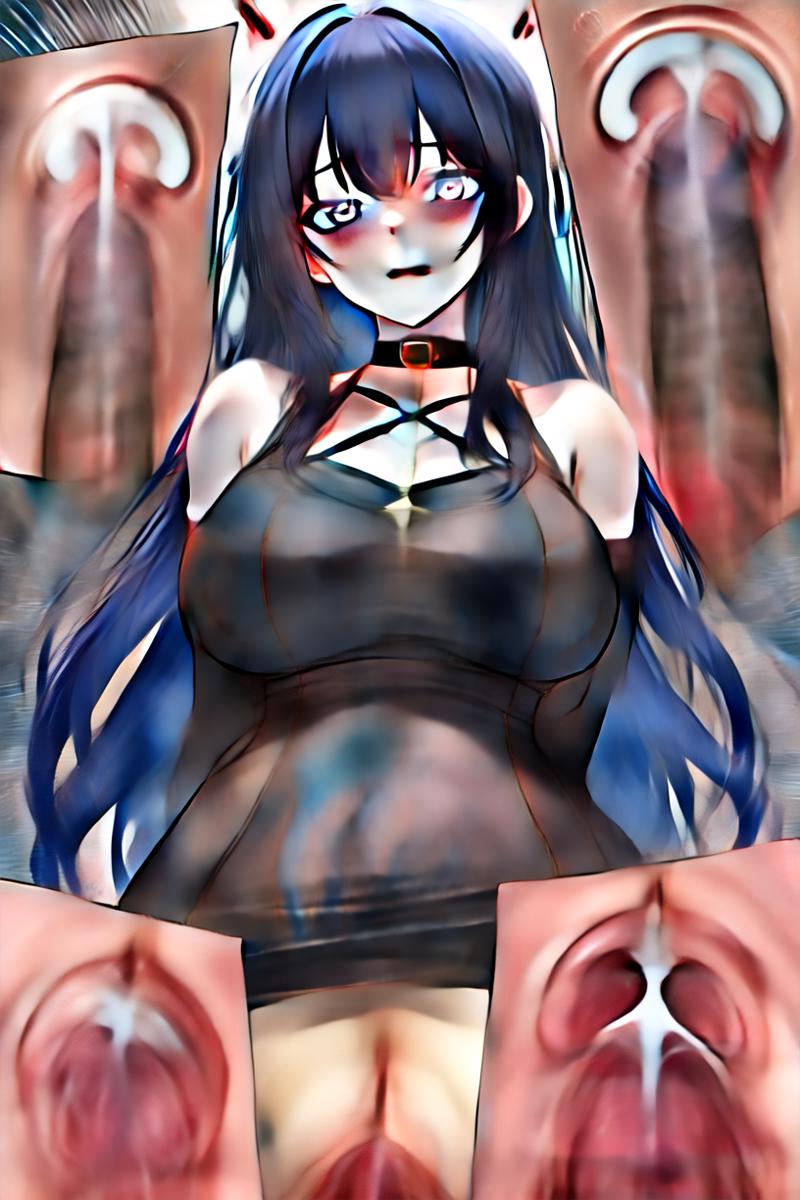
* Use it for Inpaint:(I know this type of lora is a bit complicated, but I feel it's work best when creating x-ray art this way,)
steps :
+Step 1: add trigger word
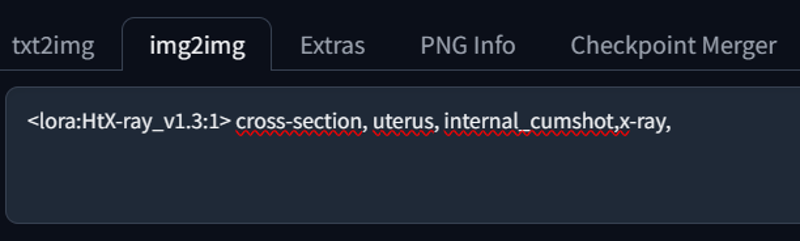
+Step 2: masked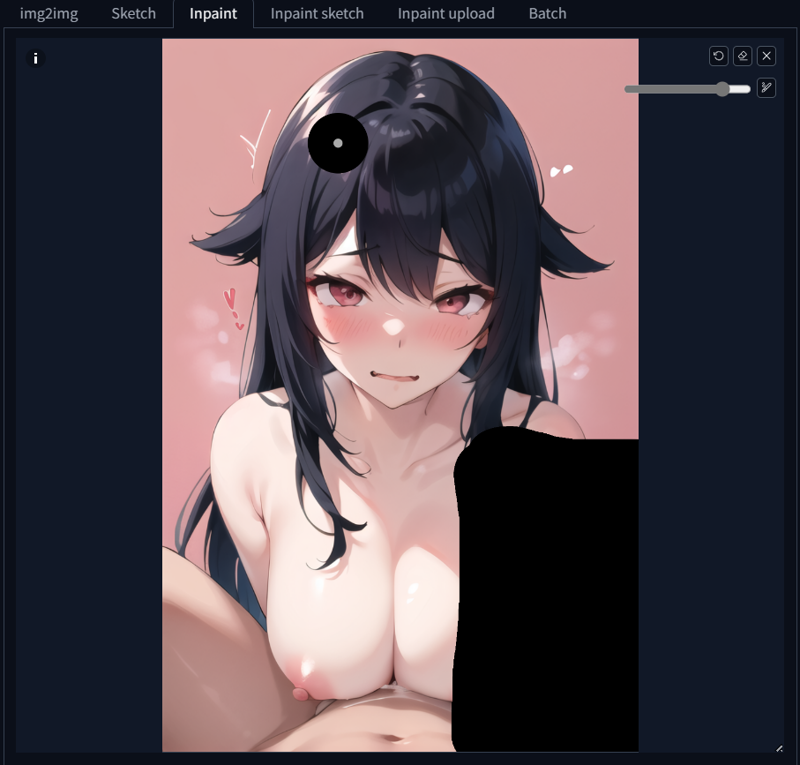
+Step 3: Resize the art to its original size (Usually 512x768) and change the parameters as shown below
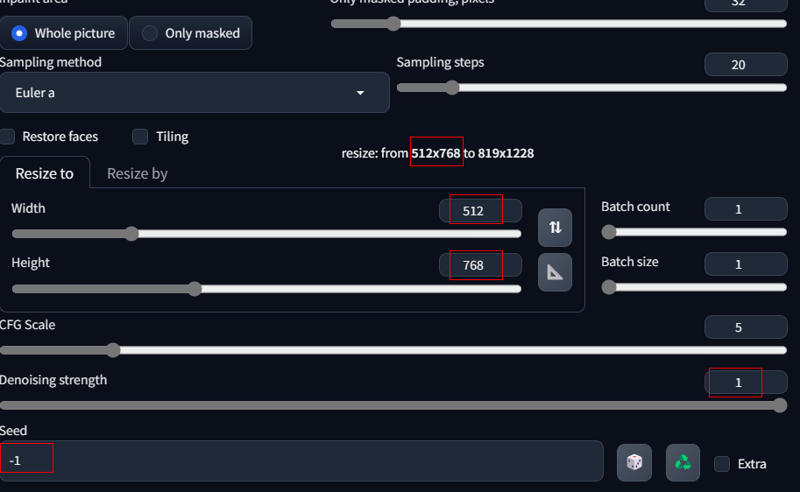
You should only mask the art in the bottom one or two corners (I feel it works well in the right corner)
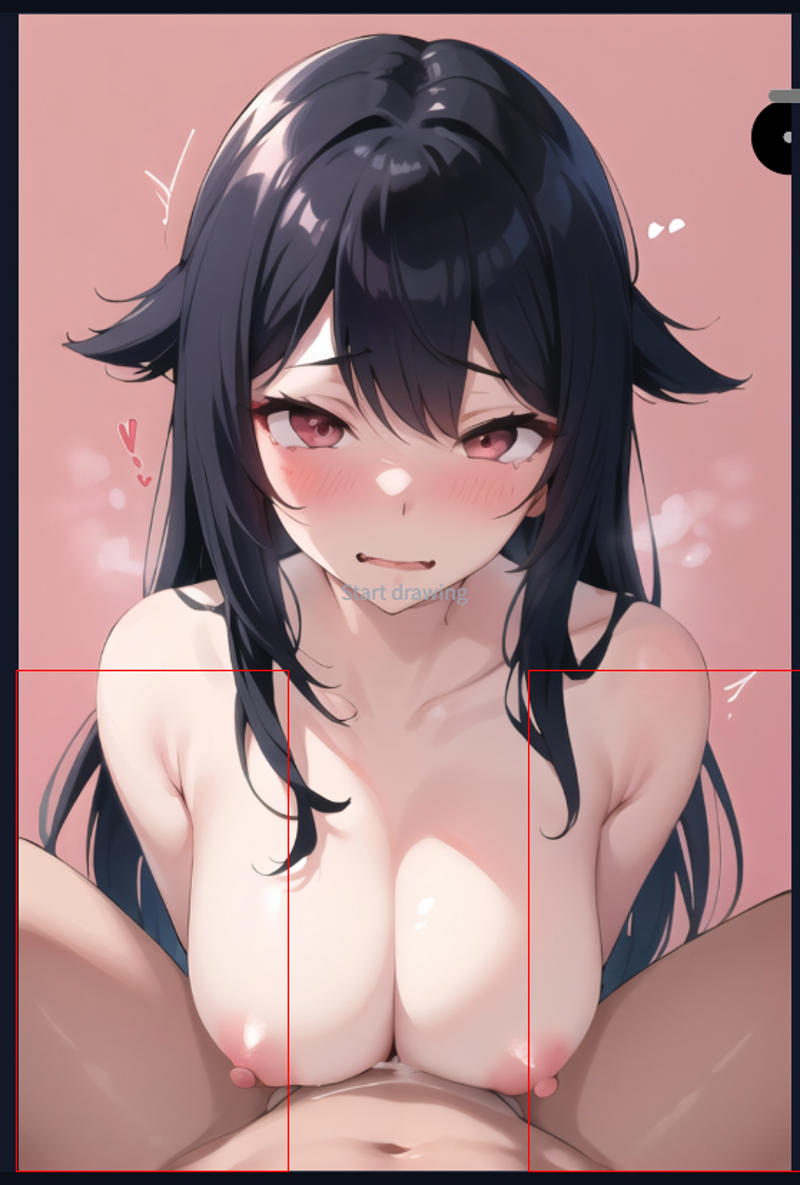
+Step 4: Generate (I had to generate 4 times to get this art)

*If the article has grammatical errors, please forgive me, I'm not good at English😗
Description
FAQ
Comments (9)
good lora, sadly %99 of the generations have weird wrinky penis, in some of yours as well and couldnt figure out how to fix it still
@Kurohame i already tried it on Hassaku. can you post some generations?
@veryfirstquestion800 got it posted on the gallery hope it helps
@Kurohame see those black circles/wrinkles? thats what i meant oıriginally. That's not natural. was wondering if its because im using wrong model or from the lora itself.
@veryfirstquestion800 not sure if i can remove those other than messing with the prompt, might have to try a different model if you dont want those or keep generating till you get a better image
@Kurohame ive tried over 30 models. couldnt get rid of completely in any of them. assuming its in the majority of the dataset. Finding uncensored 2d content is pretty hard so its understandable.
Could be better but gotta work with what we have and therefore I am grateful for this. Hoping someone is able to produce something for SD similarily to what NAI3 is able to pump out when it comes to internal shots and x-ray shots.
Do not forget to select Euler a. I first tried with DPM++ and got very bad results.