










👍 Please Rate! - Your feedback, rating or a follow are greatly appreciated. - Thankyou! 😊
These models can use both Illustrious and XL Loras, though you may need to adjust the weights a bit.
🗈 Attention: I created a fork of this model for full realism called Frisky Dingo. You can find it here. (I'll be updating it shortly).
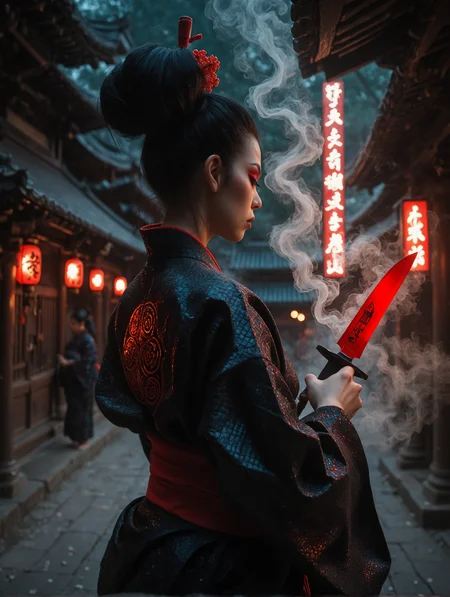
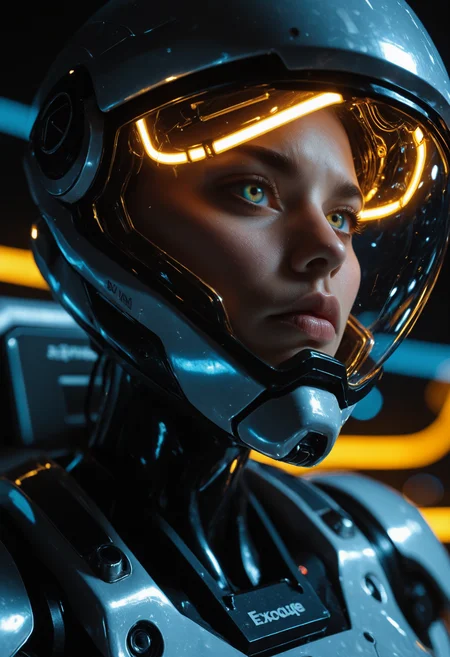
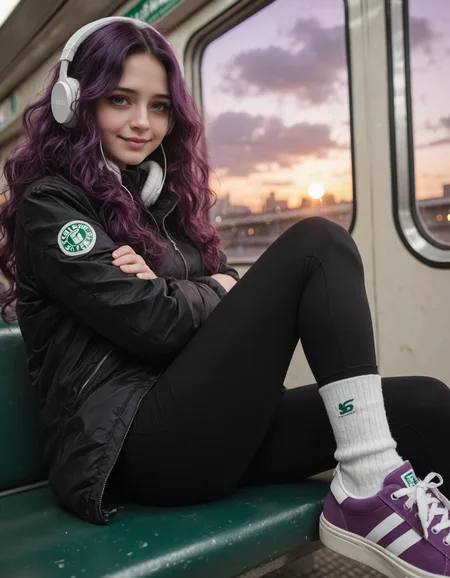
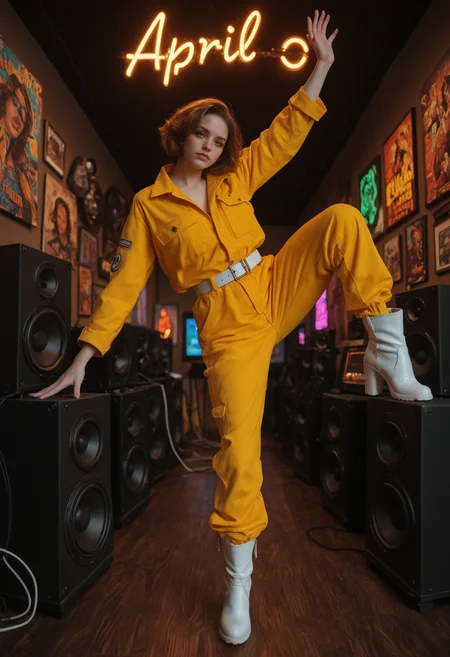
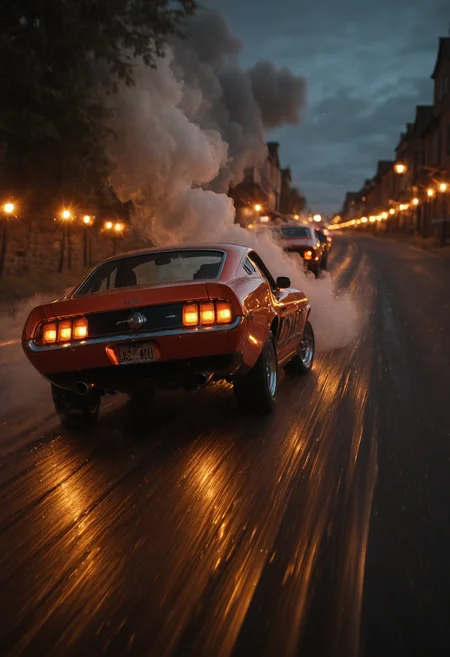
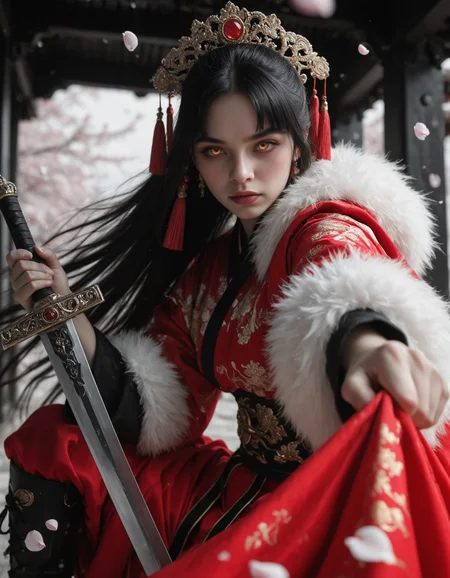
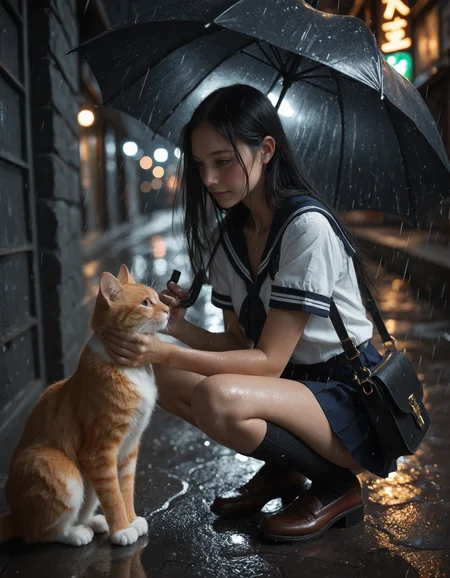
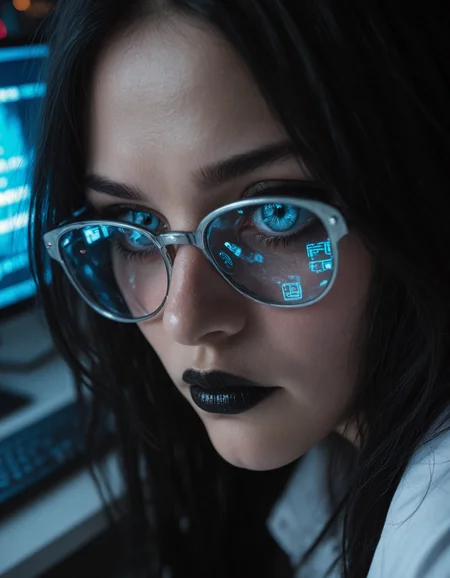
All v4 example images showcase the base model only, rendered in a single pass at high resolutions, with No detailers, LORAs, embeddings or upscaling, with only 2 - 3 exceptions. I'm using the Kohya Deep Srink node to maintain stability at higher resolutions.
There's a simplified workflow embedded in each of my v4 gallery images. (just verify the Magic Node settings with the 🗈 notes section at the bottom, as I may have tweaked them slightly). - Standard SDXL VAE is baked.
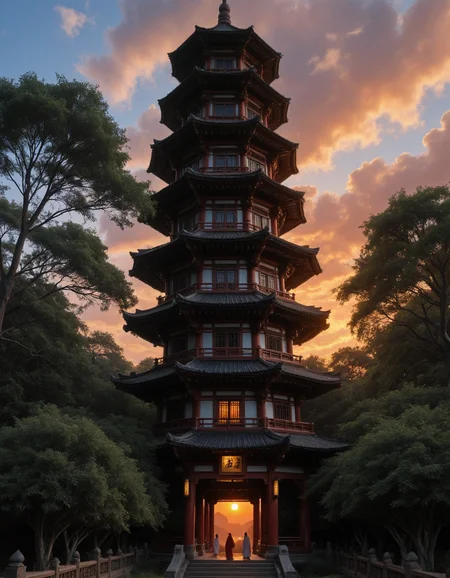
V4 - Cadmium - (a more fantasy / semi-realism aesthetic with a focus on high detail, high contrast & saturation.)
Suggested settings:
VAE: sdxl_vae (baked in)
Clip skip: 2
Samplers / Schedulers: DPMpp_2M_SDE_GPU / SGM_Uniform is recommended, but a wide selection are supported
Resolution: up to 2048 x 1536, with the Kohya Deep Shrink node, portrait or landscape. all standard 1MP resolutions work well.
CFG: 3 - 7.0 (I typically use 3.5, - 4.8)
Steps: 30 - 36
Prompting:
Natural language prompting & Danbooru tags. Generally less is more, for best results try to write clear concise prompts, (look to my sample images for examples and general formatting).
(added new models, I'll update the credits shortly).
V3 - Canny Mountain - (greater focus on retention of the illustrious knowledge base, camera film and post-processing effects)
Suggested settings:
VAE: sdxl_vae (baked in)
Clip skip: 2 was used during merge, (setting 1 or 2 should yield same results)
Samplers: DPM++ 2M SDE, DPM++ 3M SDE, Euler Ancestral Schedulers: SGM Uniform, Karras, Occasionally I use others for variance. (experimentation is recommended),
Resolution: all standard 1MP resolutions work well in portrait and landscape, (depending on context) (I often use 1024x1360 and 1120x1440 in portrait and landscape) I sometimes go as high as 1344x1728,
CFG: 3.8 - 8.0 (I typically use 3.8, -5.6 for photorealism)
Steps: 32 - 38 (I use 36 most often),
Prompting:
Danbooru tags, & natural language prompting. Generally less is more, for best results try to write clear concise prompts, (look to my sample images for examples and general formatting).
positive prompts - responds well to camera related tags: photorealistic, raw photo, amiture photo, depth of field, bokeh etc.
negative prompts - I generally recommend keeping sepia in your negatives to overcome a sepia bias. (it can be helpful to add a few things like "artificial, anime, illustration, unreal", if you're pushing for greater realism).
V2 - Fully REALized - (greater photorealism while maintaining much of the illustrious knowledge base)
Suggested settings:
VAE: sdxl_vae (baked in)
Clip skip: 2 was used during merge, (setting 1 or 2 should yield same results)
Sampler: DPM++ 2M SDE - SGM Uniform, (good option for photorealism) or Euler Ancestral - SGM Uniform (experimentation is recommended),
Resolution: all standard 1MP resolutions work well in portrait and landscape, (depending on context) (I often use 1024x1360 and 1120x1440 in portrait and landscape)
CFG: 2.8 - 9.0 (I commonly use 3.8, 5 & 7)
Steps: 24 - 38 (I use 36 most often, though I'm starting to use lower values with solutions like CFG rescale & Zero Star).
V1 - Beyond the Valley
Suggested settings:
VAE: sdxl_vae (baked in)
Clip skip: 2 was used during merge, (setting 1 or 2 should yield same results)
Sampler: Euler Ancestral - SGM Uniform (most consistent good results), DPM++ 2M SDE - SGM Uniform, (good option for photorealism)
Resolution: all standard 1MP resolutions work well in portrait and landscape, (depending on context) (I often use 1024x1360 and 1120x1440 in portrait and landscape)
CFG: 2.8 - 8.0 (lower for more photorealism - I commonly use 2.8, 3.8, 5 & 7)
Steps: 24 - 38 (I use 36 most often)
Prompting:
Primarily Danbooru tags, mixed with a bit of natural language prompting. Generally less is more, for best results try to write clear concise prompts, (look to my sample images for examples and general formatting).
positive prompts - Hype4realistic can be added to push realism a bit further.
negative prompts - I generally recommend starting with none and adding tags as needed. (it can be helpful to add a few things like "toon, illustration, unreal", if you're pushing for greater realism).
I started this project to in an attempt to recreated a specific aesthetic created by blinkdotleh using his workflow where 2 models split the steps during image generation. He created a series of images using Uncanny valley for the initial steps & my fabled Illusion model as a refiner. I created a style Lora from those outputs and included it in this merge. This is an attempt to recreate that look in a singe model while preserving as much of the Illustrious knowledge base as possible.
on the image generation side, this is roughly 50% Illustrious & 50% XL (mostly bigASP), while the CLIP more heavily favors Illustrious at about 65%.
🗈 Notes & Tips:
(to be expanded over time),
Preferred Sampler / Scheduler combos: in order preference:
DPM++ 2M_SDE_GPU,  / SGM_uniform, Simple, beta,
DPM++ 2M_SDE,      / SGM_uniform, Simple, beta,
DPM++ 3M_SDE_GPU,  / Simple, SGM_uniform, beta,
Euler_A,           / Simple, beta, SGM_uniform, exponential,
DPM++ 3M_SDE,      / Simple, SGM_uniform, beta,
heun,              / Simple, beta, (Sometimes garbage, sometimes pure gold)
dpmpp_2M,          / beta, (same as the last one, hit or miss depending on scenario, but when it behaves, it's a clear winner, after some trial & error it becomes more predictable).
DDPM               / ddim_uniform, (High accuracy with clean details, a bit of a washout - overexposed effect, but with higher CFG's & / or charged terms in your prompting, this can become the best option.)
Karras, tends to overcook things and glitch eyes, I almost never use it, (I know people swear by it, it's great for many scenarios / models but generally not with mine.
Exponential, pairs well with LCM to mitigate washout
AYS, works well, but I prefer LCM with this model.
------
Patch Model Add Downscale (Kohya Deep Shrink),
is a default node in Comfy that greatly increases image stability by compressing the Unet model during the 1st compositional stage of image generation then re-expanding it for fine details.
Parameters of concern include:
Block number: (3 is default but 4 can also be useful in some instances).
Downscale Factor: (I use 1.5 as a default but will go as low as 1.25 for resolutions close to standard, & sometimes as high as 2 if pushing the upper limits.
End Percent: (this is the percentage of total steps, the point at witch the unet will decompress. You can generally leave this at 0.35, but I sometimes make slight adjustments if I'm trying to eliminate a pesky error.
-------
Resources used / Creator thanks
Checkpoints:
Uncanny valley by meden - (clip only)
Loras:
Hyperrealistic [Pony | Illustrious] by Zoropaton
SPO-SDXL_4k-p_10ep_LoRA_webui by rockeycoss
custom style Lora - (not yet publicly available)
(Additionally, thanks to everyone whos prompts I've pilfered for testing).
Description
A more realistic version. Capable of highly detailed skin textures.
Added RealVisXL V5.0 & Realistic Skin & Face - Beautiful Woman (lora) to the mix.
Adjusted weighs of existing models.
FAQ
Comments (14)
Good stuff! Unlike other "realistic" models this one by default draw european (not asian) faces.
Thanks. It's actually struggling to do Asian faces right now, which I hope to address in the next update. I'll be carful to keep things balanced though.
V.2 Really good model for generating realistic pictures, and it listens to prompts very good. Very impressive! Keep it up <3
Thank you very much.
When I try to use this checkpoint it's super bright and oversaturated. Not sure why.
Can you tell me a bit about what software you're using - setting's - prompt? I can try to troubleshoot the issue for you.
"score_9, score_8_up, masterpiece:1.2, human female" (simple prompt for testing)
dpmpp_2m_sde karras, 60 steps, 5.5 config.
Sometimes I get some amazing outputs, specifically if I specify nighttime, dark, dim lighting etc but if I don't it's oversaturated and becomes worse on upscale. Normally i'd just move on to another checkpoint but because some of the best outputs i've ever got was from this i'm inclined to troubleshoot it.
edit: also realized i'm using V1. I'll give V2 a try, my bad.
@isaactheellimist I don't see any issue with the prompt, but if you're using Comfy or Forge, you could upload an image and I could take a look at the workflow.
I really like this check. Prompt adherence is great and it even isnt too bad at generating text.
Thank you very much.
@prodajie any idea what sort of magic you are going to cast to improve it even further? ;)
@bewunderteradler112 I'm pretty happy with the outputs at this point so updates get a little tricky. At the very least I'll attempt to improve prompt adherence and make minor improvements to visual quality. If something major drops, (like a new version of bigASP), I'll likely integrate it. It partly depends on how the model ecosystem changes. I have considered forking the model though, (maybe a more artistic semi-realism branch based on v1 & a photoreal branch based on v2). I'm just playing with ideas, I'm open to suggestion.
Details
Files
Available On (2 platforms)
Same model published on other platforms. May have additional downloads or version variants.