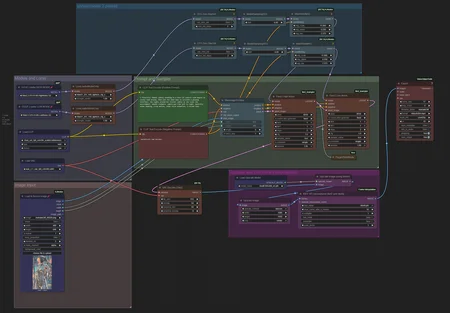
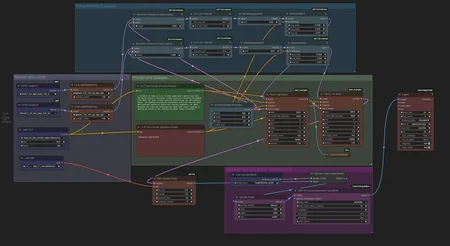
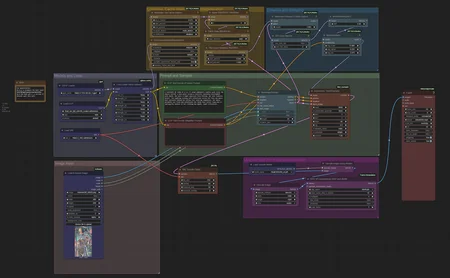
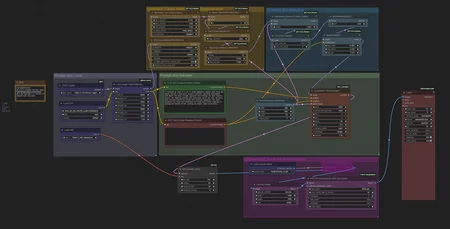
Coming Soon
Infinite talk
MMaudio
Lastframefirstframe
Ultimate Version
Supported Workflows
Wan2.2 T2V (Text‑to‑Video) 14B
Wan2.2 I2V (Image‑to‑Video) 14B
Wan2.2 TI2V‑5B (Hybrid Text/Image‑to‑Video) (old version)
Nodes Used (Install via ComfyUI Manager or links below)
Model Downloads + VAE
*these are conversions from the original models to run on less VRAM.
All these GGUF conversions are done at the moment by:
https://huggingface.co/bullerwins
https://huggingface.co/QuantStack
*If you cant find the model you are looking for check out there profiles!
Additional Required Files
Description
FAQ
Comments (5)
getting error "mat1 and mat2 shapes cannot be multiplied (77x768 and 4096x3072)"
thats ususally when youre using a incompatible vae with a incompatible clip or model its a mis match error you should be able to see the node that is the problem and then look what part of the model is mismatch and find another model to download.
The frames get tinted. My guess is it has to do with the vae tiled decode. I've tried changing the values. In fact i even replaced tiled vae decode with the standard one. The tinting persists
Yeah there were defenetly some issues with it I have done a new update with way better Ksampler settings planning audio very soon aswell sort of like LTX2.3 .
Quick Start Guide
-Install the missing nodes via manager
-Download missing models (Upscaler)
-Download Custom models (see List)
-Put the models in the right folders
(If you dont have make)
--GGUF - models/diffusion_models
--Vae - models/vae
--clip vision - models/clip_vision
--Text Encoder - models/text_encoder
--Lora - models/lora
-Set the resoloution
-Set the Amount of frames
- Optional upload Image
- Run Workflow