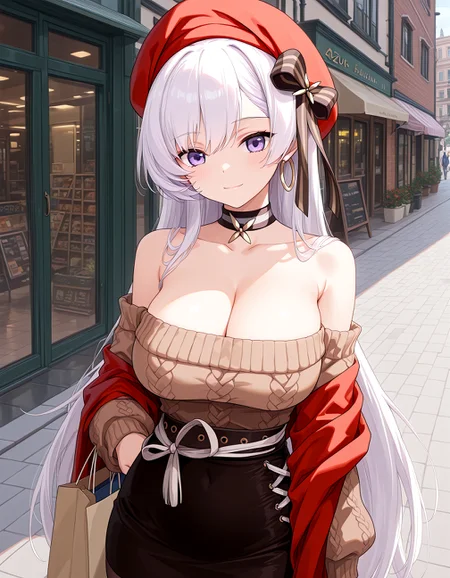

I made 2 basic quality embeddings as an alternative to the quality tags that are normally used with my checkpoints. They work of course also with any other IL/NAI-based anime checkpoint.
Instructions: Just put both files into the embeddings folder of your SD program (Forge, ComfyUI,...) and add them respectively into positive and negative prompt.
Description
This is the embedding containing the positive quality tags.
FAQ
Comments (6)
What are the learned tags?
They use the same quality tags I posted in the description of my Hotaru Blend model: https://civitai.com/models/1696665/hotaru-blend
Zessica thank you
Adding the corresponding Pos and Neg in positive and negative prompts respectively sometimes causes color distortion or red outlines in the images. Am I using it incorrectly?
It should not cause any color distortions. It is only meant to keep the prompt clean and includes the below quality tags:
Positive:
masterpiece, best quality, amazing quality, very aesthetic, absurdres, cute face, slender, detailed eyes, detailed hairNegative:
lowres, bad quality, worst quality, bad anatomy, sketch, jpeg artifacts, ugly, poorly drawn, blurry, watermark, bad eyes, bright pupils, white pupils, bad hands, bad face, censored, mosaic censoring, bar censor, censor bar, text, signature@Zessica Ok I found the reason, because I used DPM++2M and Karras, and it was much better to switch back to EA
Details
Available On (3 platforms)
Same model published on other platforms. May have additional downloads or version variants.