
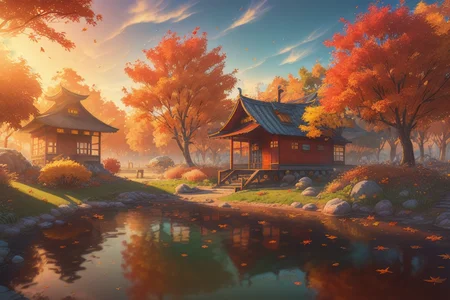
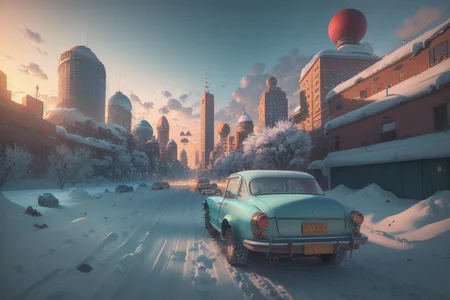
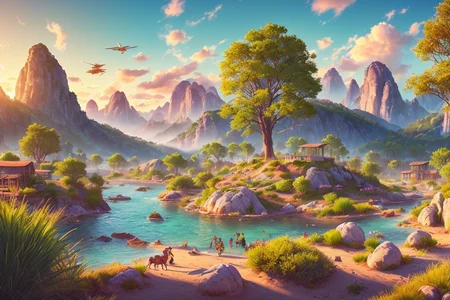
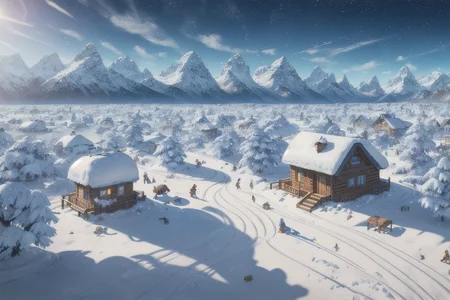

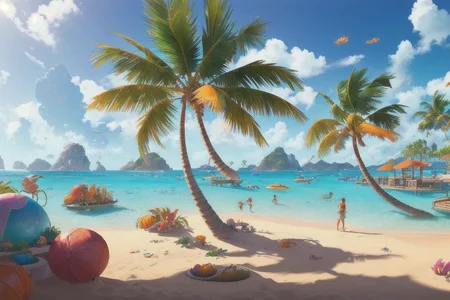
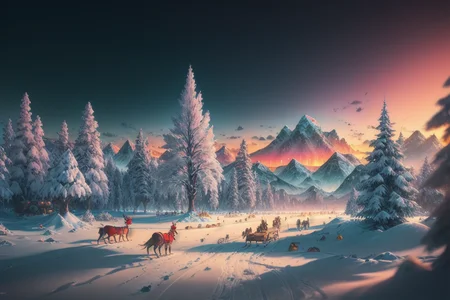
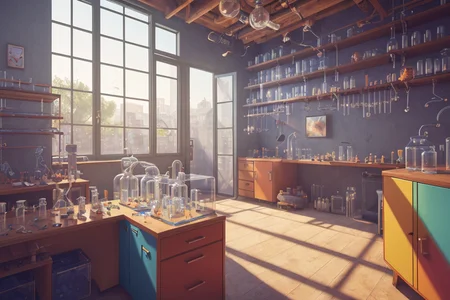
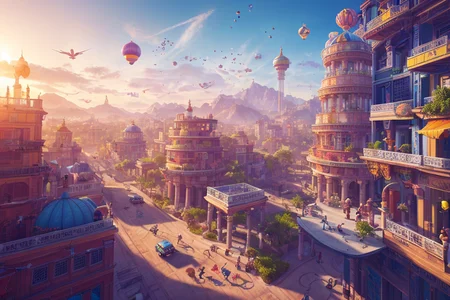
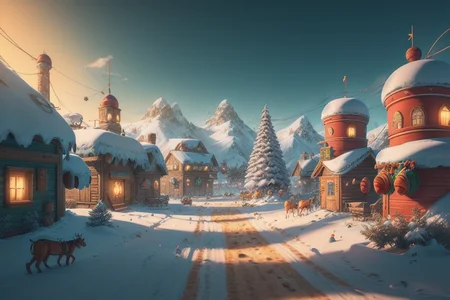
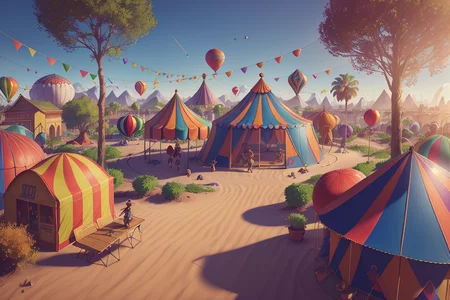
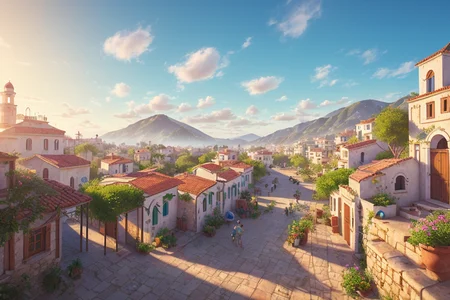
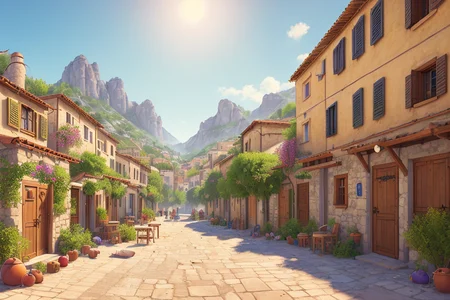

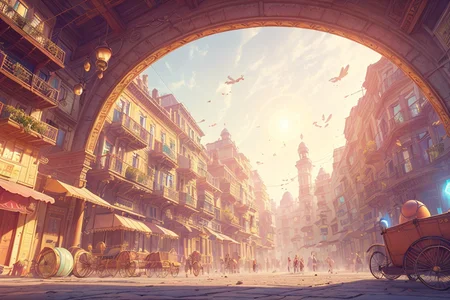
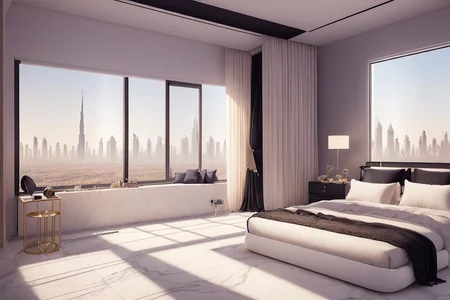
What can I create with this?
Whatever you want, but here are a few ideas:
Video games concept art (as a reference for the art team)
HQ fantasy landscapes wallpapers
Add backgrounds to your characters by adding "background in the style of hoppagames" (experimental)
Complete workflow
Recommended to have StylePile extension installed and a ChatGTP account.
Positive prompt structure
style of (hoppagames:1.0), (Award-winning photograph), {your subject tags}, {style tags}
Example positive prompt
Replace bold text with your subject descriptors:
style of (hoppagames:1.0), (Award-winning photograph), (Japanese garden), (Autumn foliage), (Vibrant colors), (Fallen leaves), (Nature's beauty), (Red and gold hues), (Maple trees), (Reflections on water), (Peaceful tranquility), (Traditional wooden architecture), (Rustic bridges), (Soothing natural sounds), (Seasonal delight), (Serene garden views), (Low-angle perspective), (natural lighting), (Wide-angle lens capturing scenery), hidden objects games, video game concept art, (8K Unity wallpaper), fine details, award-winning image, highly detailed, 16k, cinematic perspective, ((video game environment concept art style)), pretty colors, cinematic environment
Negative prompt structure
I use Deep Negative and Negative Facelift, plus I add negative tags from the model I am using (take from landscape not people in examples or comments)
Example negative prompt
neg_facelift512, ng_deepnegative_v1_75t, watermark, signature, worst quality, low quality, medium quality, deleted, lowres, comic, (watermarks), watermark, signature
Settings
I used 960x640 px canvas size, without a hi-res fix to generate examples, but feel free to start with a smaller size canvas (768x512) and apply a hi-res fix OR send it to IMG2IMG and upscale with the same prompt and denoising of 0.2-0.5.
CFG scale and steps you can copy from your model examples but should work well on most of the models with CFG of 7-9 and 50-70 steps.
The style is very strong at 1:0 strength so choose a model that is well-responsive to prompting rather than chosen for visual style because it will be overwritten by the style. I found Deliberate to be a well-behaving model for the purpose, but others worked ok as well.
Unique Subject generation workflow
Step 1: ChatGTP
Go to ChatGTP, copy this command, and replace the bold text with your own scene idea and the number of variations you want. I use 3, which should be enough to get you a subject you will like.
describe an award-winning photograph of a wedding shop interior in a maximum of 15 phrases 1-3 words long, put them in brackets and separate brackets by commas in one line. Talk about all the objects in the scene. Use this example for the structure but ignore values: A cozy living room with (Plush comfortable sofa), (fireplace), (Soft fluffy throw pillows), (Warm, cozy blankets), (Rustic, wooden coffee table), (Plush fluffy rug), (Comfy, oversized armchair), (elegant and framed portrait photos on the wall), (Vintage patterned curtains), (Bookshelf with family photo albums and books), (Accent lighting for artwork and photos), (Artisanal and handcrafted pottery and ceramics), (earthy natural wood decor), (a vase with fresh flowers), (wooden side table with a reading lamp). Give me 3 different ideas
Step 2: Feed StylePile
In your positive prompt, replace subject tags with [X] and copy-paste results from ChatGTP into [X] variables field in StylePile part. Remove the "." at the end of each idea because you have "[X]," in your prompt and you don't want it to become "[subject.],"
The positive prompt is now:
style of (hoppagames:1.0), [X], (Low-angle perspective), (natural lighting), (Wide-angle lens capturing scenery), hidden objects games, video game concept art, (8K Unity wallpaper), fine details, award-winning image, highly detailed, 16k, cinematic perspective, ((video game environment concept art style)), pretty colors, cinematic environment
The StylePile's X variables field is now:
(Award-winning photograph), (Japanese garden), (Peaceful pond), (Serene rock formations), (Colorful koi fish), (Zen garden), (Ornamental trees), (Moss-covered stones), (Delicate flowers), (Traditional lanterns), (Stone pathways), (Cherry blossom trees), (Bamboo fences), (Red bridges), (Tranquil ambiance)
(Award-winning photograph), (Japanese garden), (Lush greenery), (Pristine landscaping), (Water features), (Stone statues), (Symmetrical design), (Manicured trees), (Perfectly trimmed shrubs), (Sculpted bushes), (Garden art), (Traditional architecture), (Tea house), (Bonsai trees), (Impeccable precision)
(Award-winning photograph), (Japanese garden), (Autumn foliage), (Vibrant colors), (Fallen leaves), (Nature's beauty), (Red and gold hues), (Maple trees), (Reflections on water), (Peaceful tranquility), (Traditional wooden architecture), (Rustic bridges), (Soothing natural sounds), (Seasonal delight), (Serene garden views)
Step 3 - Generate, Pick & Upscale
Setting batch to 1 will produce 3 images if you have 3 subjects in StylePile. You can do 2 batches, so a total of 6 small images should be enough to pick a winner.
Your winner goes to IMG2IMG and upscales to your desired size with 0.2 denoising.
Enjoy and please share your best results in the comments!
Description
FAQ
Comments (9)
Oh wow! What a great idea for a TI! Definitely downloading! Thank you!
What is HOPA Games? I can't find HOPA Games nor Hoppa Games, only a game by Sokpop that doesn't look related.
"A hidden object game, also called hidden picture or hidden object puzzle adventure (HOPA), is a puzzle video game genre in which the player must find items from a list that are hidden within a scene."
it is unfortunate that this Page and the actual model have different names as people who install it then come back later to get usage nfo will be unable to find it using Civitai's Search feature
I put the trigger word in the title, that should solve the issue
can you share the training configuration, how many images you used etc? thank you
{
"datetime": "2023-02-20 03:11:37",
"model_name": "sd-v1-5-fp16",
"model_hash": "8fa720422e",
"num_of_dataset_images": 18,
"num_vectors_per_token": 1,
"embedding_name": "hoppagames",
"learn_rate": "0.003",
"batch_size": 1,
"gradient_step": 1,
"data_root": "E:\\Stable Diffusion Files\\training data\\models\\hoppagames\\output",
"log_directory": "textual_inversion\\2023-02-20\\hoppagames",
"training_width": 512,
"training_height": 512,
"steps": 4000,
"clip_grad_mode": "disabled",
"clip_grad_value": "0.1",
"latent_sampling_method": "deterministic",
"create_image_every": 500,
"save_embedding_every": 500,
"save_image_with_stored_embedding": true,
"preview_prompt": "3d render of a (Luxurious living room featuring ((only one:1.5) grand central lit fireplace), plush comfortable seating, soft fluffy pillows and warm blankets, a rustic wooden coffee table, a plush rug, (a big framed elegant portrait:1.3), vintage patterned curtains, a bookshelf, natural lighting, artisanal pottery, natural wood decor, fresh flowers, and a cozy reading nook.), hidden object games, game concept, Hidden object game art, hdr, highly detailed, subsurface scattering, light scattering, PBR, global illumination, ray-traced, unreal engine 5, raytracing, nanite\n\n",
"preview_negative_prompt": "ng_deepnegative_v1_75t, watermark, text, error, blurry, jpeg artifacts, cropped, worst quality, low quality, normal quality, jpeg artifacts, signature, watermark, username, artist name, (worst quality, low quality:1.4), (multiple fireplaces:1.5)",
"preview_steps": 50,
"preview_sampler_index": 15,
"preview_cfg_scale": 7,
"preview_seed": -1.0,
"preview_width": 960,
"preview_height": 640,
"template_file": "E:\\stable-diffusion-webui-master\\textual_inversion_templates\\style_filewords.txt",
"initial_step": 0
}
I shared all the settings with you, but in my experience, the choice of images (consistent style or subject) is 98% of the success when training. Choose anywhere from 12 extreme minimum, 20 minimum, 60 maximum, and 150 upper maximum. As long as they are the same style, more subjects will give better results. Do not include the images you don't like for better results.
@Peaksel good points!! thanks again for sharing your insights :D
Details
Available On (1 platform)
Same model published on other platforms. May have additional downloads or version variants.