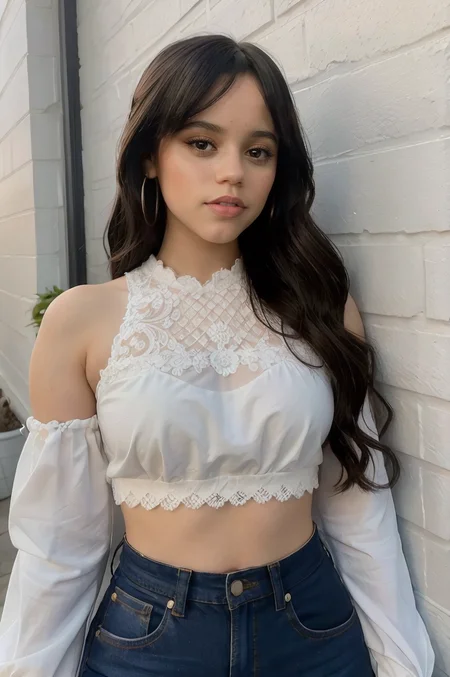
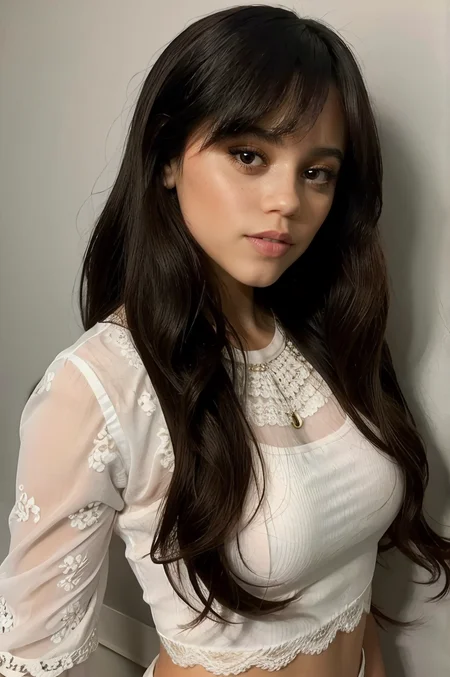
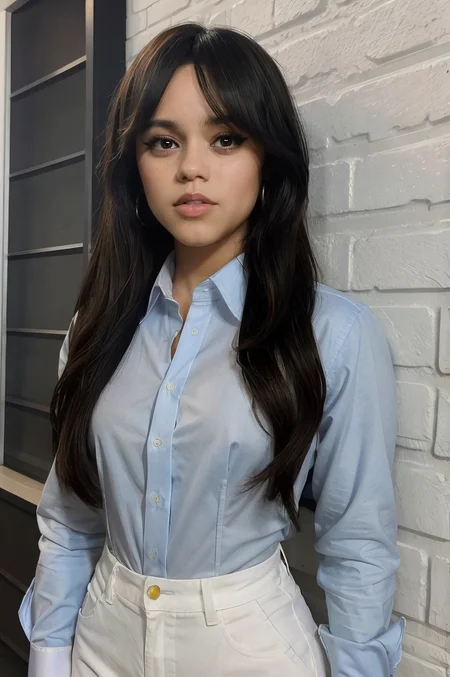
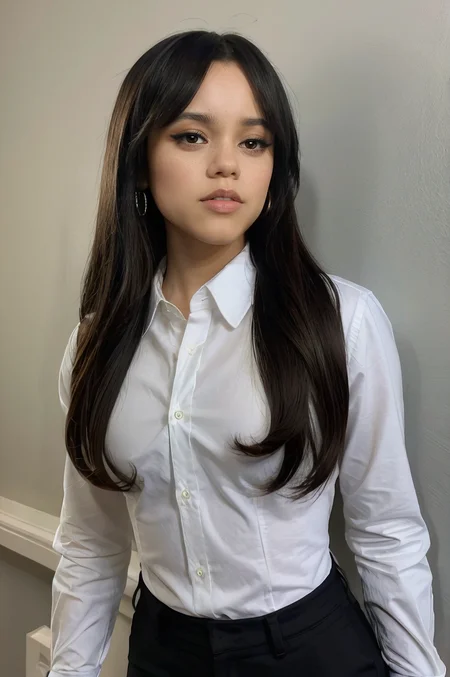
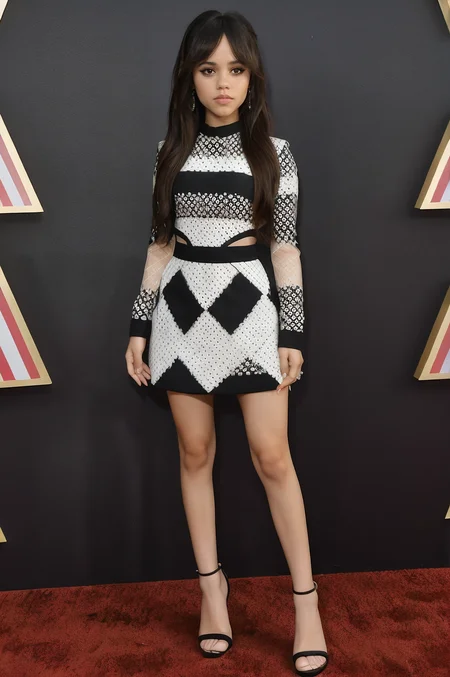
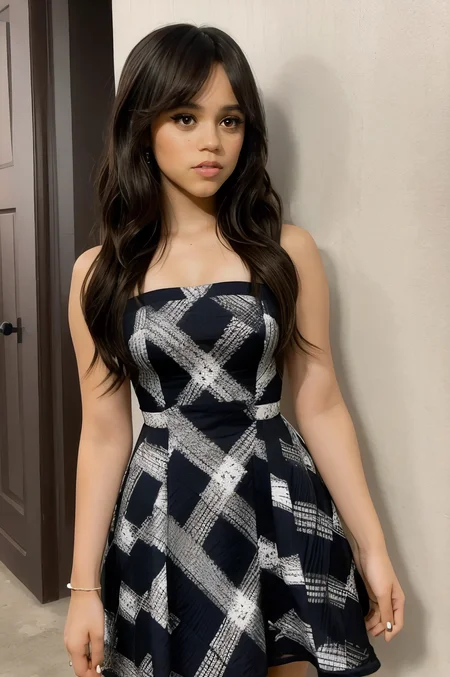
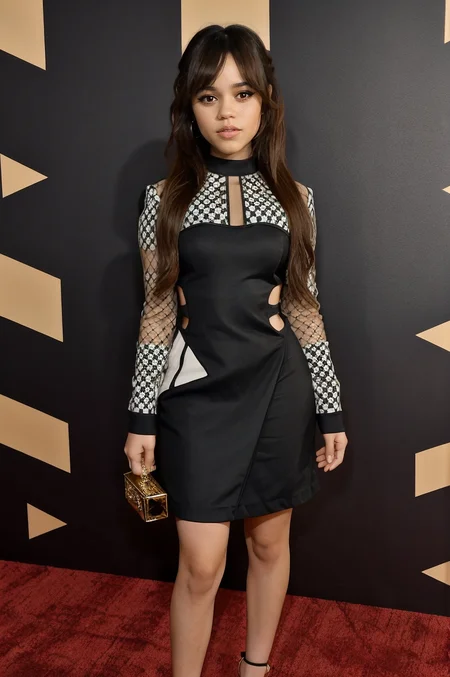
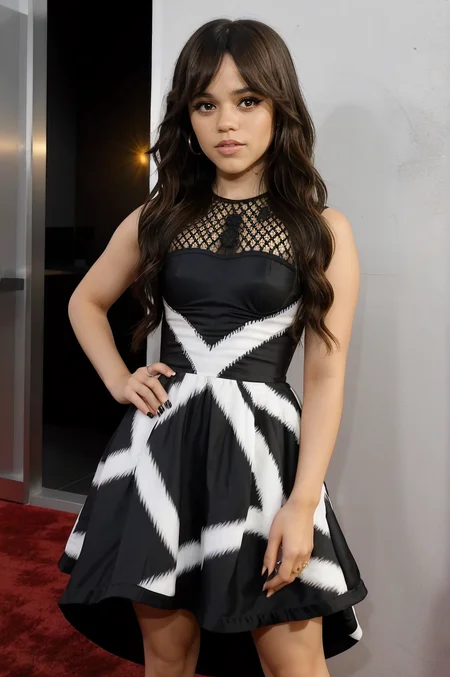
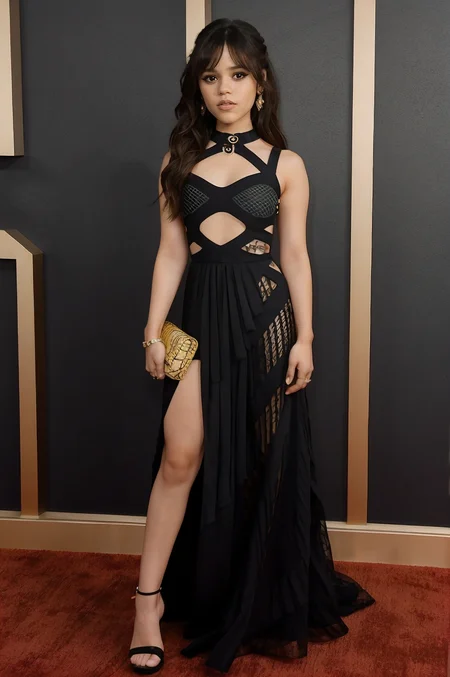
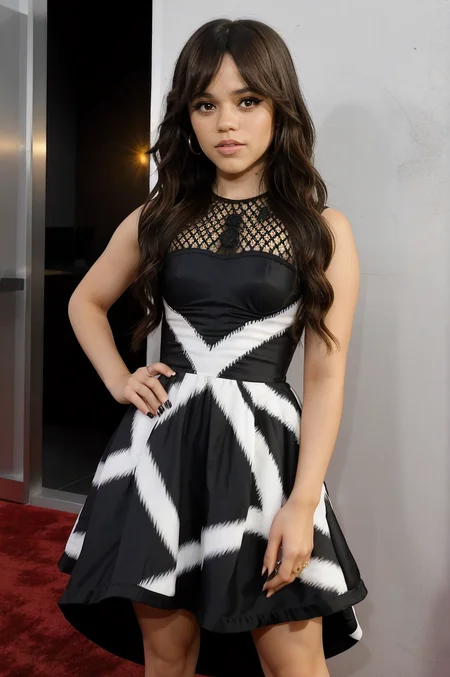
This is my rendition or concept of a Jenna Ortega lora model. In my opinion, which could be more wrong than pigs with a horse head, this lora exceeds others in terms of likeness accuracy of Jenna Ortega.
ABOUT
V1: The first attempt at creating a Jenna Ortega model. The models I had been using were good but unsatisfactory. There was just an element missing in all of my sample renders. V1 was my favorite to use on epicPhotogasm v3.1
V2: Version two was created at the same time V1 was as a backup since I was very new to lora training. V2 is just V1 with more training steps. V2 seems to be better with epicPhotogasm Z than epicPhotogasm v3.1.
V3: V1 & V2 was just not enough for me. Close but not close enough. So V3 was trained. But again, I wasn't satisfied. Far more accurate than V1 and V2 but again this time I felt that I had trained it on subpar images, which created renders with harsher features than I liked.
V4: V3 with better images for training for train the model to focus more on Jenna's softer features. V4 seems to be better than V3 but then again, my eyes are pretty broken. You tell me the difference between the models.
REBIRTH: Finally, I've landed on a version that I find satisfactory. All of these generations were to find a version that is extremely accurate. Rebirth is that model. I'd rank it at 95% accuracy in likeness whereas previous versions are around 70-80% in accuracy. Useful but missing that UMPH, that says, THAT'S IT! THAT'S HER! Future image renders will be on the Rebirth version of the model.
BEST USE
V4: Just use the jenna_ortega_v4 to start the prompt. I usually use a CFG scale of 6 but have been using 7 or 8 as well.
V3: Use jenna_ortega_v3 to start your prompt. I don't recommend using Jenna Ortega's name, it will fudge the results in my opinion. Same applies to v4.
V2 and V1: You can use Jenna Ortega as part of the prompt. It seems to help, but the results that I got came from using epicPhotogasm.
REBIRTH: Just use epicPhotogasm. You can see my settings in the posted images. I will say I start the lora strength at 0.8 instead of 0.7, but 0.7 should be fine. 0.8 is just for my personal assurance.
Description
Perfection is a difficult achievement, really because its impossible. Still, its the ultimate goal. Here's my latest attempt at perfection. I've found it, satisfactory.
DATASET: 181 Images
SCHEDULER: Cosine
OPTIMIZER: AdamW (Because I only own an AMD GPU)
TRAINING RESOLUTION: 512x768
NETWORK DIM: 128
NETWORK ALPHA: 64
XFORMERS: sdpa
FAQ
Comments (4)
This is the best and accurate Jenna Ortega's Lora around, congrats!
Thank you so much! I appreciate the compliment.
So i was trying to train my own lora on a celebrity and I was looking for other celeb loras to understand what I'm doing wrong (and your LORA of a celeb is one of the best on the site).
Do you have any particular advice for example regarding prompt (longer prompt or shorter prompt?), steps, epochs, resolution... or something that you learned in the process that should be good to know?
My generation with my own lora are really bad...
Many thanks buddy and keep doing these amazing works!!
Start with a good dataset. That's the first important thing. Make sure you're images are large and clear. Not all of them have to be high fidelity, but you want 85% of your dataset to be HD images. If the images are small, make sure they are clear and not blurry. Focus on getting images of the face and upper body first. I don't have a number for how many images I want of each, I generally just download whatever and then start cherry picking the best but from what I've read, you want at least 15 images of each. Then you're gonna want full body images, that way the lora can train on what the body shape is and approximate it with each gen.
Articles online will tell you 100 steps others will say twenty, it all depends on the size of your dataset. For instance, instead of combining my image types together, upper body, full body, and close-up/headhsot, i put them in separate folders. Then I change how many repeats for each. I always make the close-up/headshot the highest value. EX: 130_Headshot | 90_UpperBody | 70_FullBody. I want the most accurate portion of the lora to be the face. Upper body second and Full body last. But it depends on your dataset in regards to your repeats.
Resolution wise, that's a toughie. Most people train the right way in squares. 512x512 or 768x768. I prefer to train 512x768. This is just so I can make portrait images, since that's what I commonly render in SD. But you have decide your own resolution training.
Steps will be auto calculated by the number of repeats. You just need to focus on your repeats. I also only use 1 epoch.
The last thing is good, captioning. I use BooruDatasetTagManager after letting Kohya tag all of the images. I remove or add details about the image. I also prefer to use WD14 captioning as my goto rather than blip.
These are just a few tips. But if you would like, I could give you an example lora training. Just let me know. You pick the person and I'll try to compile a dataset to train for you, that way you can see the example of train yourself.
Details
Files
Available On (4 platforms)
Same model published on other platforms. May have additional downloads or version variants.